New article
Recently updated
Requesting access to additional company profiles

Who is this article for?
Users who need to request access to multiple companies.
No special access or permissions are required.
If you require user access to more than one profile, for example if you work for multiple companies or if your company owns other businesses with separate profiles on the platform, you will need to request access to those.
This article explains how to request access to an additional company within the platform.
Requesting access to a company
To request access:
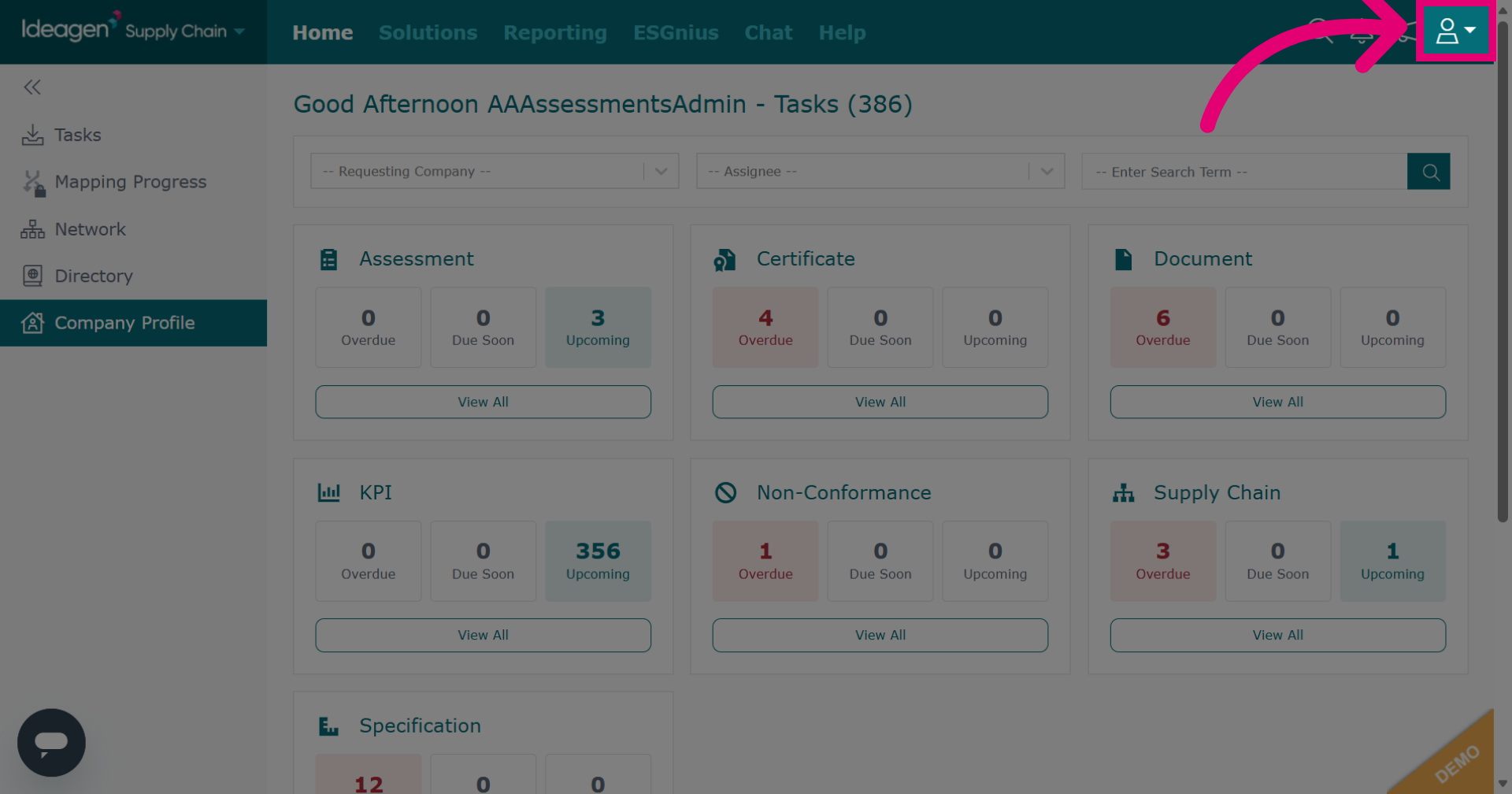
- Click the Profile icon in the top right-hand corner.
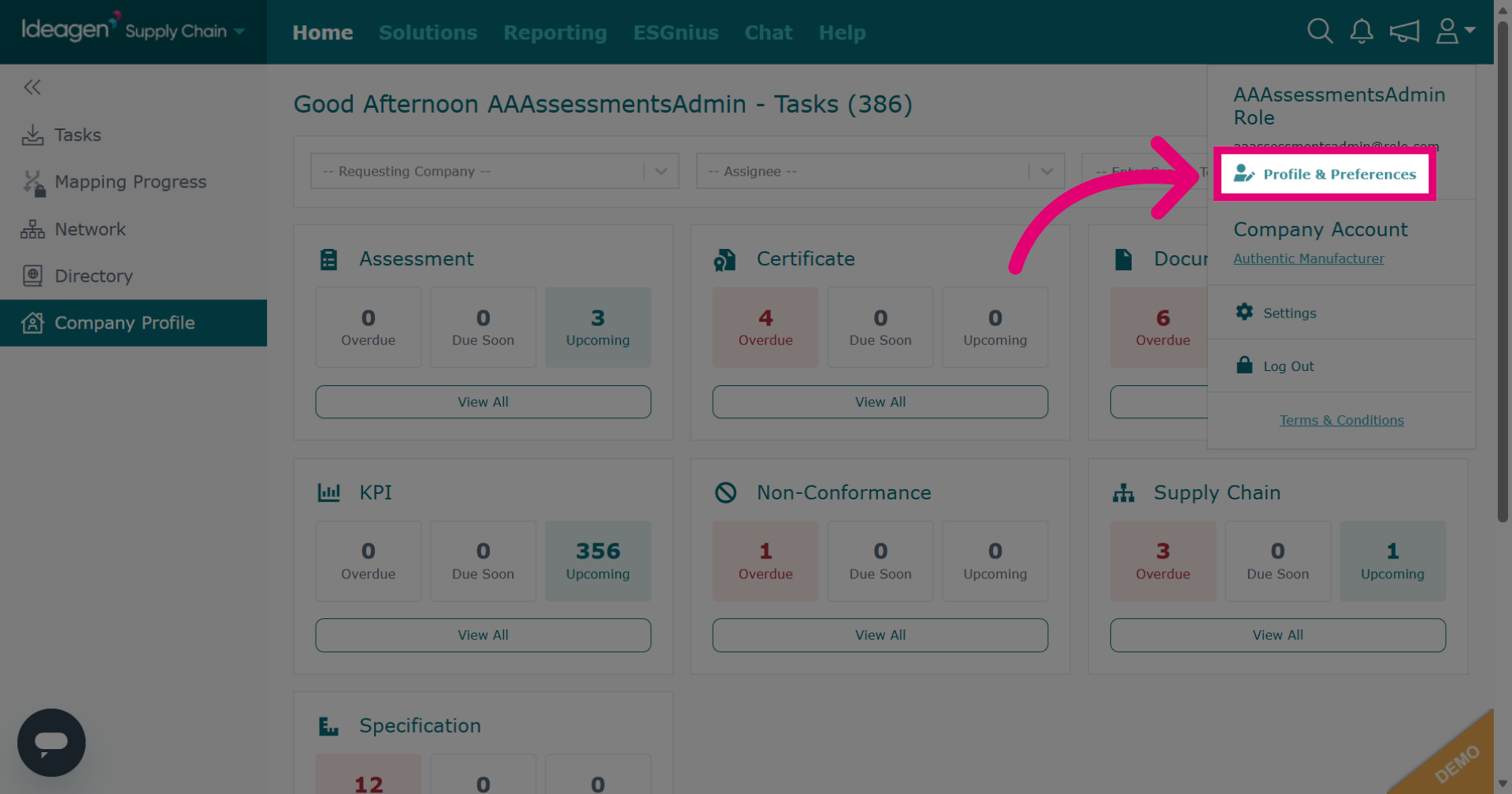
- Select Profile & Preferences.
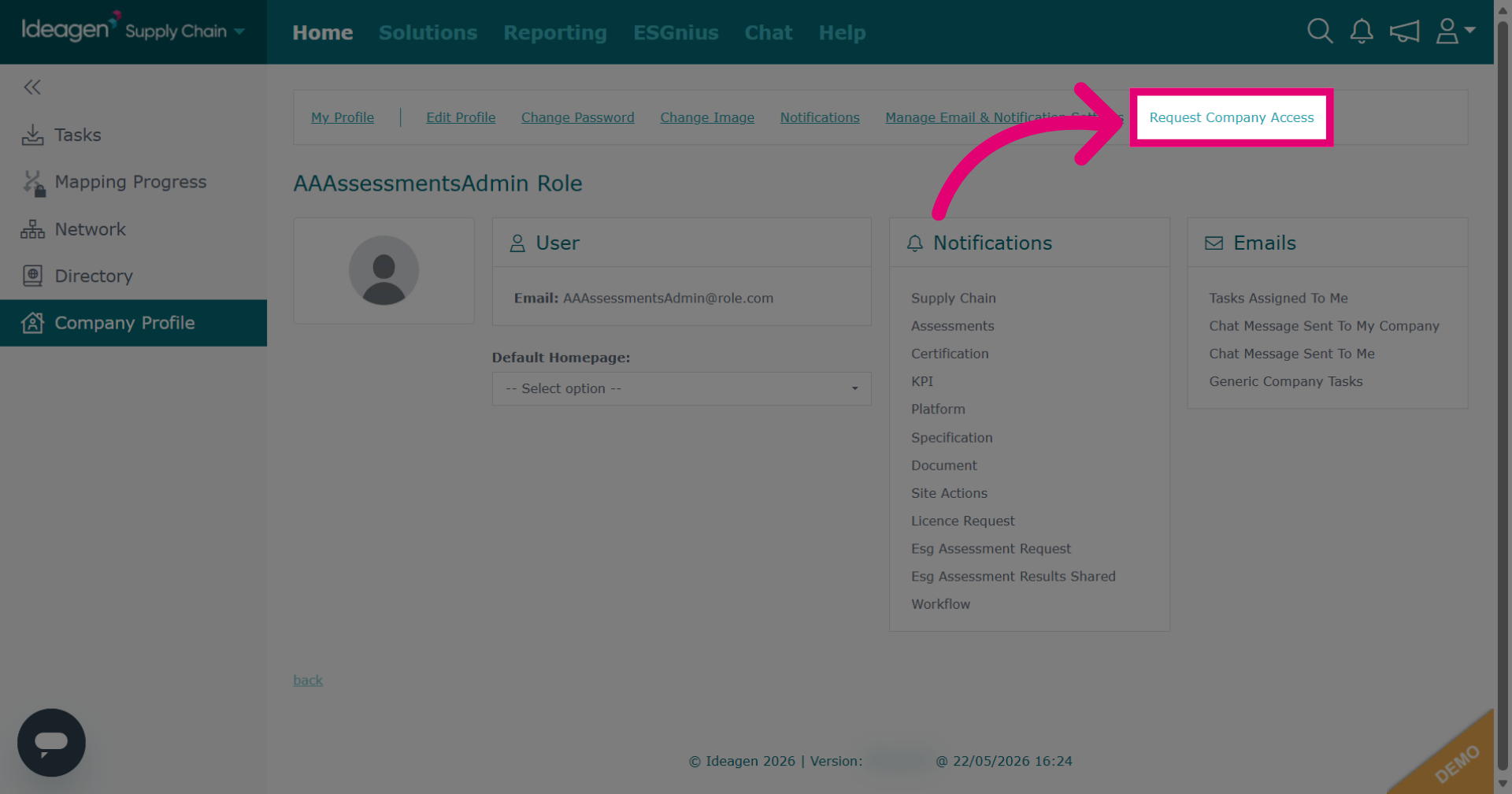
- Click Request Company Access.
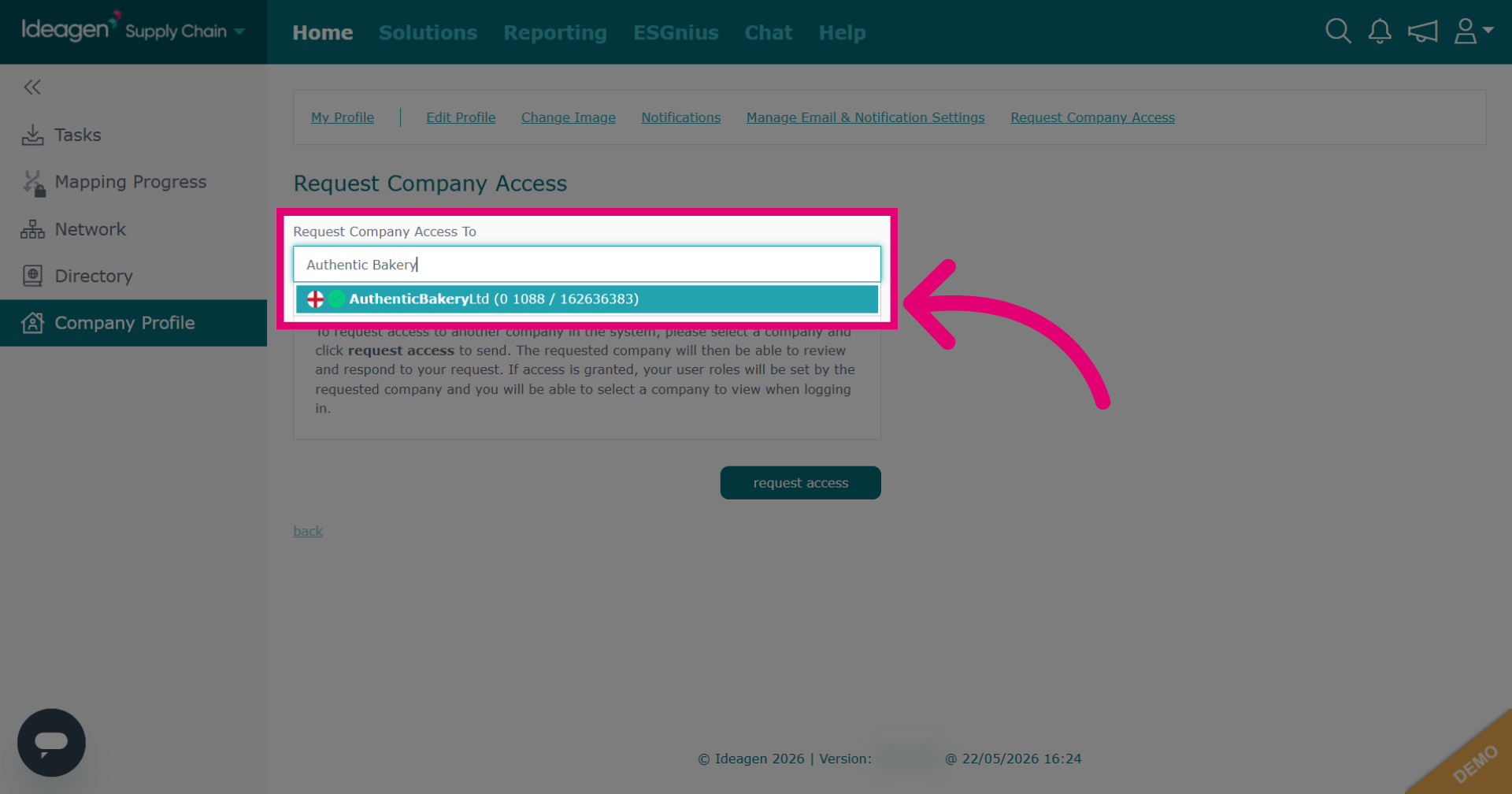
- Search for the company you want to access.
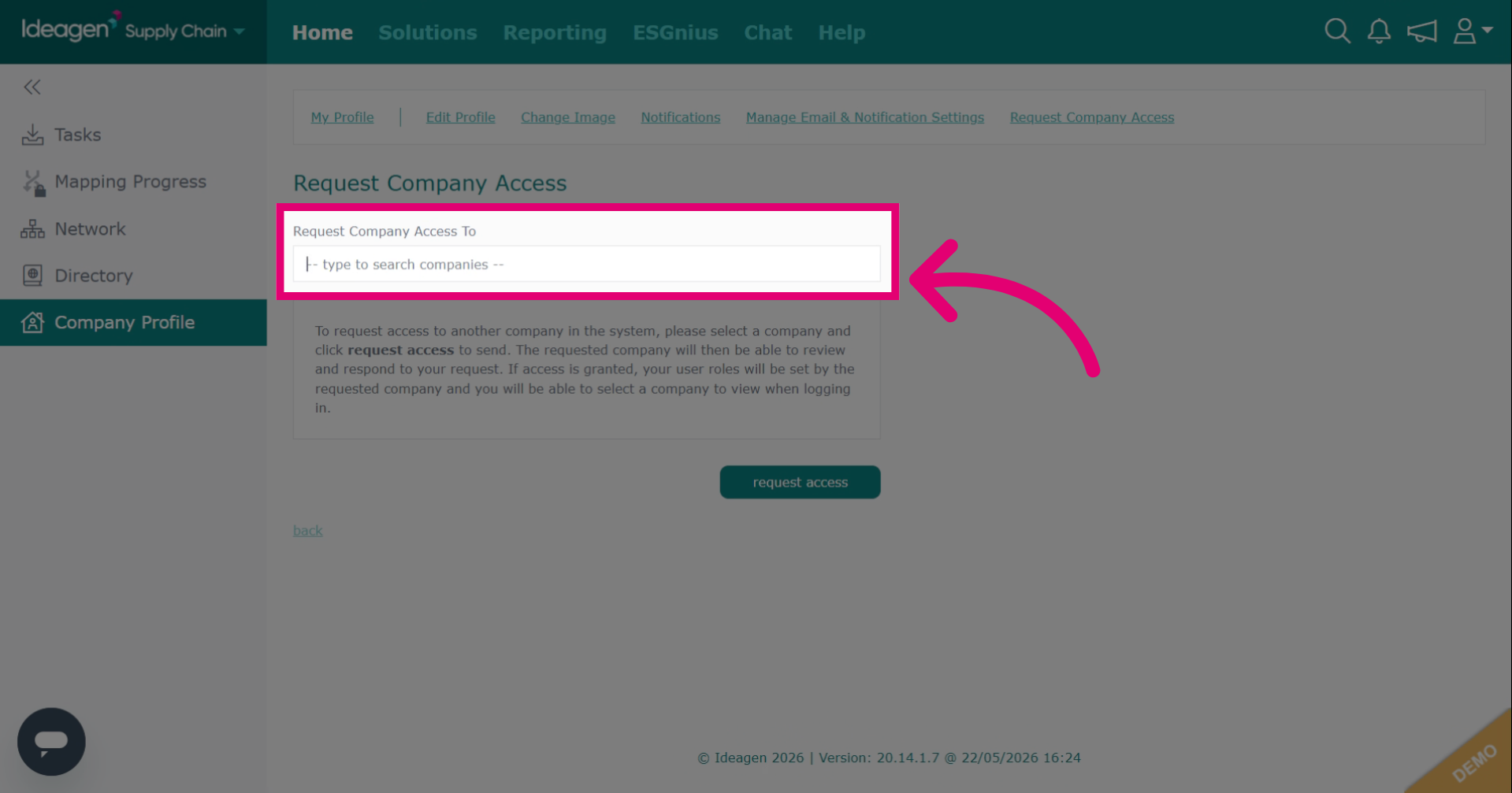
- Select the company from the dropdown.
- Click Request access to send your access reques.
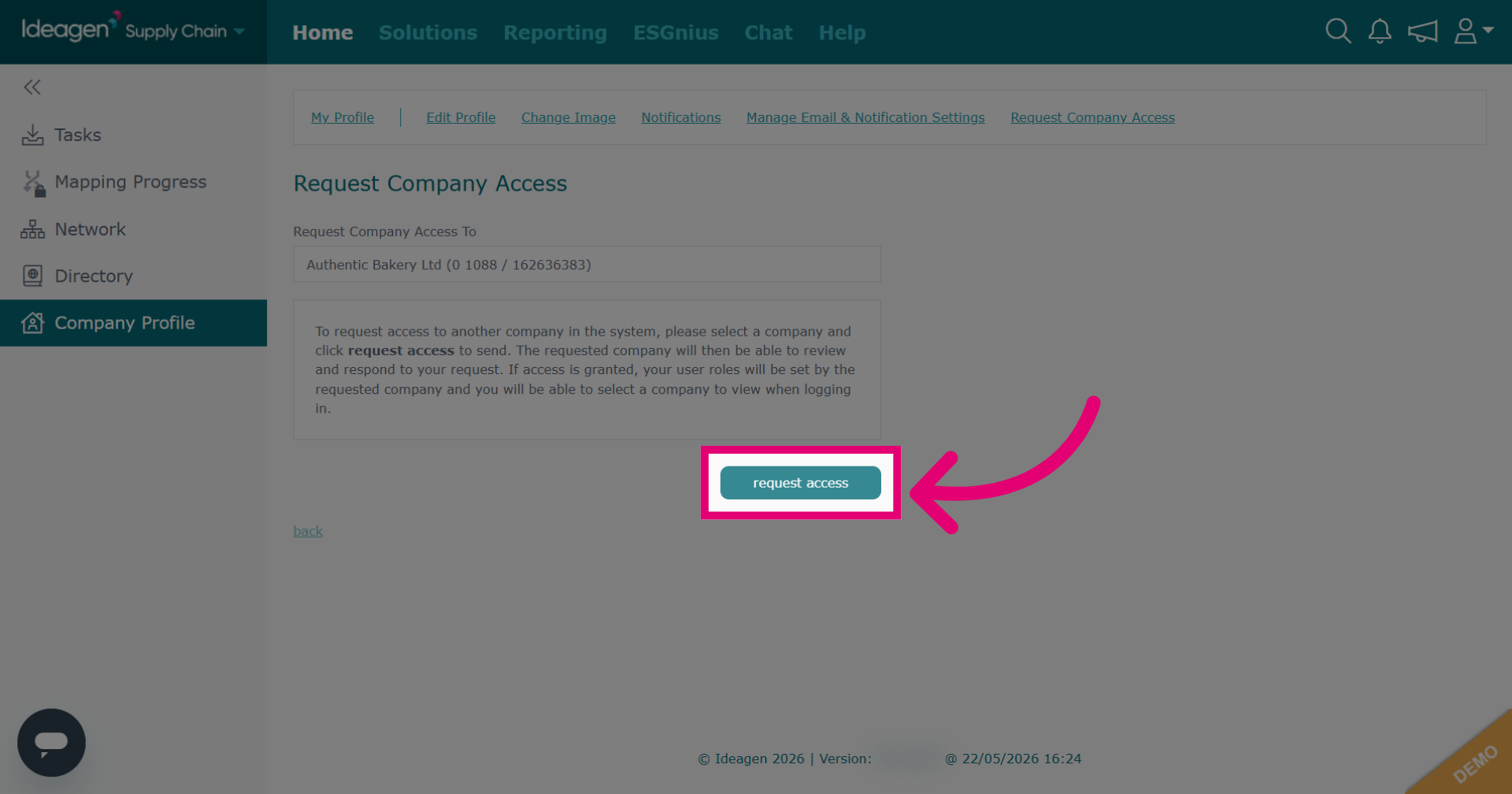
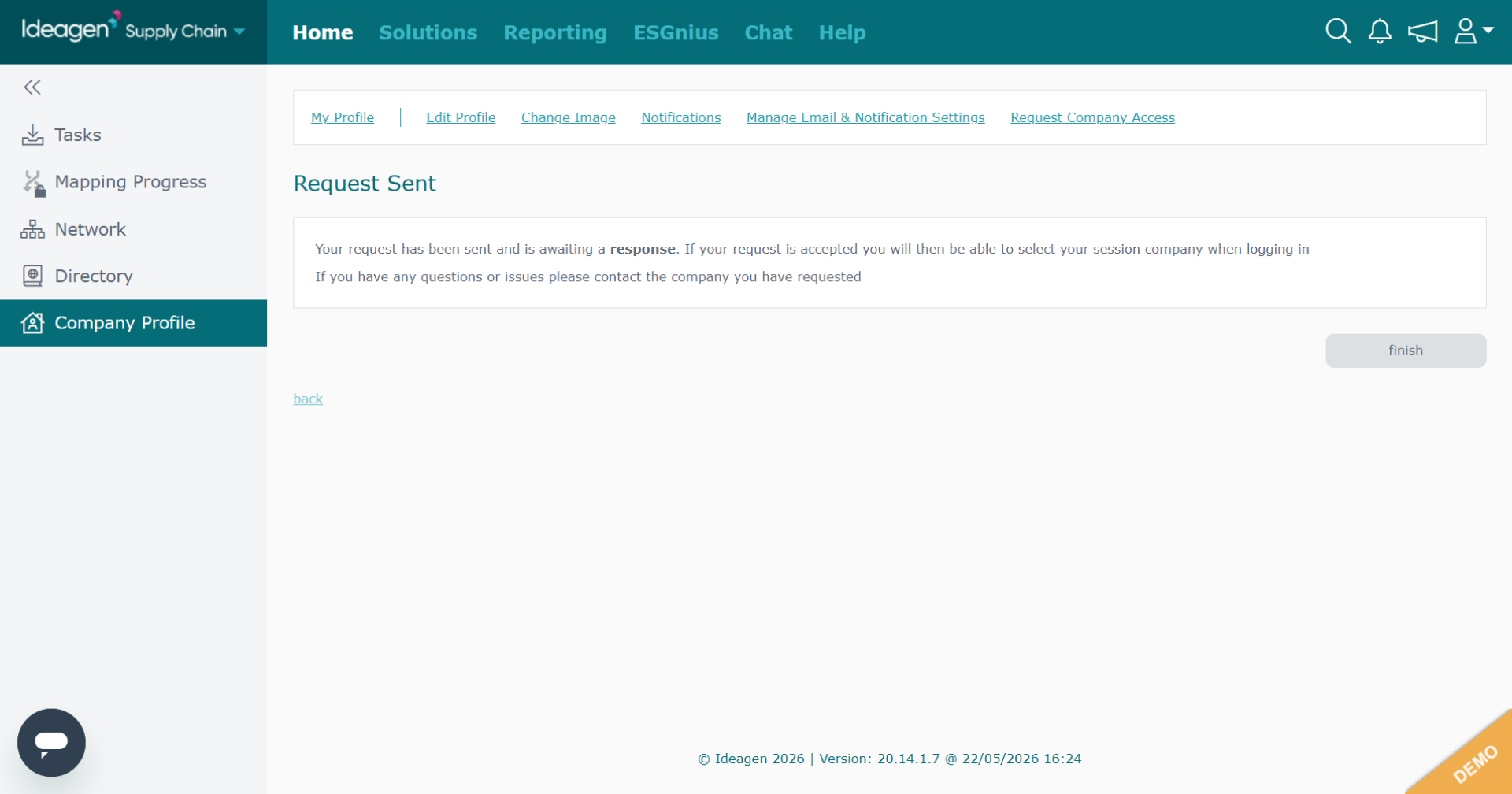
Your request will be sent and confirmed with a message on the screen.
If your request is accepted, you will then be able to select your session company when logging in. If you have any questions or issues, please contact the company you have requested access to.