New article
Recently updated
Viewing previously completed tasks

Who is this article for?
Administrators who want to view tasks previously completed for their company.
Module admin permissions are required.
This article walks you through how to view tasks your company has been sent, including tasks that have been completed previously. You will have visibility of all tasks sent to your company, including tasks that are outstanding.
Viewing completed tasks
To view your company's previously completed tasks:
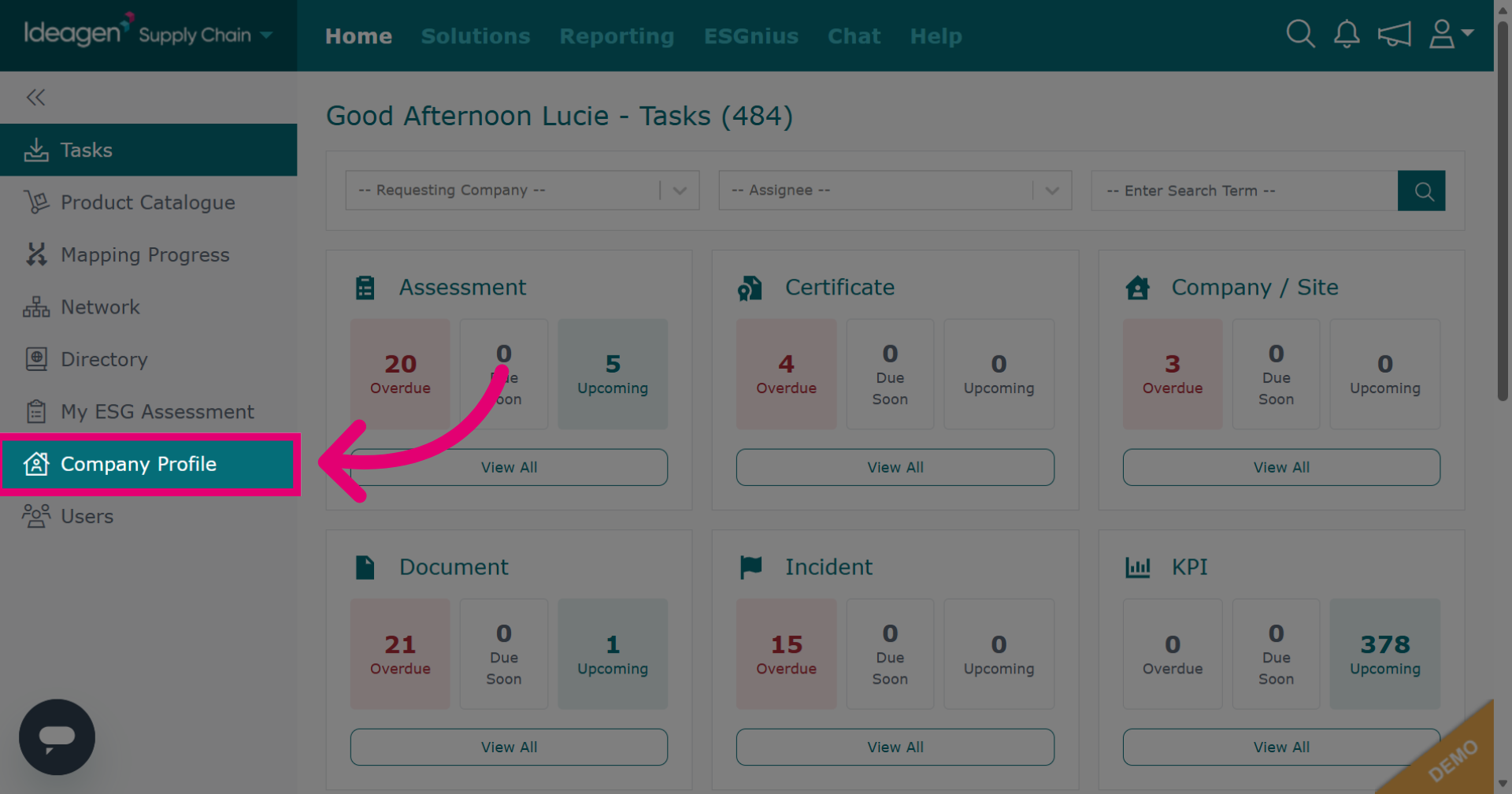
- Go to the Company Profile.
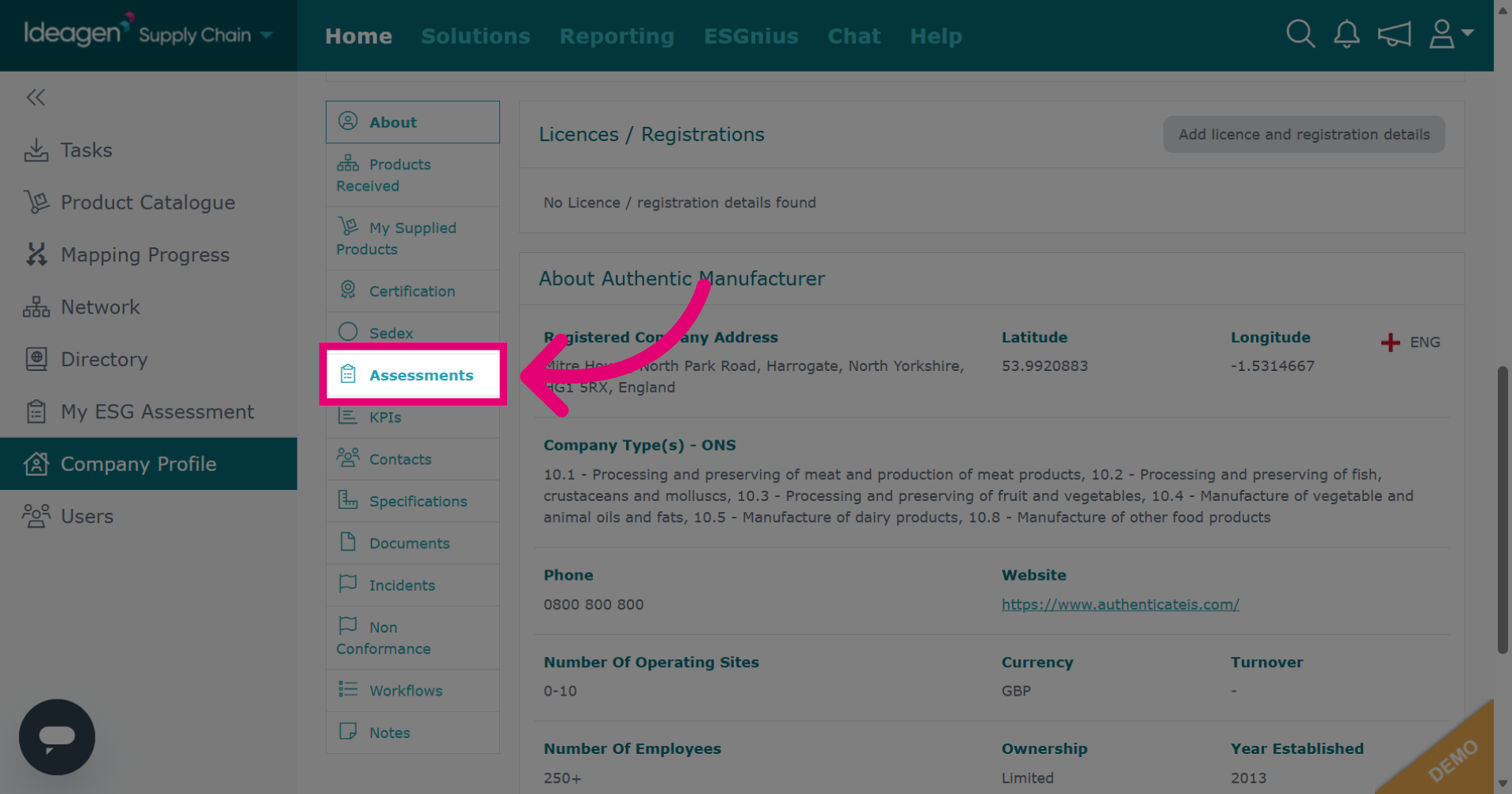
- Select any module.
You can view tasks in all statuses, such as completed, passed, failed, in progress etc.
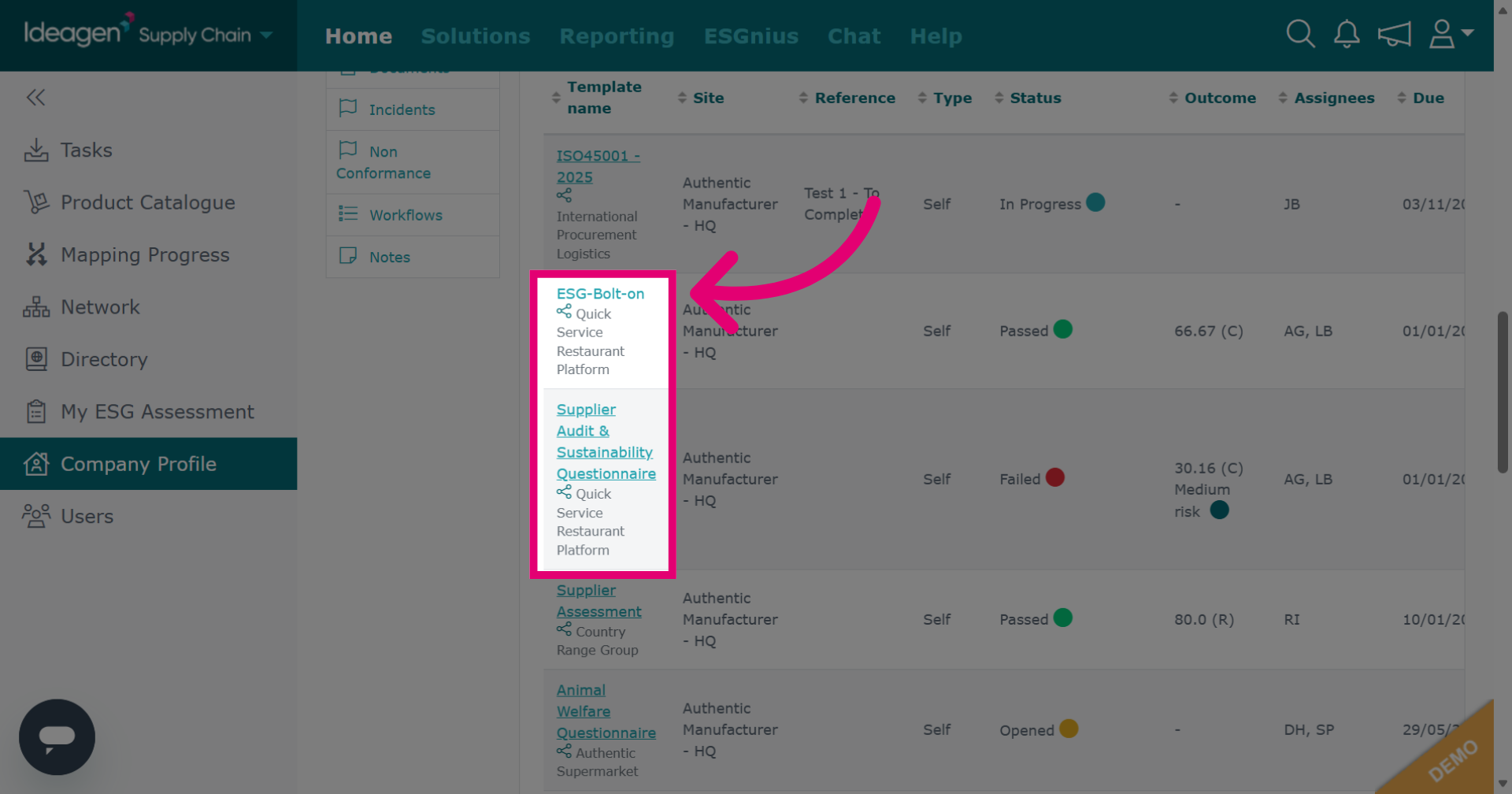
- Click any Template name to view a task in detail.
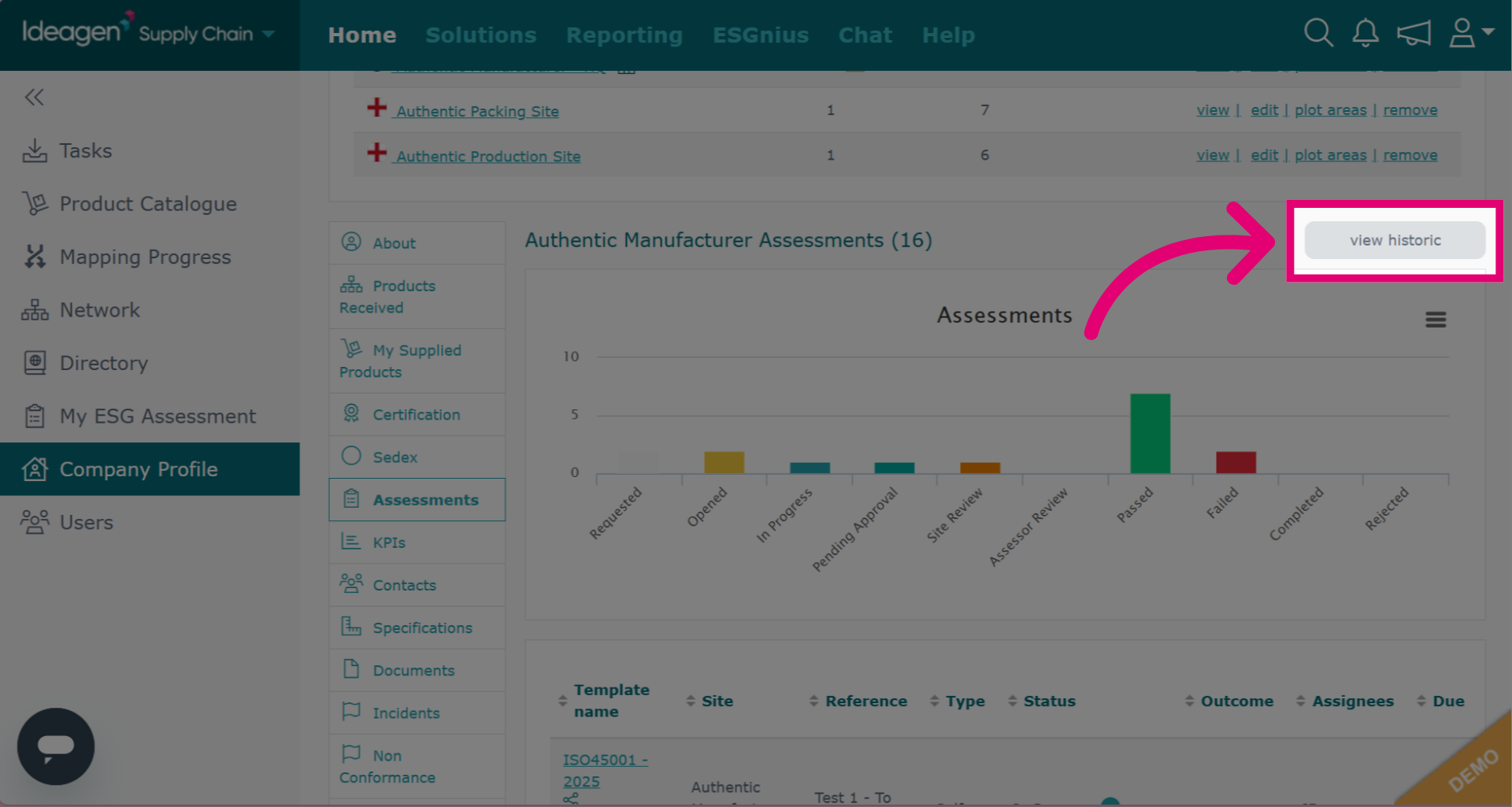
- Click View Historic to find expired tasks that have been moved to the historic section.