New article
Recently updated
Managing Specification validation issues

Who is this article for?
Specification users responding to Specification Request.
Specification user permissions are required.
This tutorial guides you through managing Specification Validation Issues in the Ideagen Supply Chain application.
You will learn how to access specification requests, respond to validation issues, and resubmit corrected data.
Managing Specification validation issues
- Log into the system.
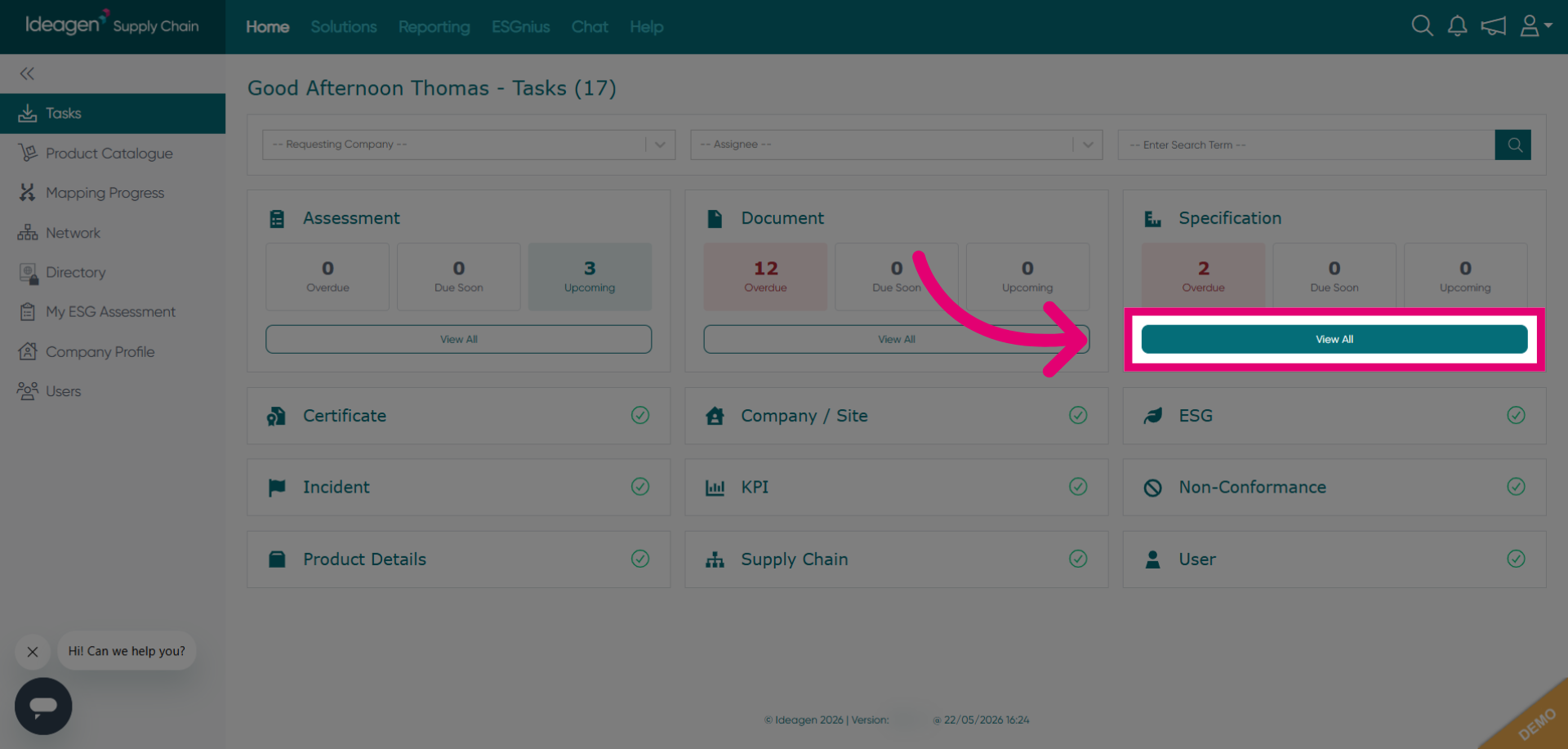
Click View All to display the complete list of specification requests in the Ideagen Supply Chain application.
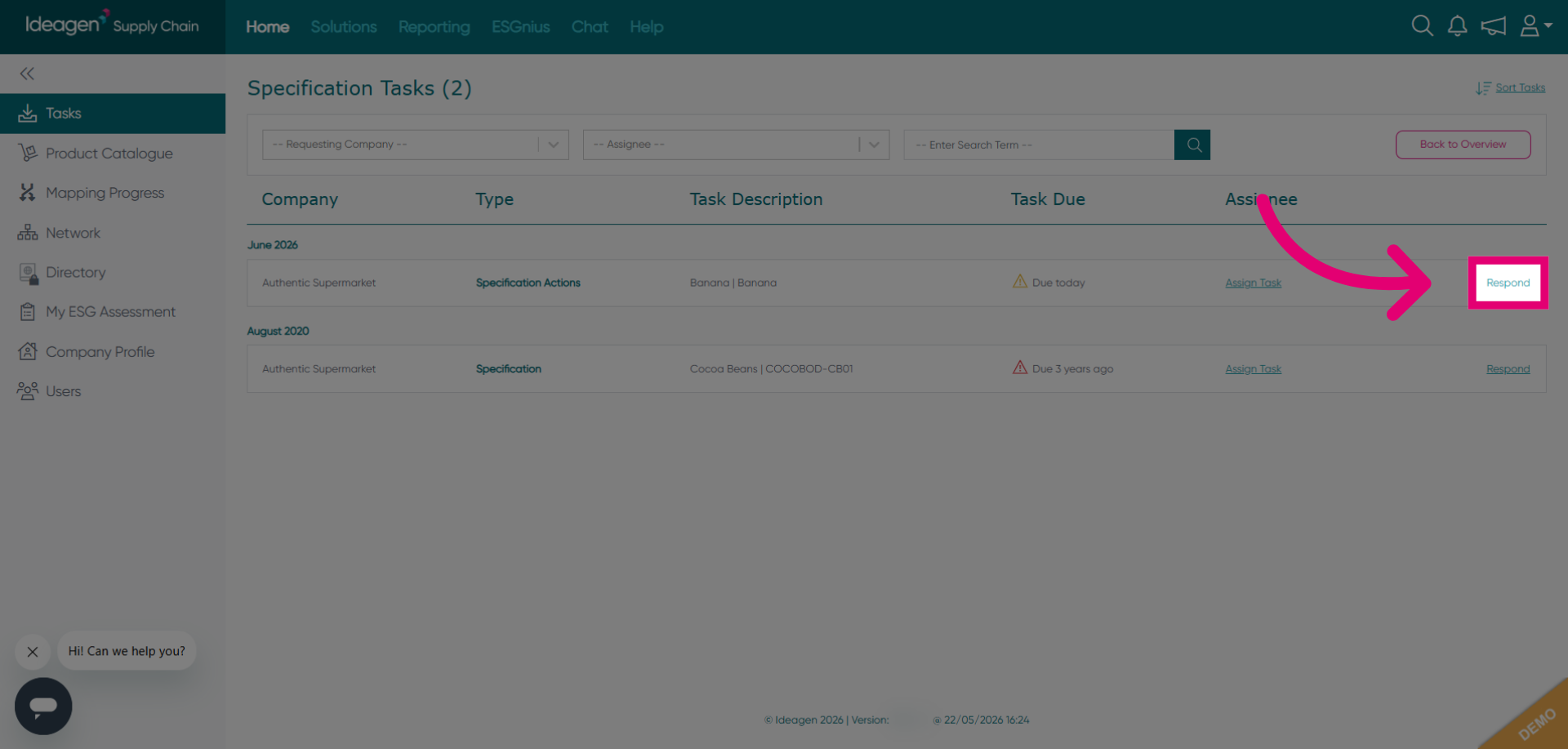
Click Respond to begin addressing a specific specification request from the list.
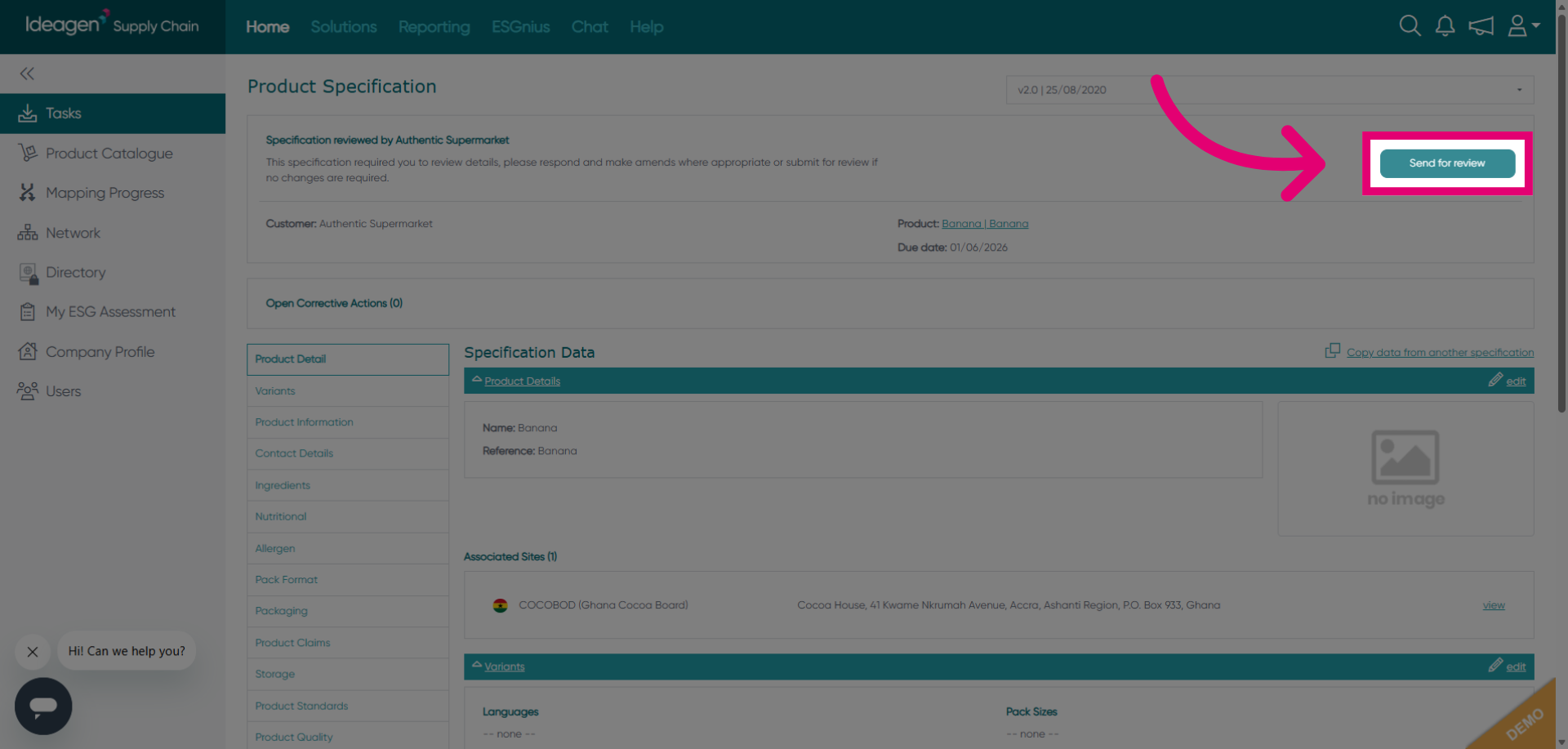
Click Send for review to forward the specification request for further evaluation.
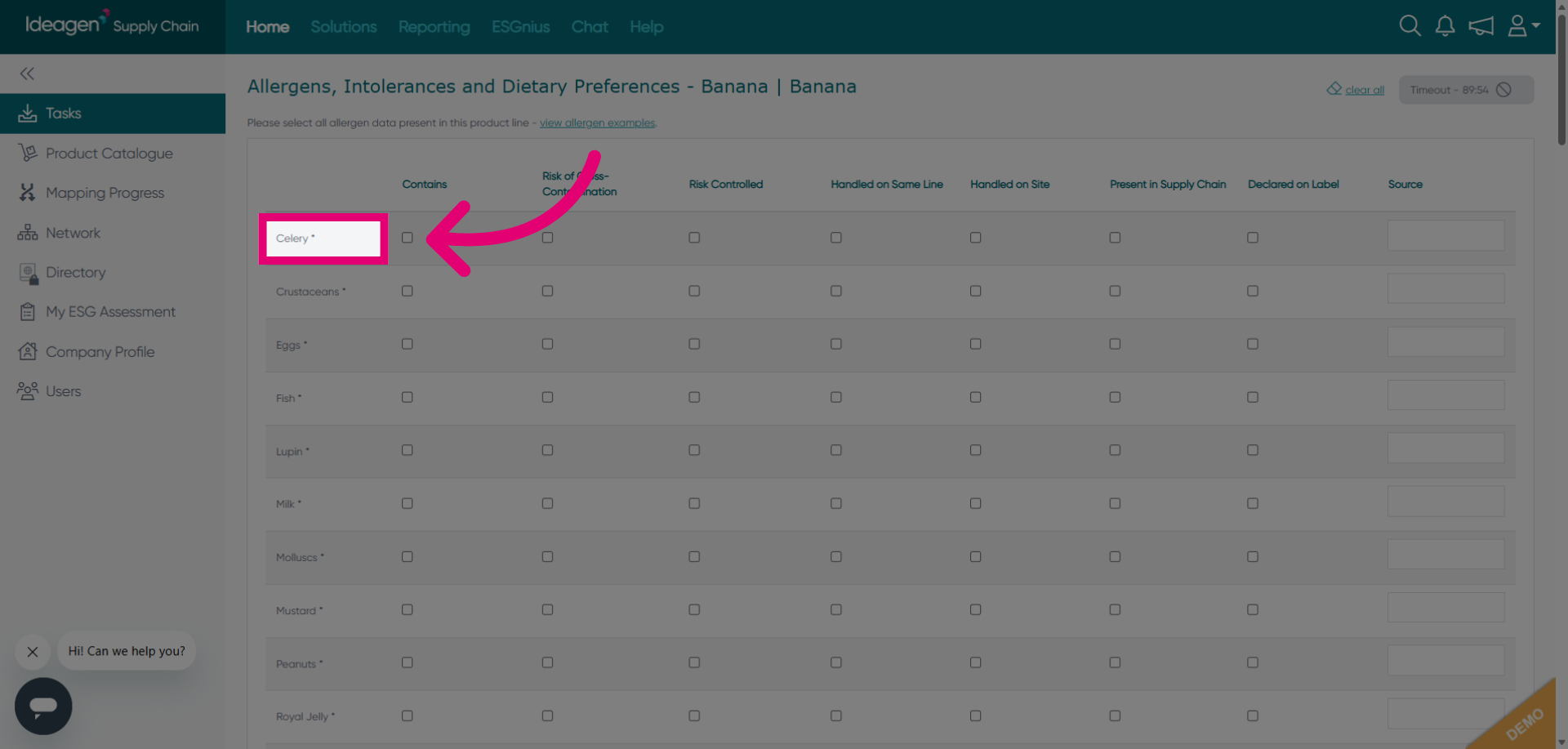
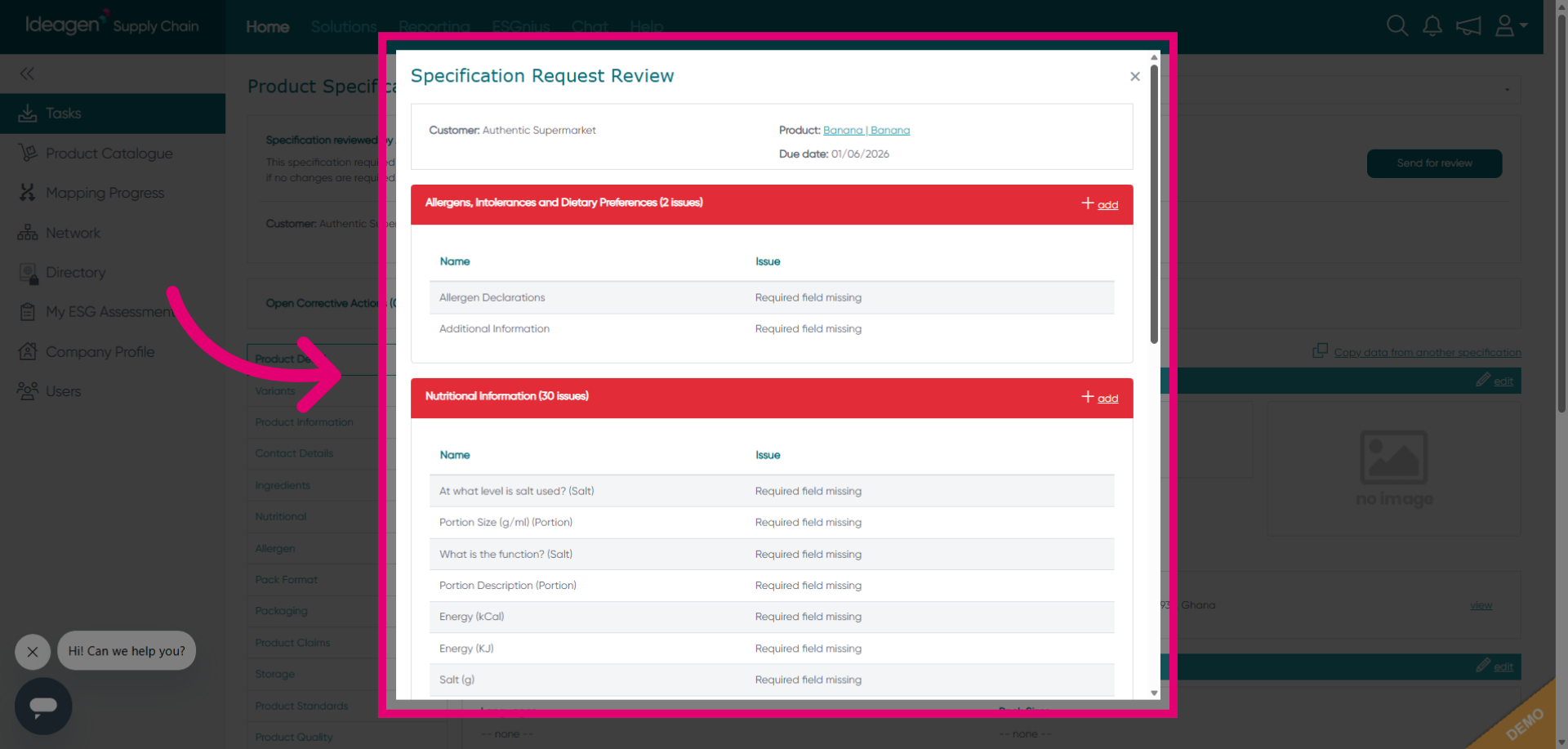
Review the display showing all of the validation issues you may have.
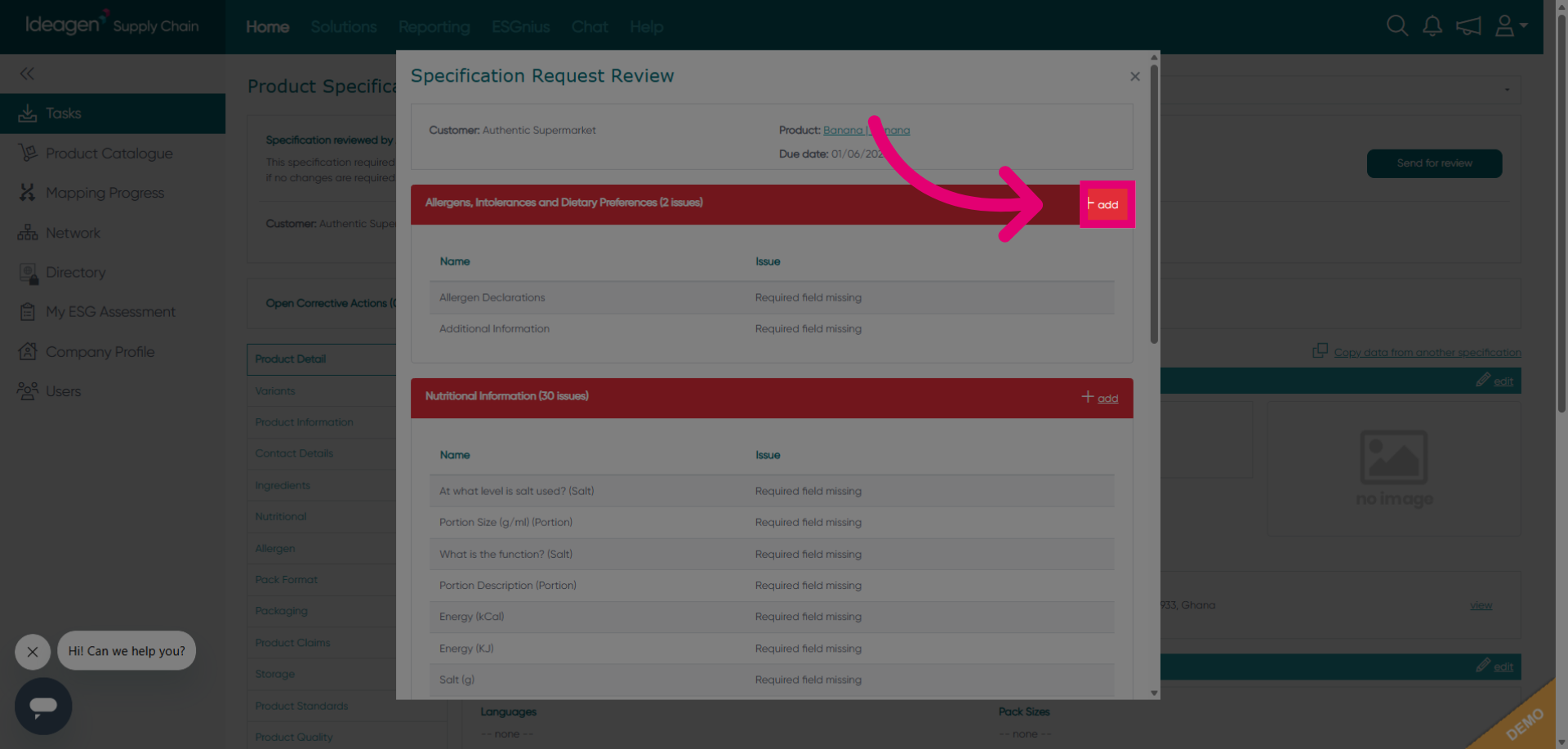
Click Add to include a new item or detail within the specification request.
Correct or add the data which you've been redirected to and then proceed to resubmission.