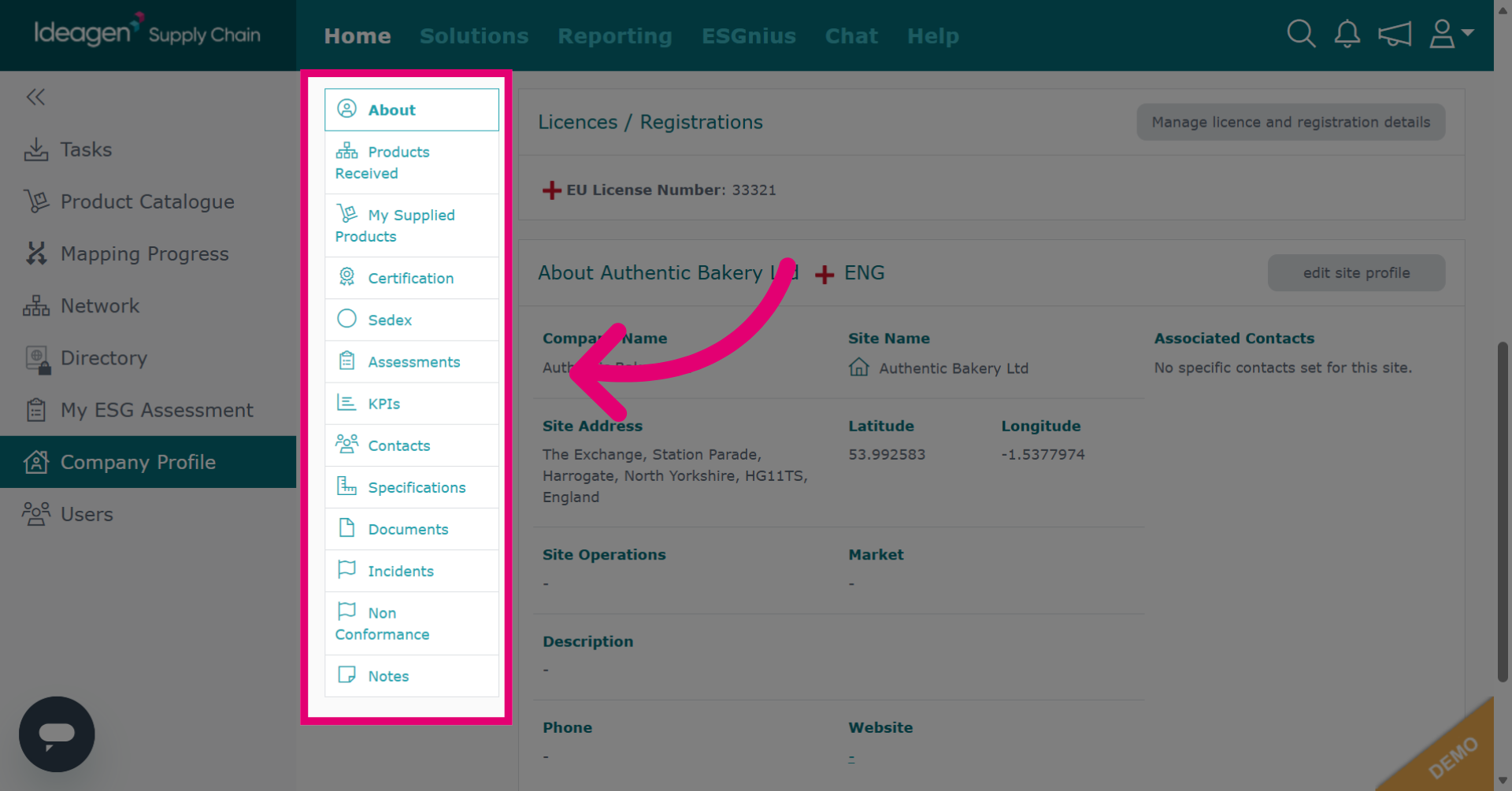
New article
Recently updated
Managing company and site details

Who is this article for?
Users who want to manage their company and site details.
Platform admin permissions are required.
This tutorial guides you through managing your company profile and site settings within Ideagen Supply Chain.
You will learn how to edit company information, add and manage site locations, and access profile data.
Managing your company profile and sites
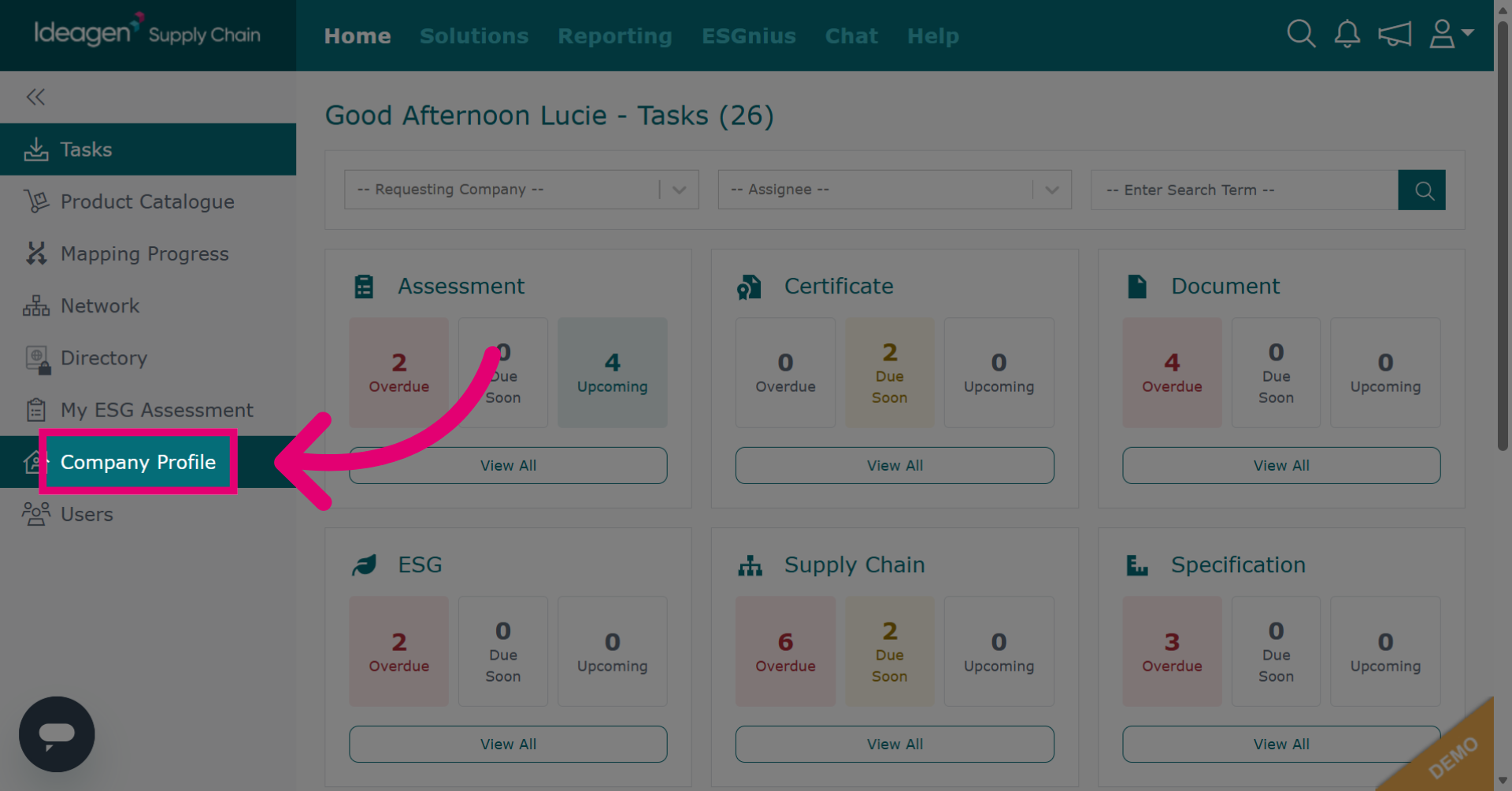
Click Company Profile to open your company information page.
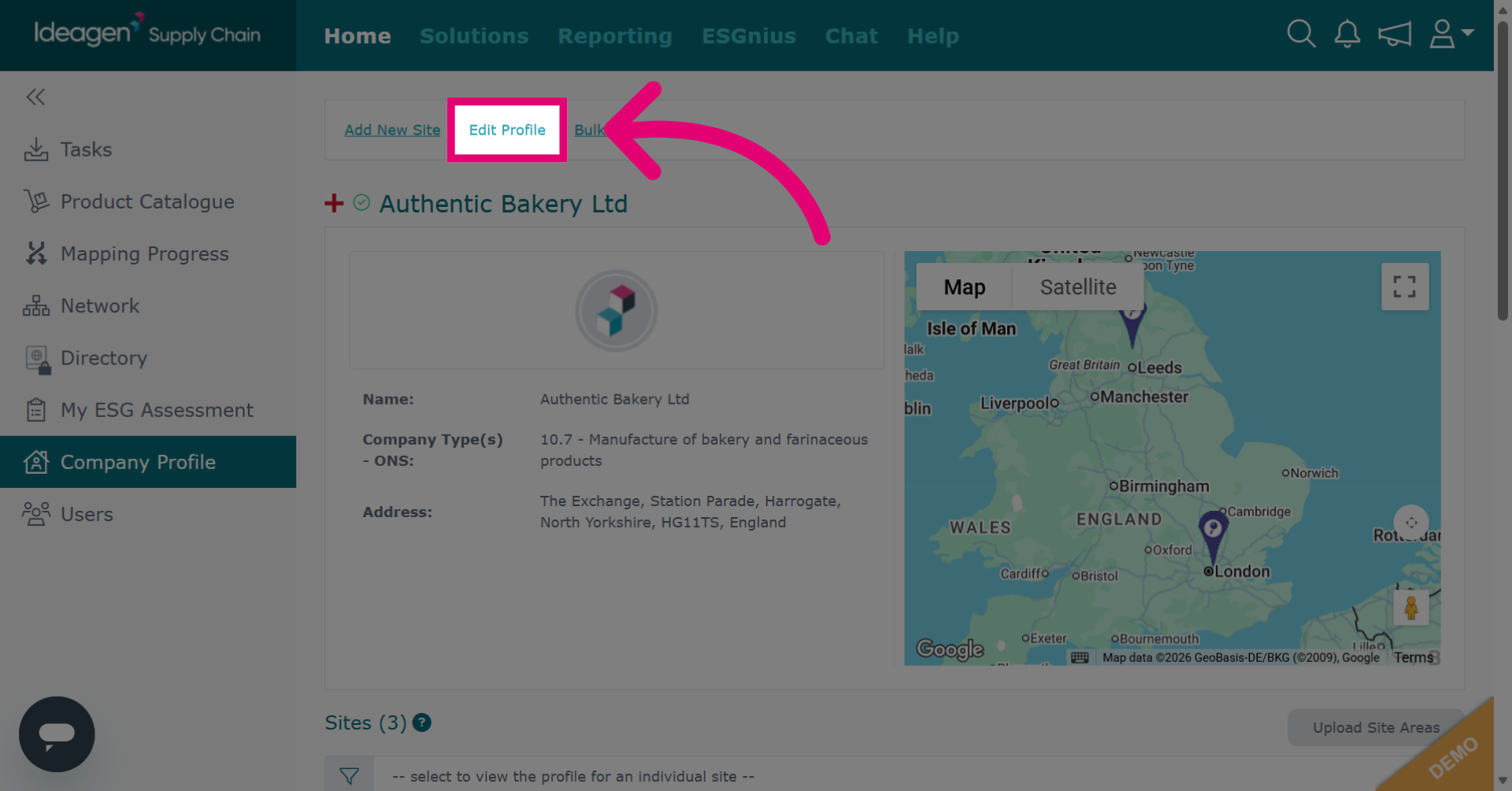
Click Edit Profile to begin modifying your company profile details.
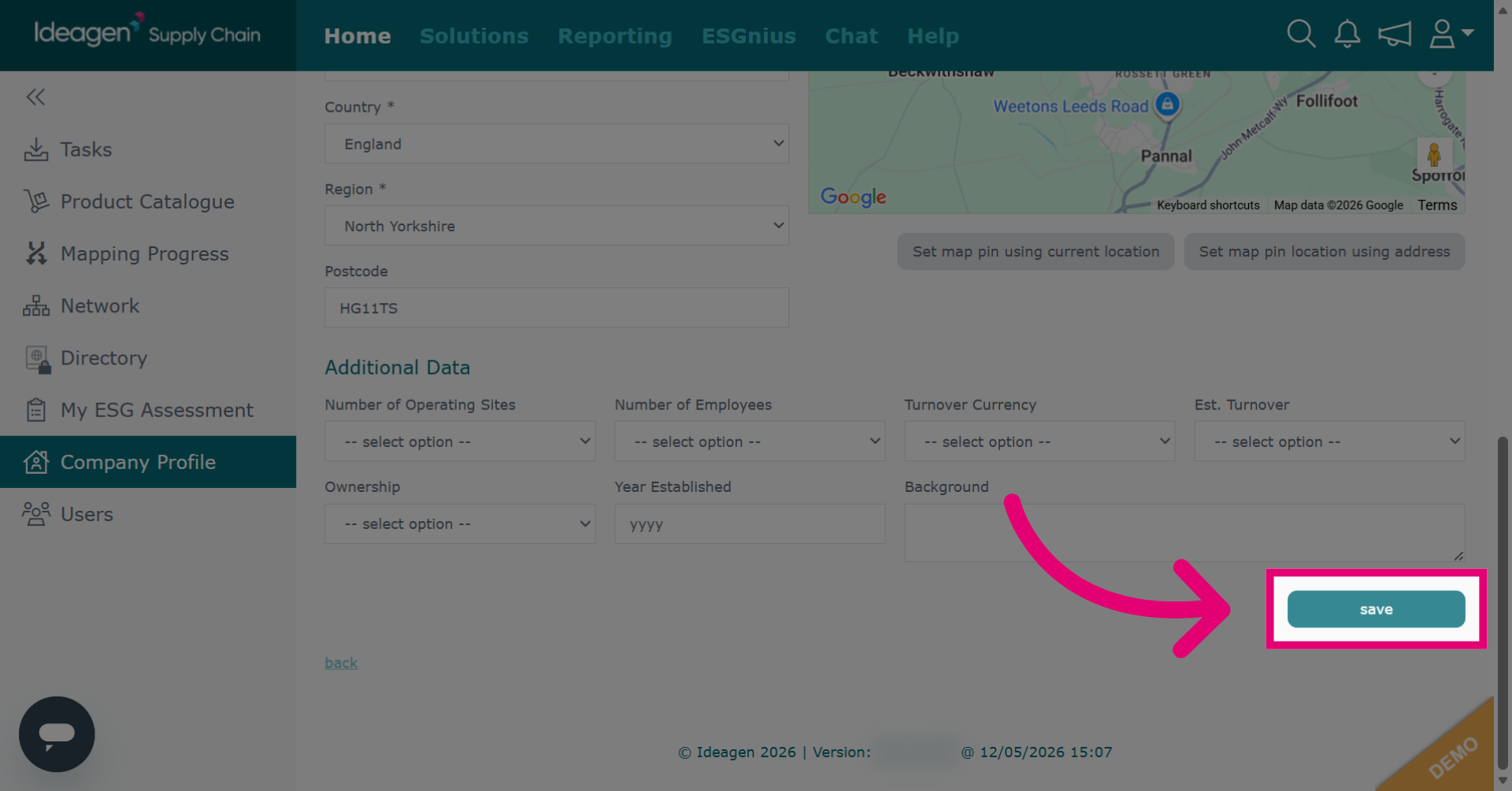
Click save to apply and store the changes made to your company profile.
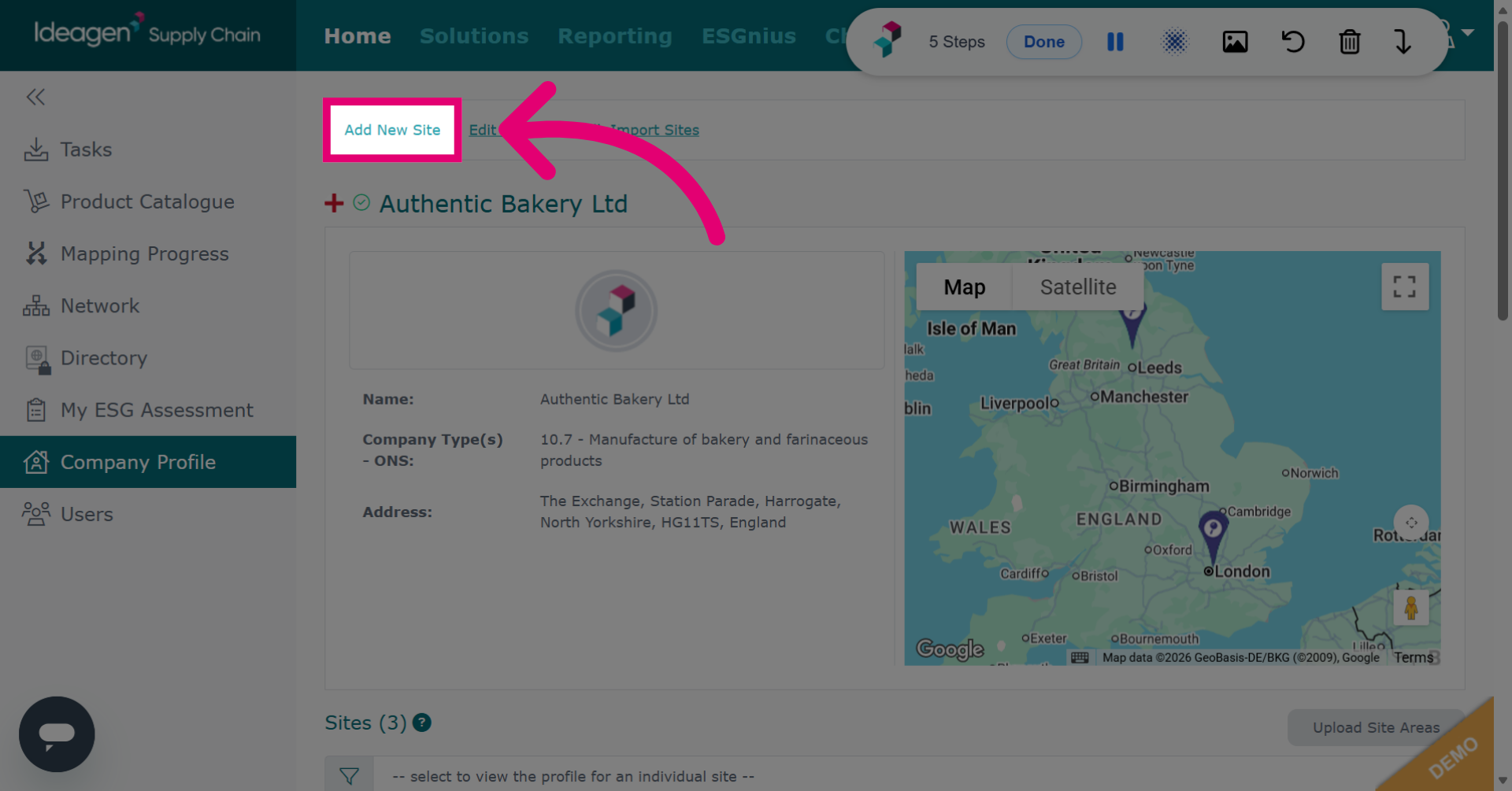
Click Add New Site to add a location to your profile. Do not add supplier details here. Internal sites are locations owned by your business, like factories and warehouses.
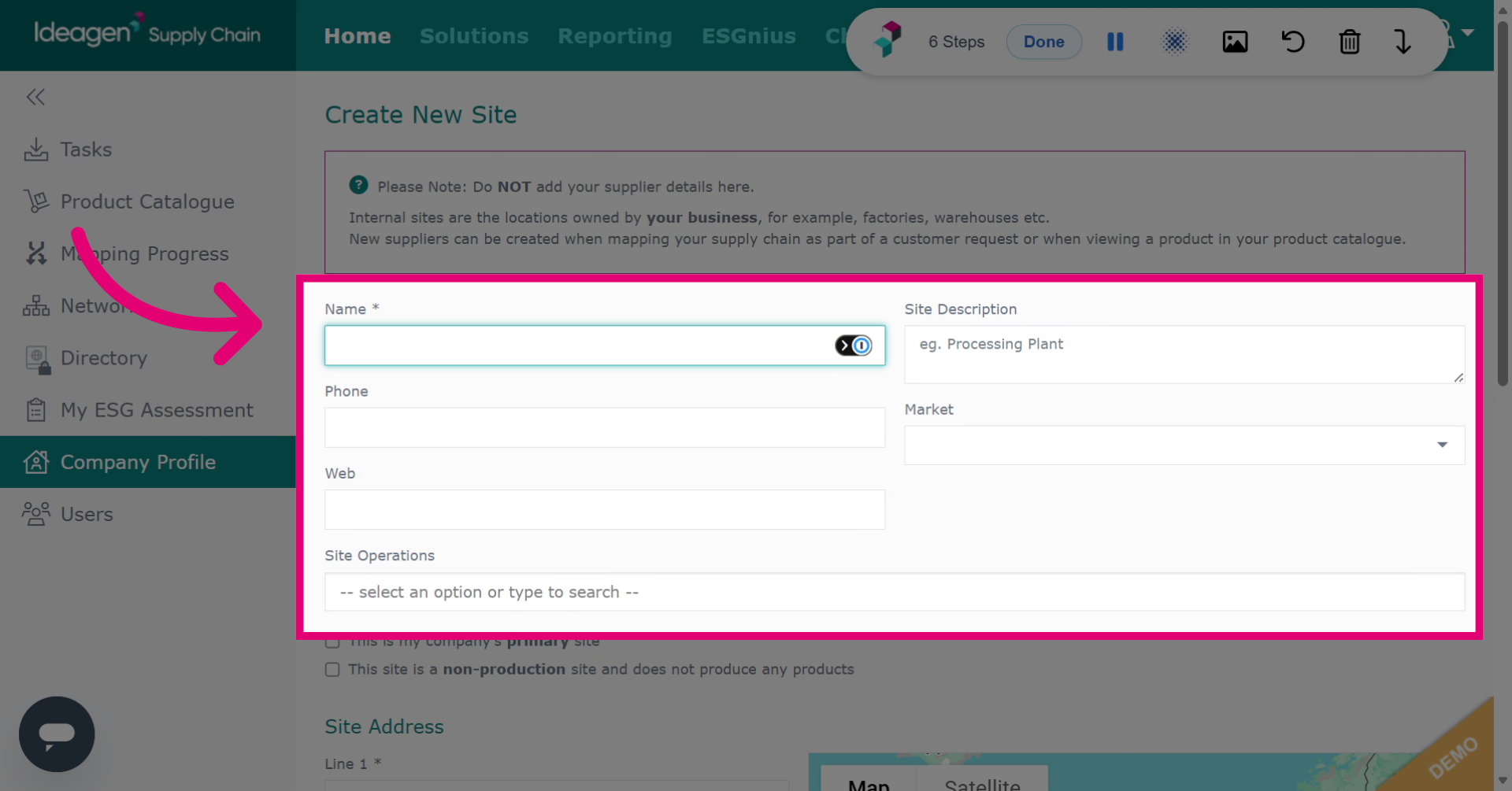
Enter site details including name and address.
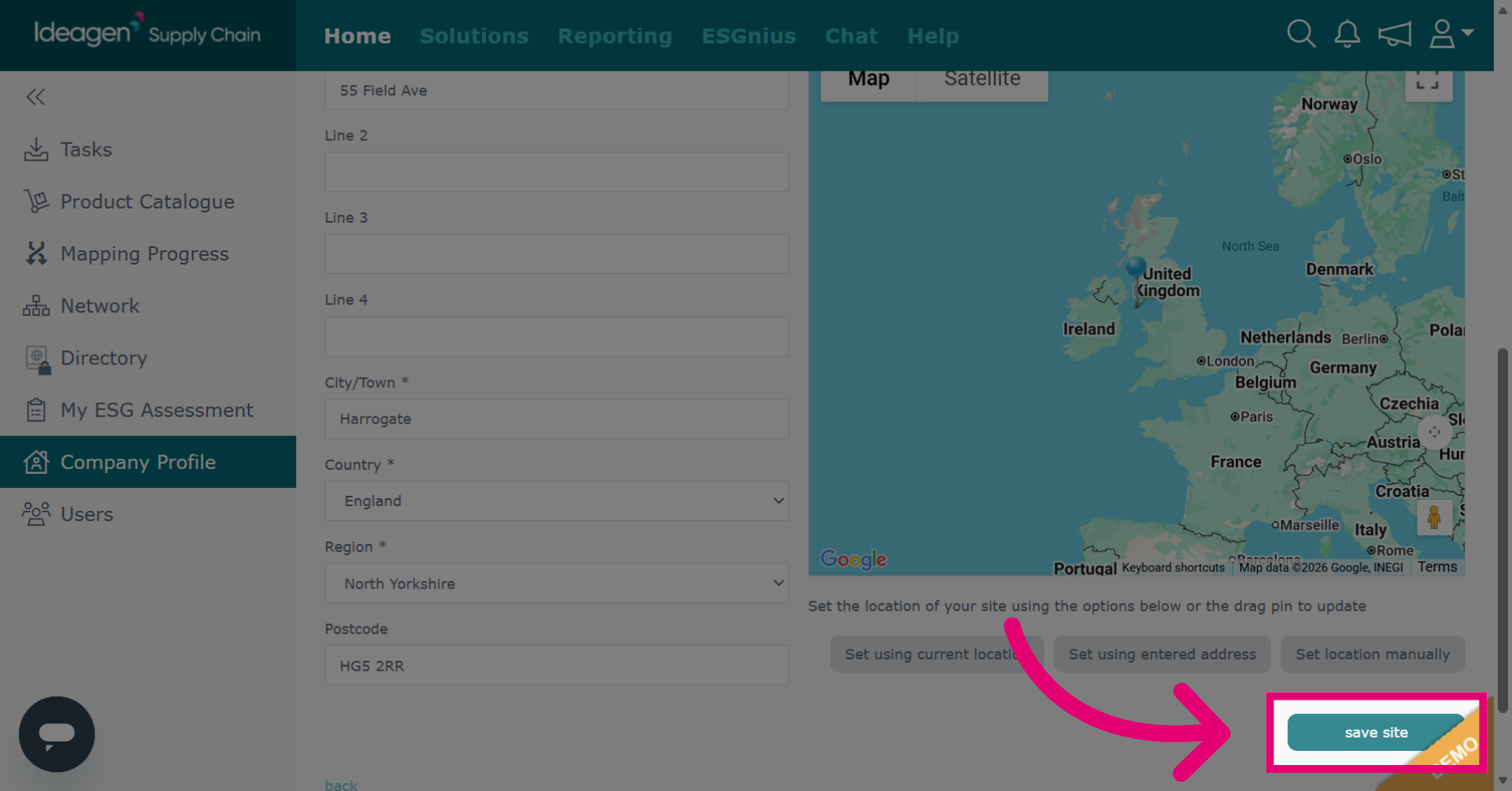
Click save site to add new site info to your profile.
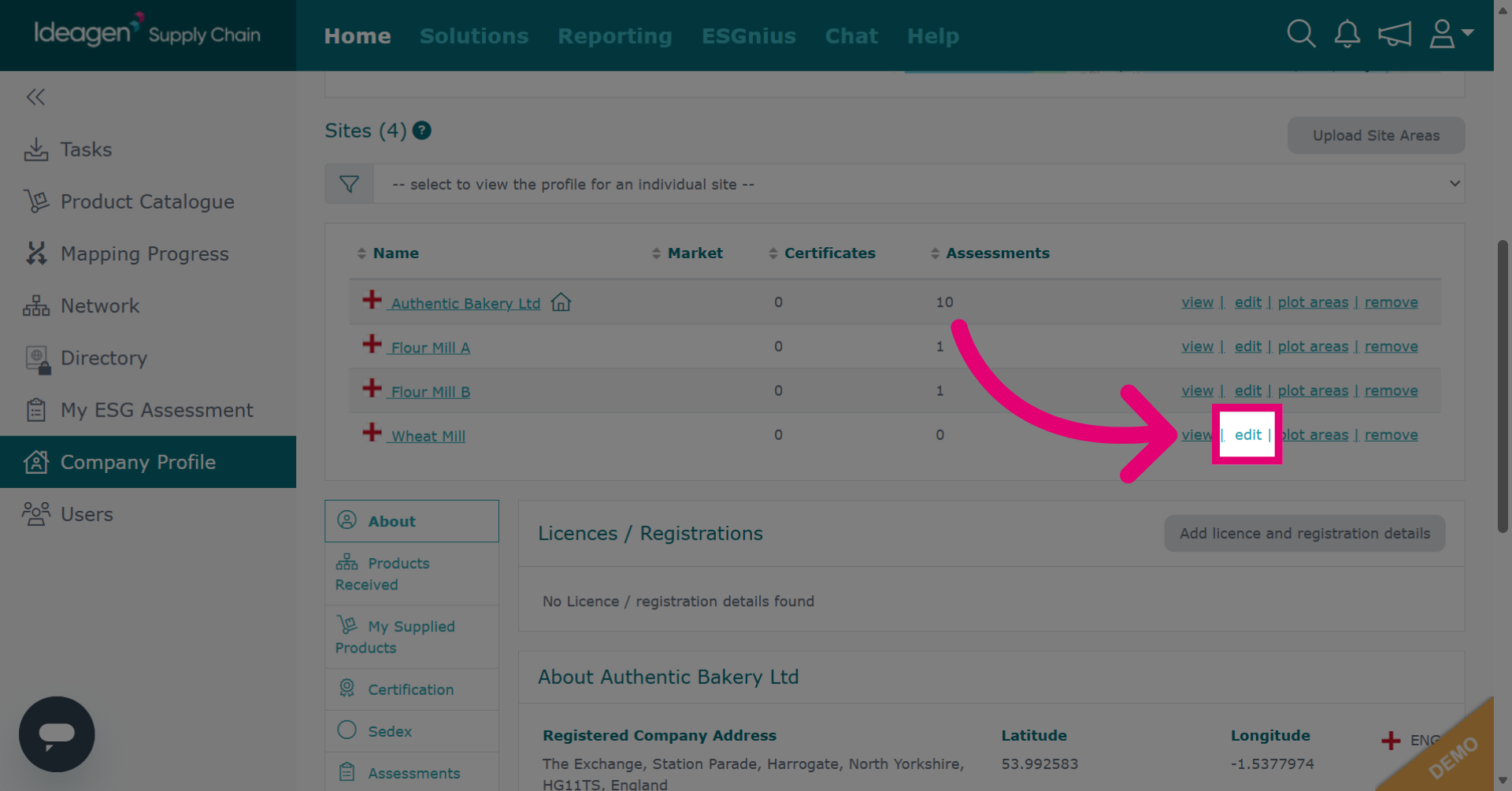
Click edit to modify details of an existing site.
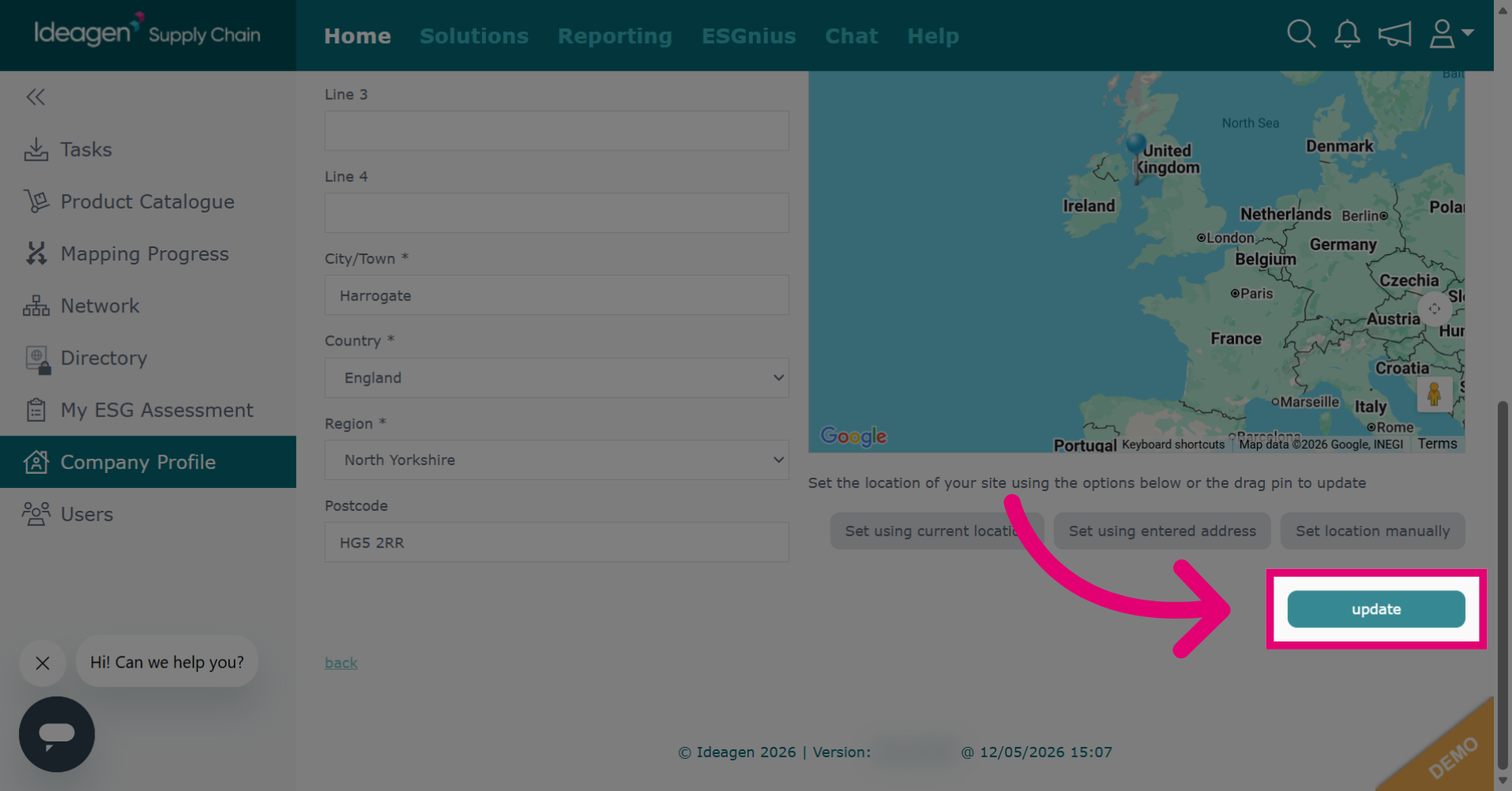
Click update to save the changes made.
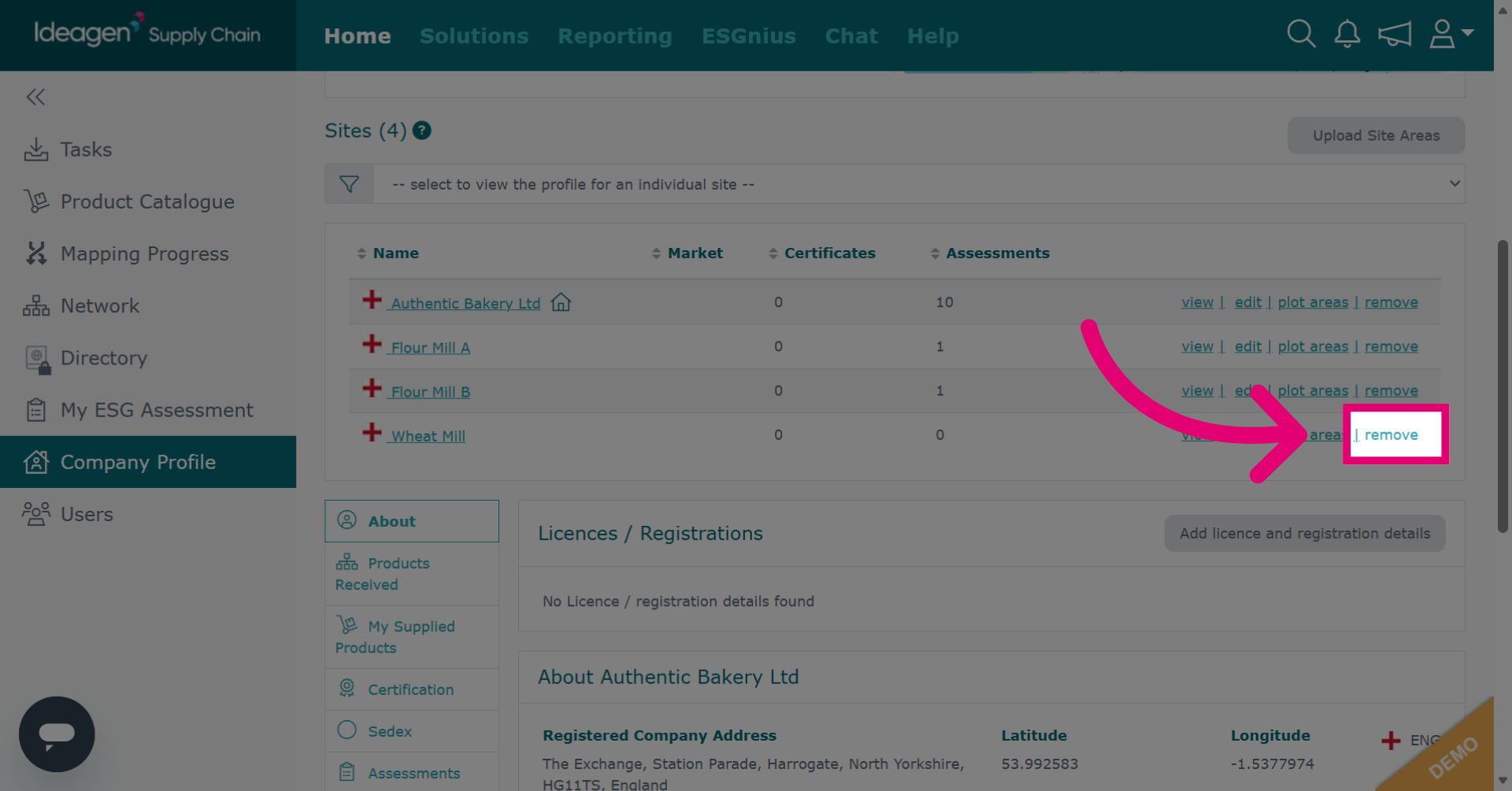
Click remove to initiate the process of deleting a site from your company profile.
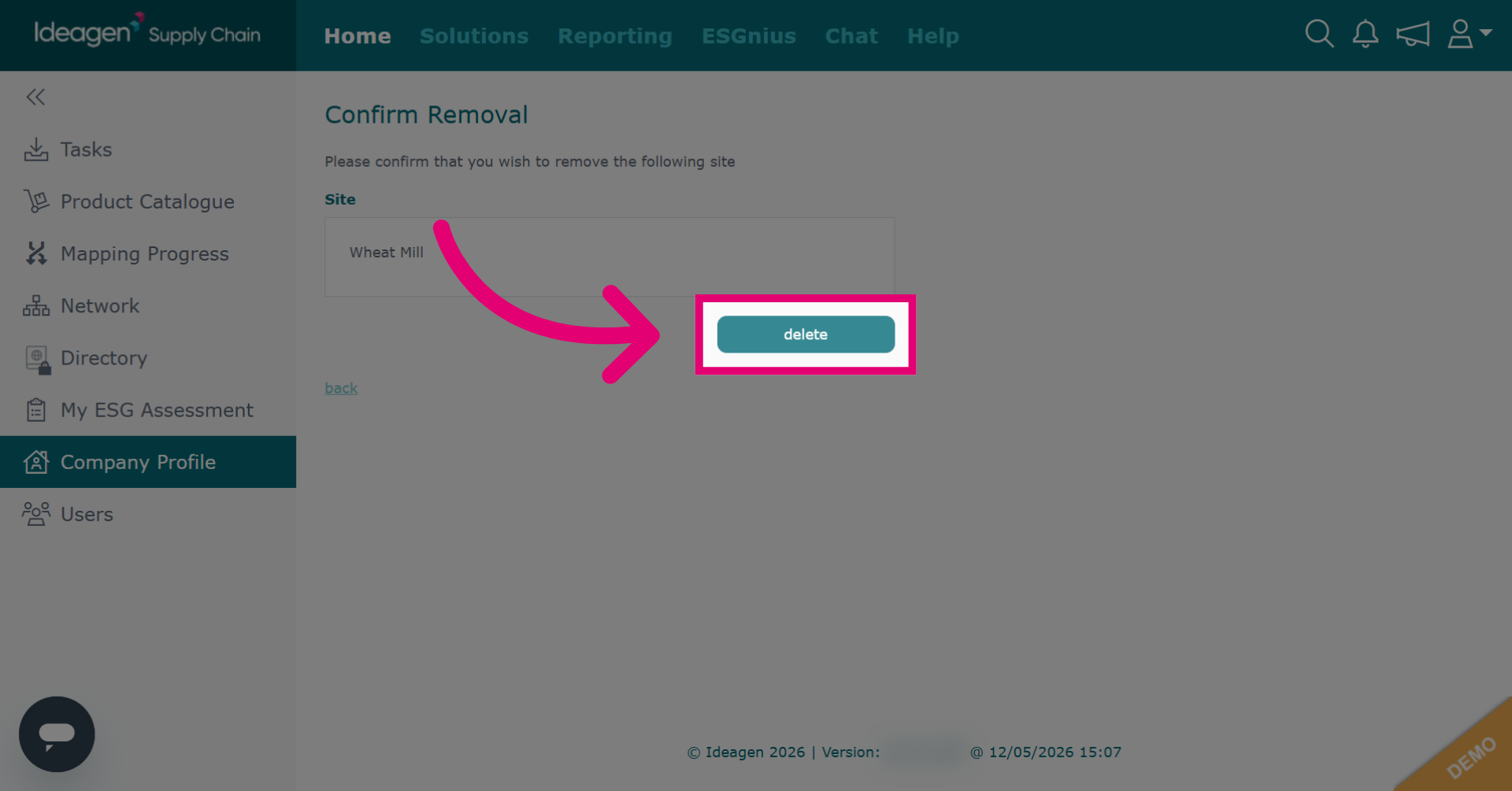
Click delete to confirm.
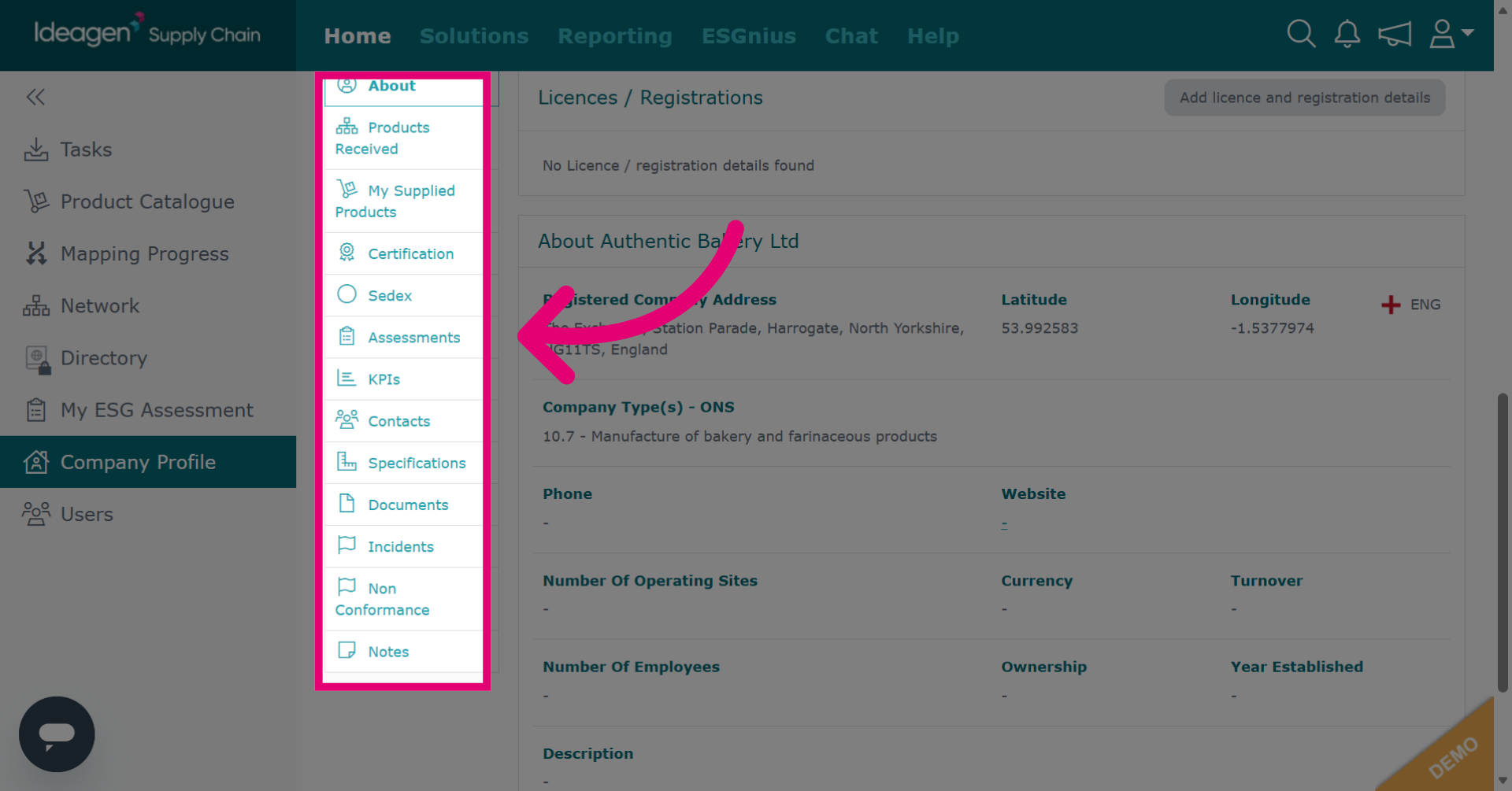
View all items sent to your company via the profile, including outstanding and completed items. Click the relevant module to access the data.
Select a site to view its data.
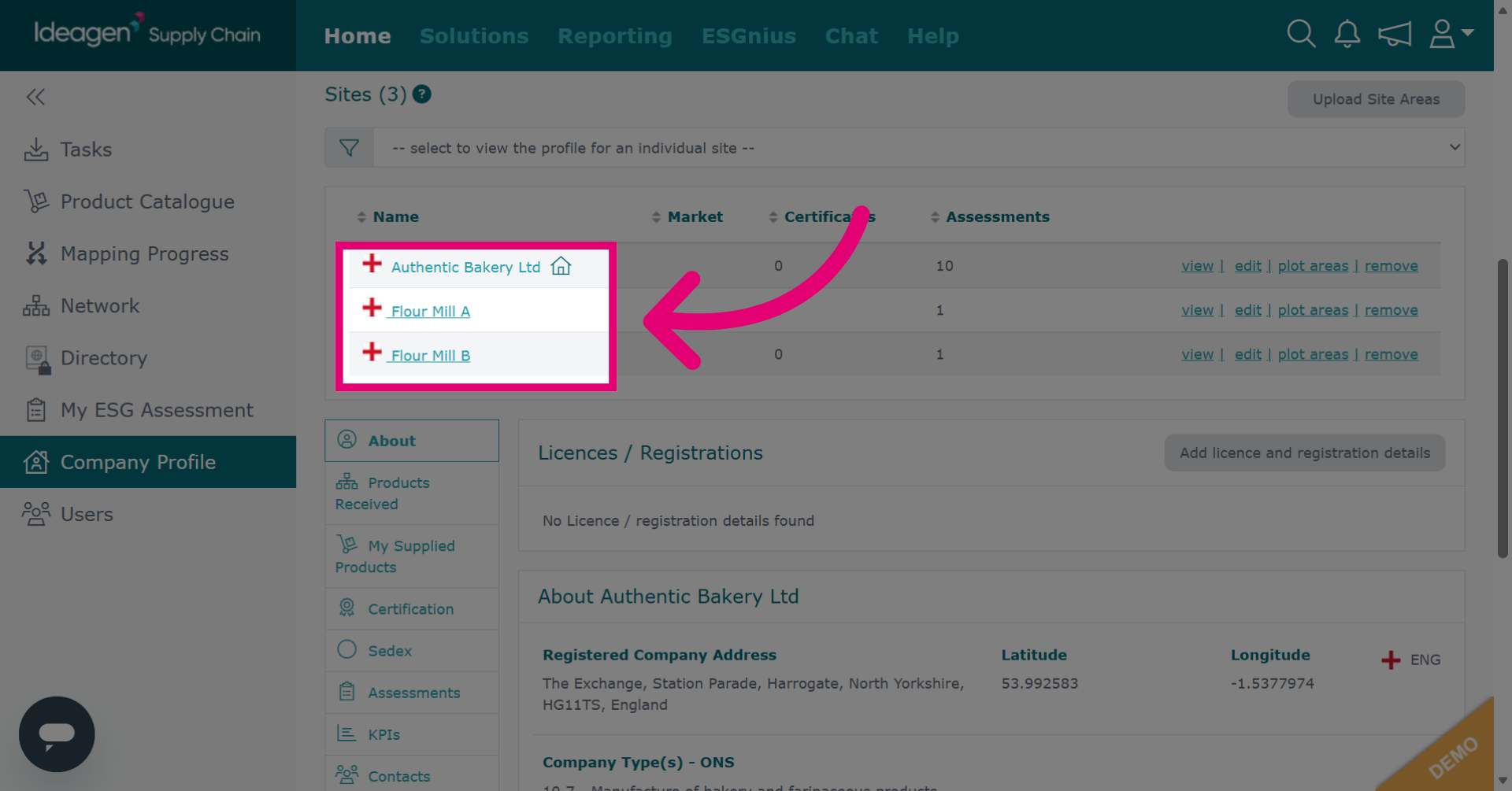
Clicking a module shows only site-specific data.