


New article
Recently updated
Resetting your password

Who is this article for?
Users who need to reset their password.
No special access or permissions are required.
This article explains how to reset your password if you've forgotten it.
Resetting your password
To reset your password:
- Go to the platform sign in page.
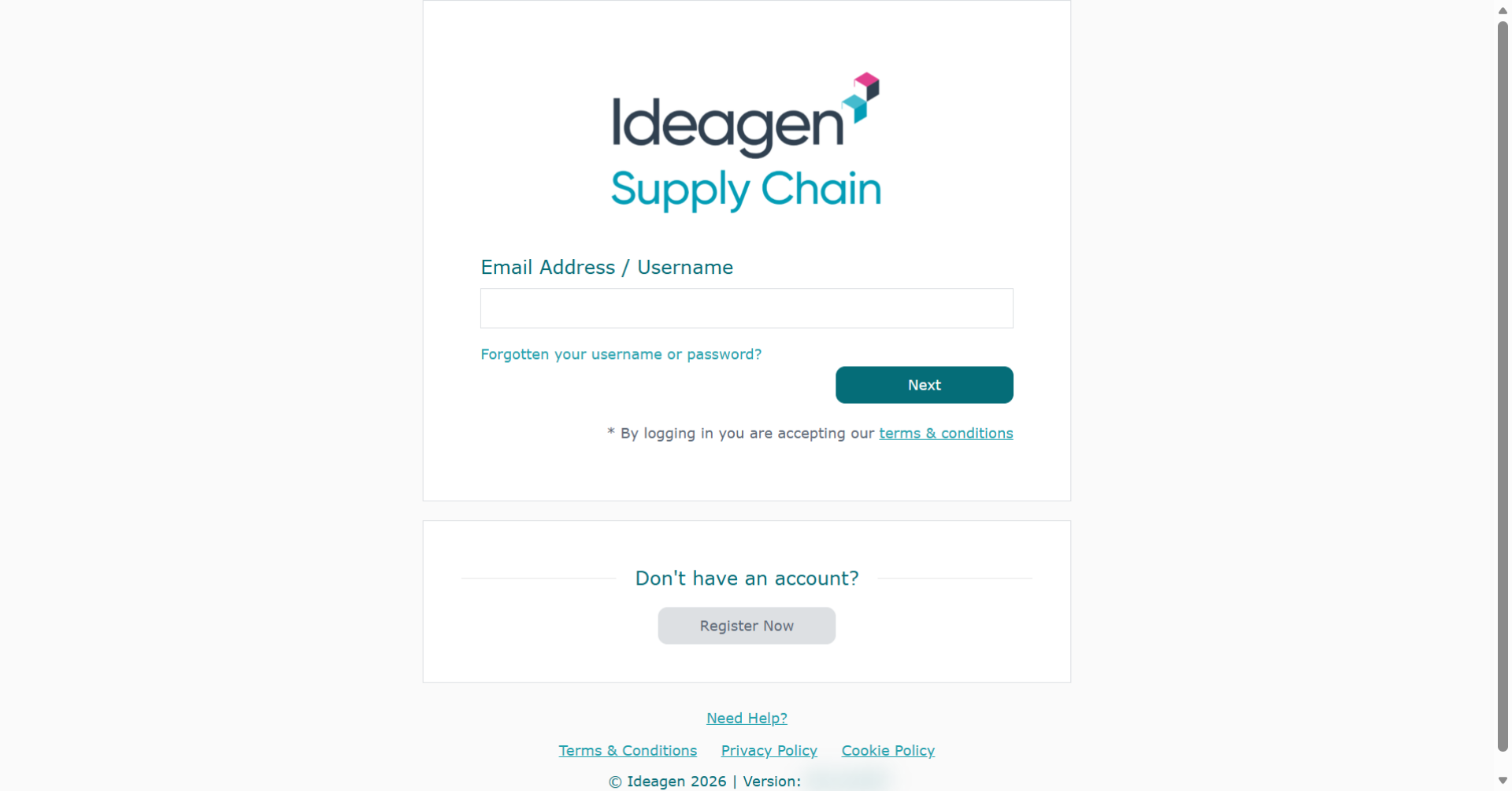
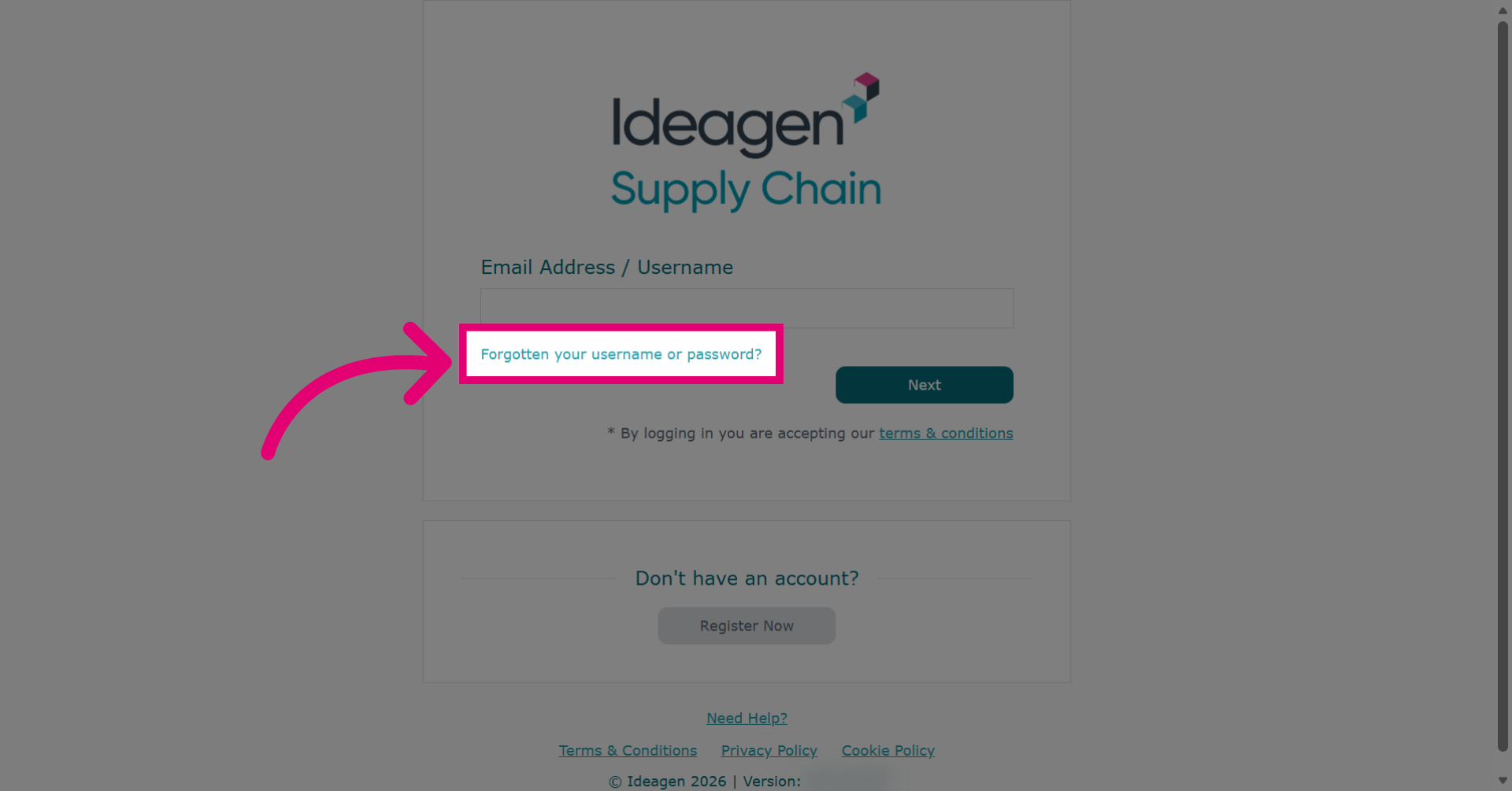
- Click Forgotten your username or password?
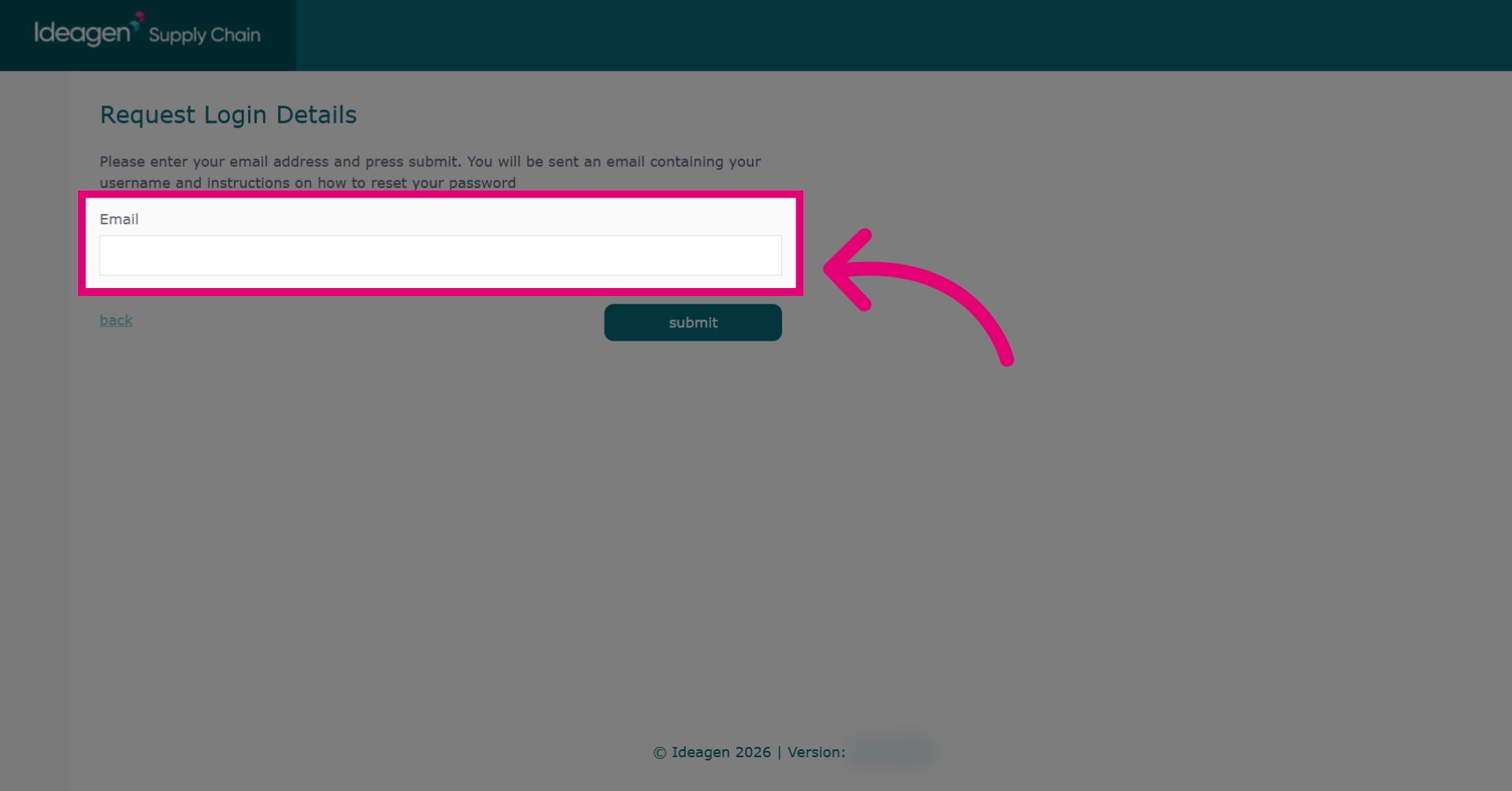
- Enter your Email in the field.
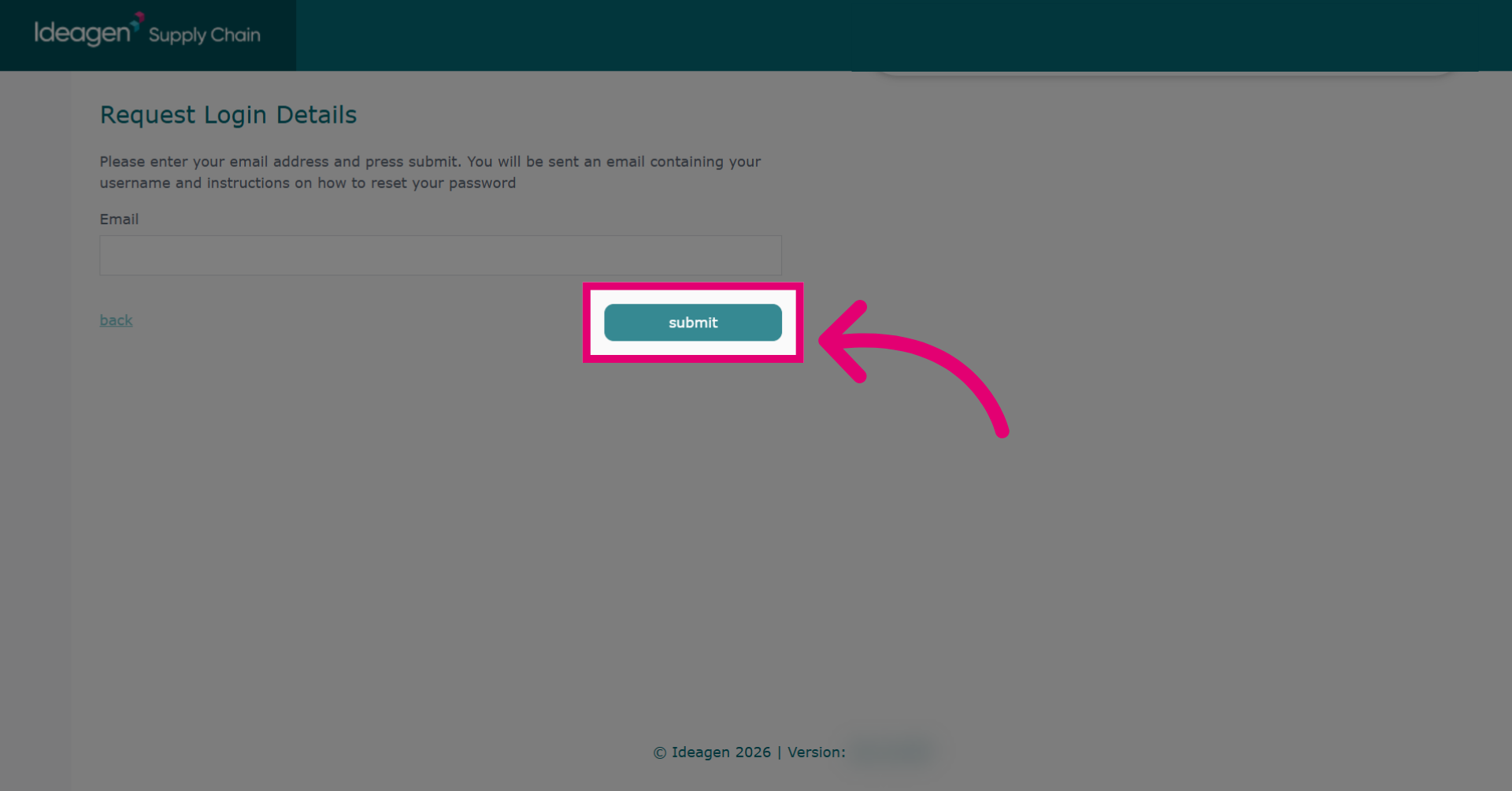
- Click Submit.
- Go to your email inbox.
- Follow the instructions in the password reset email.
Are you unsubscribed?
If you have unsubscribed from Ideagen emails, this removes you from all email lists and you will not receive password reset details. Open a ticket with us if this applies to you!