New article
Recently updated
Adding and removing suppliers from a list

Who is this article for?
Users who want to add suppliers to and remove suppliers from a supplier list.
Supplier list admin permissions are required.
This tutorial guides you through managing suppliers within a list in the Ideagen Supply Chain platform.
You will learn how to add suppliers to a list using different search methods and remove suppliers from lists with both Supplier Approval and ESG Management options.
Adding and removing suppliers from a list
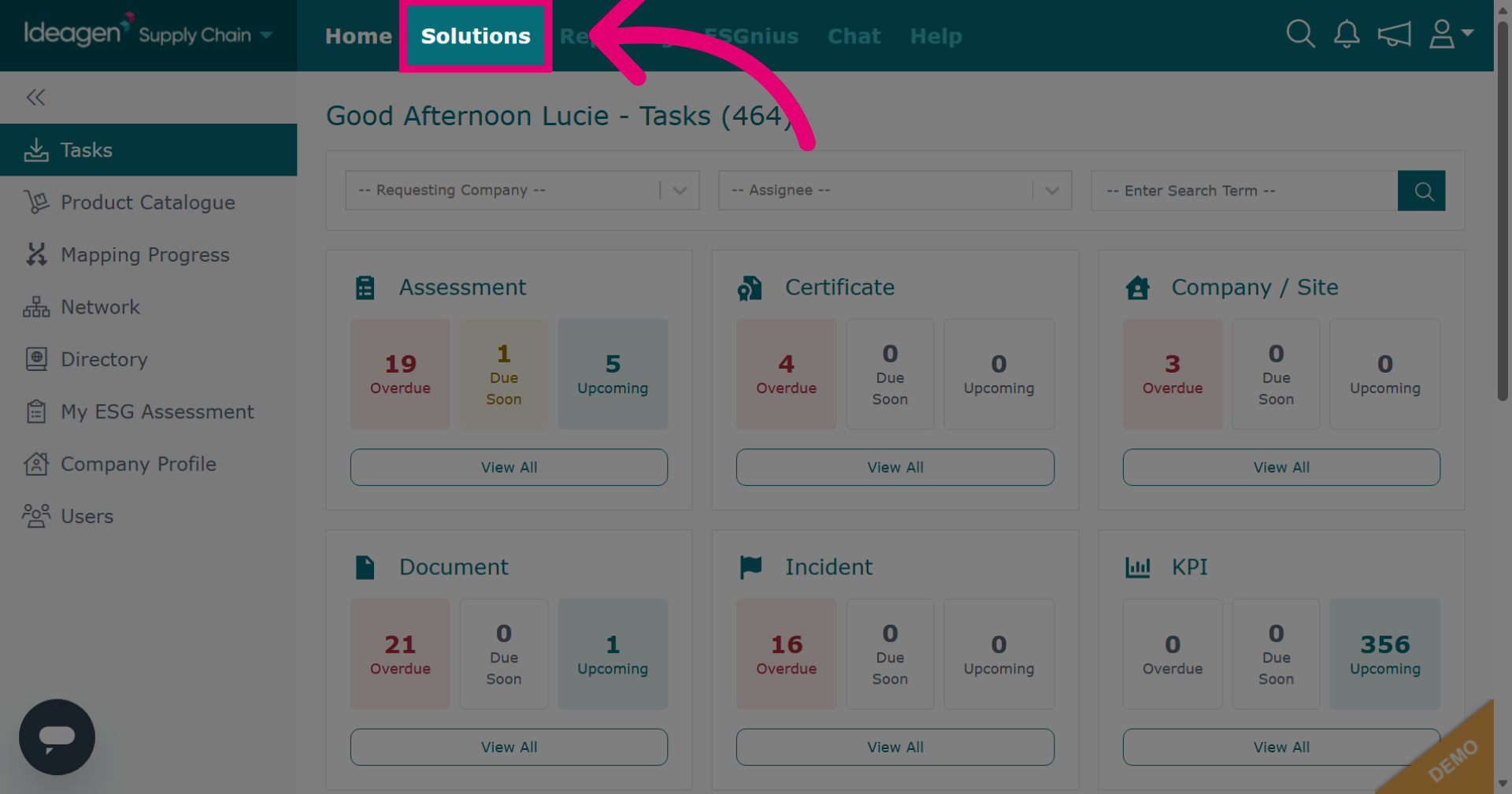
Click Solutions to open the main module menu.
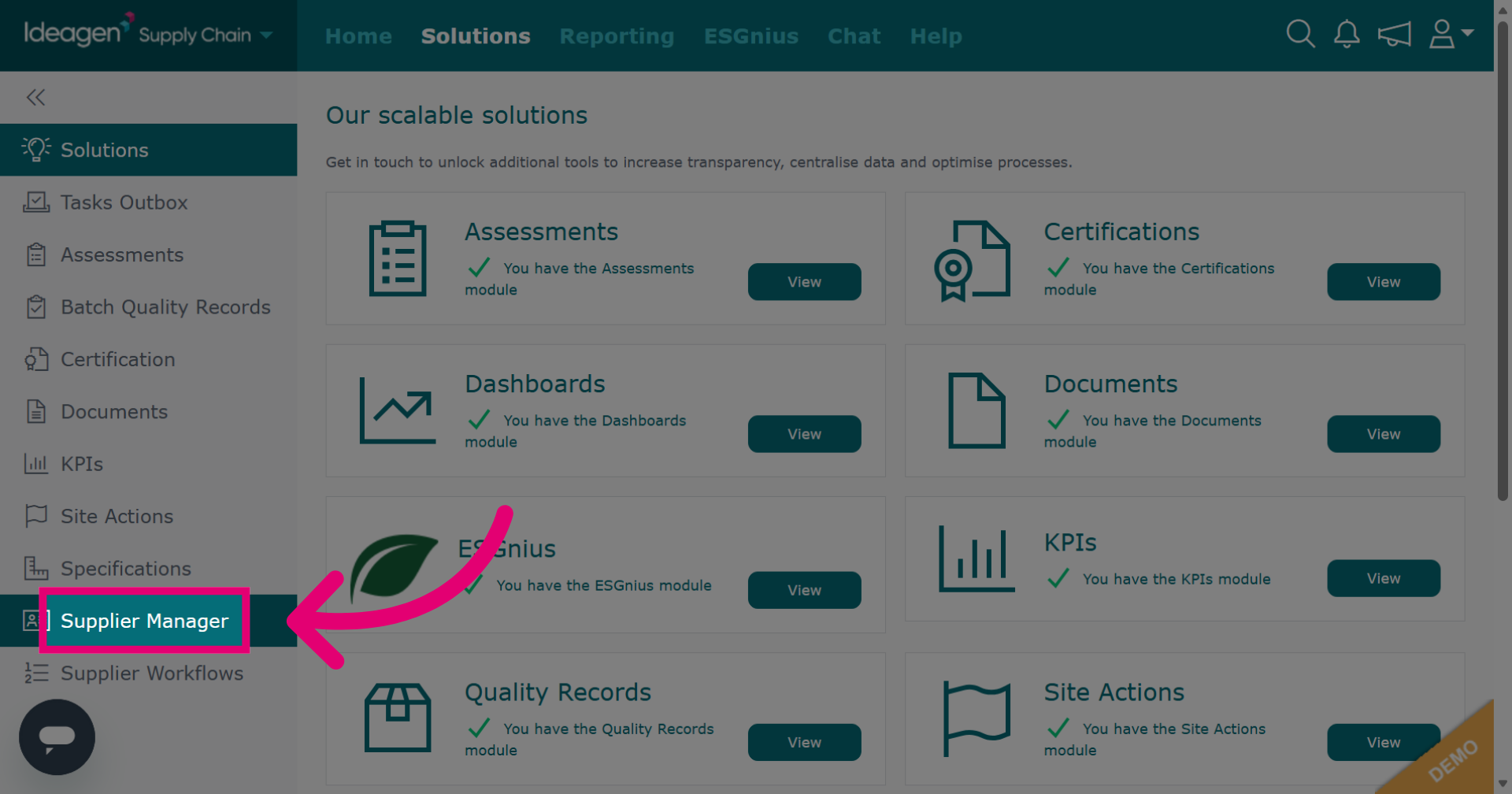
Click Supplier Manager to navigate to the supplier management section.
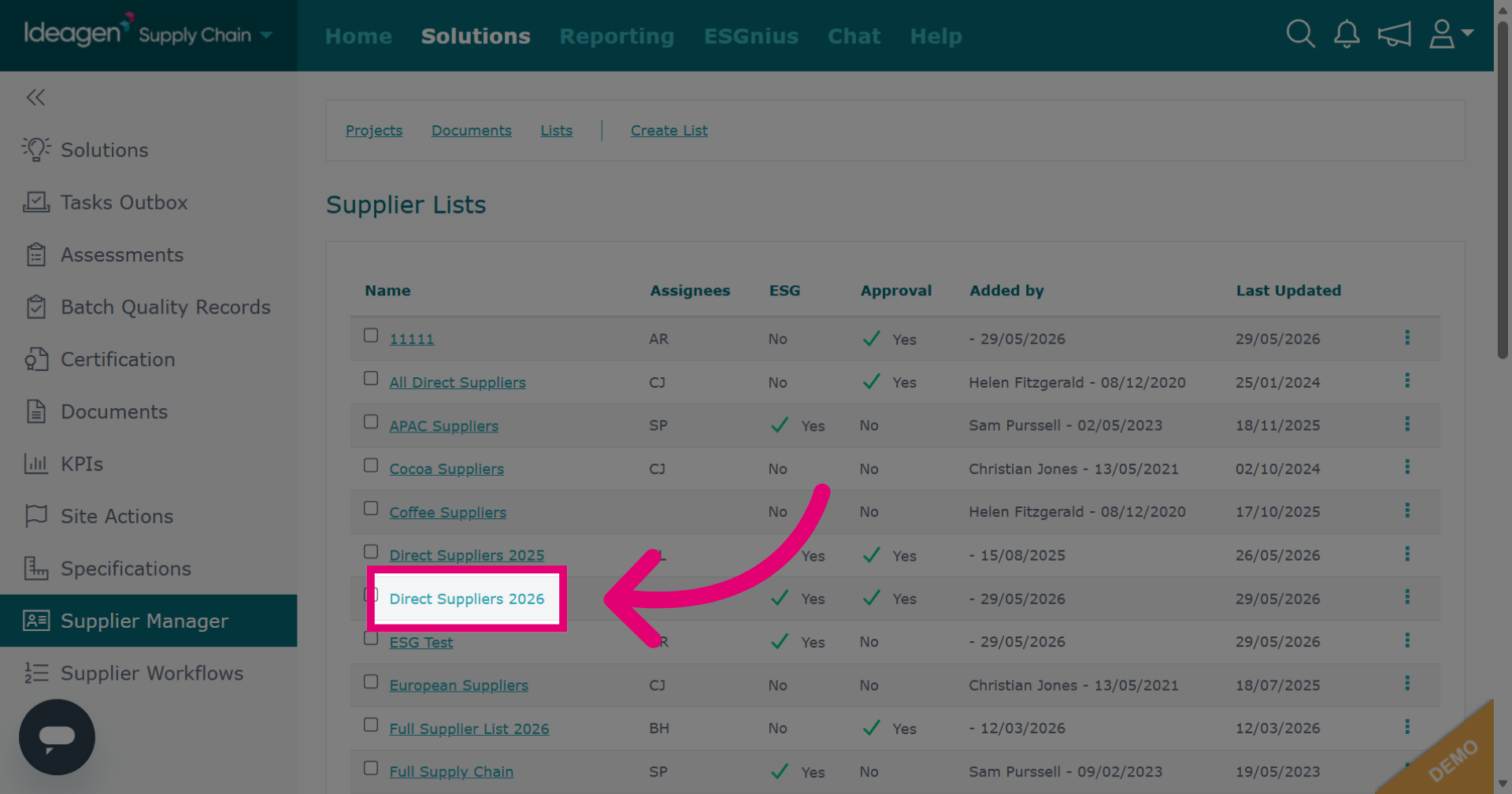
Select the list you want to work with.
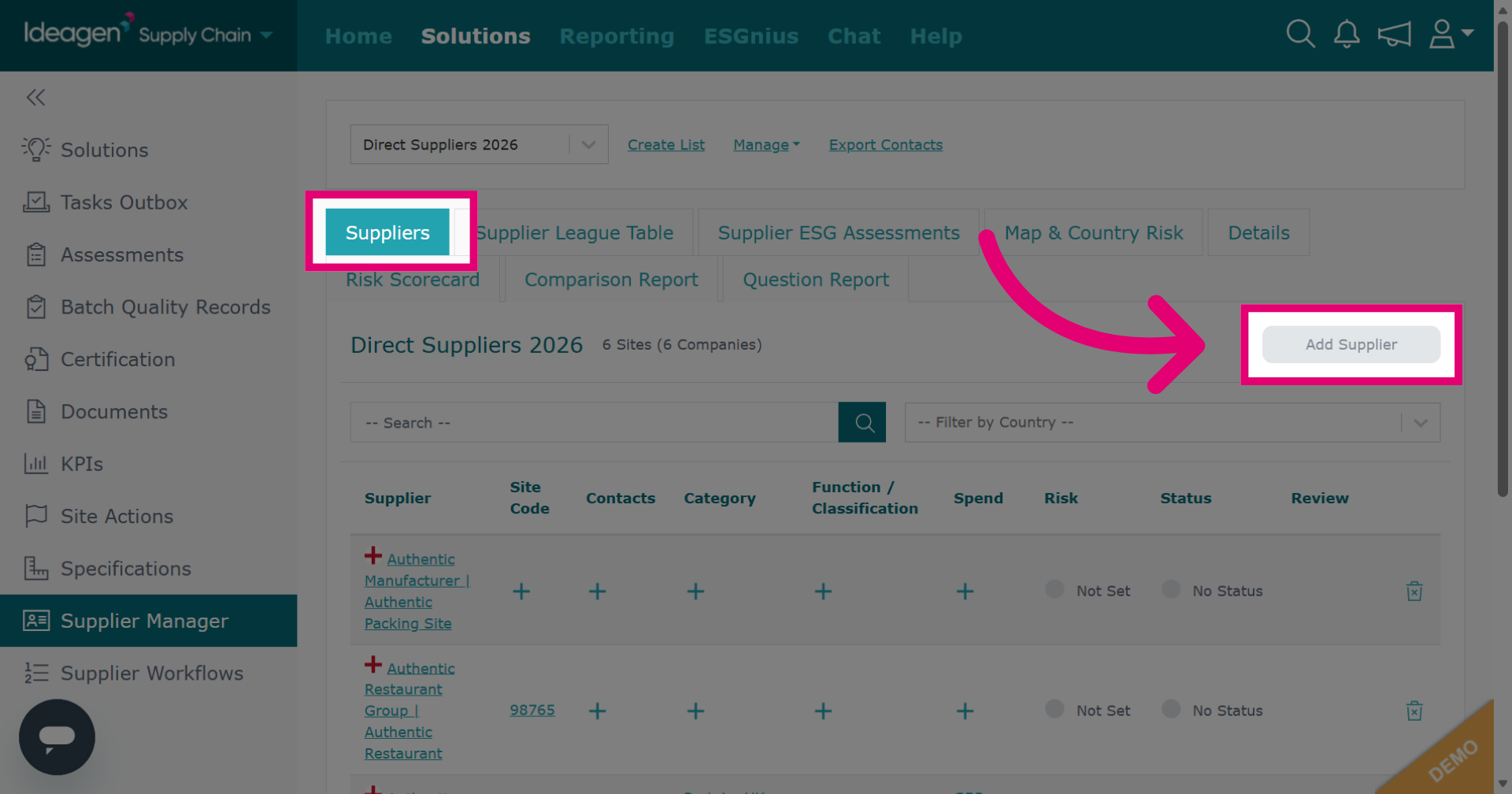
If your list utilises the Supplier Approval option, select the Suppliers tab and then click Add Supplier to start the process of adding a new supplier to the list.
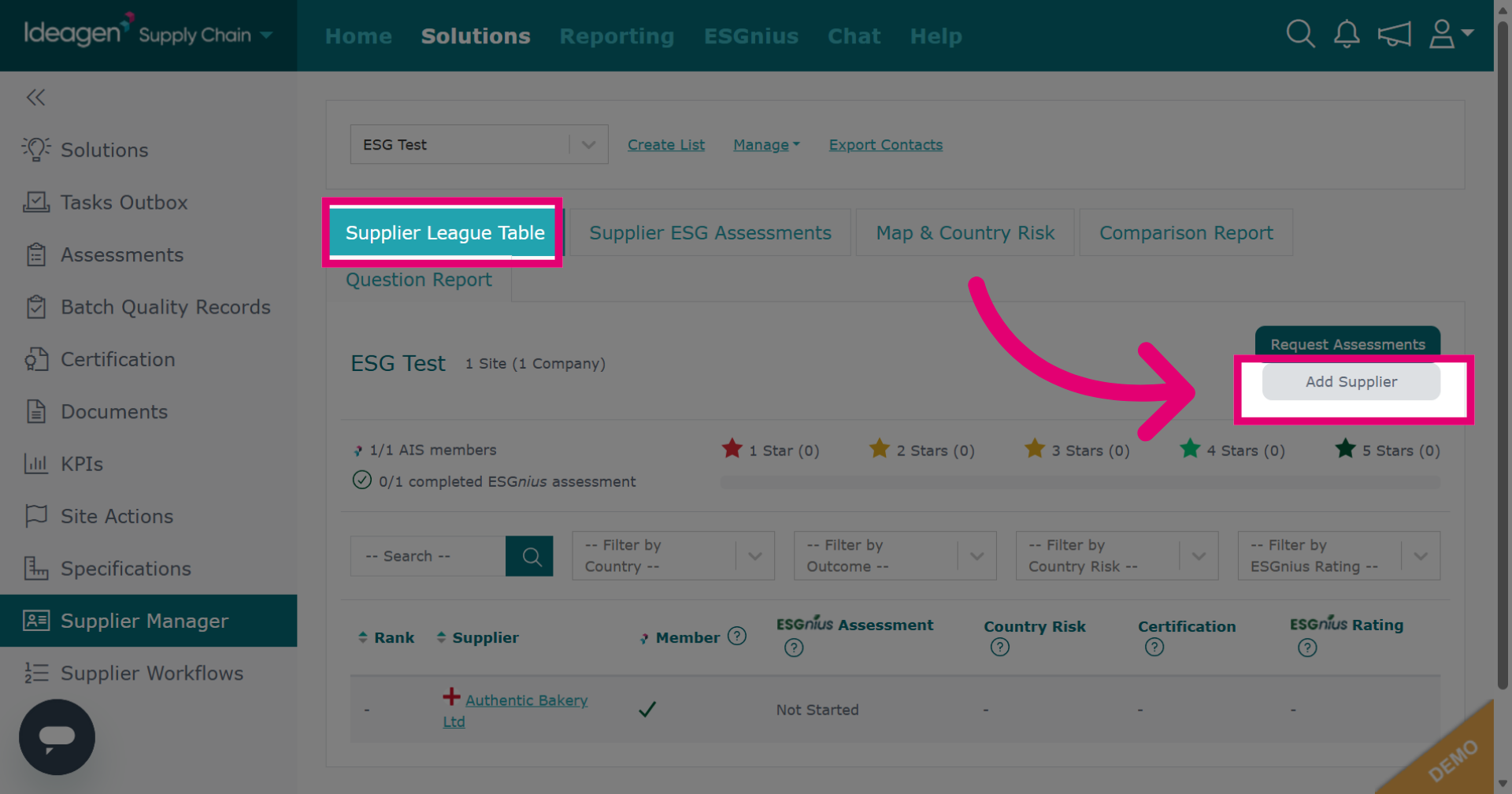
If your list utilises the ESG Management option, select the Supplier League Table tab and then click Add Supplier.
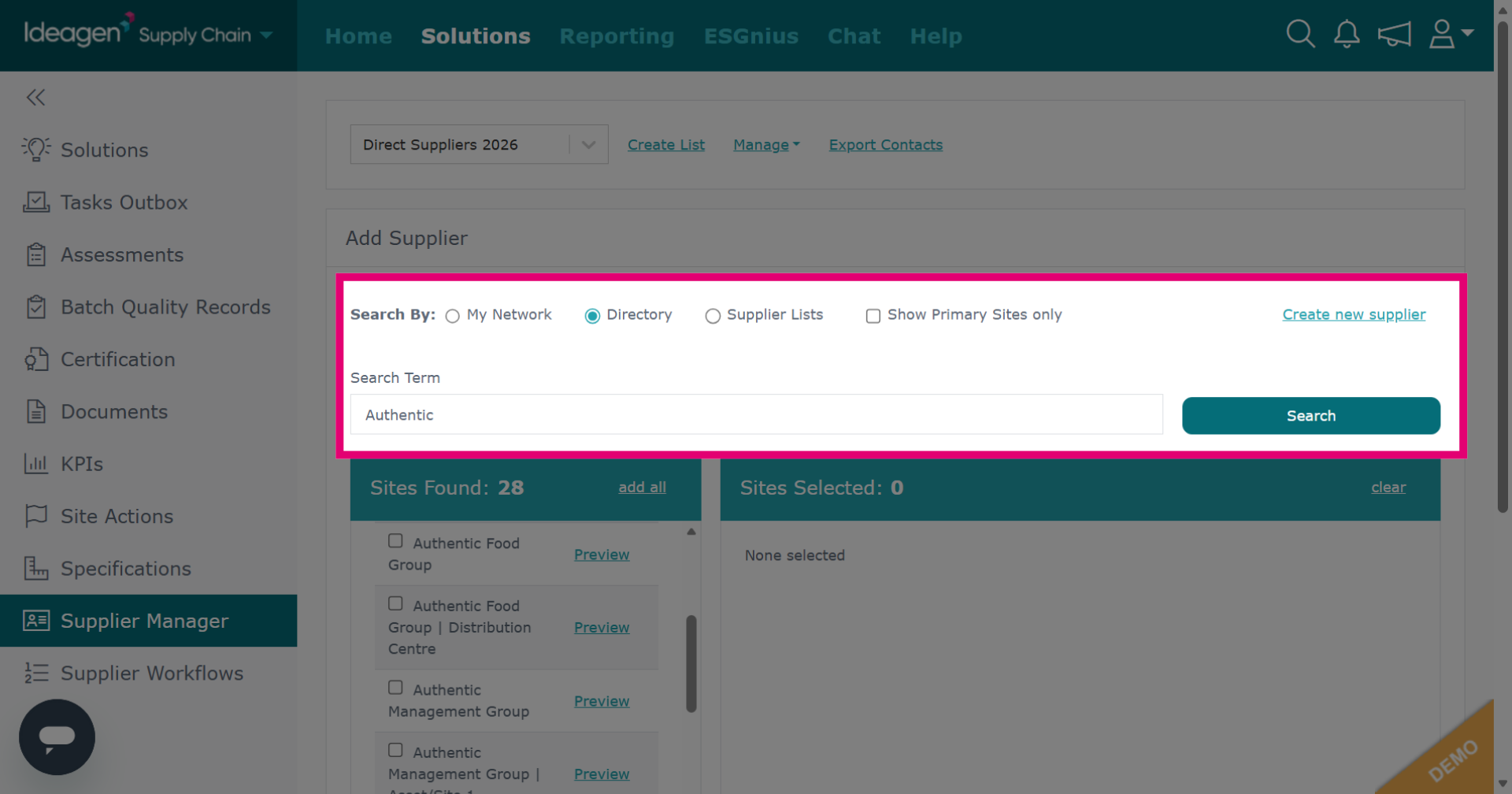
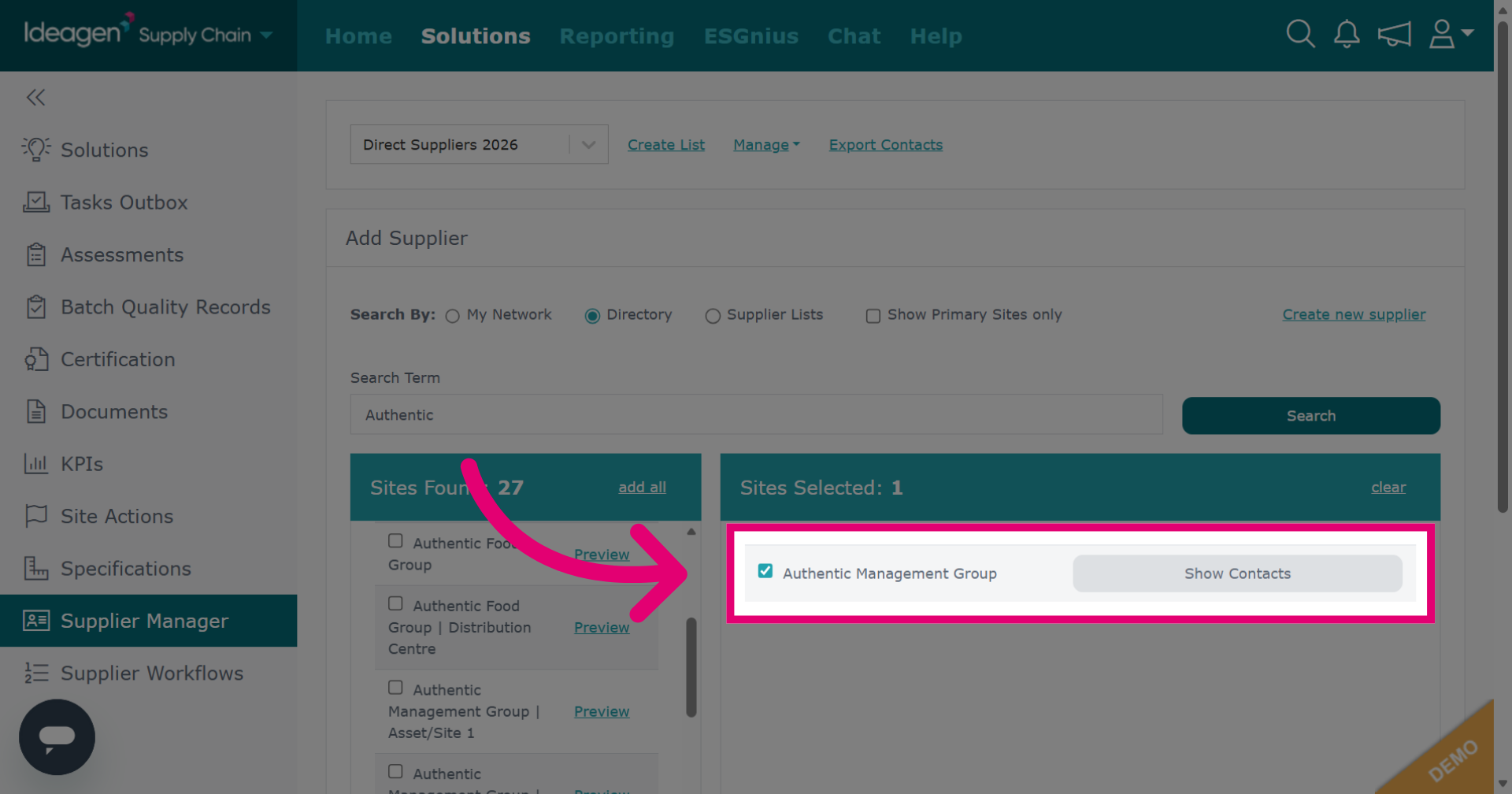
Select whether to search via my network, directory, or supplier lists. My network searches by suppliers connected to you via supply chain mapping, directory searches via all companies with a profile on Ideagen Supply Chain and supplier lists searches via suppliers housed within pre-existing supplier lists. You can filter the search further if you search using an option that provides additional filters. Then, enter a key word into the search term box. Finally, press search to look for suppliers.
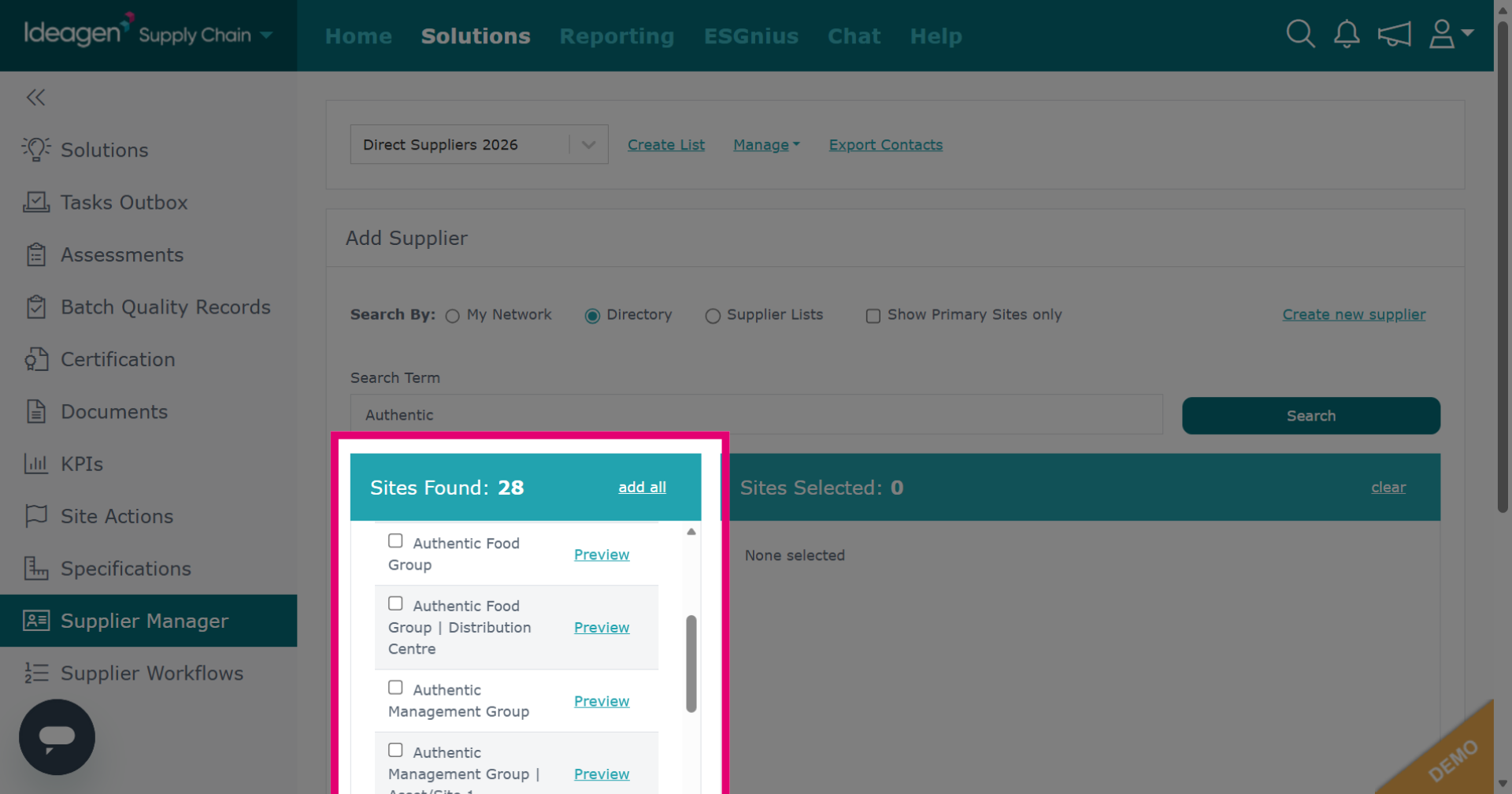
Select your suppliers from the results.
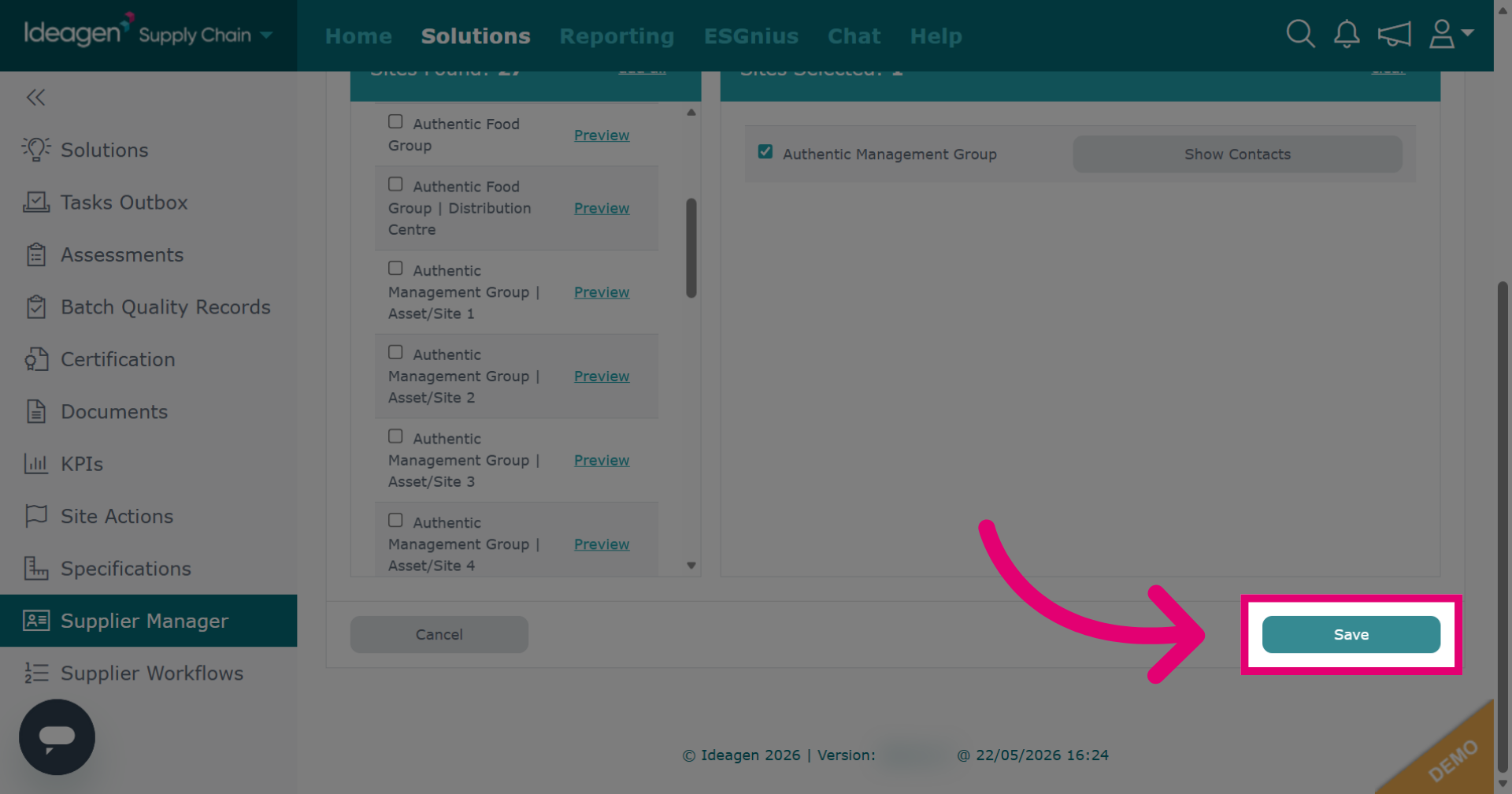
Once you have selected a supplier, they will move to the right hand side of the screen. Repeat process until you have found all suppliers you want to add.
Click Save once you have finished adding suppliers.
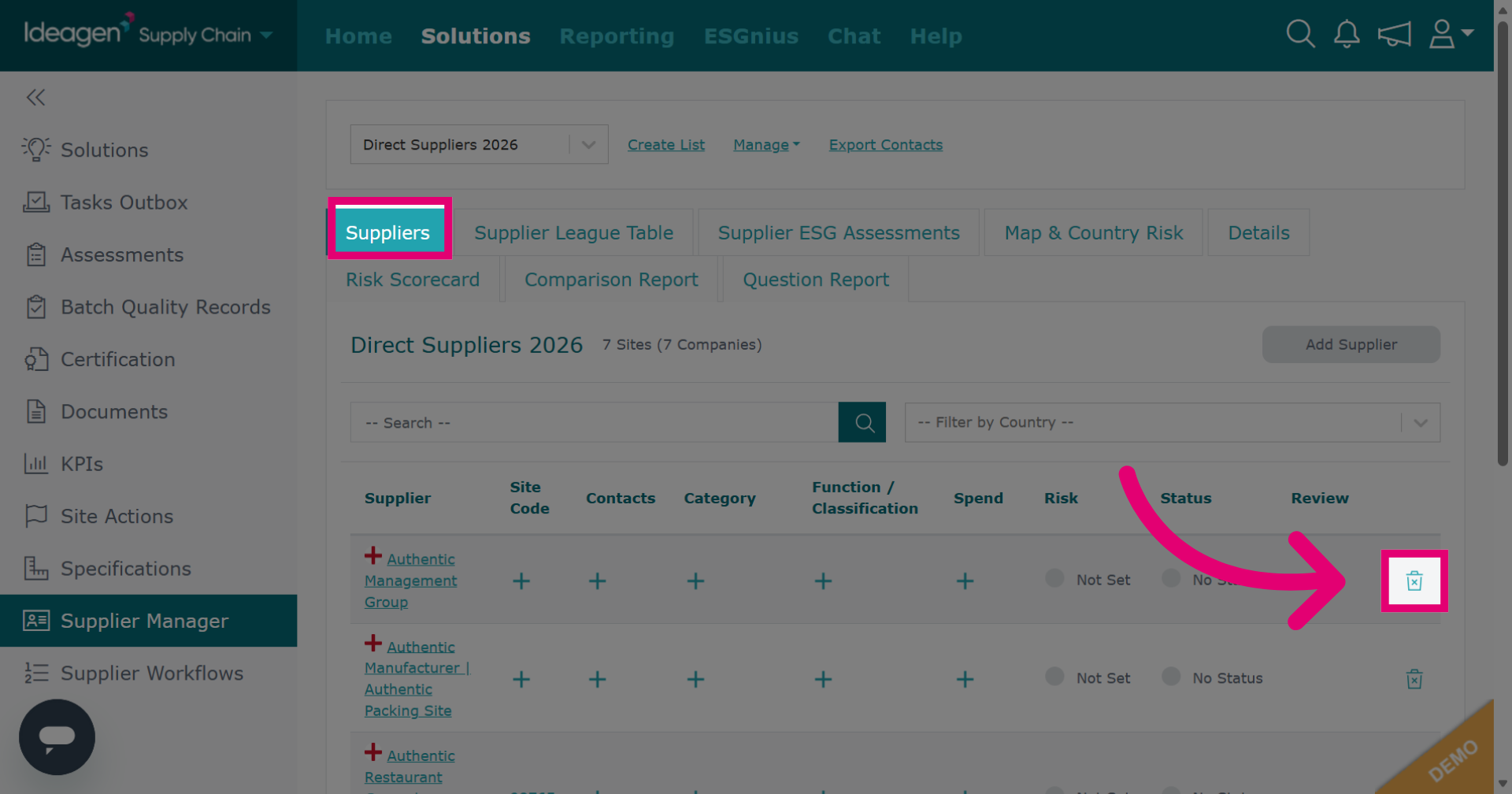
If your list utilises the Supplier Approval option, select the Suppliers tab and then click the bin icon next to the supplier you want to remove from the list.
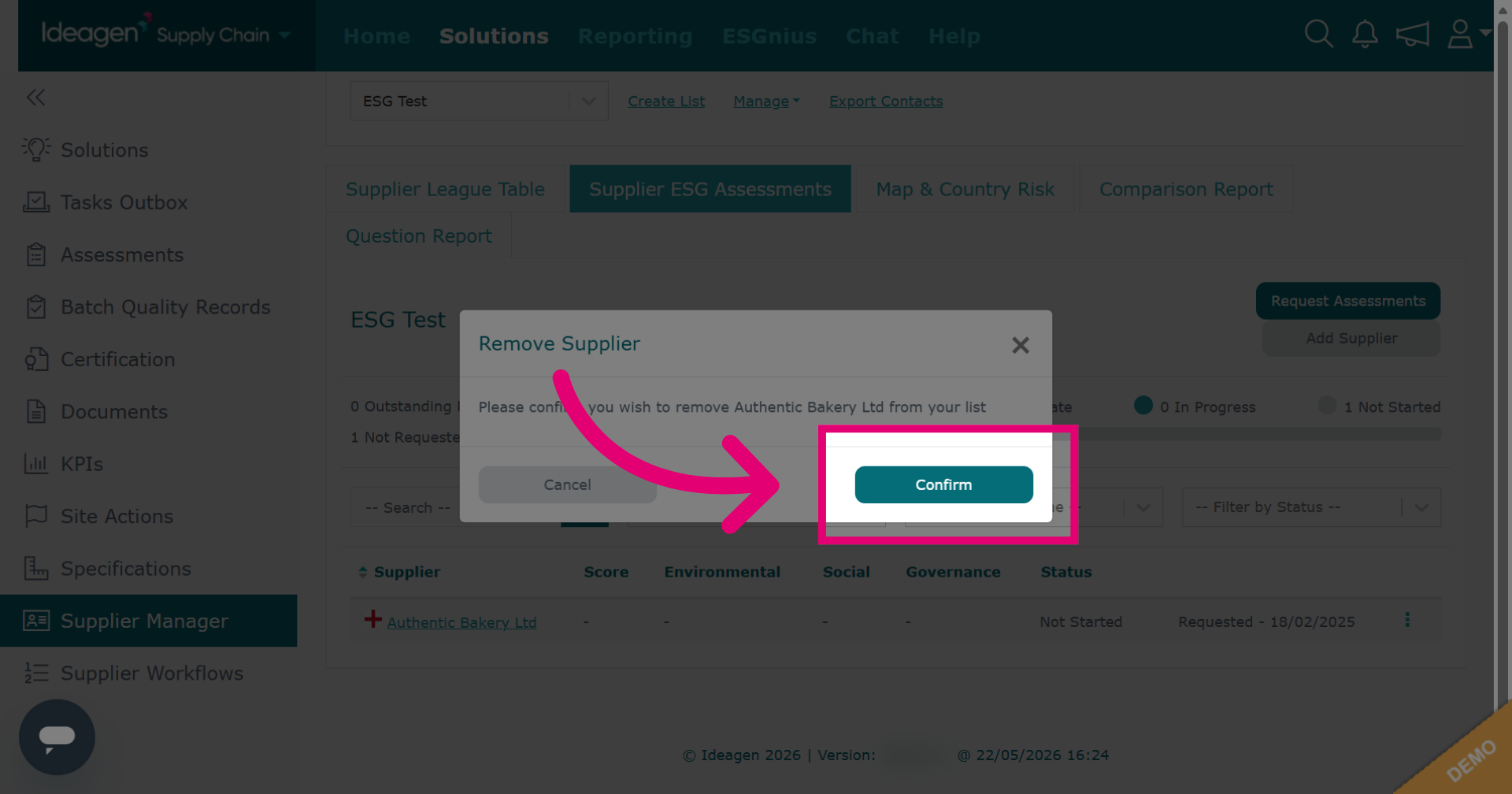
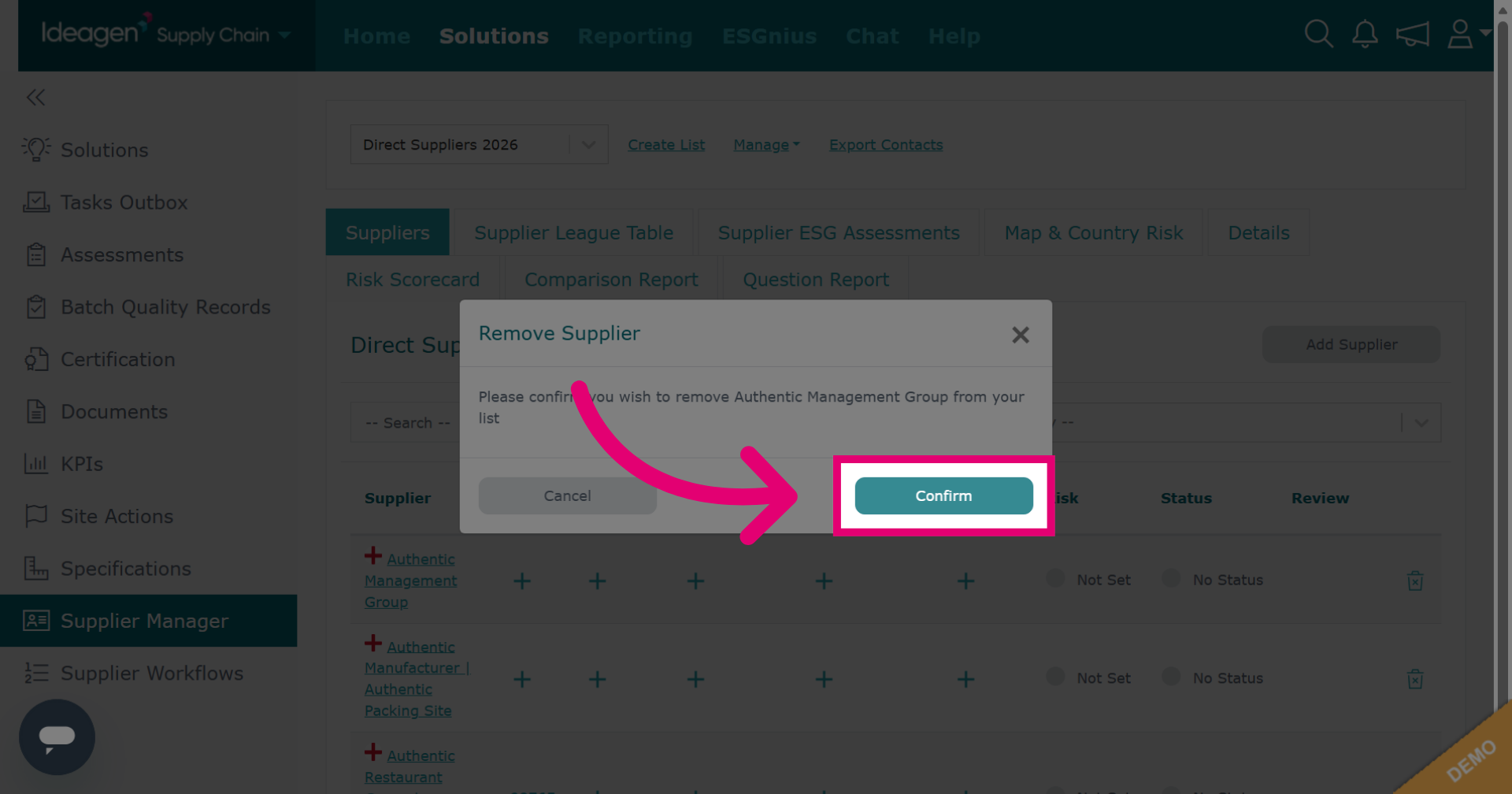
Click Confirm to finalize the removal. Click Cancel to cancel.
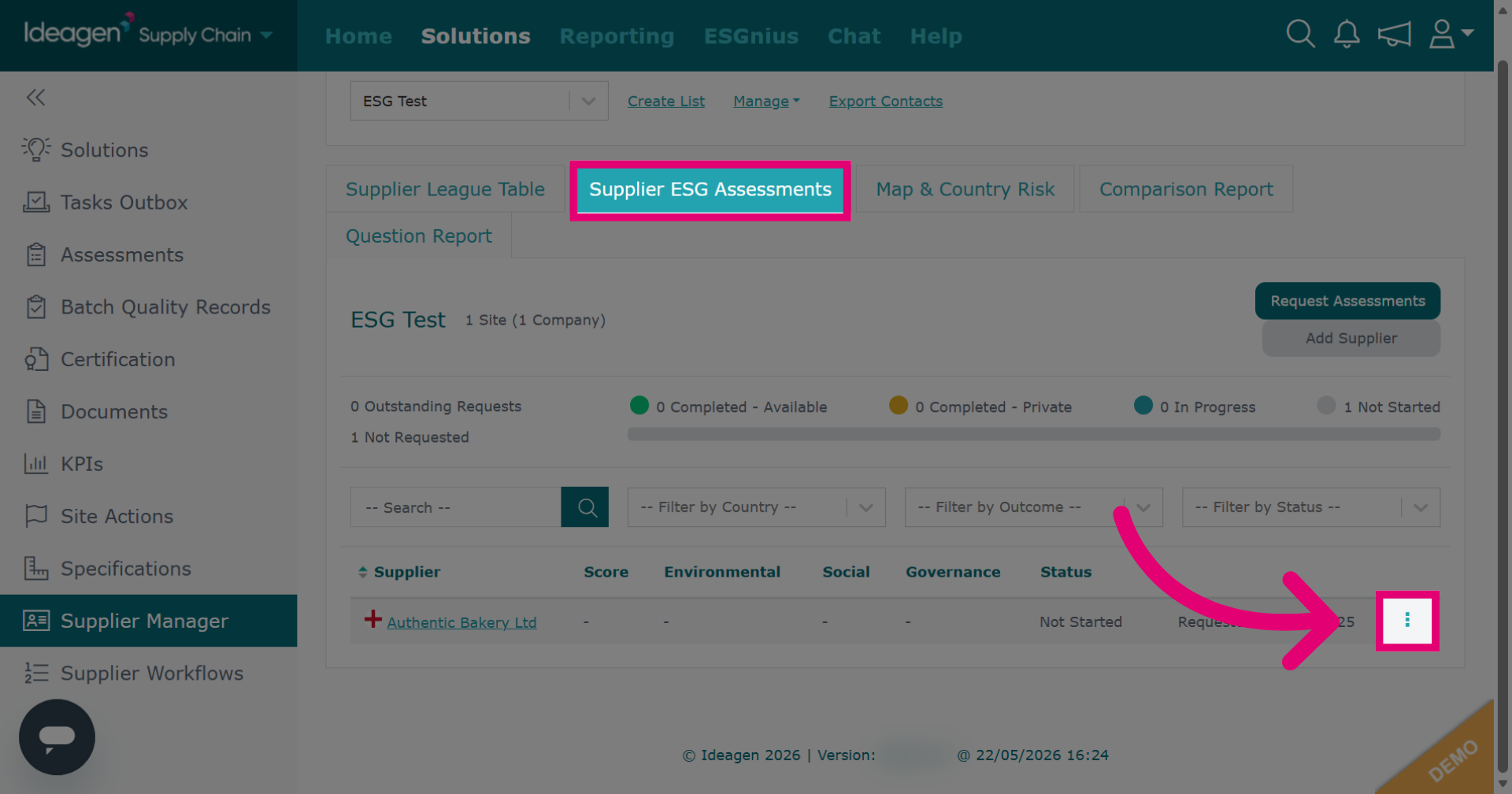
If your list utilises the ESG Management option, click the Supplier ESG Assessments tab and then click the three dots besides the supplier you want to remove.
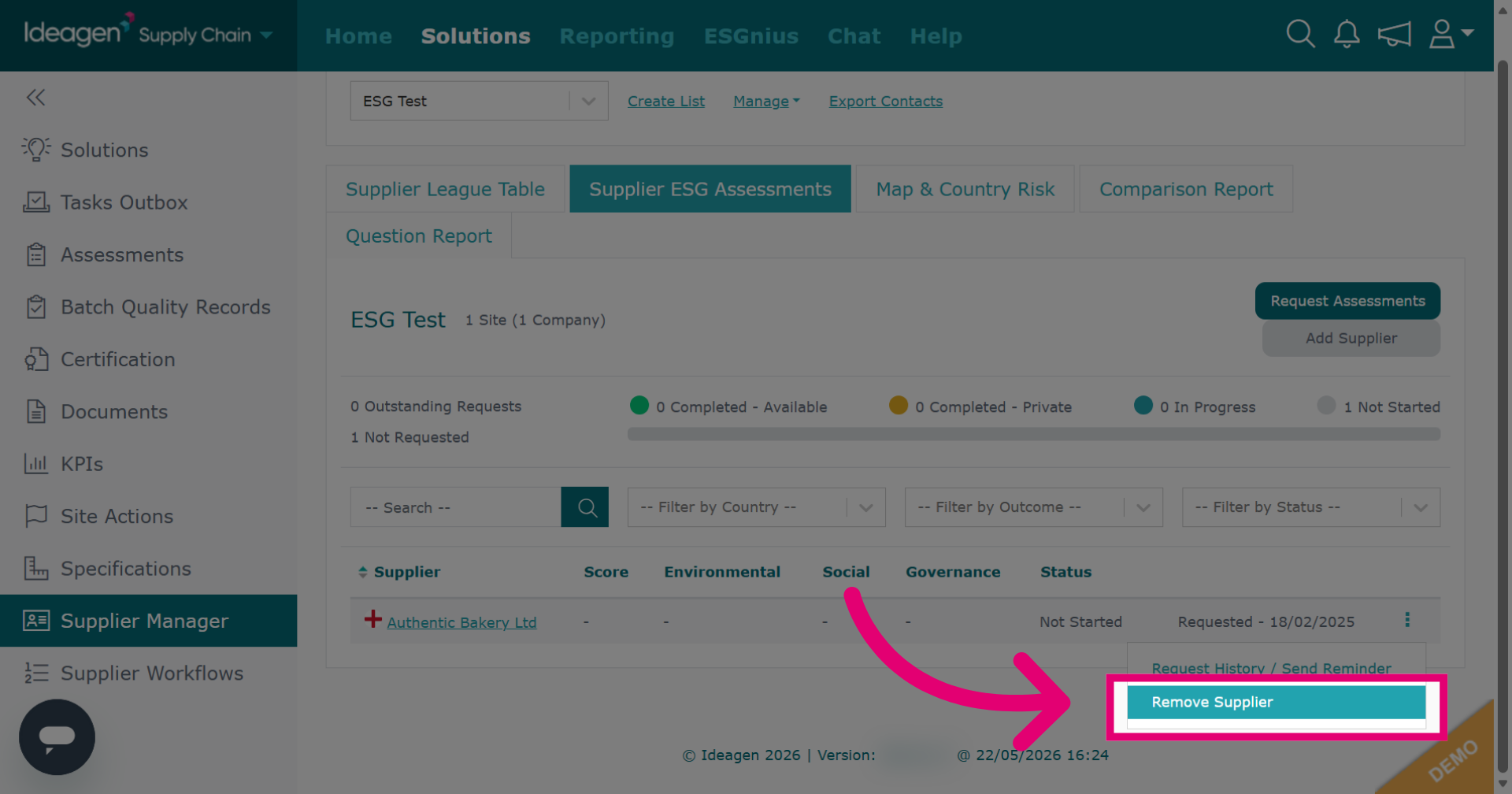
Then, click Remove Supplier from the drop down options to delete the selected supplier from the list.
Click Confirm to finalize the removal. Click Cancel to cancel.