New article
Recently updated
Adding License and Registration Details - Company Profile

Who is this article for?
Users who want to add license and registration details on their company profile.
Platform admin permissions are required.
This article explains how to add license and registration details from your company profile.
You will learn how to add entries at both company and site levels, input relevant information, and manage existing records.
Adding license and registration details
-
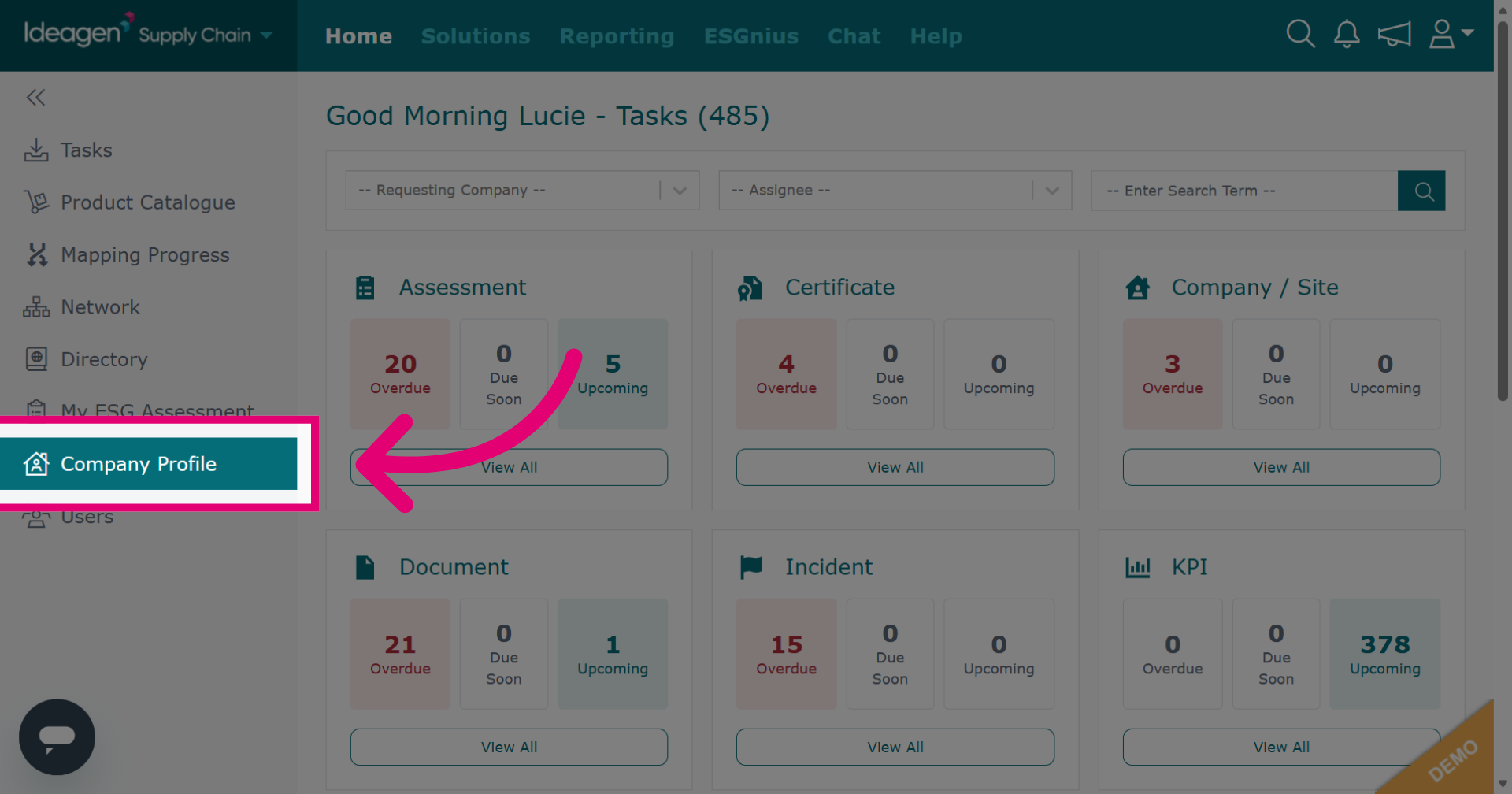
Click Company Profile to access your company settings.
-
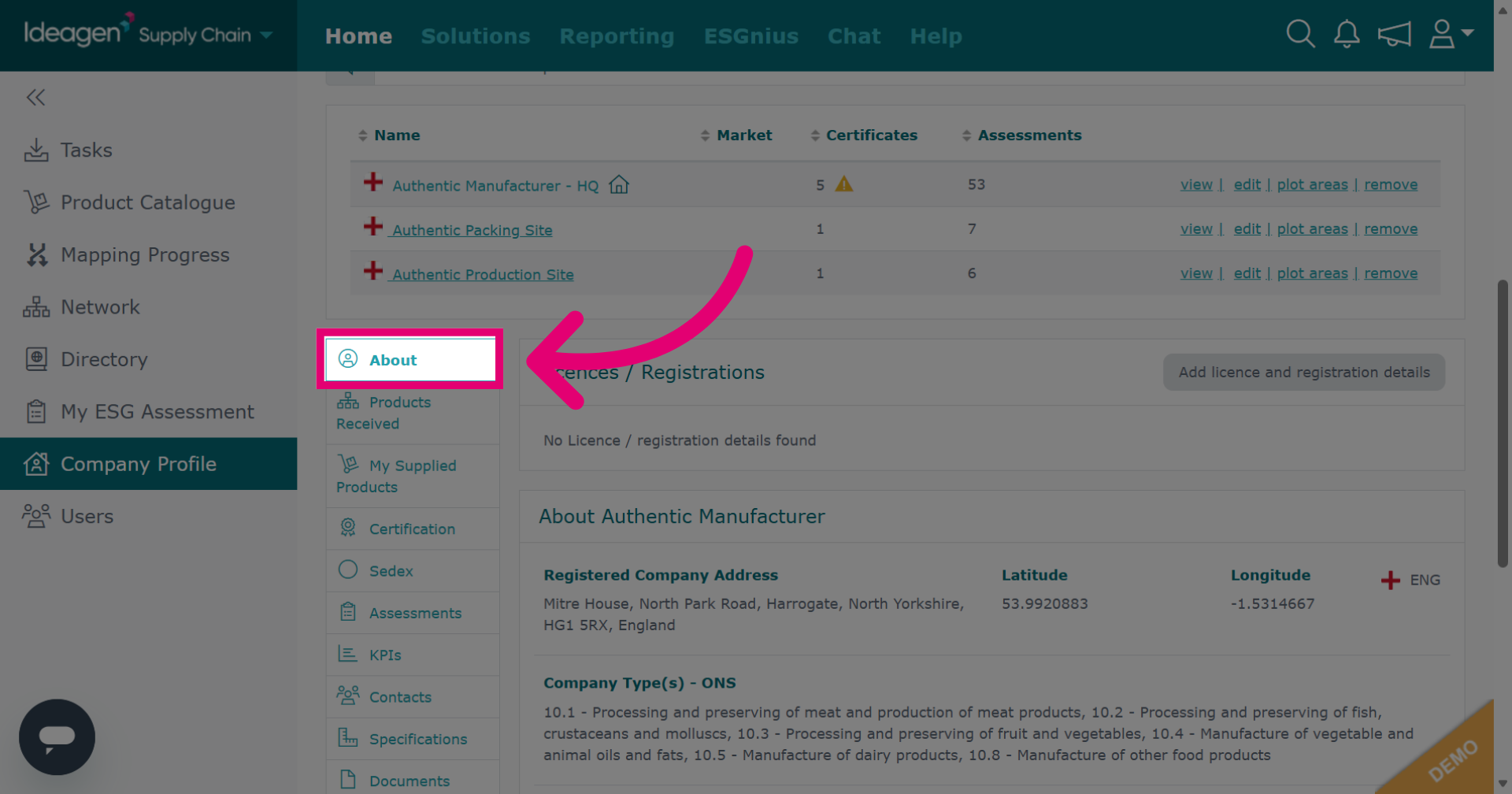
Click the About tab to view company information sections.
-
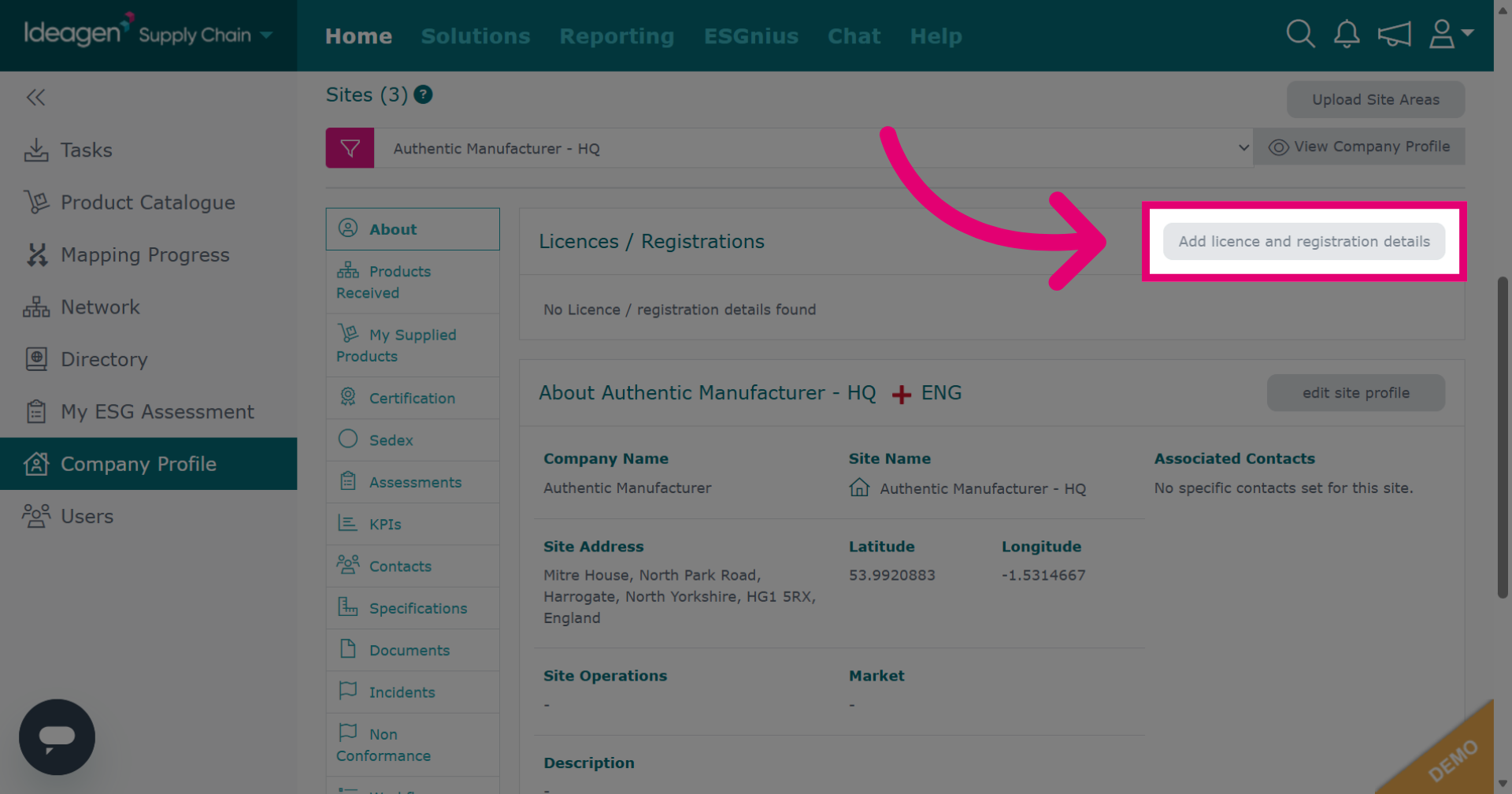
Click Add licence and registration details to begin entering information.
-
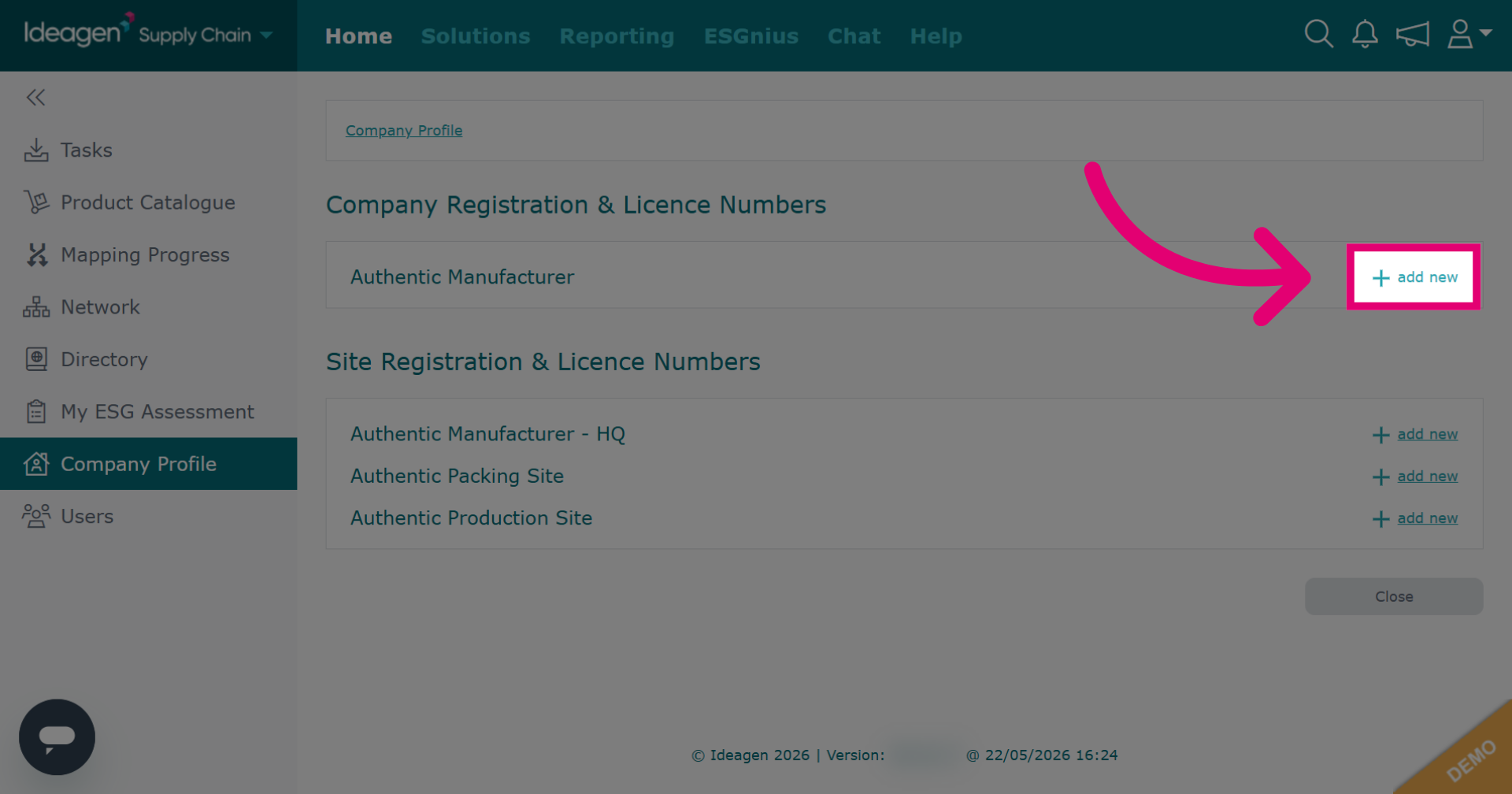
Click add new to start adding a new license or registration record.
-
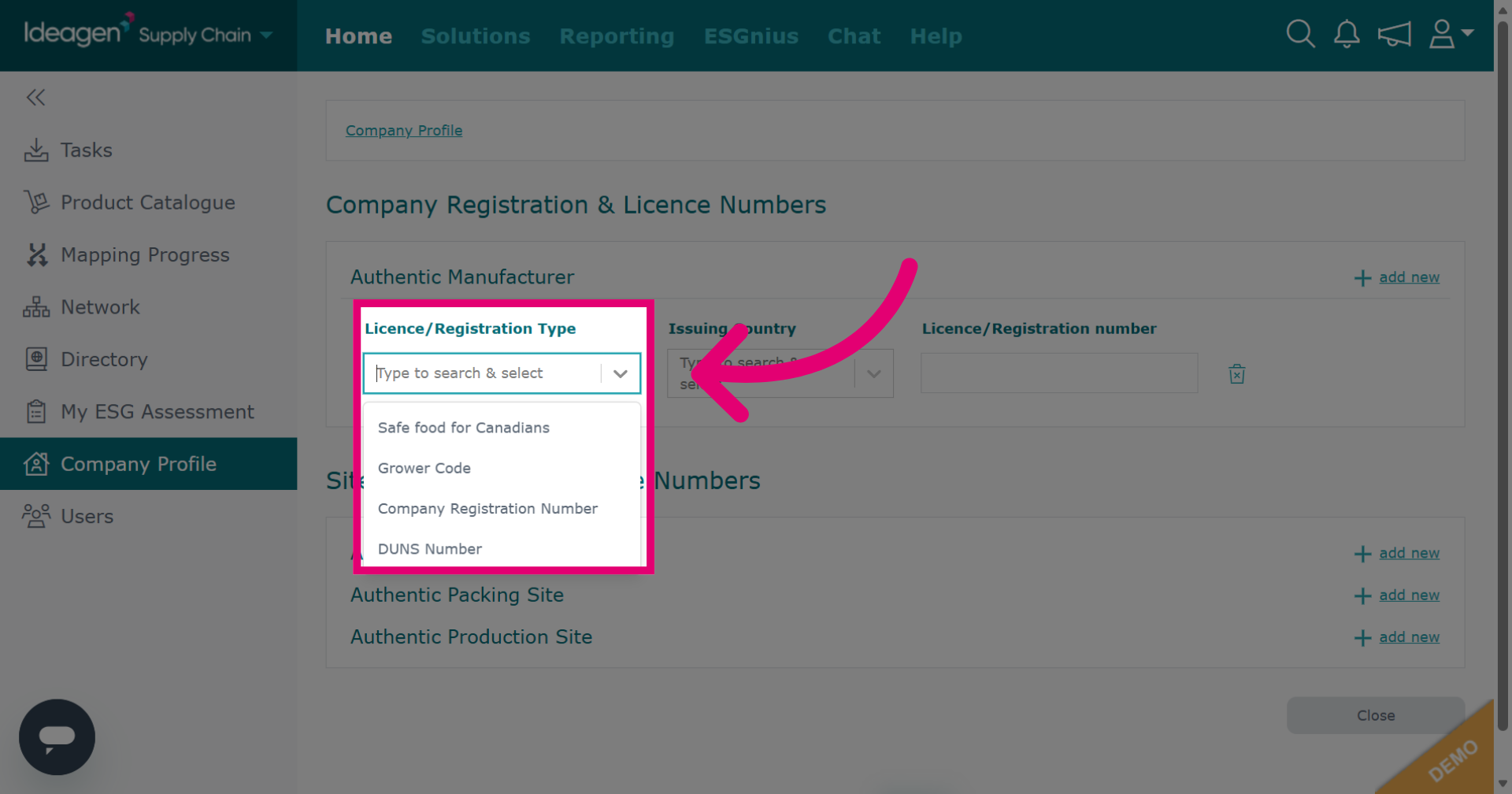
Click the dropdown menu to choose the type of license or registration you want to add at company level. If the license/registration you want to add is not there, please get in touch. However, before doing so please check if it is available at site level first.
-
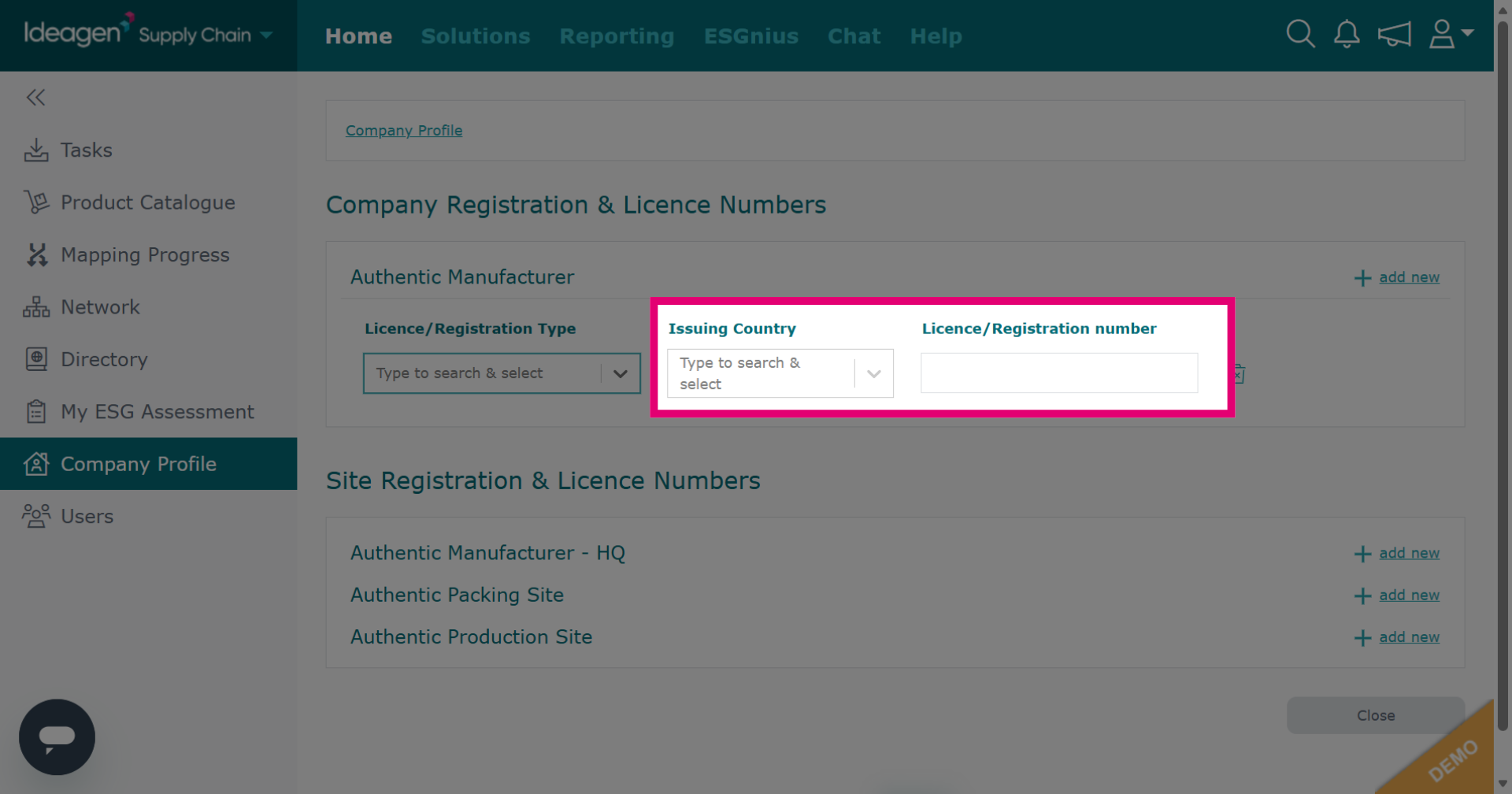
Input the required information in the detail fields. What information you will need to input in these boxes will depend on which option you pick from the drop down.
-
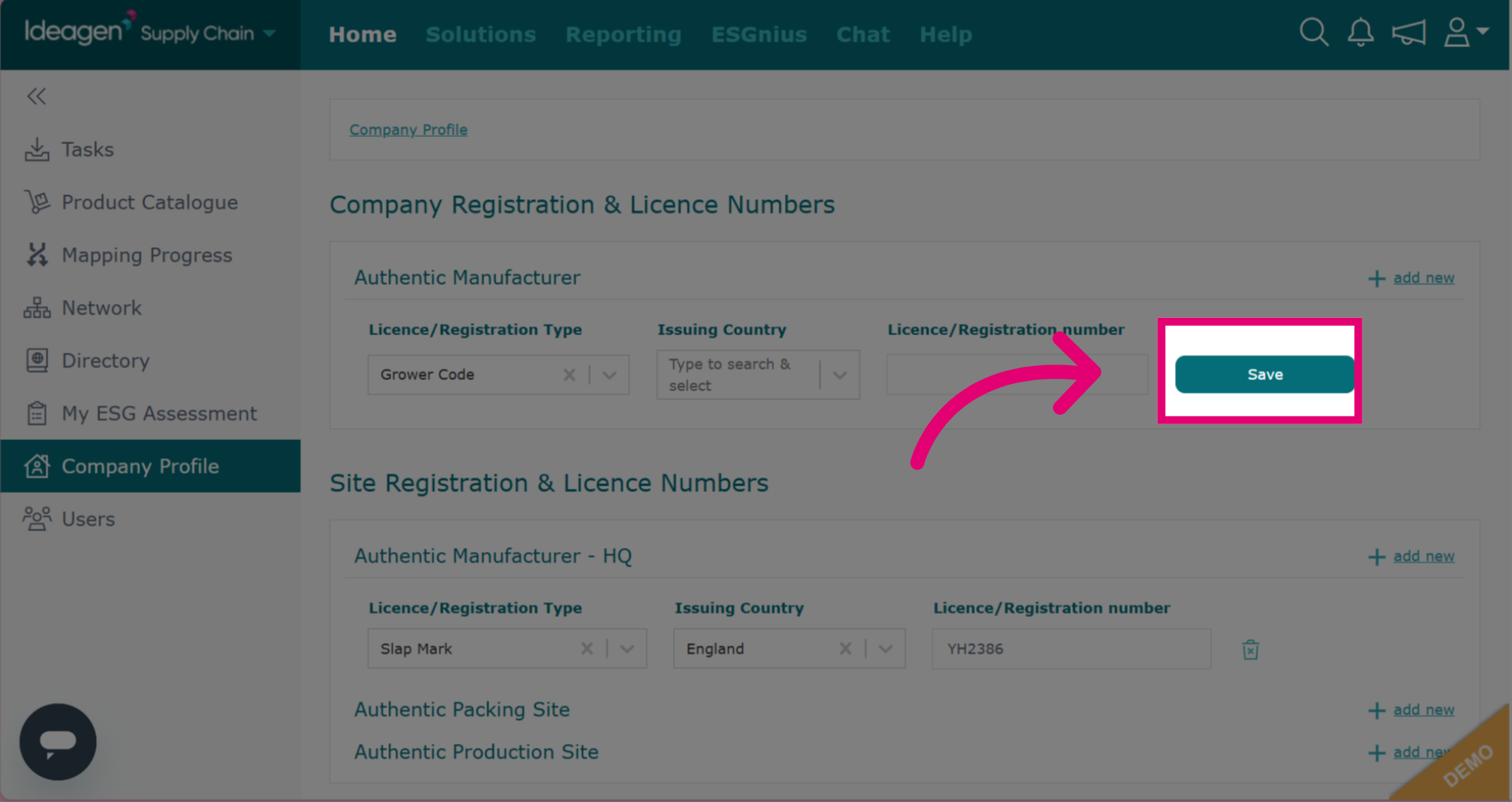
Click Save to store your input details.
-
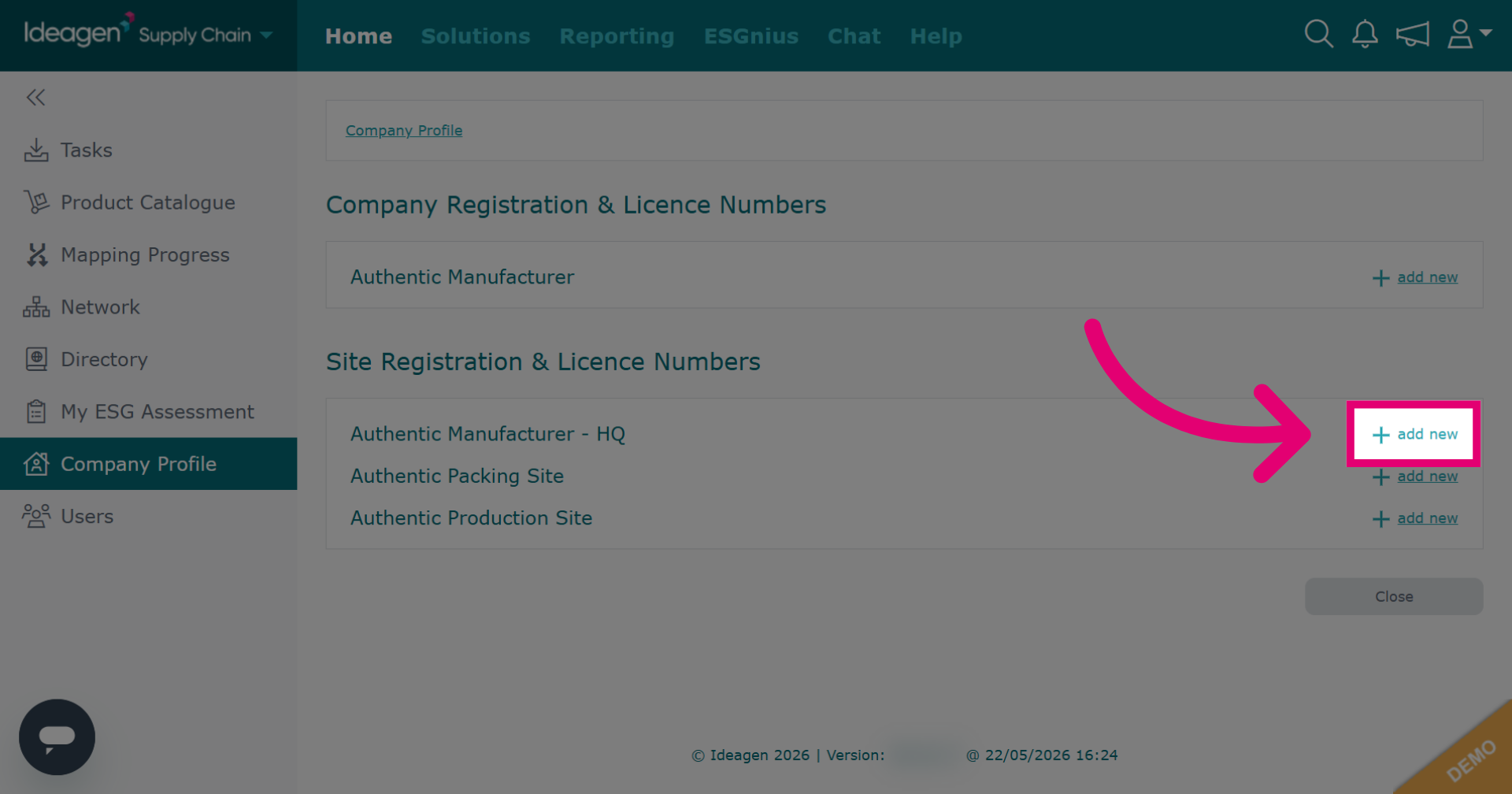
Click add new next to the relevant site to add an entry at site level.
-
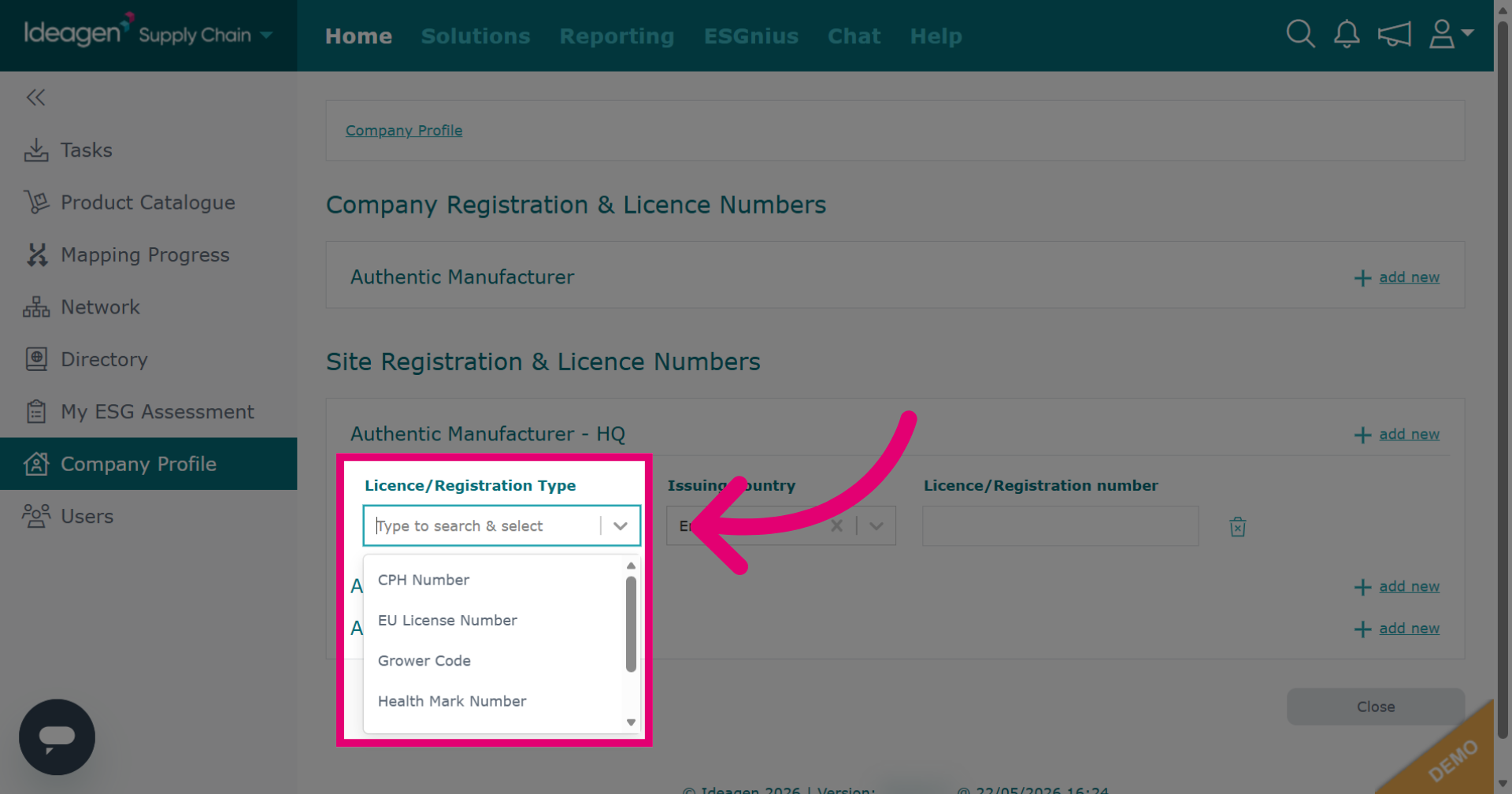
Click the dropdown menu to view site-level options. The available options differ at site level. If the license/registration you want to add is not there, please get in touch. However, before doing so please check if it is available at company level first.
-
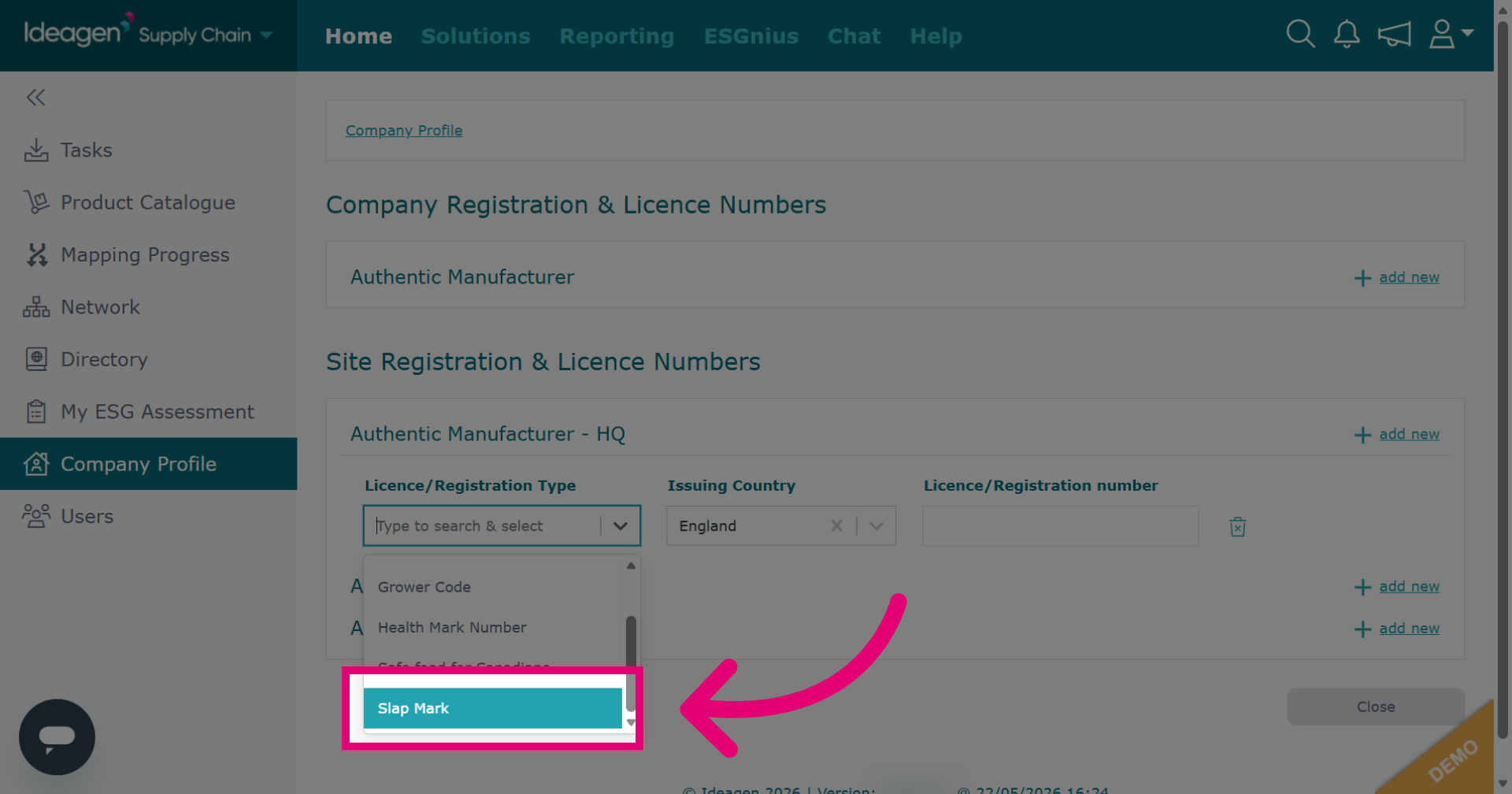
Select the relevant registration/license option from the dropdown.
-
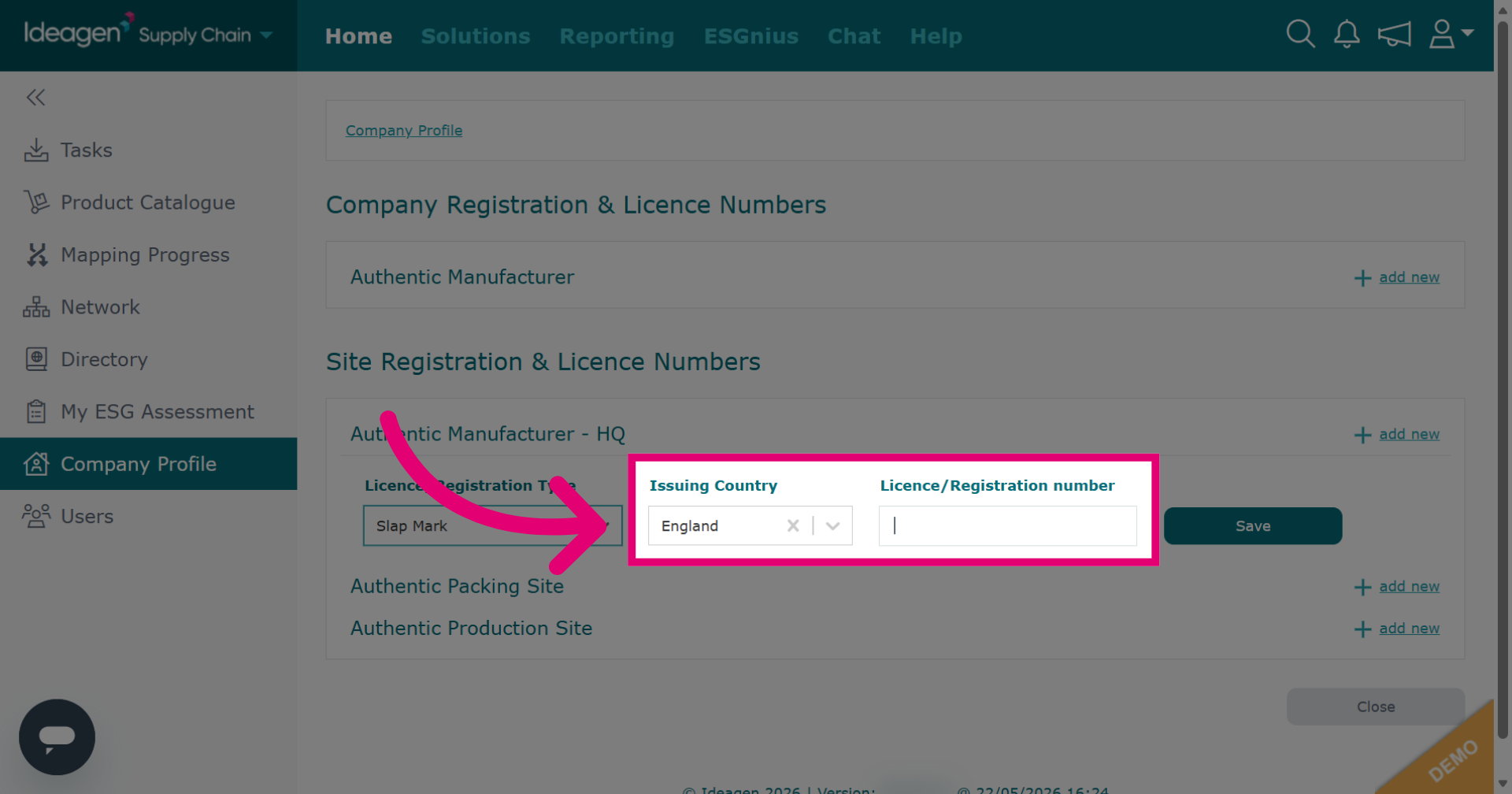
Input the required information in the detail fields. What information you will need to input in these boxes will depend on which option you pick from the drop down.
-
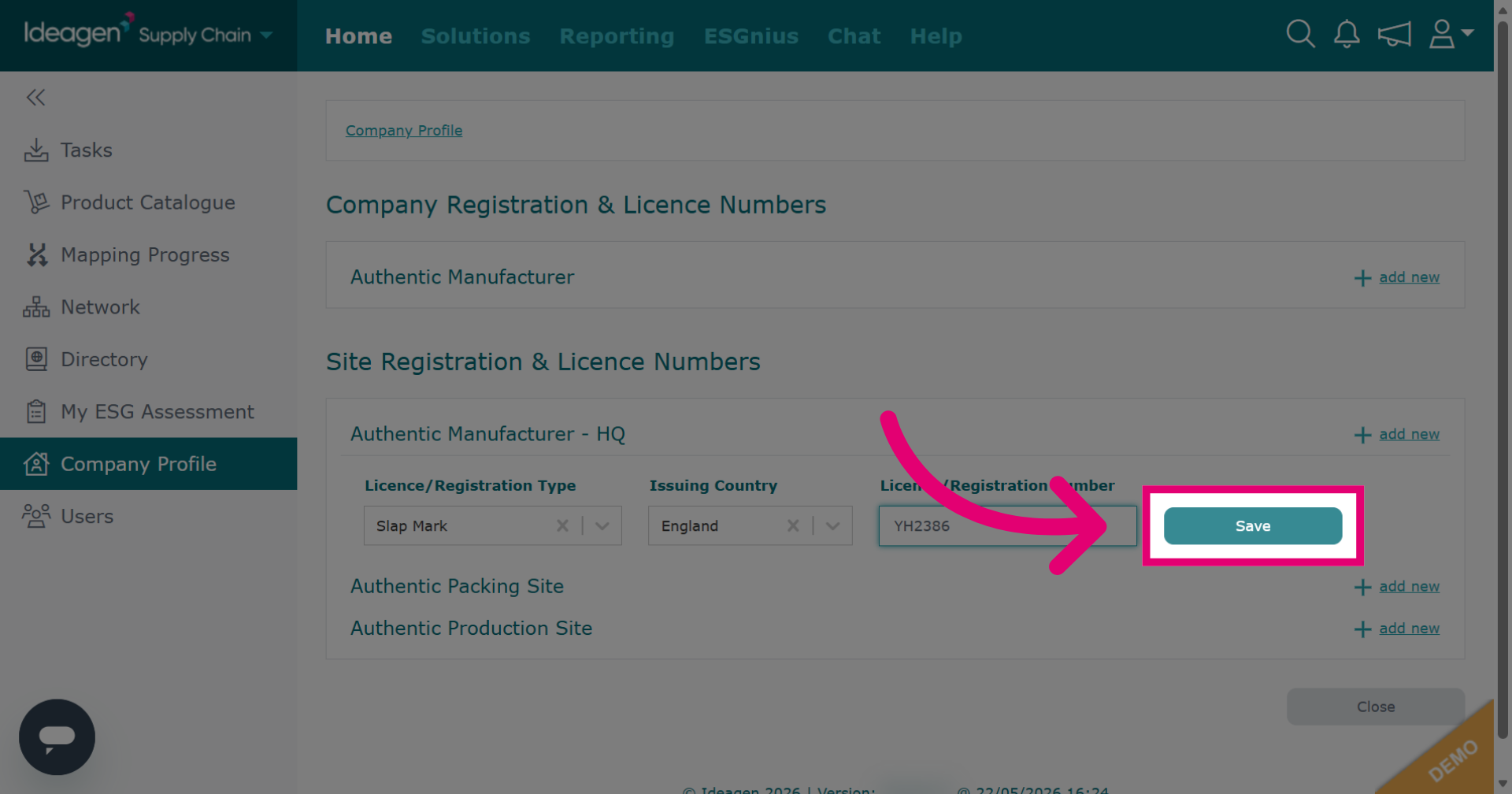
Click Save to store the license and registration information you have entered.
-
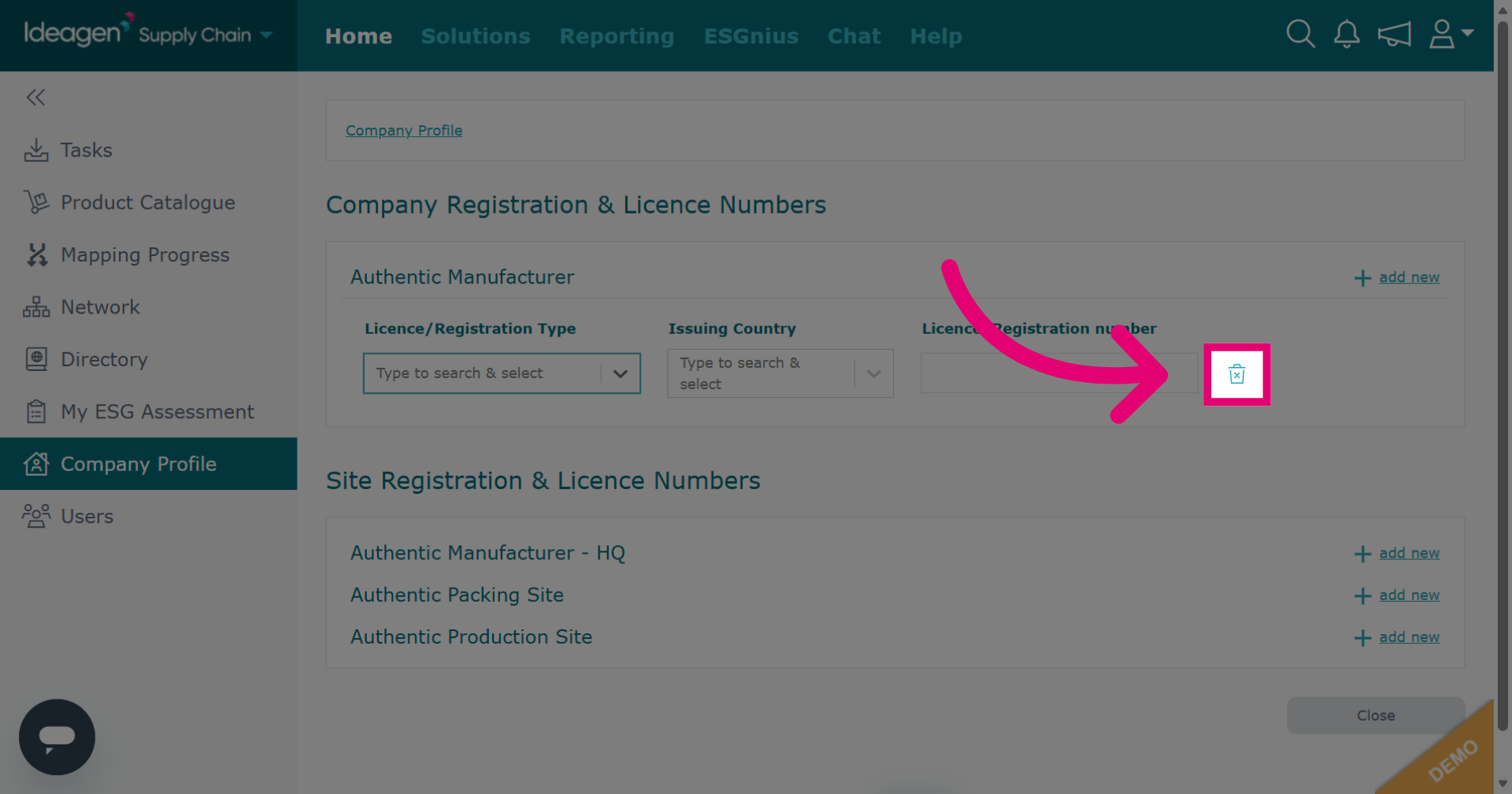
Click the bin icon next to an entry you wish to delete.
-
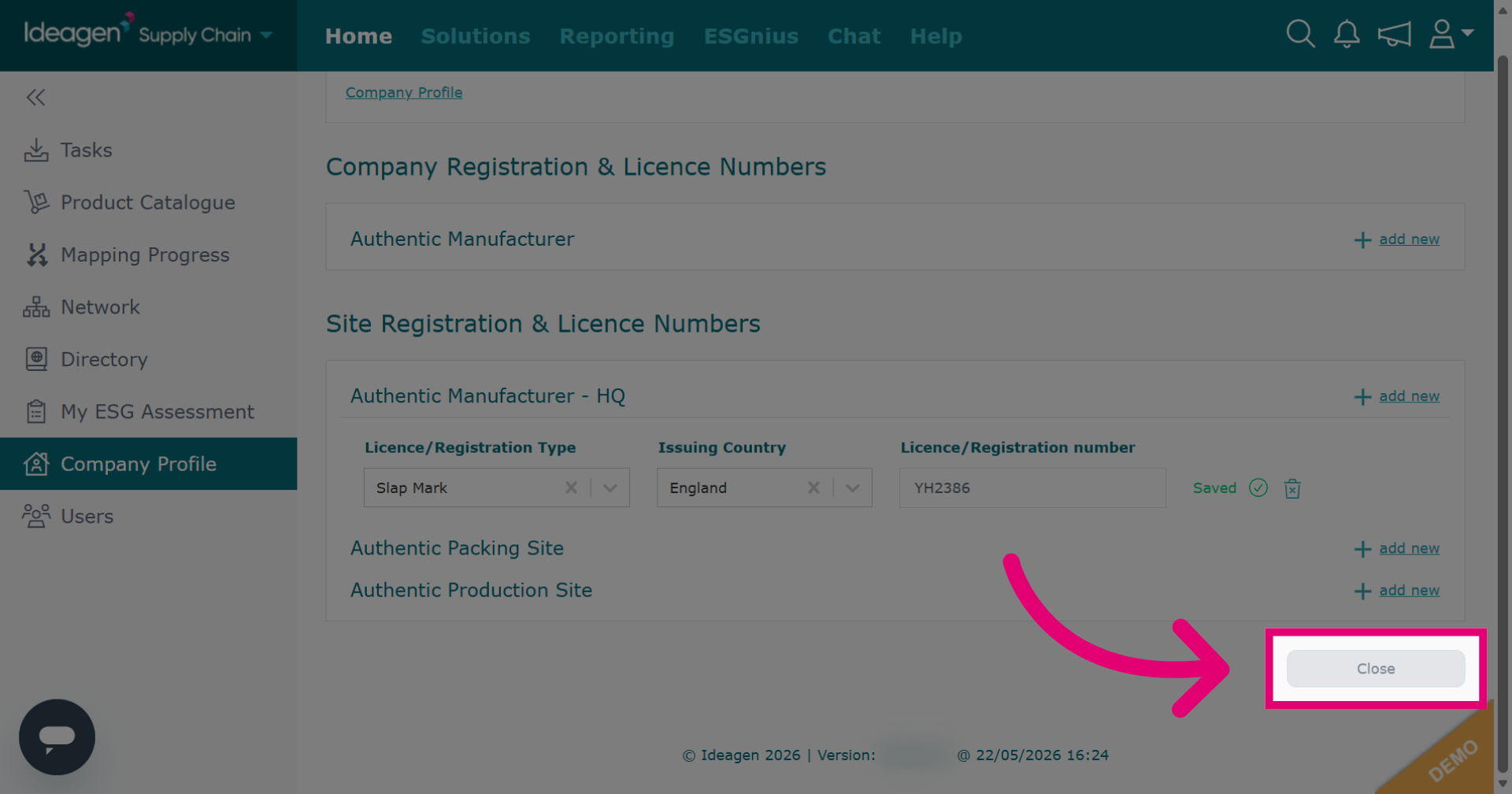
Click Close to exit the license and registration details window after saving.