New article
Recently updated
Adding license and registration details

Who is this article for?
Users who want to add license and registration details on their company profile.
Platform admin permissions are required.
In this article, you will learn how to add license and registration details from your company profile.
This guide covers both company-level and site-level license and registration entries.
Adding license and registration details
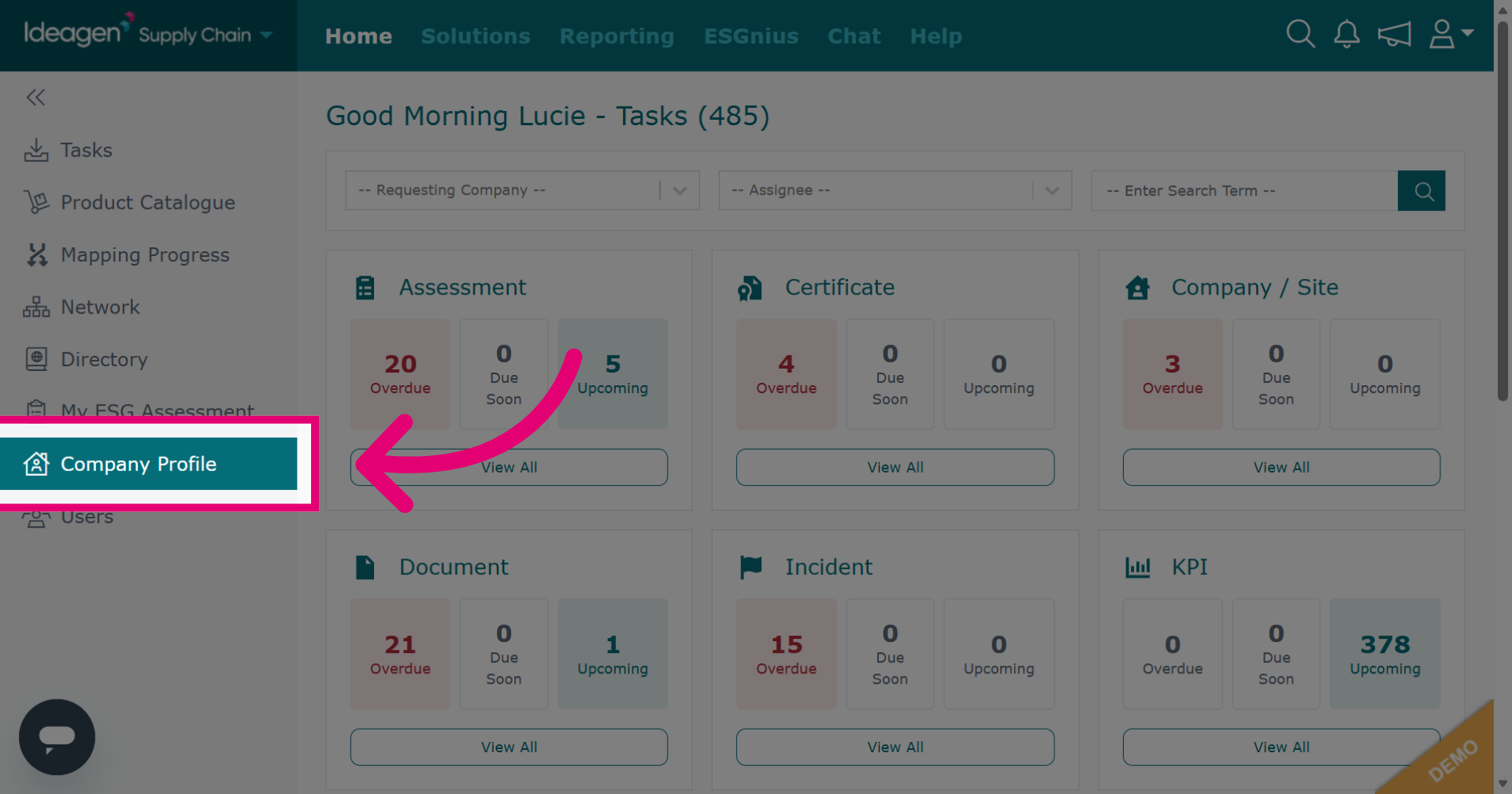
Click Company Profile to access your company settings.
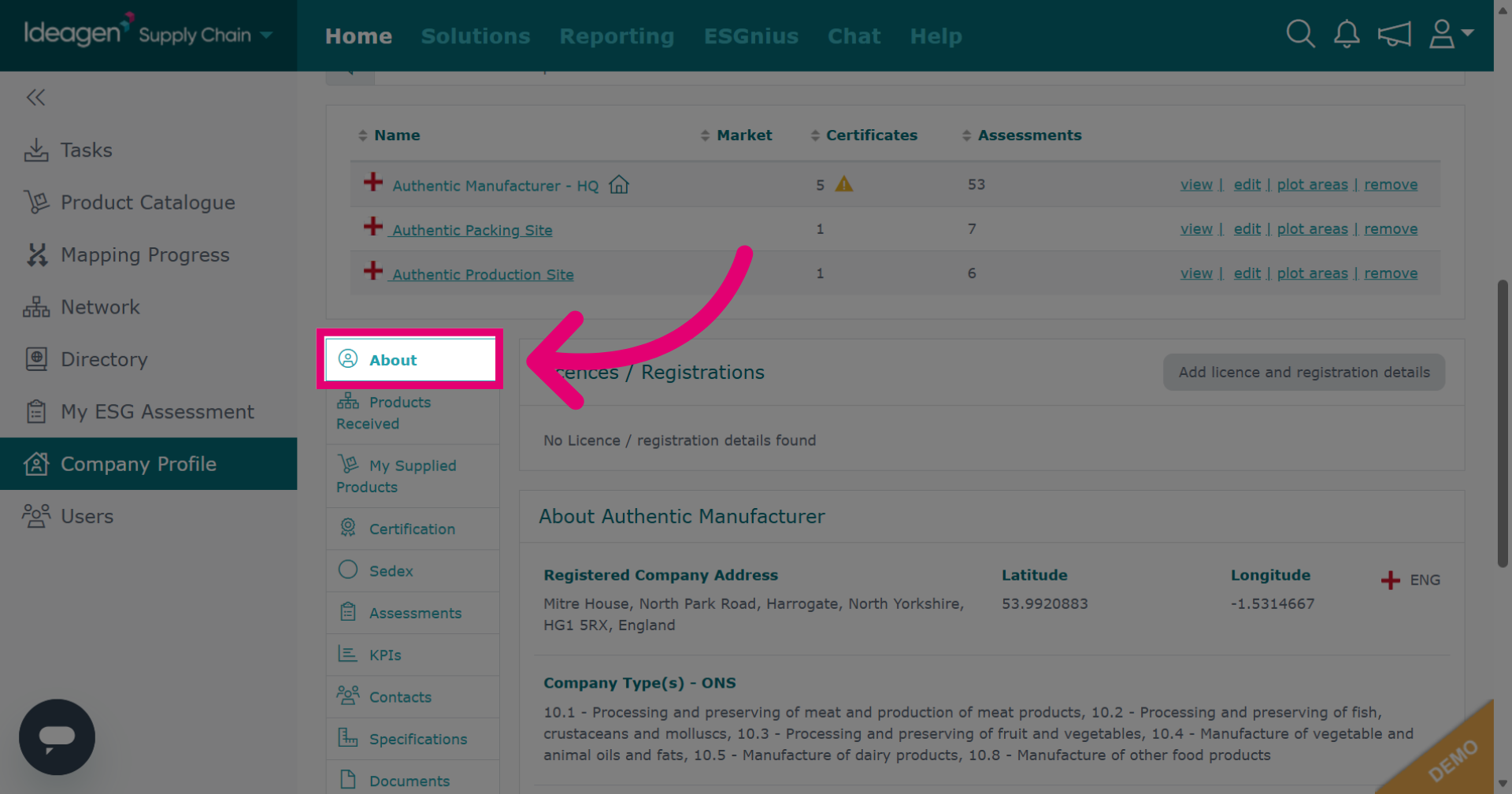
Select the About tab to view company information.
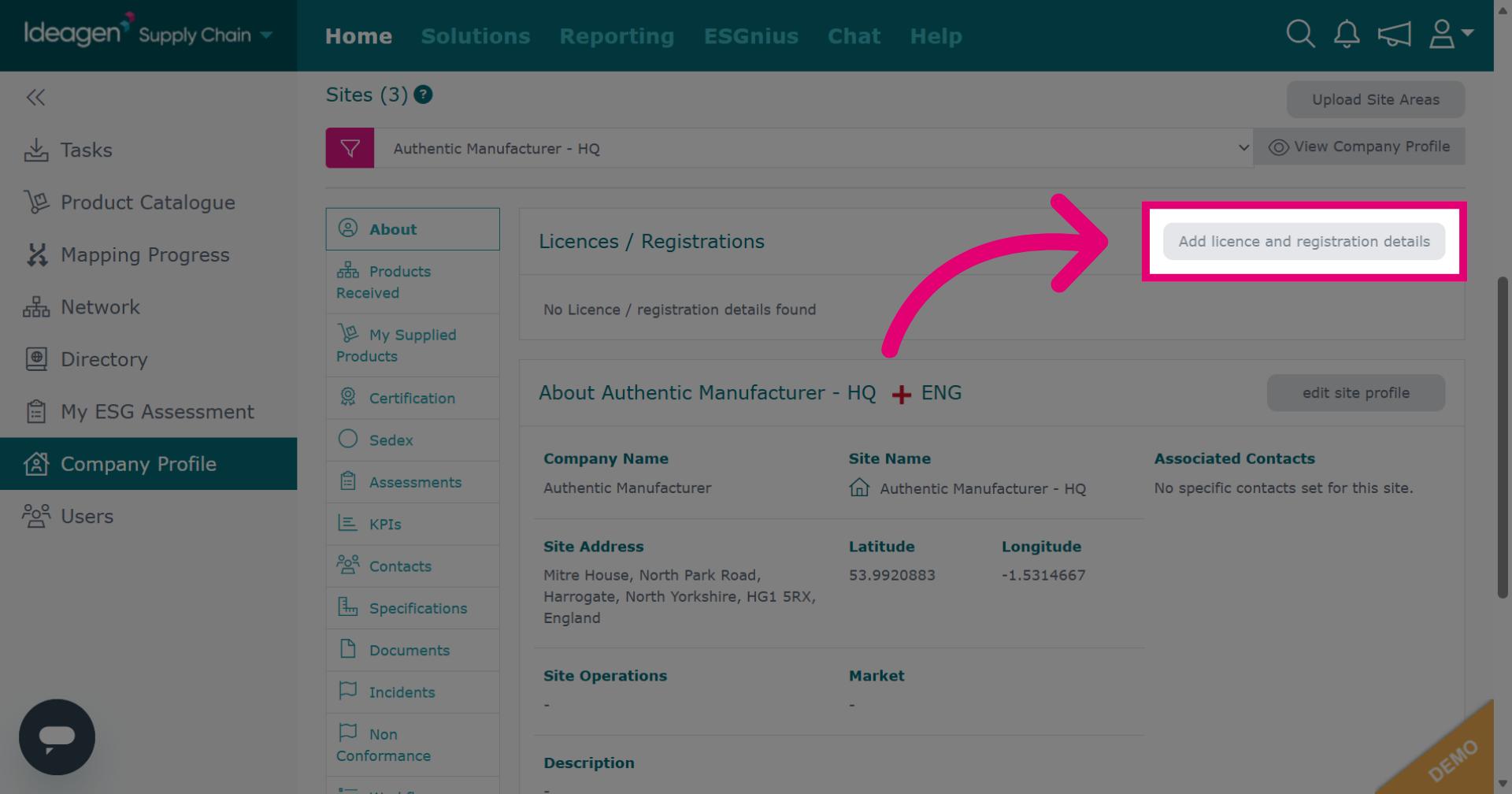
Click Add licence and registration details to begin entering information.
Click add new to start adding a new license or registration record.
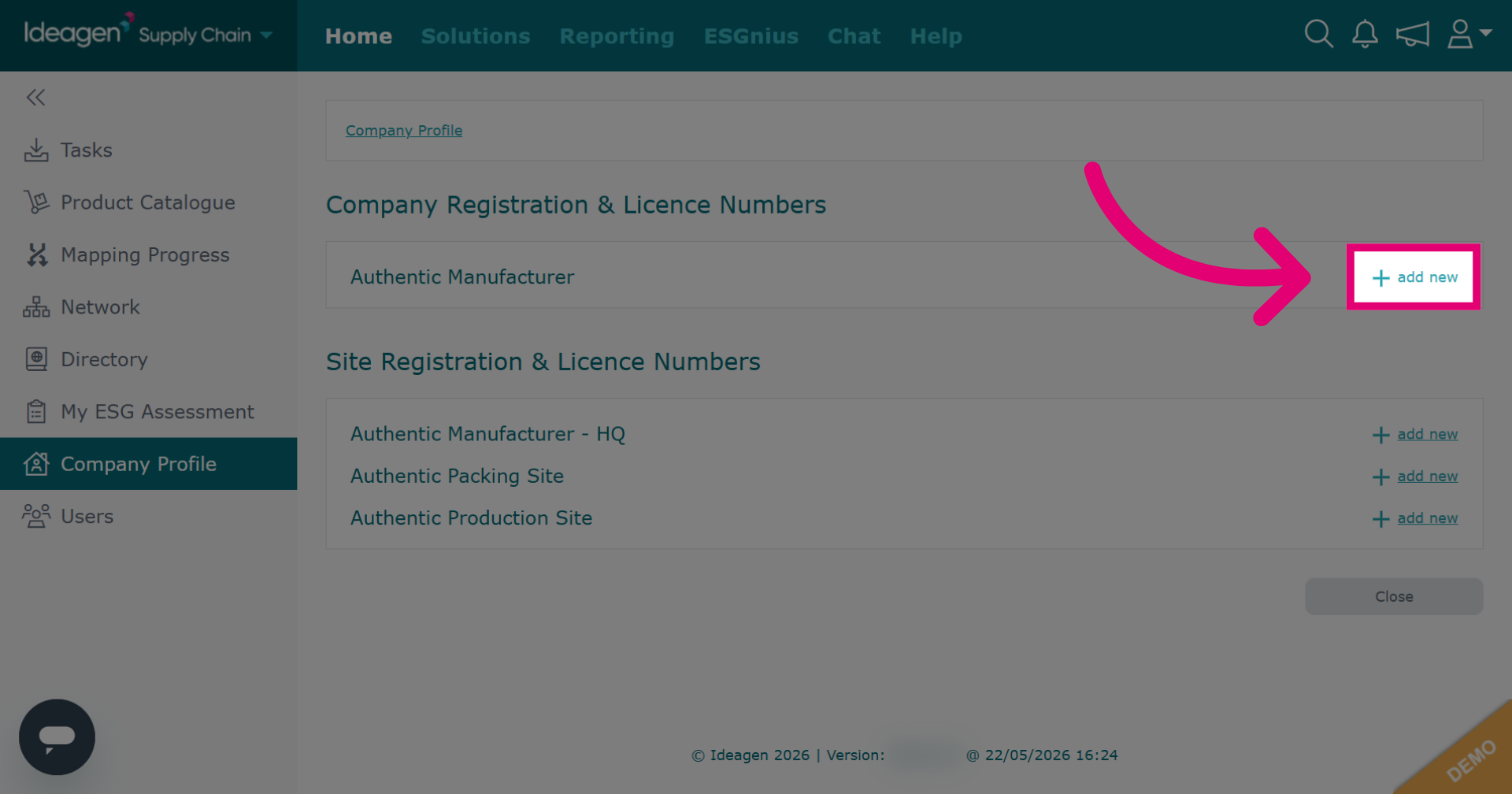
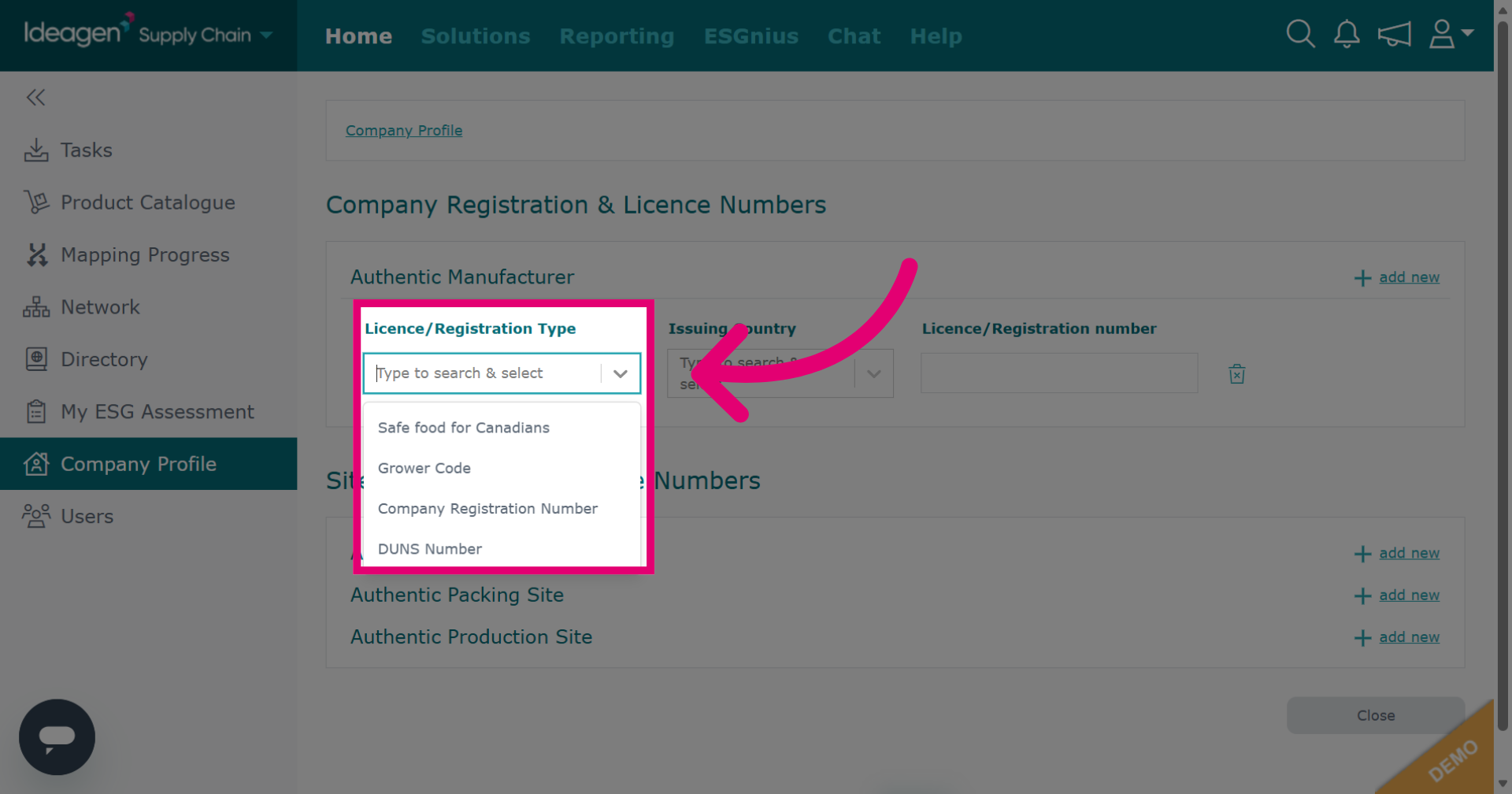
Select the license or registration to add at company level. If it's not listed, please contact us. Please ensure to check site level availability first.
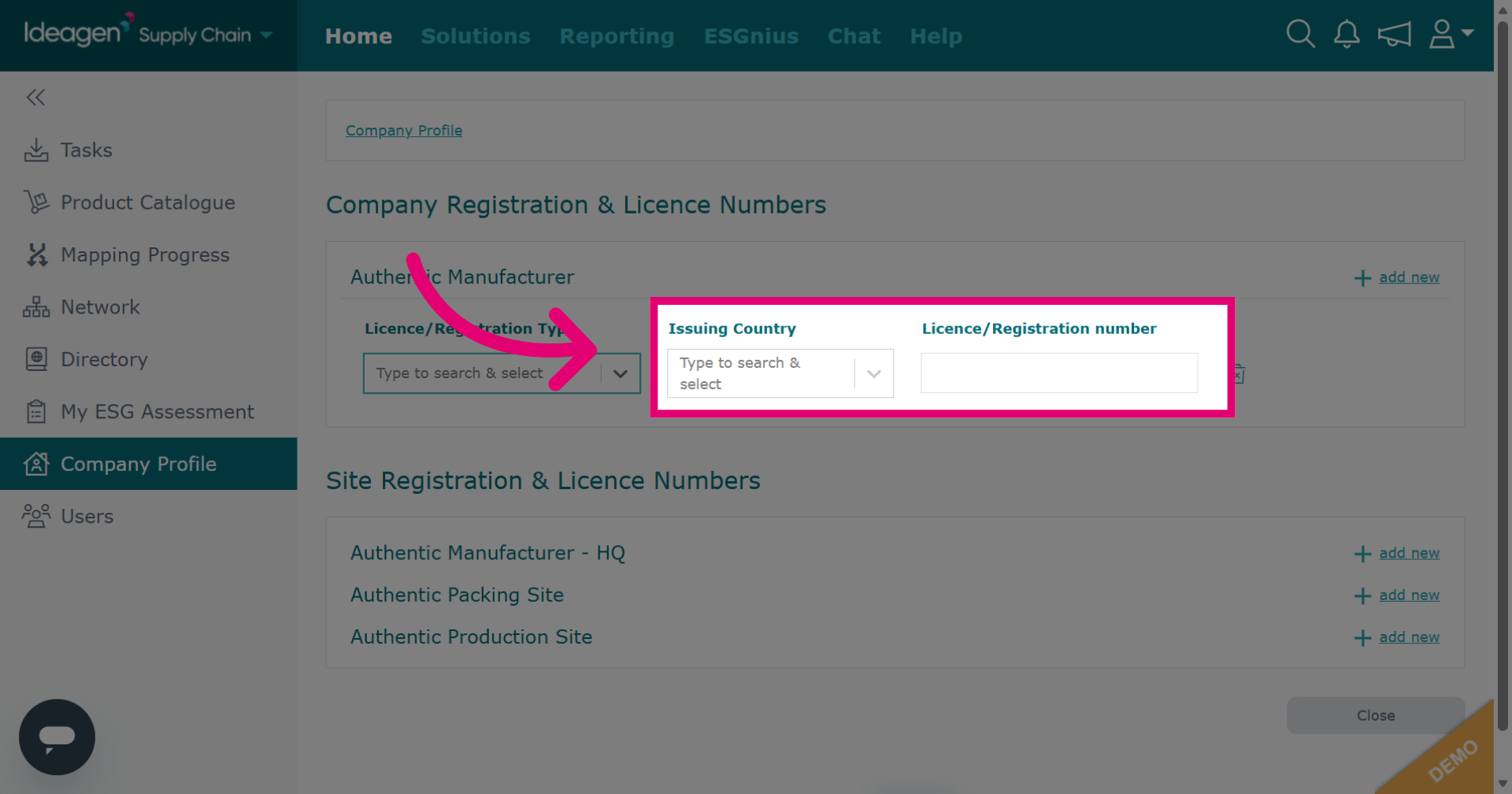
Input details in the drop down. The information needed depends on the option you select.
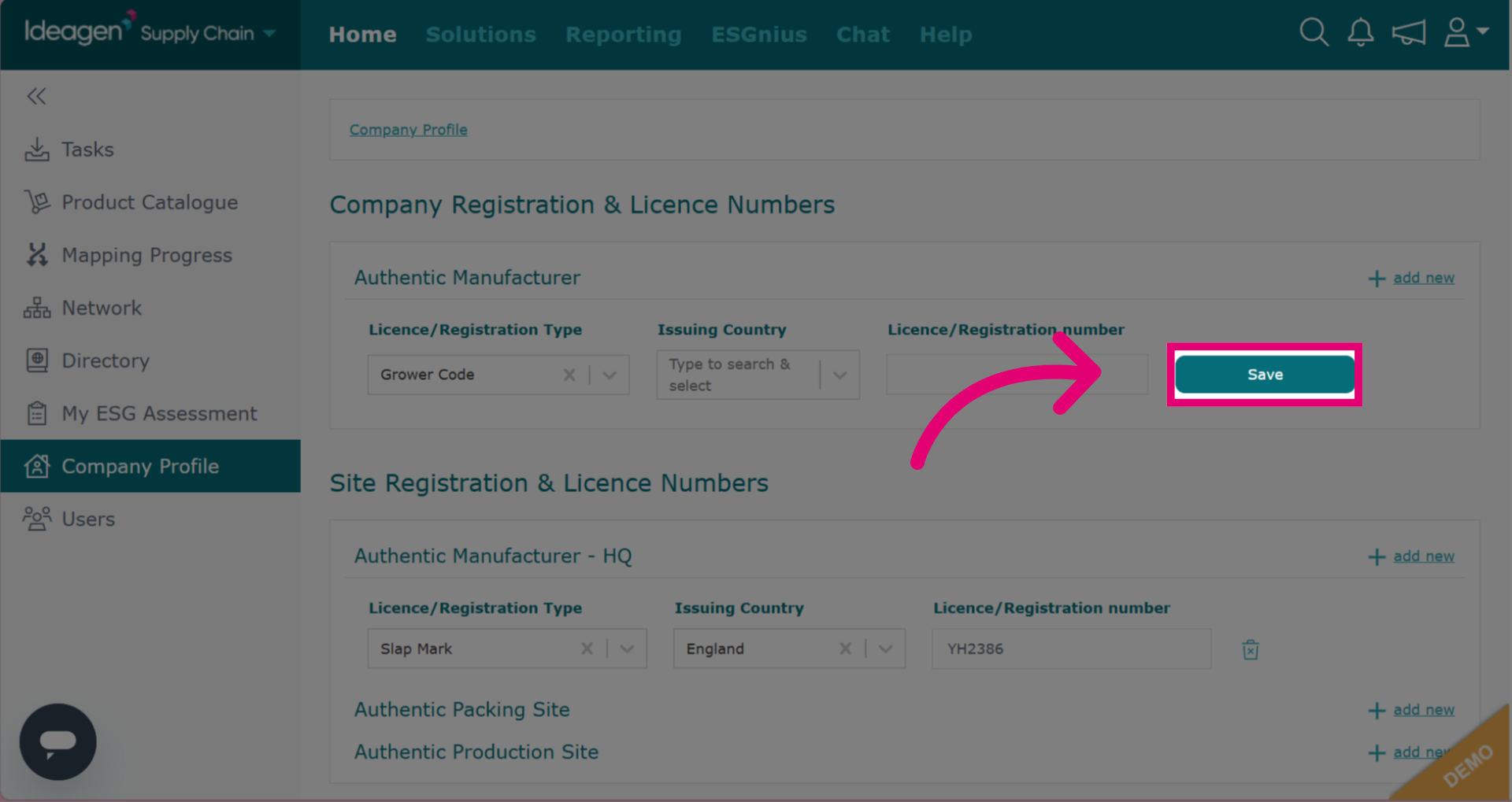
Save your input details.
Click add new next to the relevant site to add an entry at site level.
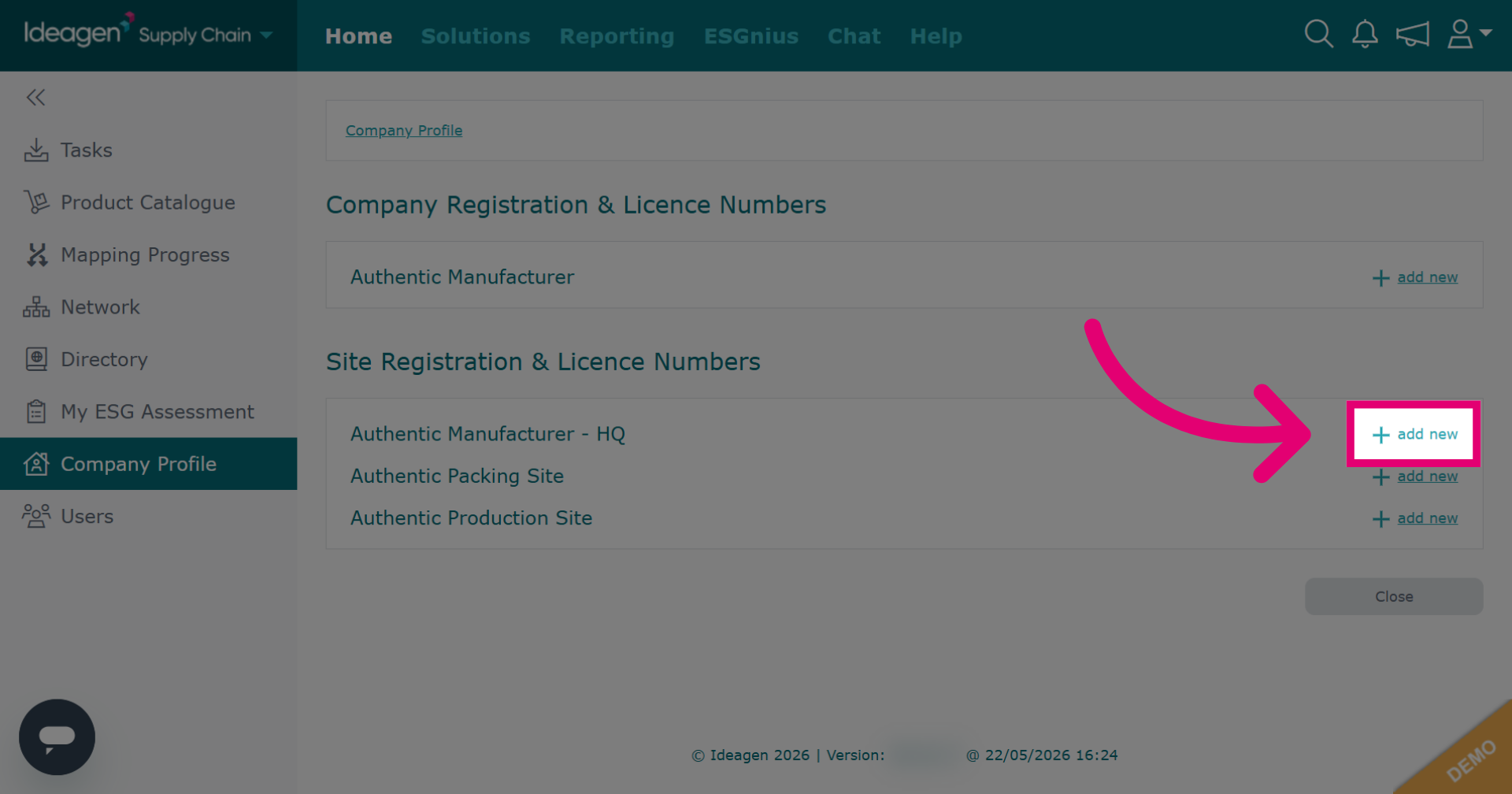
Select the license option for site level. Options differ by site. If the desired license/registration isn't listed, contact us. First, check if it's available at the company level.
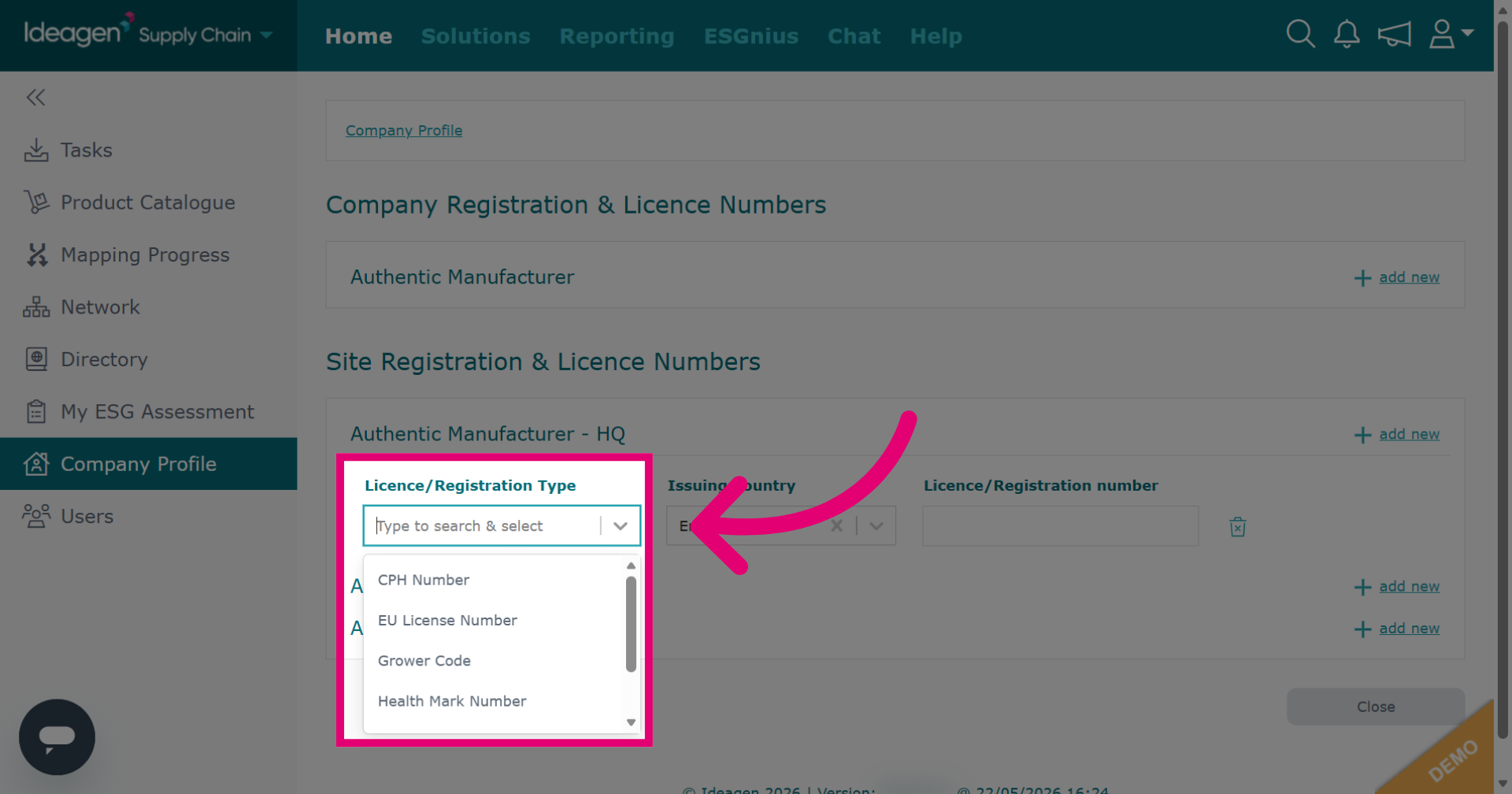
Select the relevant registration/license option from the dropdown.
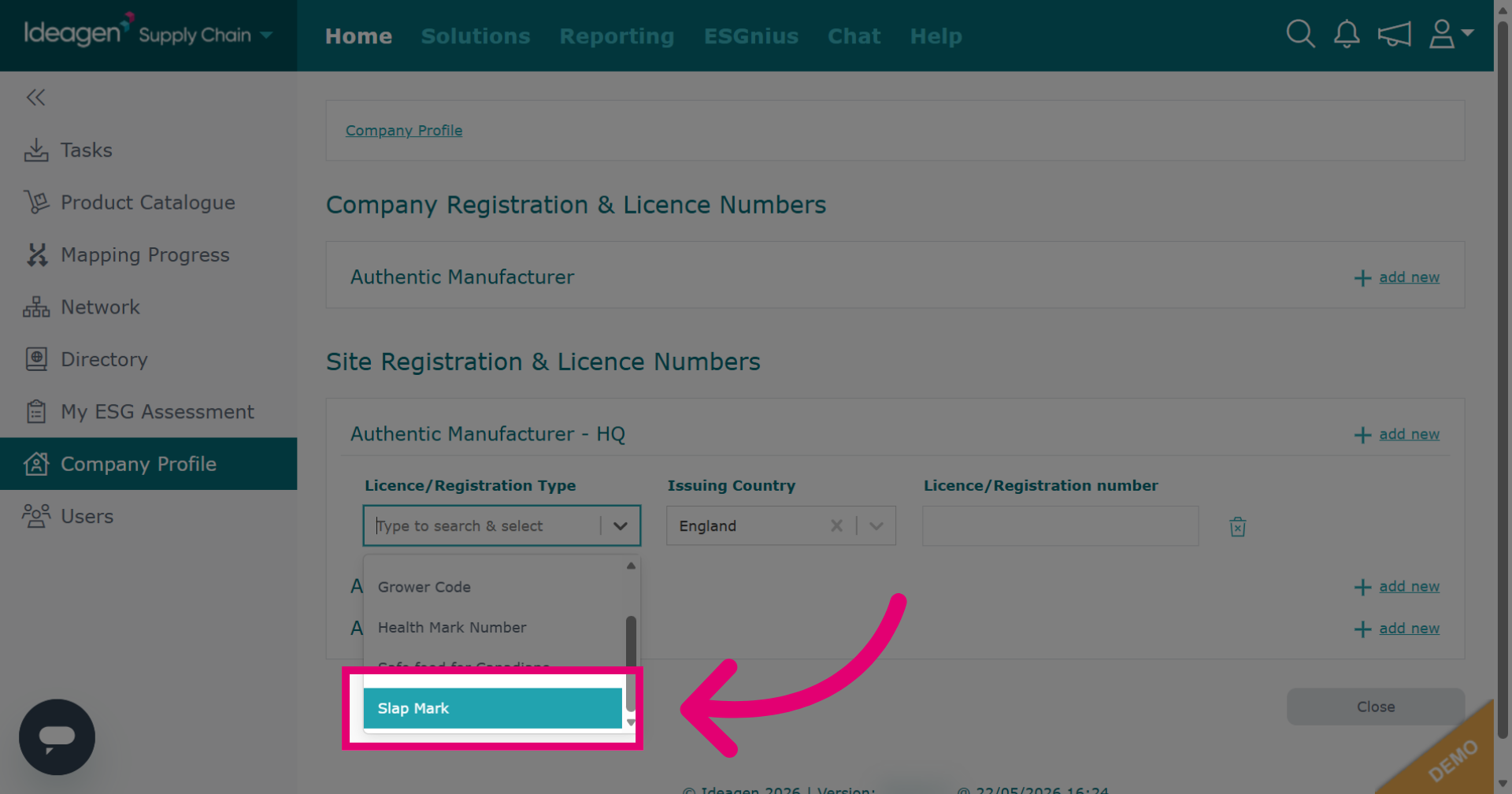
Input relevant details. Information needed depends on the option you pick from the drop-down.
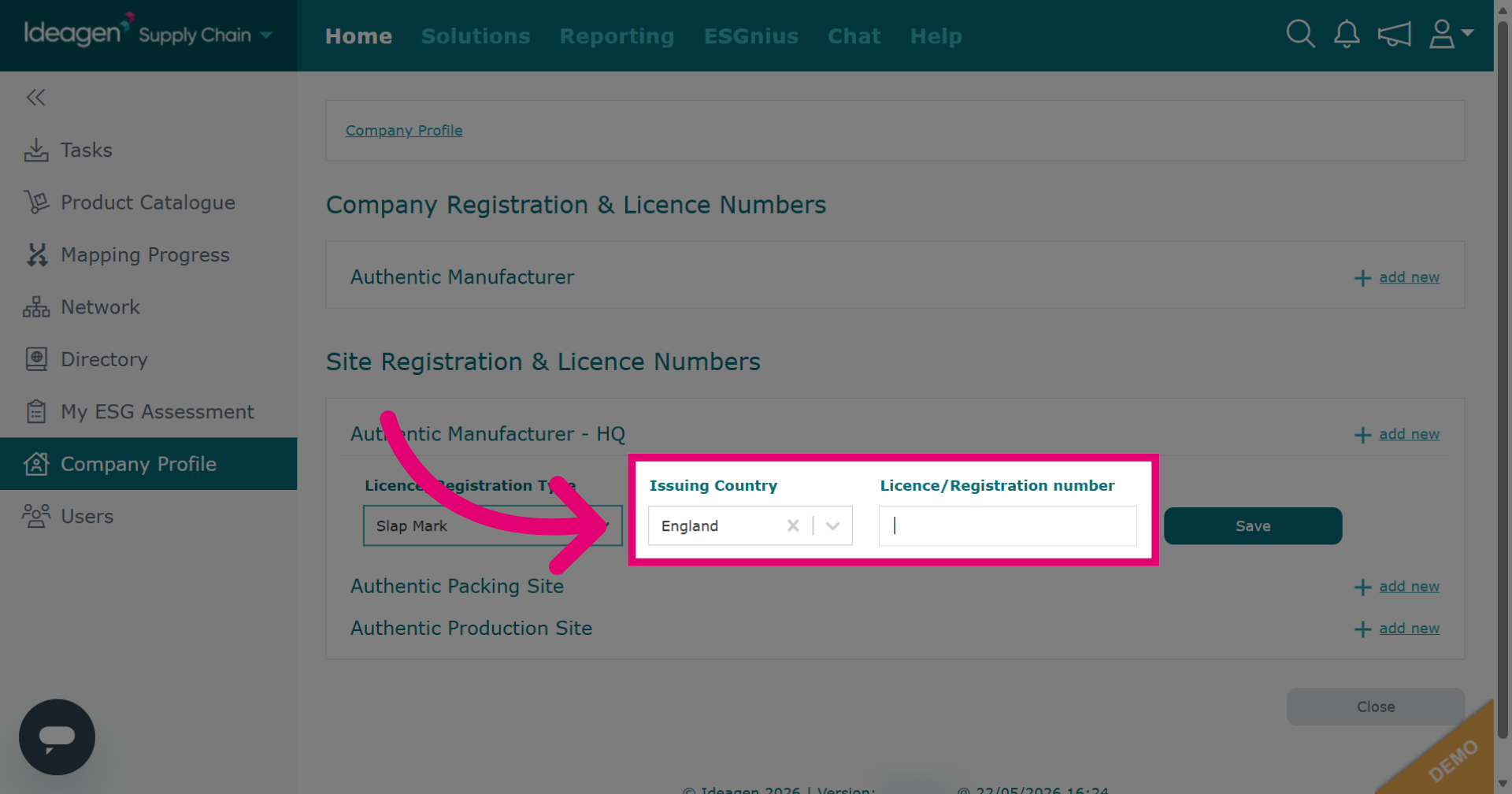
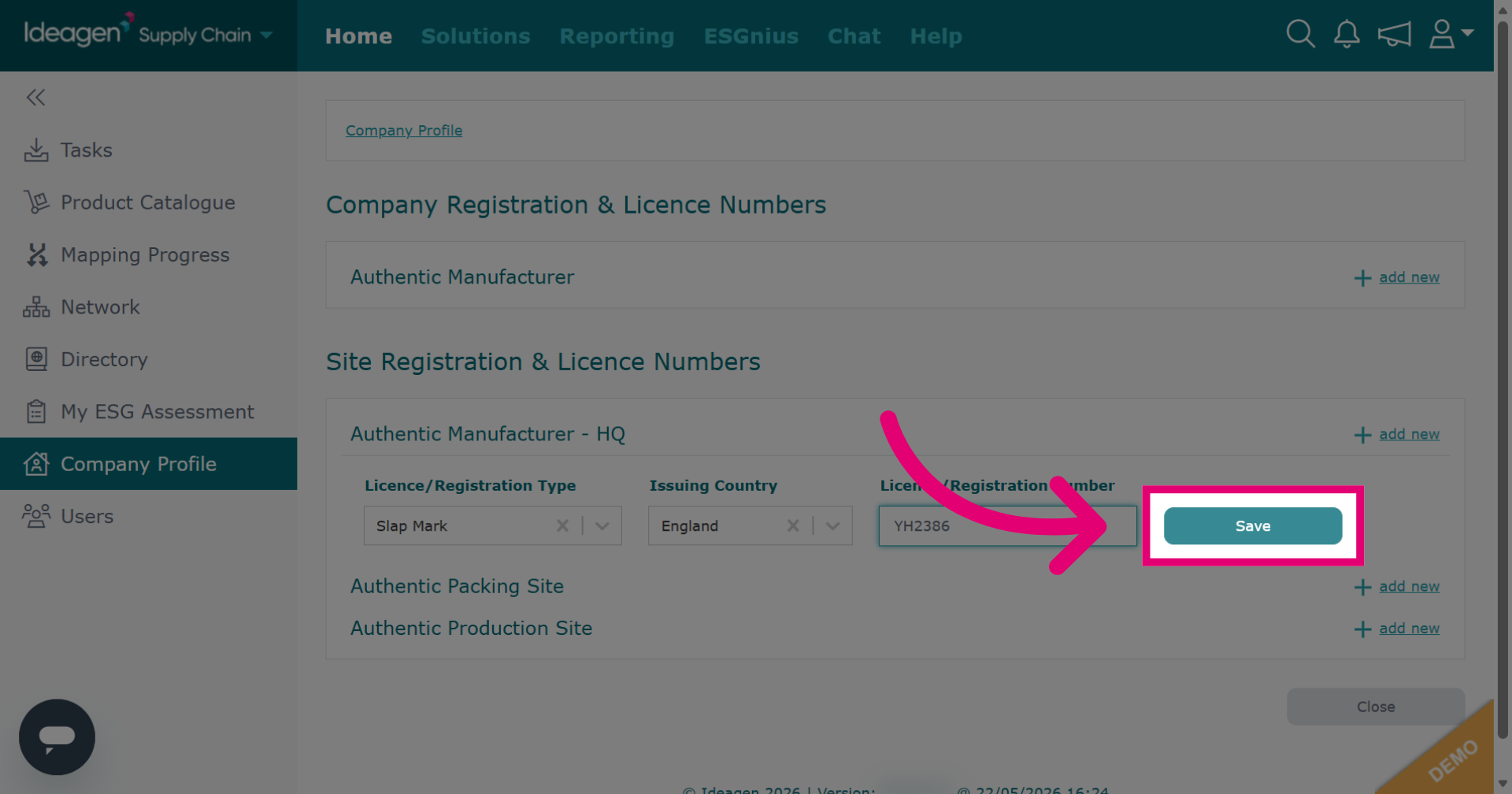
Click Save to store the license and registration information you have entered.
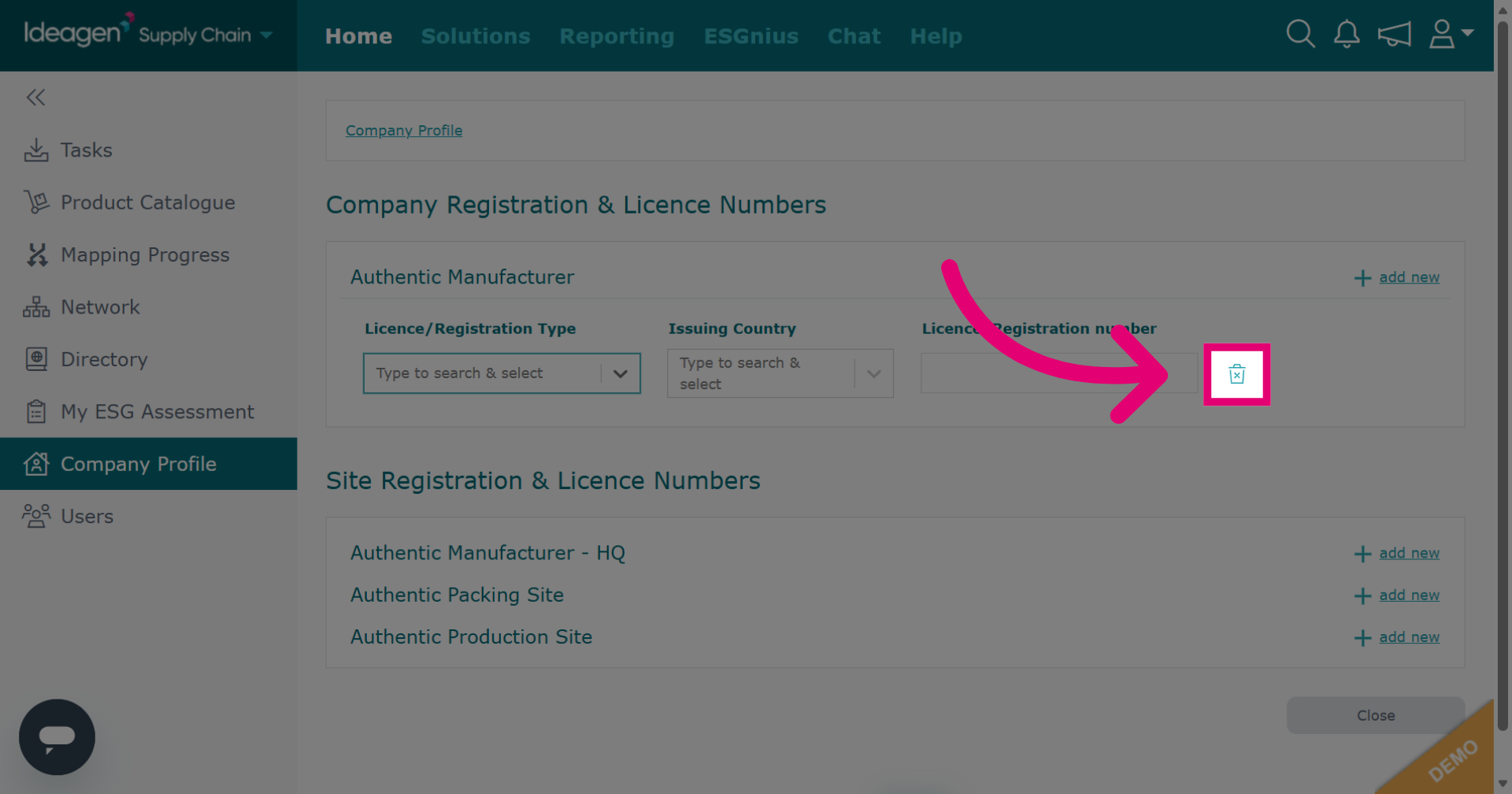
Click the bin icon to delete an entry.
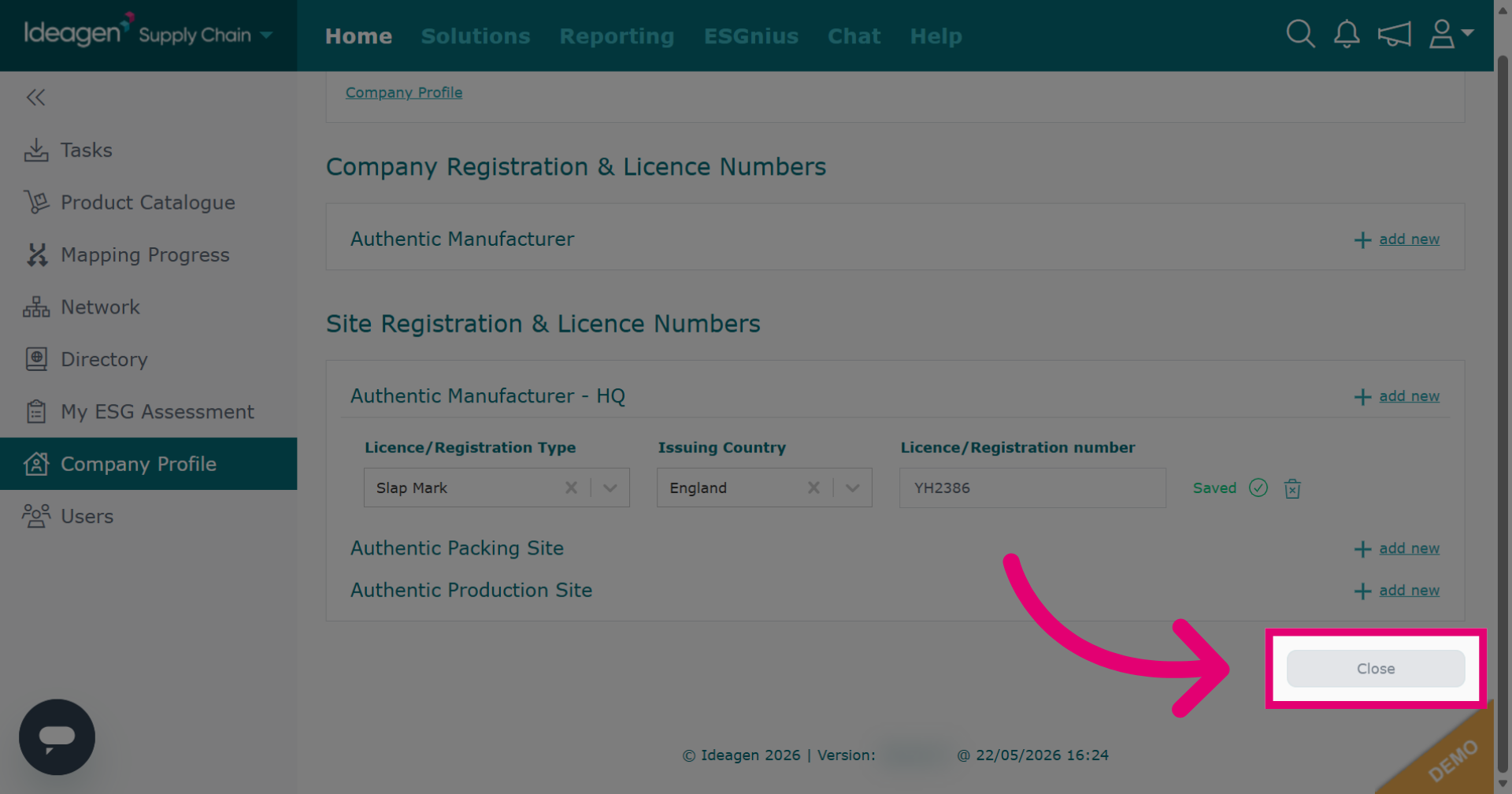
Click Close to exit the details window after saving.