New article
Recently updated
Generating Reports Based on Customers, Supplier Companies, and Supplier Sites - Reporting

Who is this article for?
Users who want to generate reports on customers and suppliers.
Supply chain user permissions are required.
This tutorial guides you through generating reports of your customers, supplier companies and supplier sites.
You will learn how to access and export detailed reports for network analysis and supplier management.
Generating customer and supplier reports
-
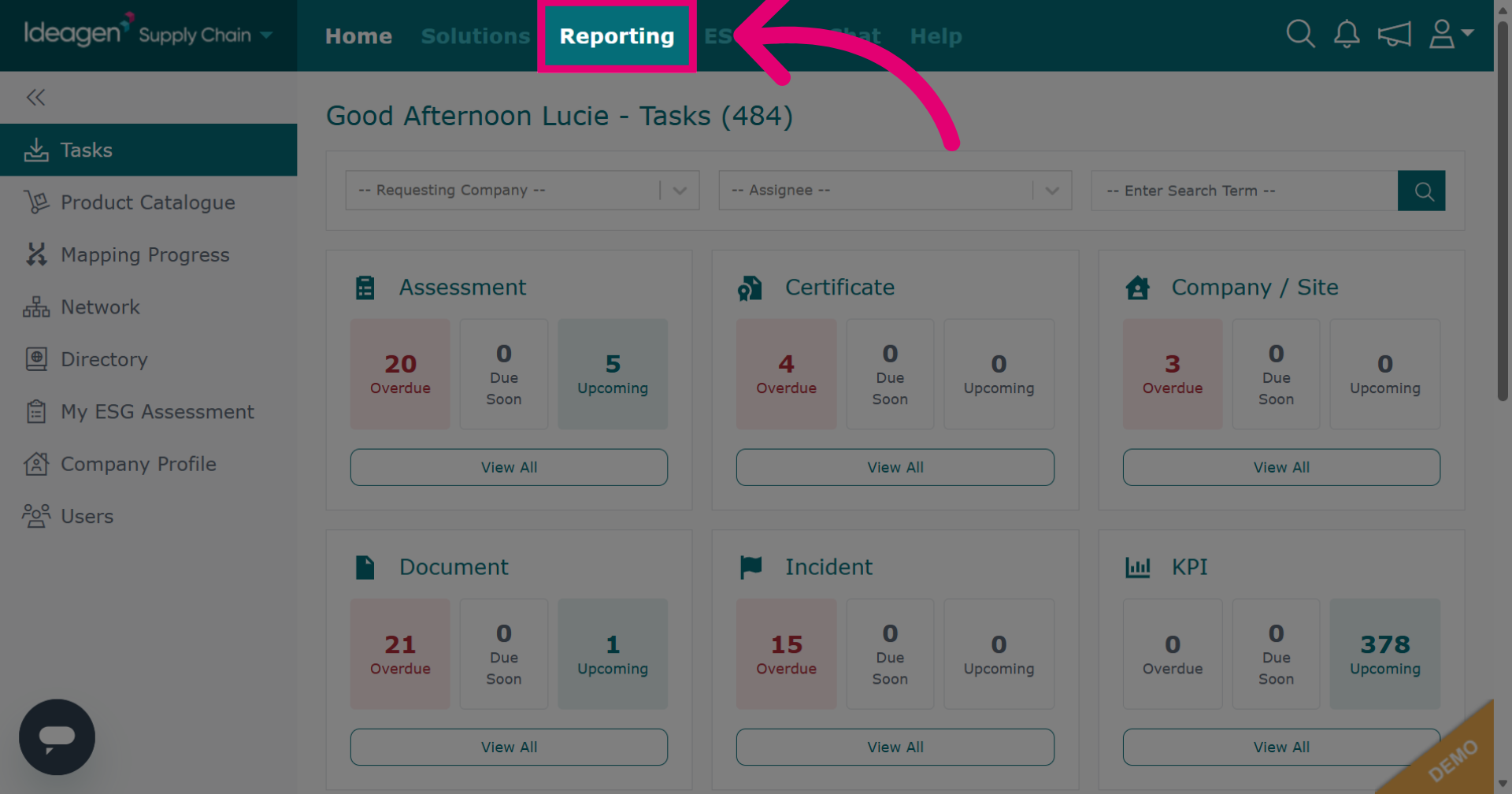
Click Reporting to open the reporting section within the Ideagen Supply Chain platform.
-
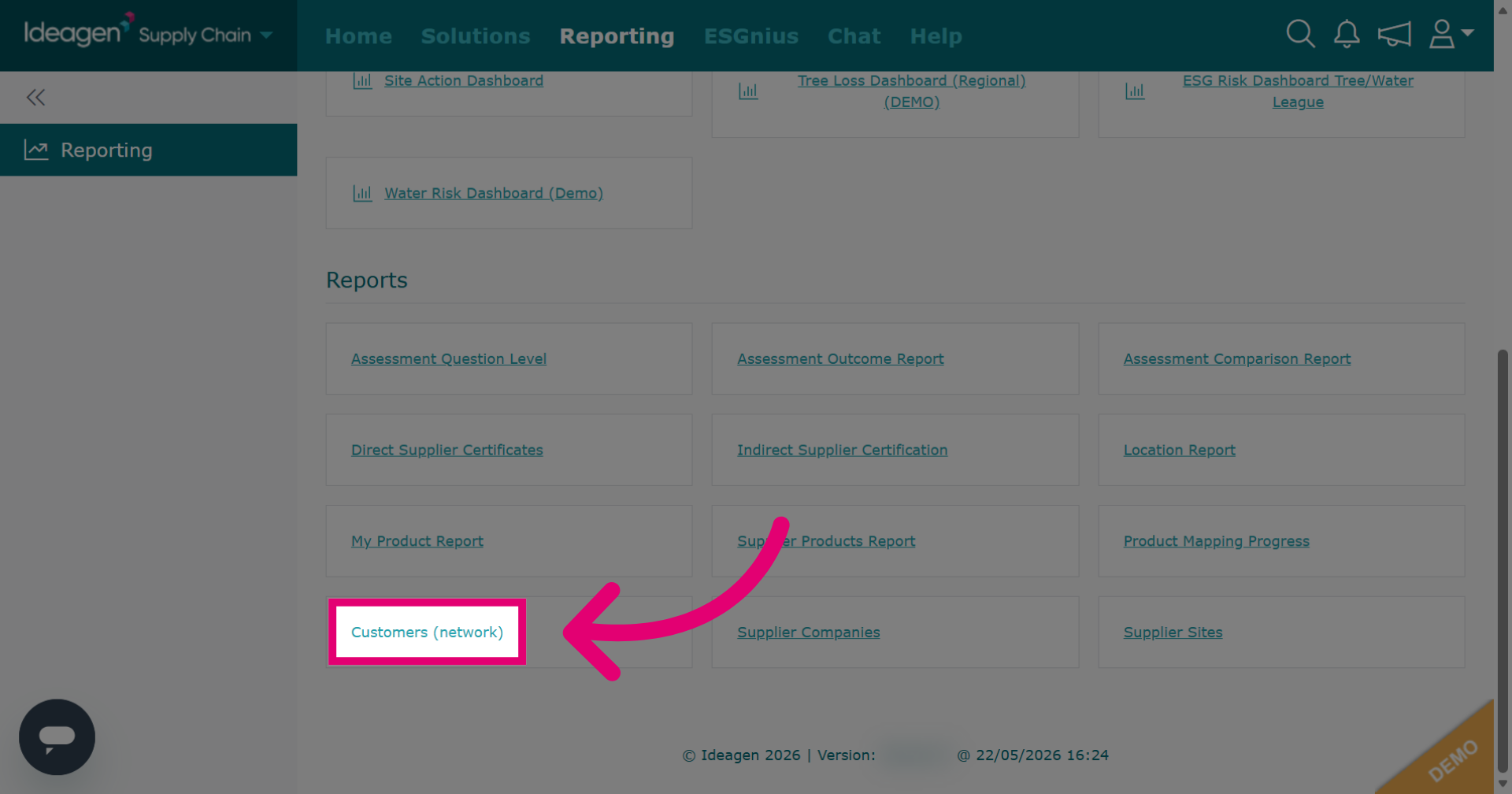
Click Customers (network) to generate a report of your customers. Included details are: Member status, Company Name, Address, Telephone, Number of Supplied products, Number of Pending products, Number of Rejected products, and Sedex number.
-
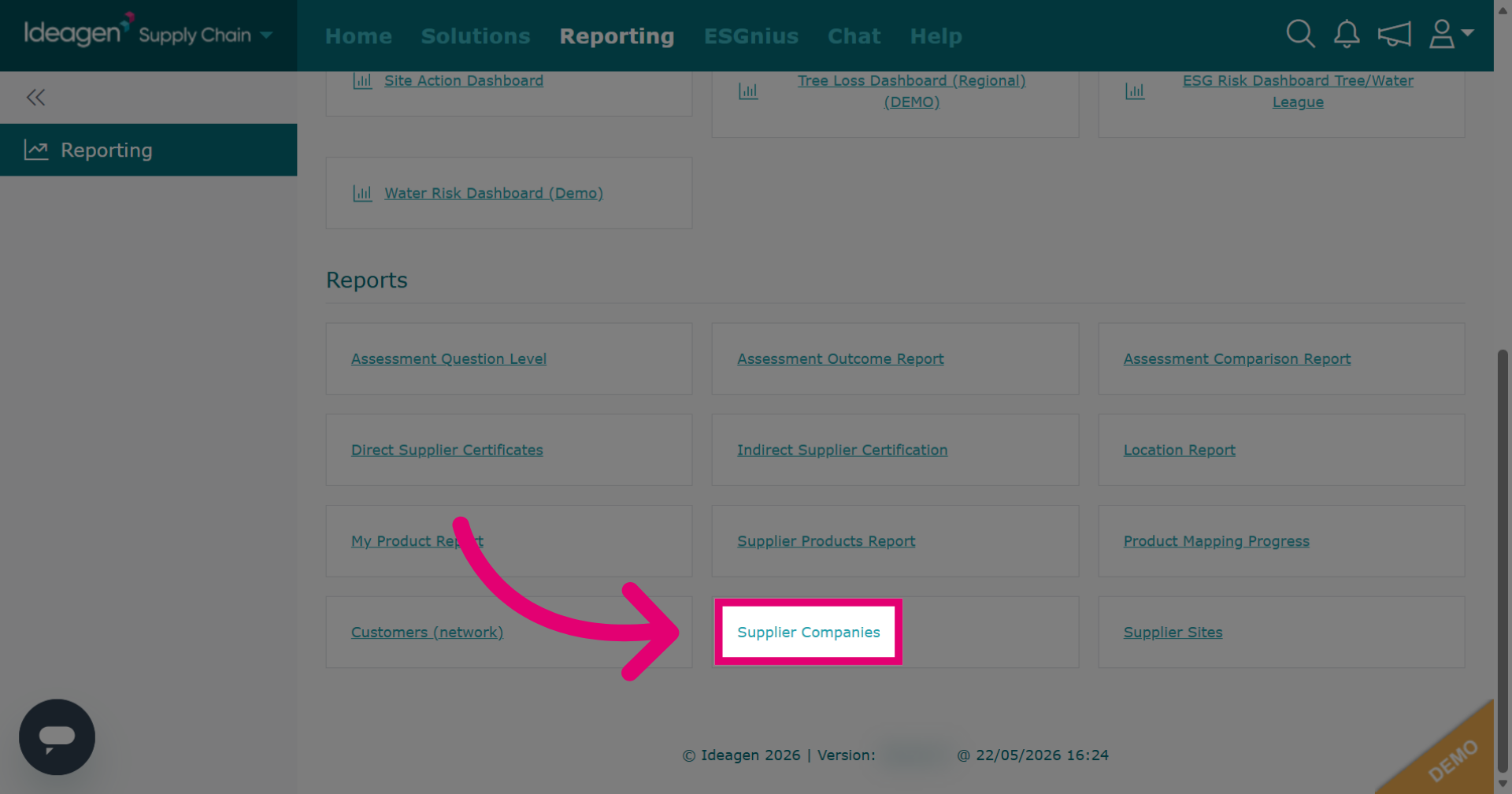
Click Supplier Companies to generate a report of your supplier's company details. Included details are: Member status, Company Name, Supplier Codes, Address, Latitude, Longitude, Tiers, Status, Status Comment, Risk, Risk Comment, Functions / Classifications, and Spend.
-
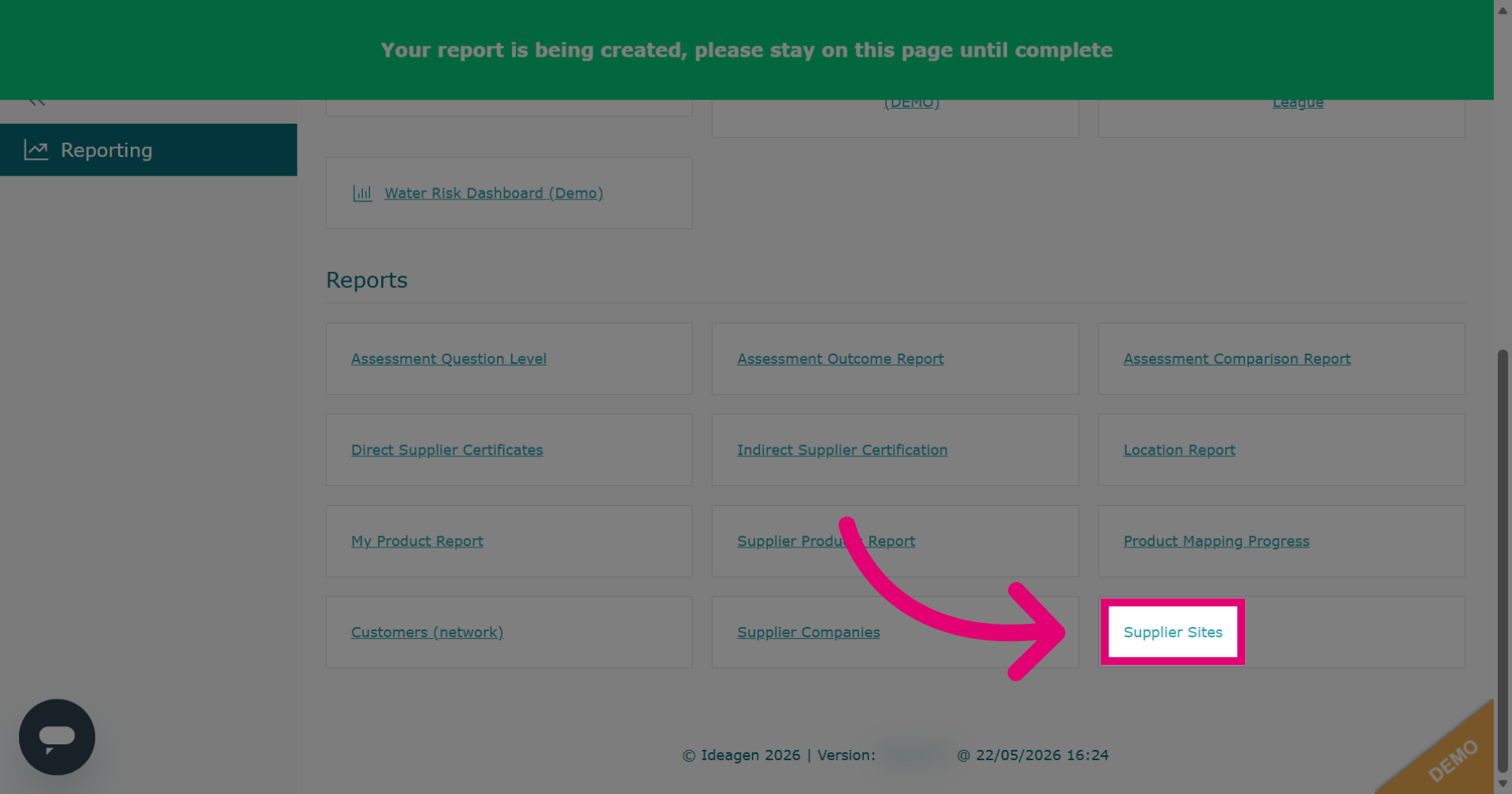
Click Supplier Sites to generate a report of supplier's site details. Included details are: Member status, Company Name, Site Name, Supplier Codes, Address, Latitude, Longitude, Tiers, Status, Status Comment, Risk, Risk Comment, Functions / Classifications, Spend, Categories, Review Date, Review Date Comment, and Site Area.
-
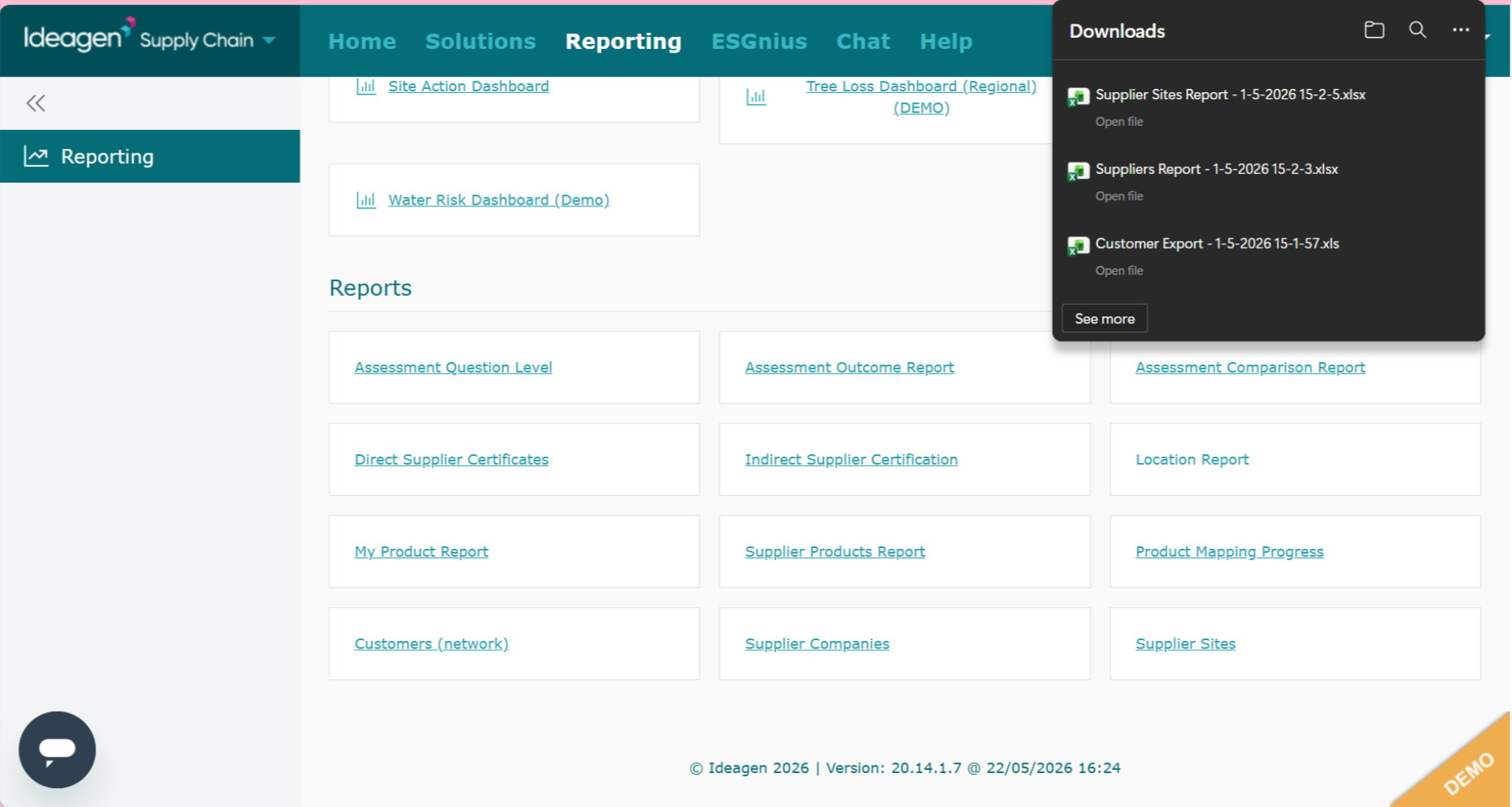
All three of these reports are exported reports and once clicked will automatically appear in your downloads folder.