New article
Recently updated
Generating customer, supplier, company and supplier site reports

Who is this article for?
Users who want to generate reports on customers and suppliers.
User permissions are required.
This tutorial guides you through generating reports for your customers, supplier companies and supplier sites.
You will learn how to access the reporting section and generate reports for customers, supplier companies, and supplier sites within the Ideagen Supply Chain platform.
Generating reports for customers and suppliers
- Log into the system.
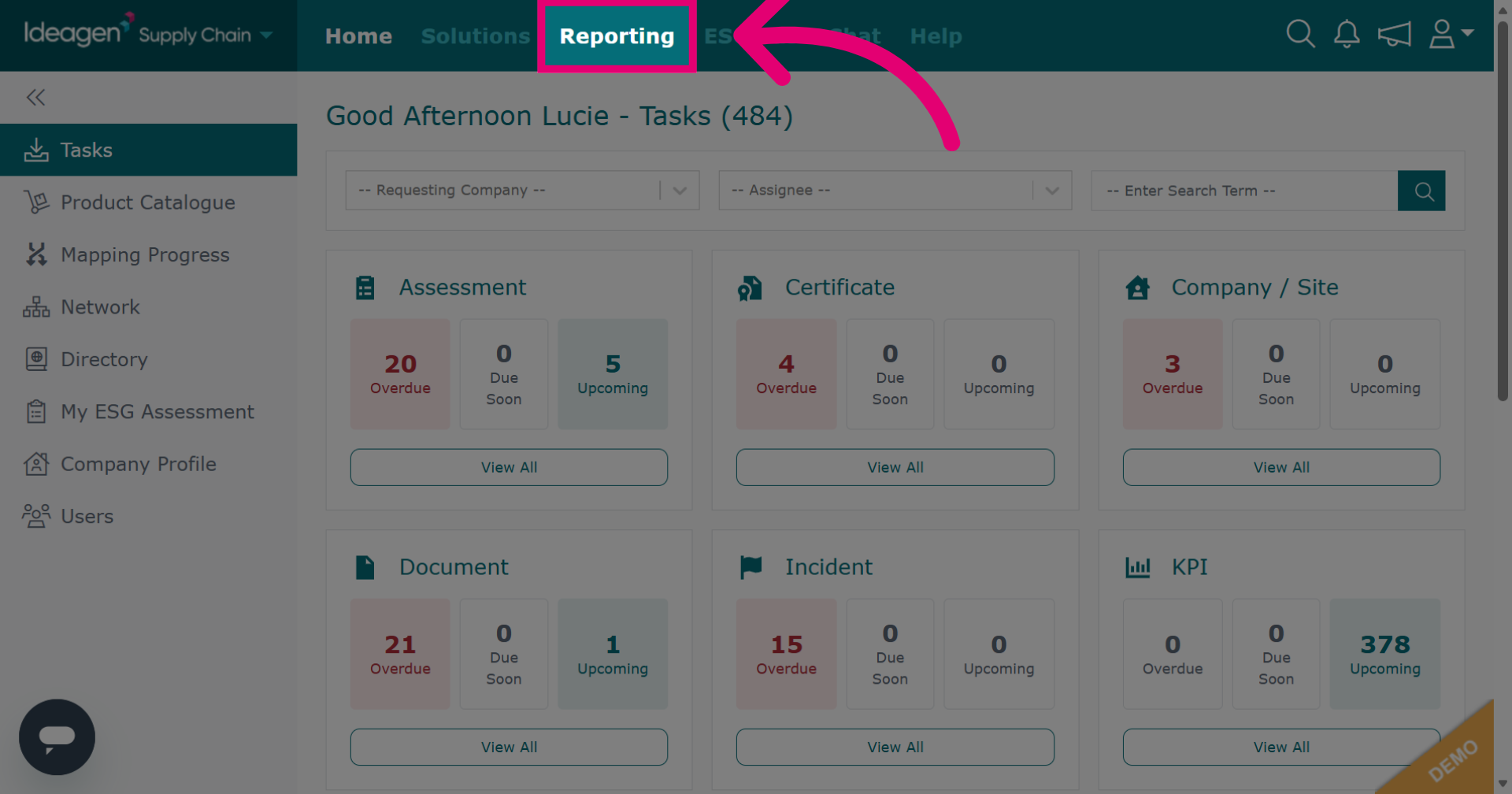
- Click Reporting to open the reporting section within the Ideagen Supply Chain platform.
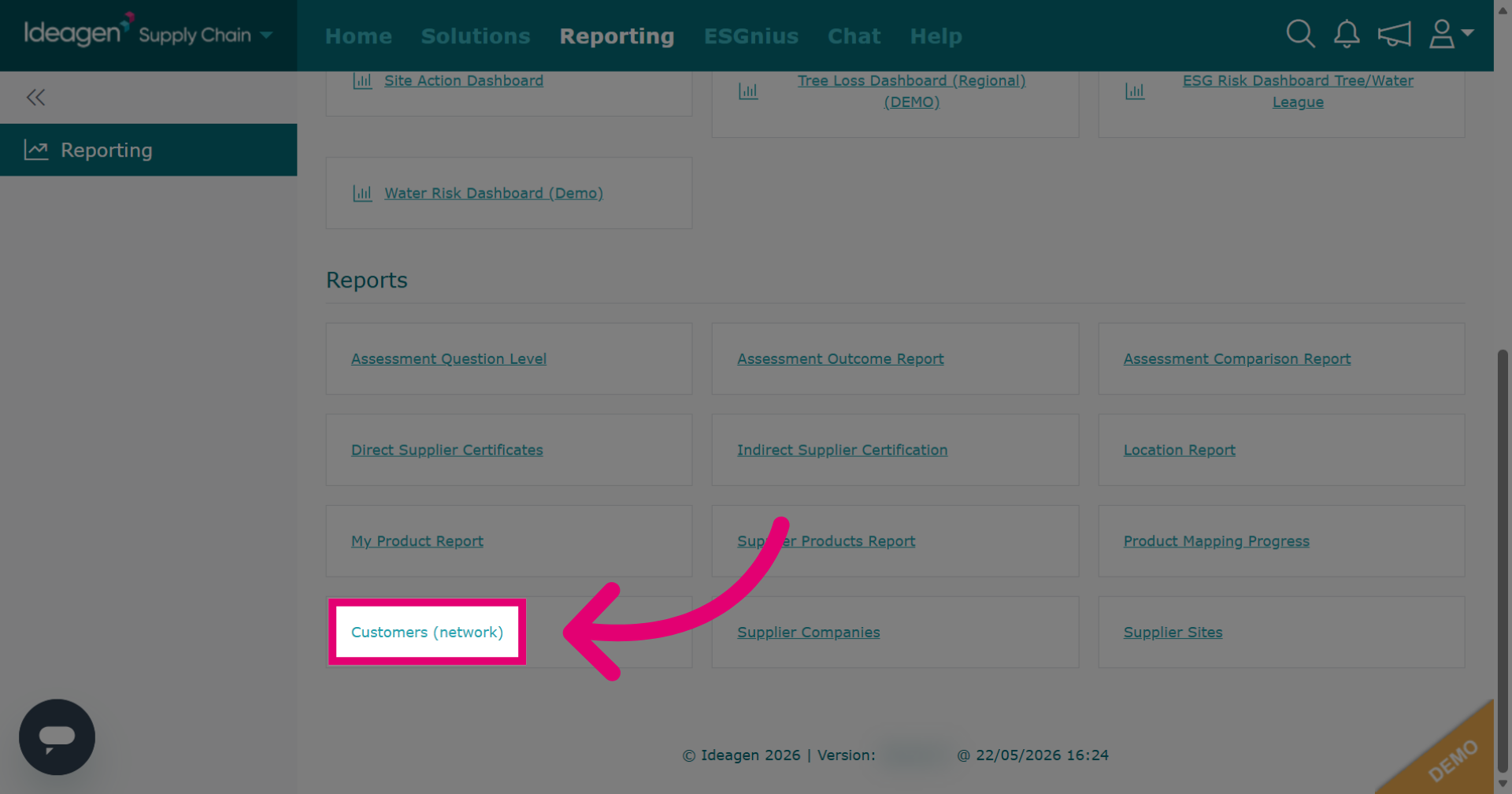
Click Customers (network) to generate a report of your customers.
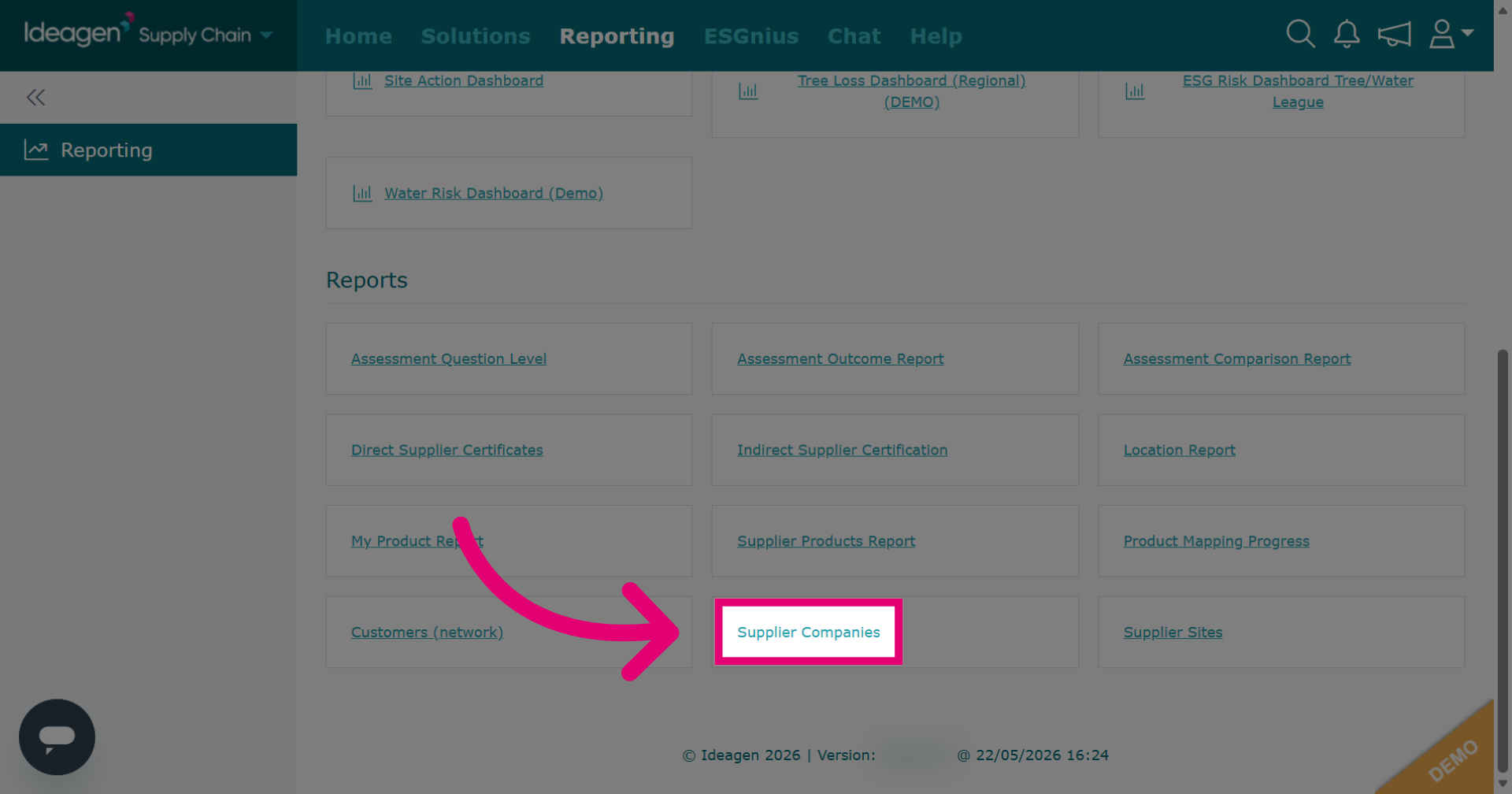
Click Supplier Companies to generate a report of your supplier's company details.
Click Supplier Sites to generate a report of supplier's site details.
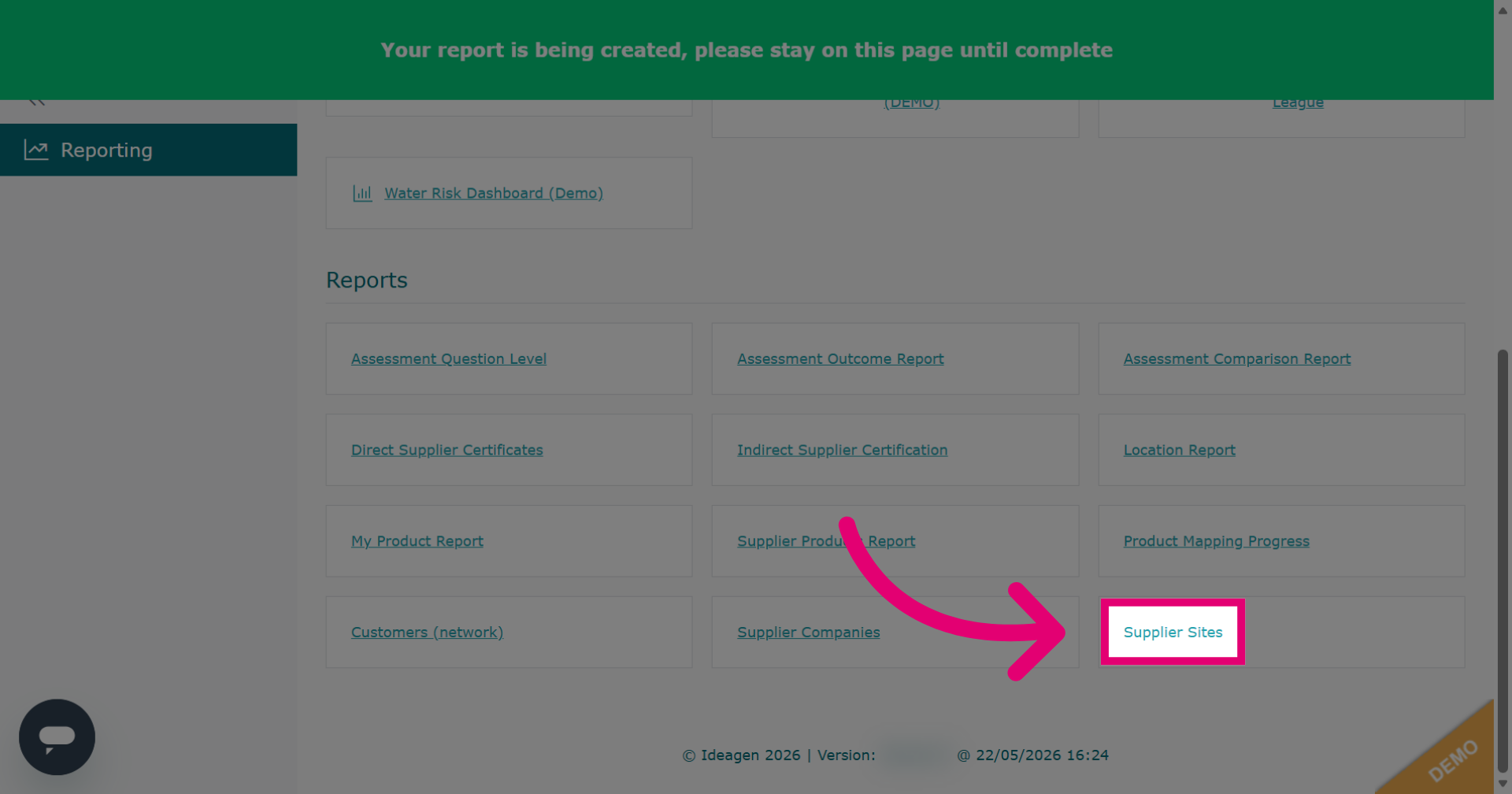
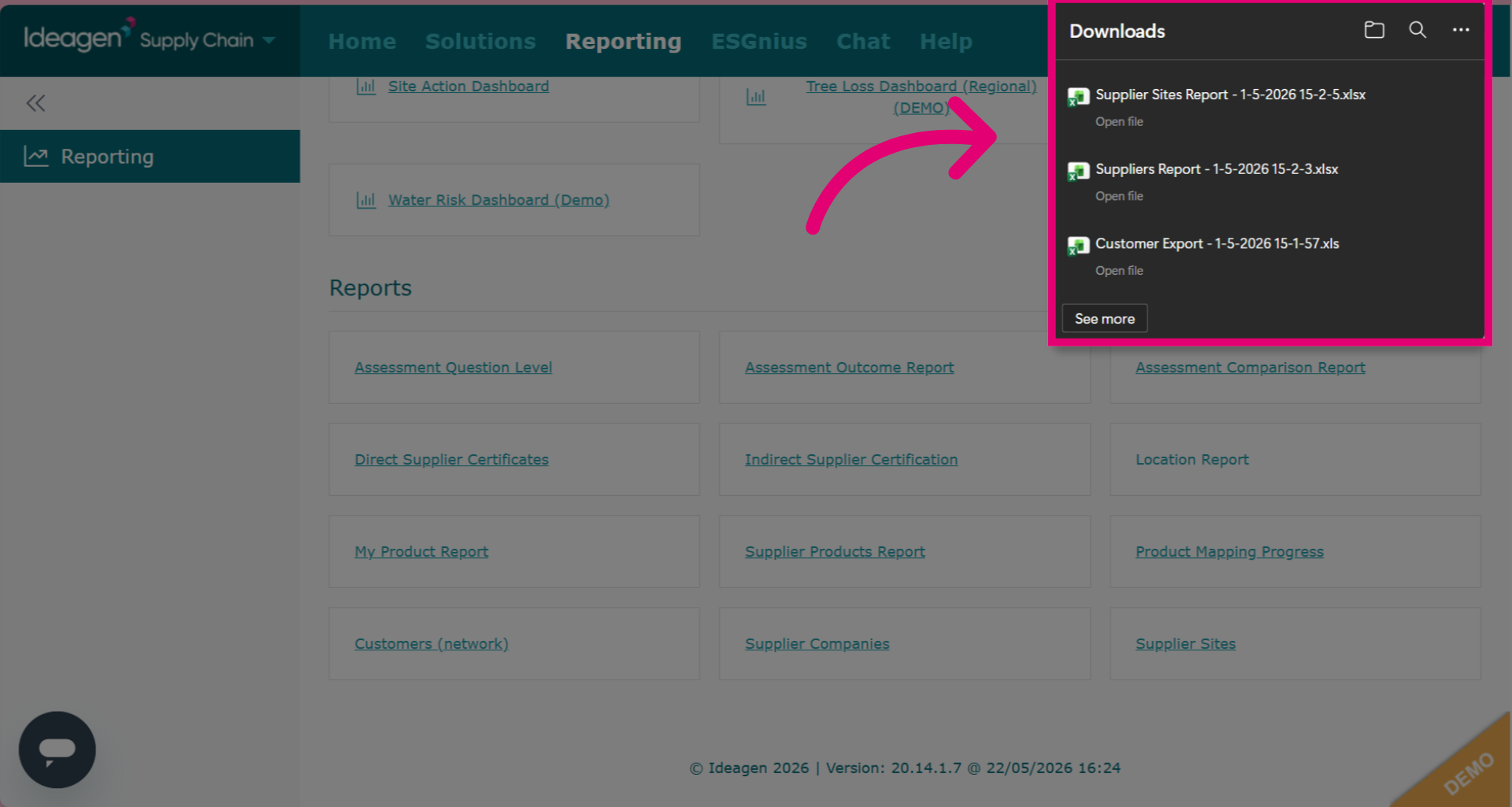
All three of these reports will appear as exported reports, and once clicked will automatically appear in your downloads folder.