New article
Recently updated
Generating Certification Reports - Reporting

Who is this article for?
Users who want to generate reports based on certification.
Certificate admin permissions are required.
This tutorial explains how to run reports based on supplier certification.
You will learn how to generate, filter, and export both direct and indirect supplier certificate reports.
Running certification reports
-
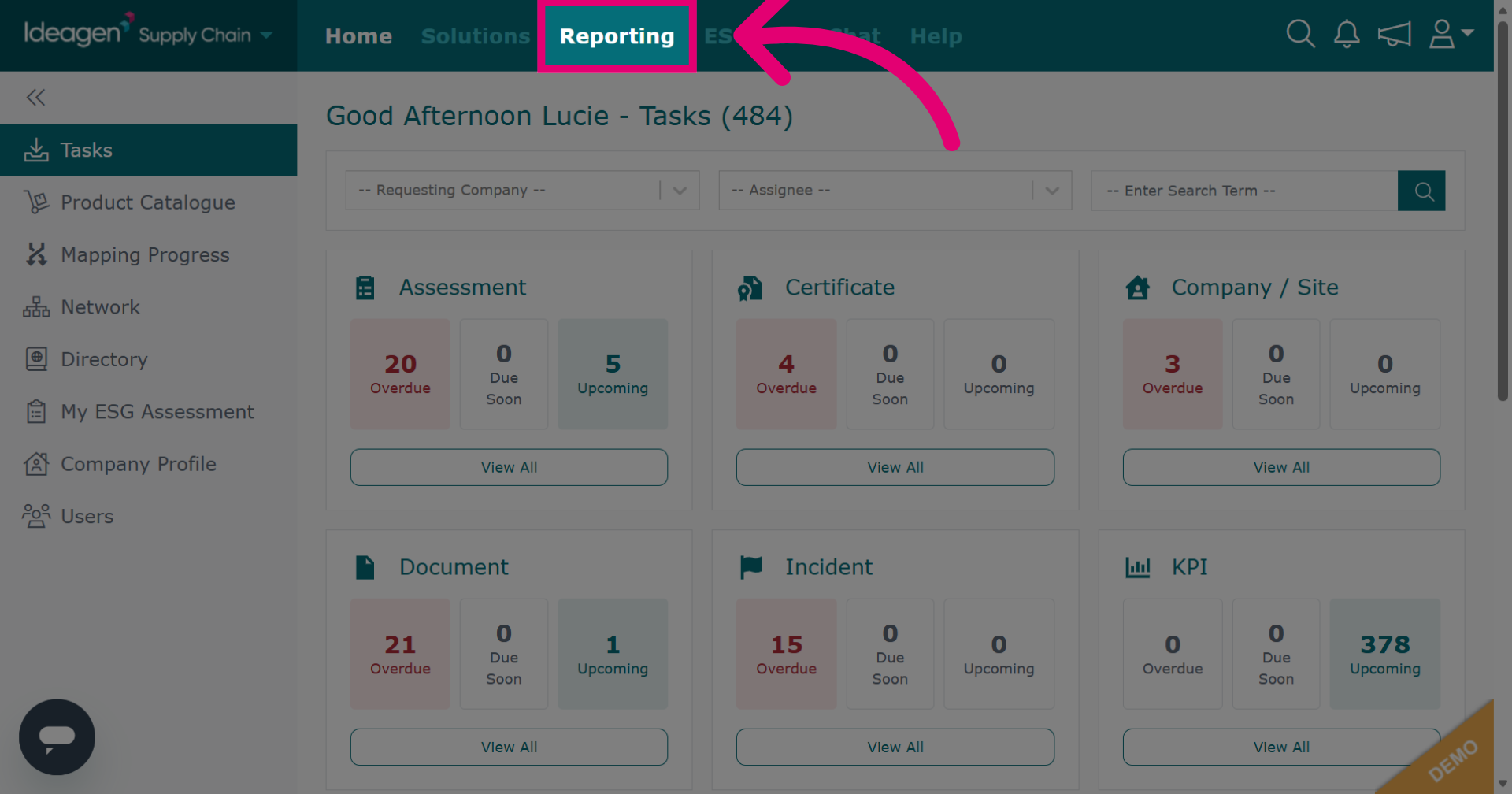
Click Reporting to open the reporting section of the Ideagen Supply Chain platform.
-
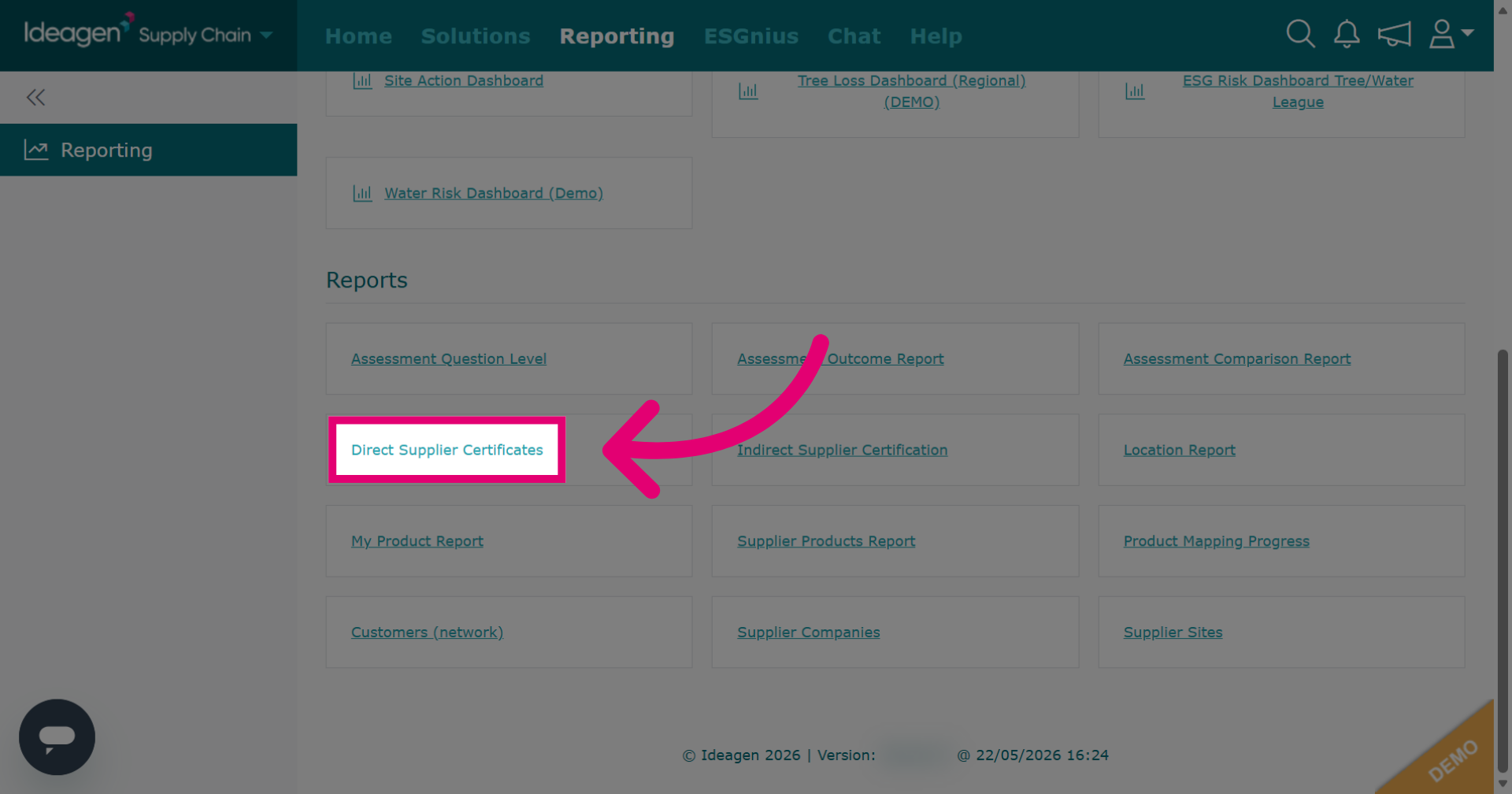
Click Direct Supplier Certificates to generate a report on direct supplier's certificates.
-
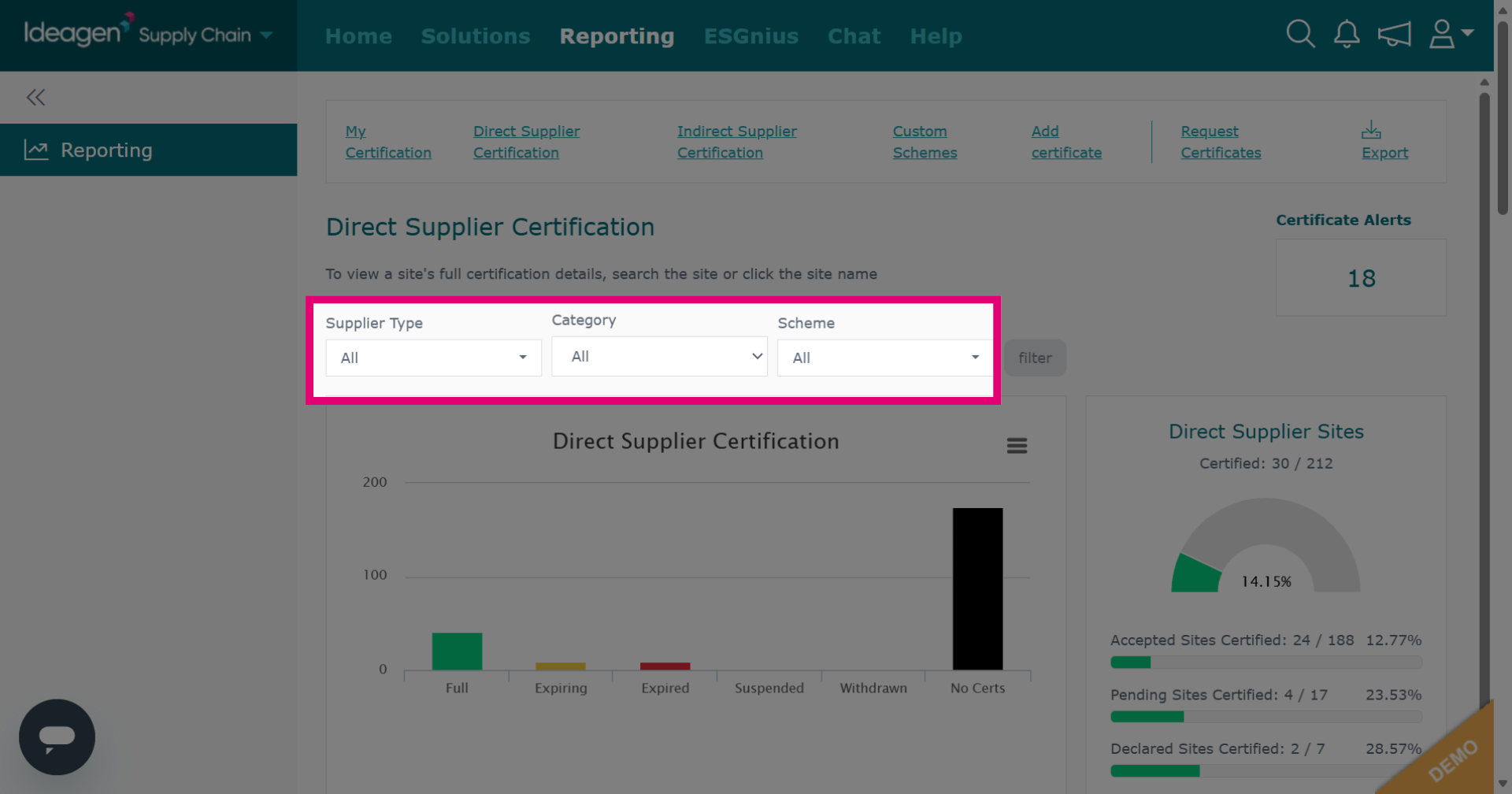
Select information to filter with by choosing options from the drop down menu. This is optional.
-
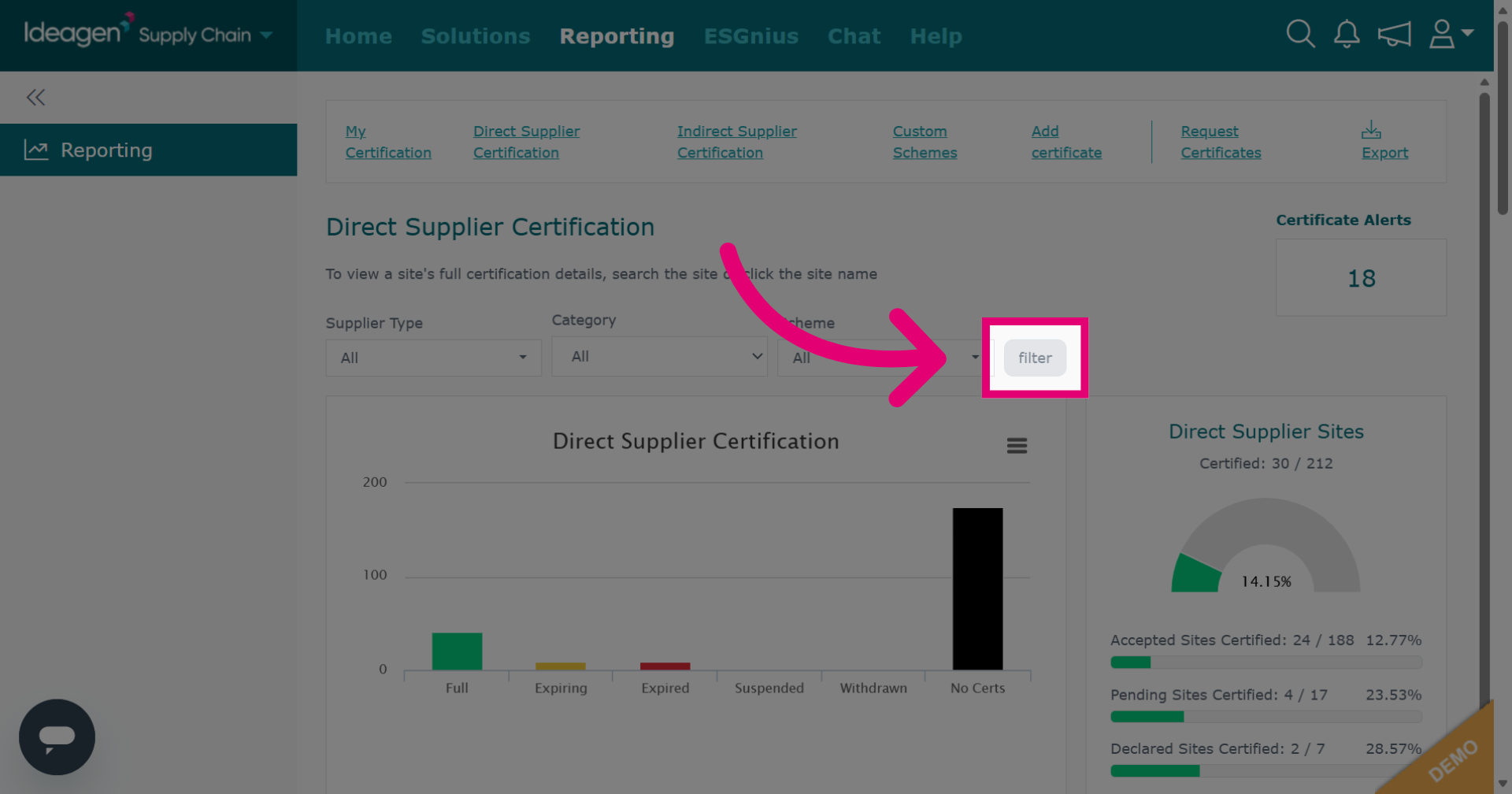
Click filter to apply specific criteria. Once the filter has been applied you can scroll down to view the report on the platform.
-
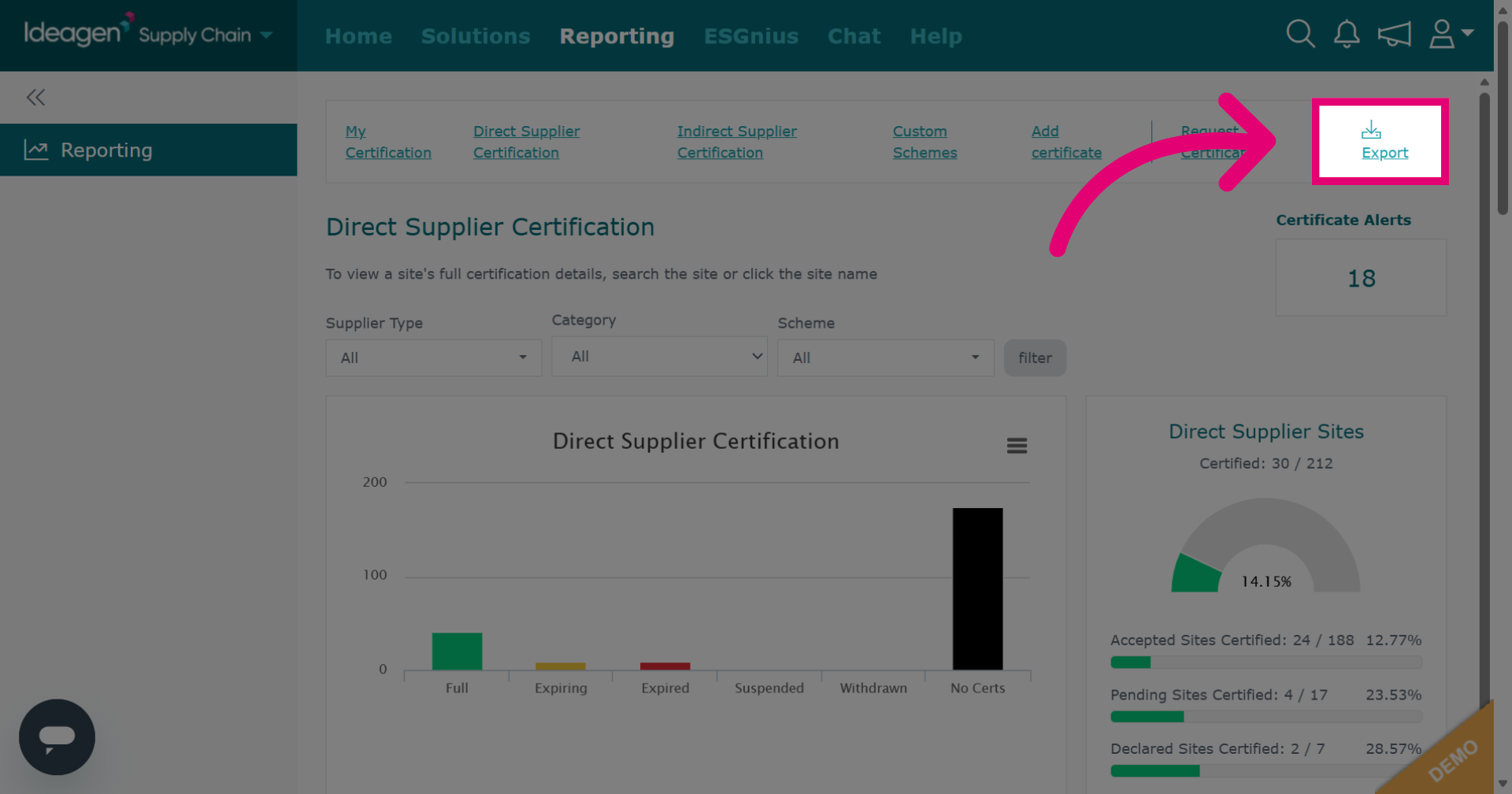
Click Export to download the direct supplier certificate report.
-
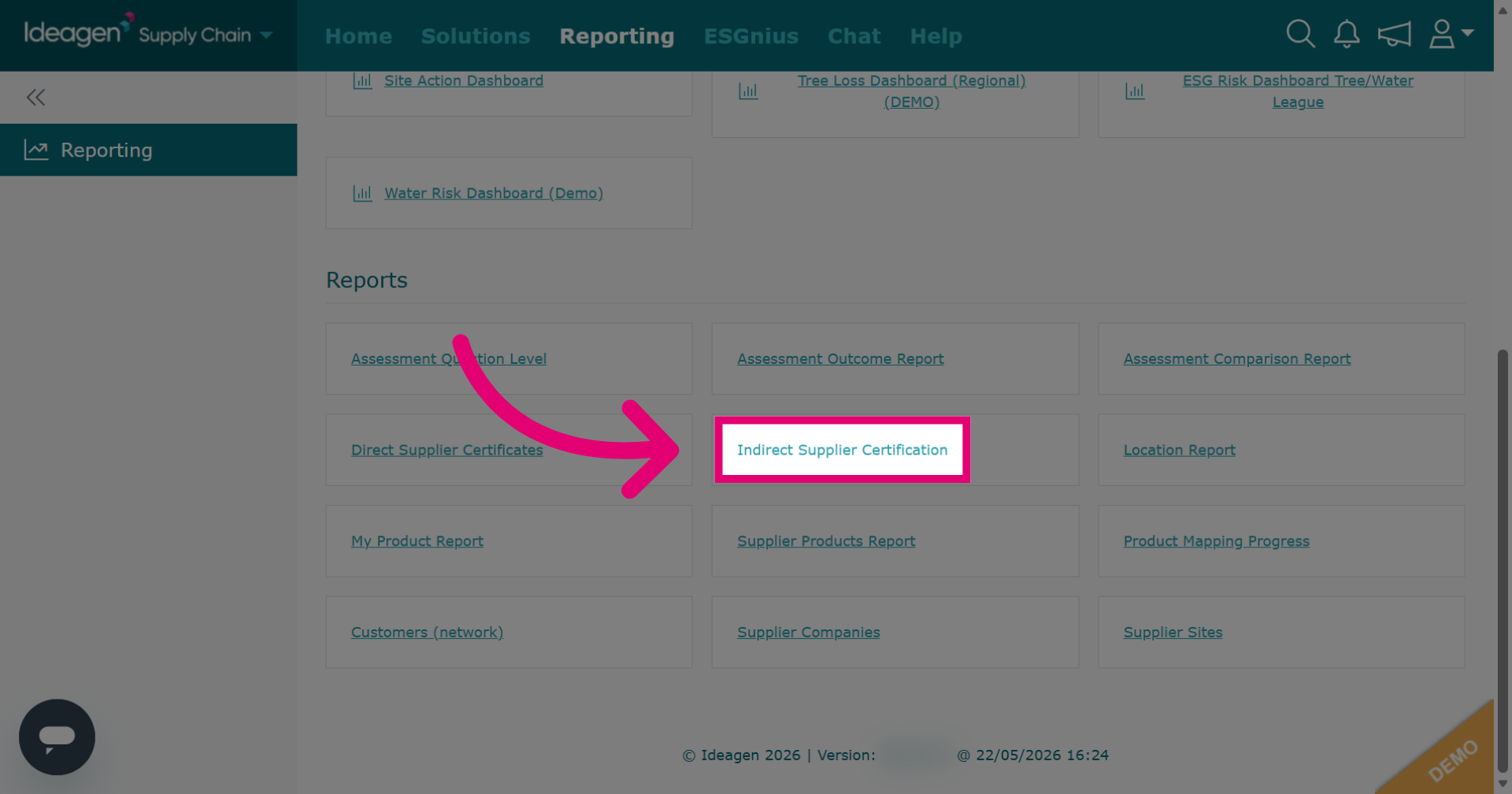
Click Indirect Supplier Certification to generate a report on indirect supplier's certificates.
-
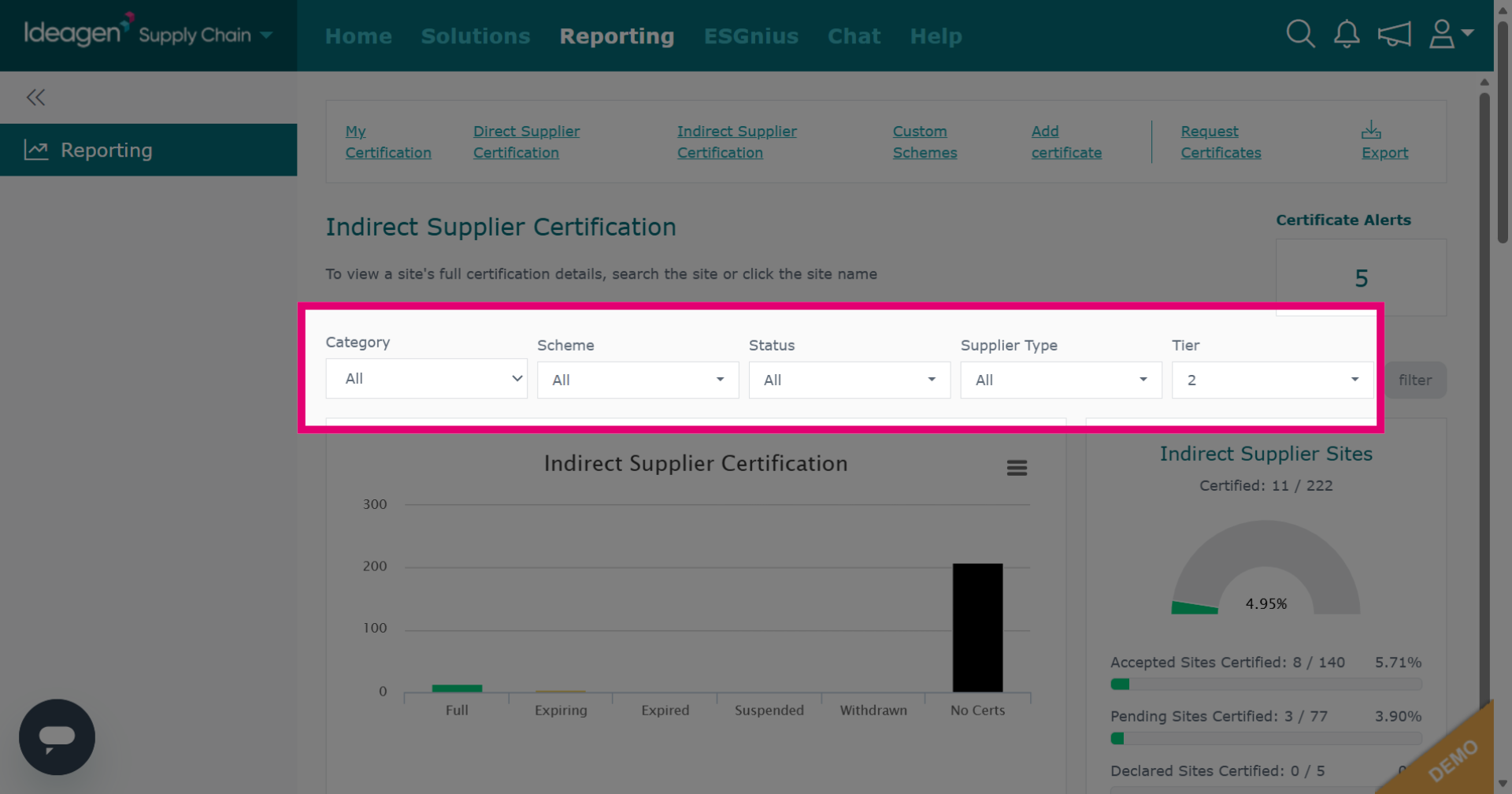
Select information to filter with by choosing options from the drop down menu. This is optional.
-
Click filter to apply filters for the report. Once the filter has been applied you can scroll down to view the report on the platform.
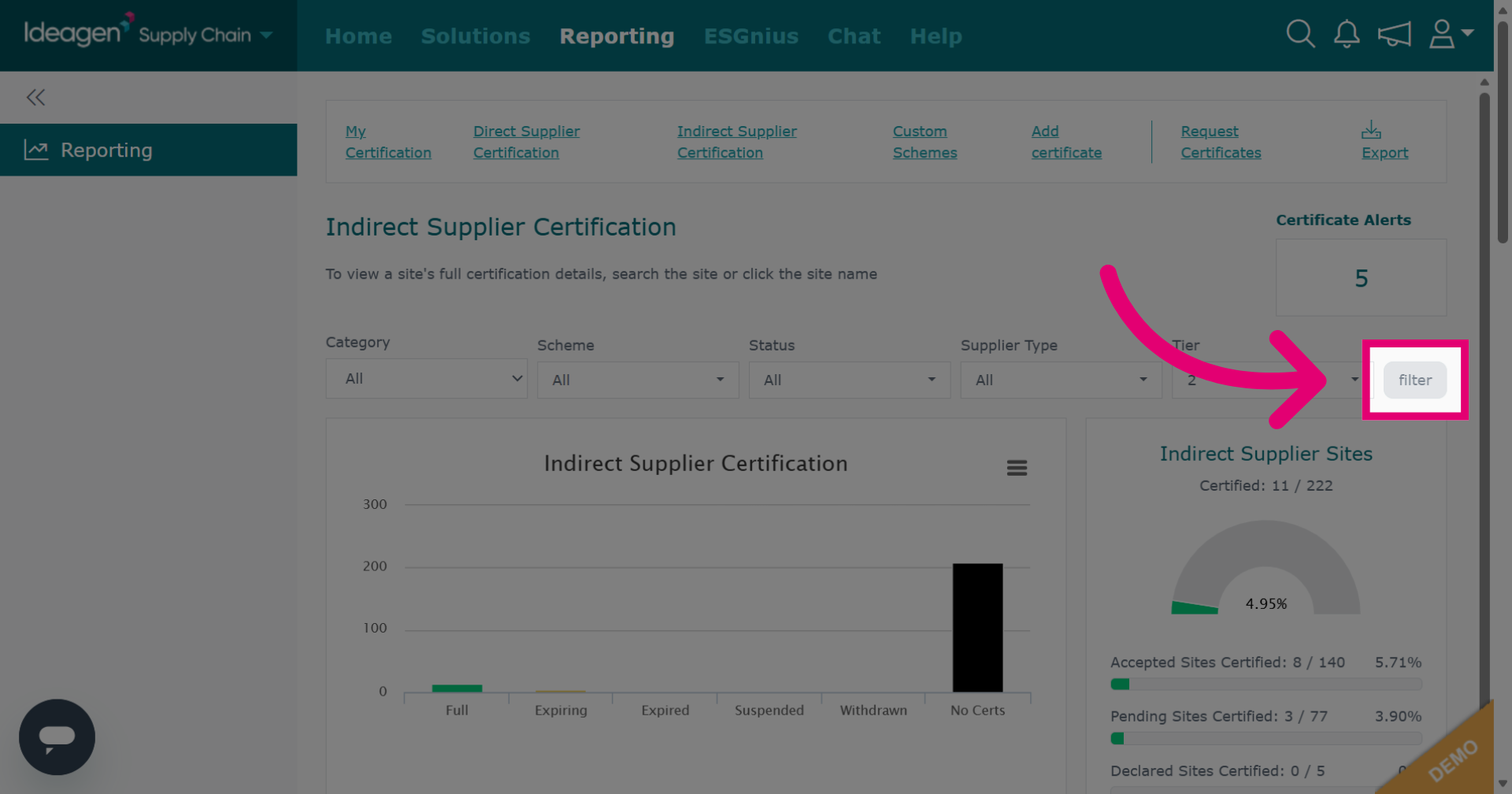
-
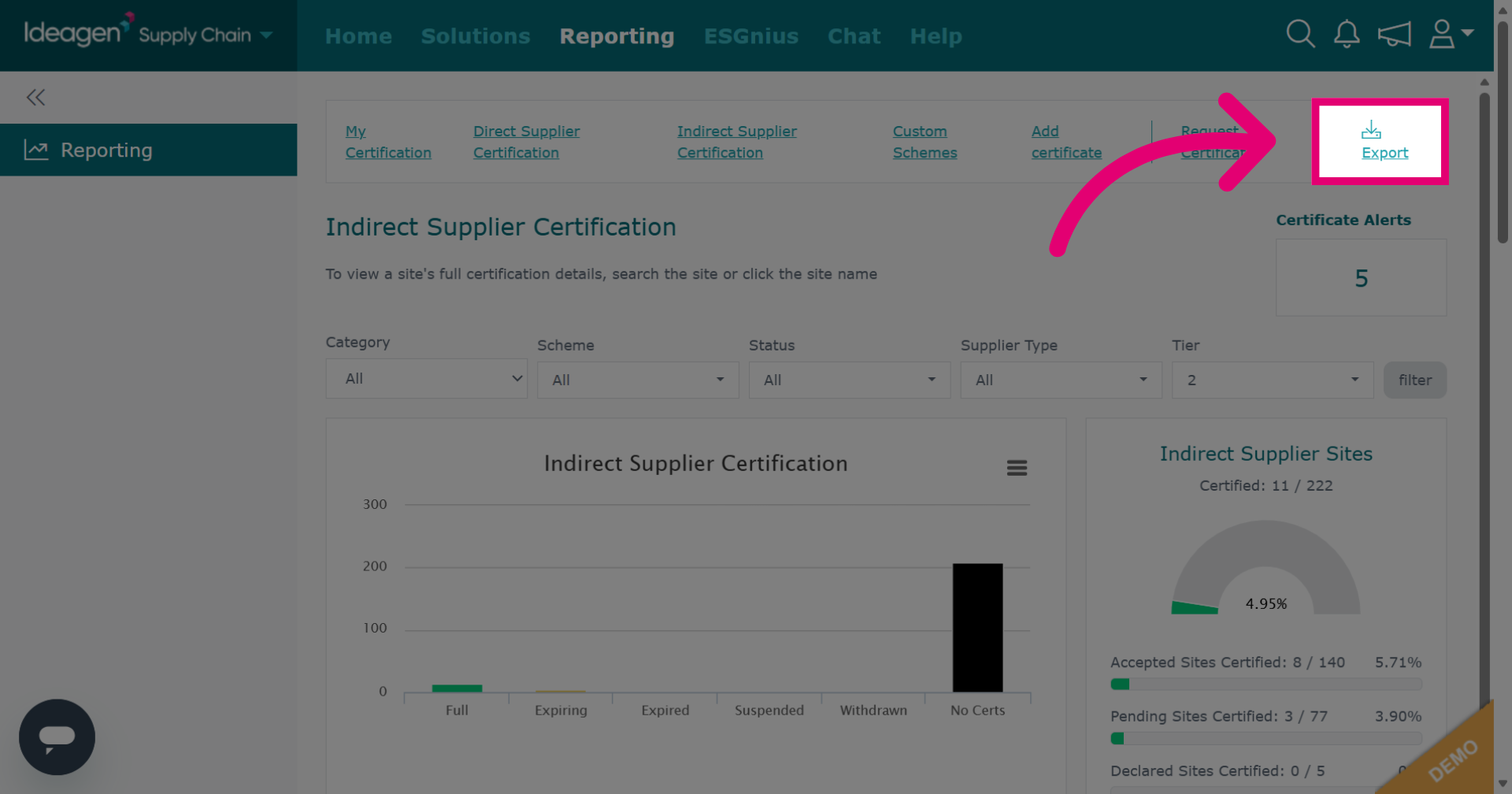
Click Export to download the report.