New article
Recently updated
Running supplier certification reports

Who is this article for?
Users who want to generate reports based on certification.
Certificate admin permissions are required.
This tutorial shows how to run supplier certification reports.
You will learn how to generate both direct and indirect supplier certificate reports, apply filters, and export the results.
Running supplier certification reports
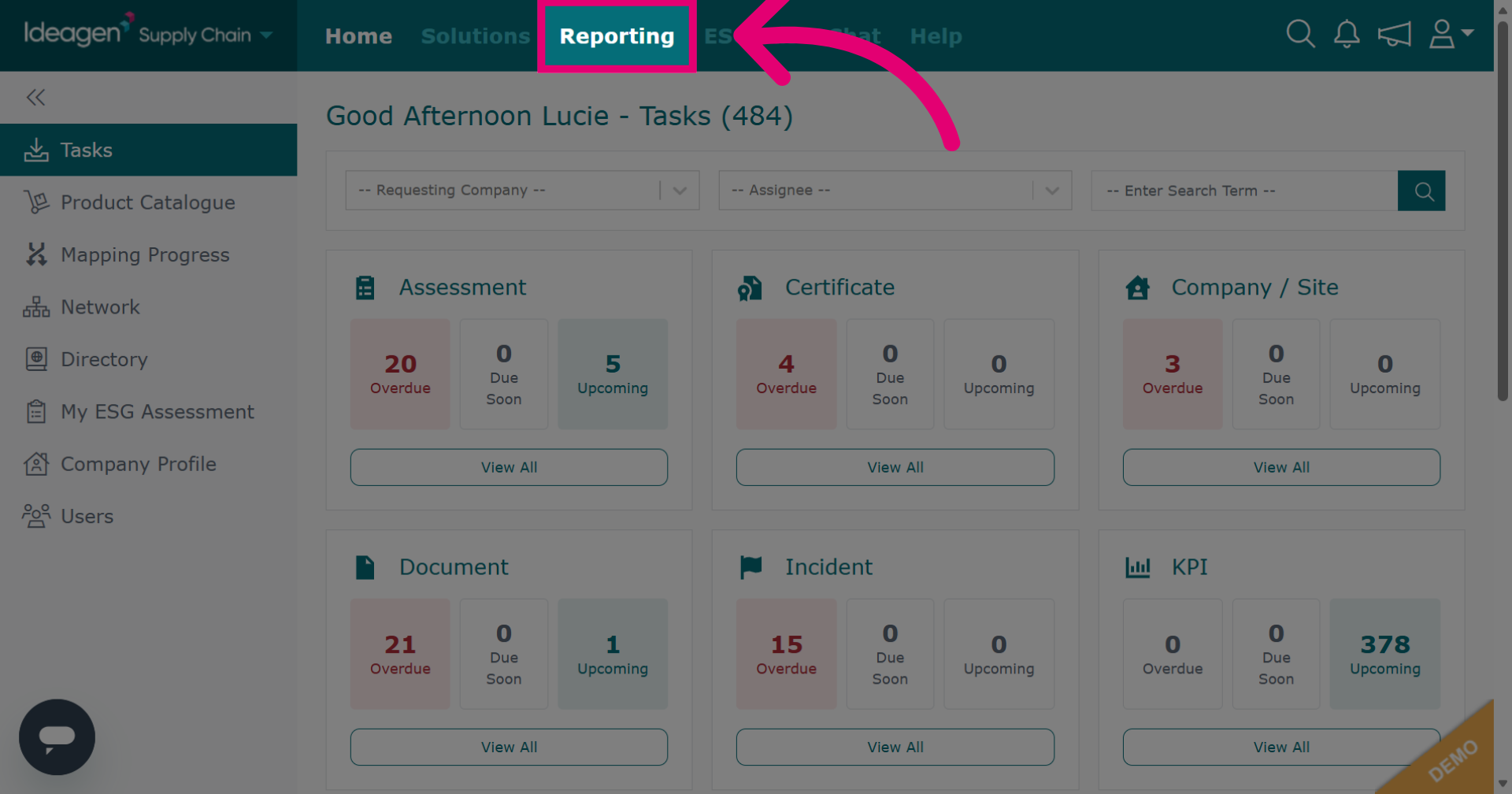
Click Reporting to open the reporting section of the Ideagen Supply Chain platform.
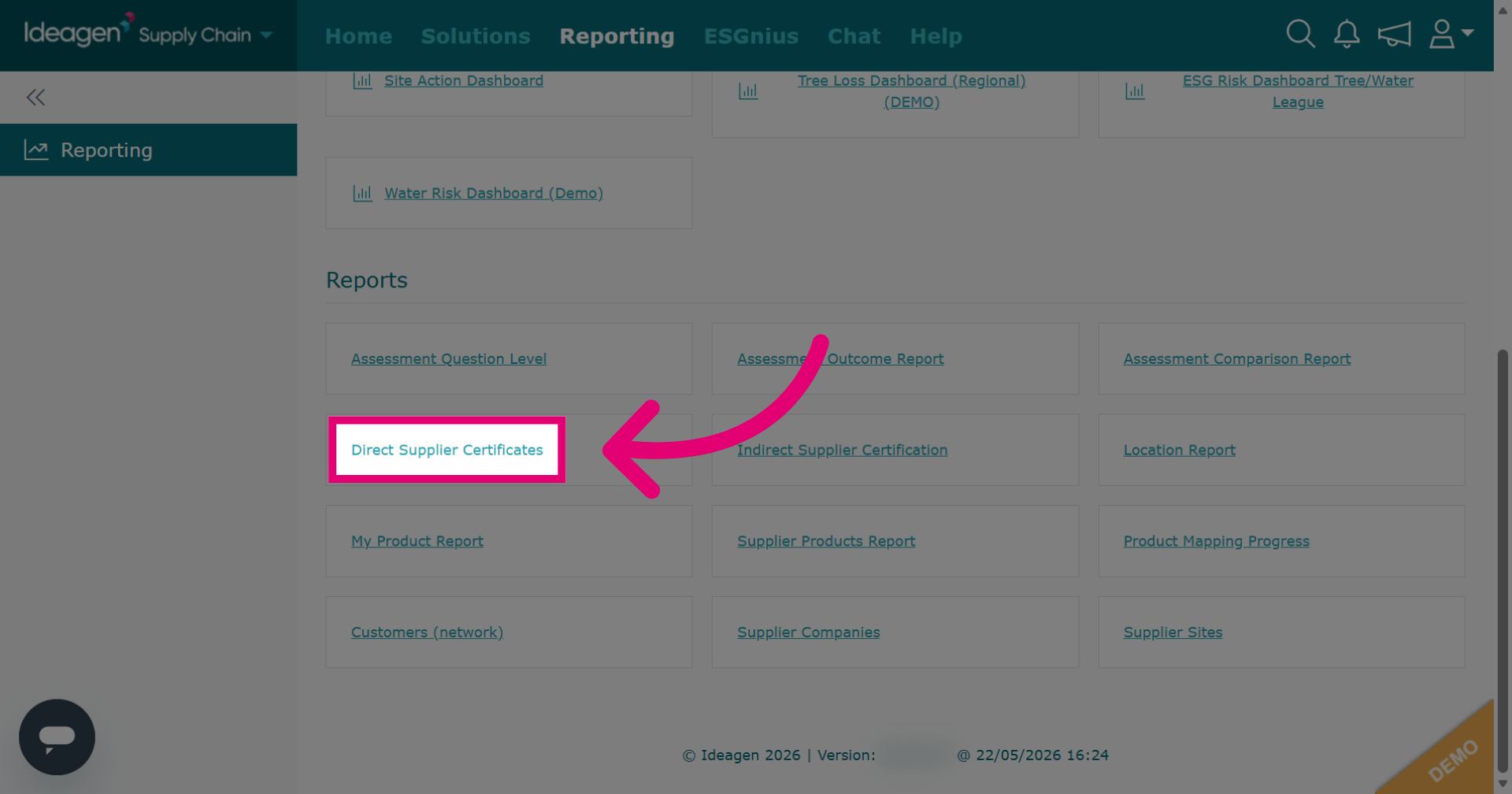
Click Direct Supplier Certificates to generate a report on direct supplier's certificates.
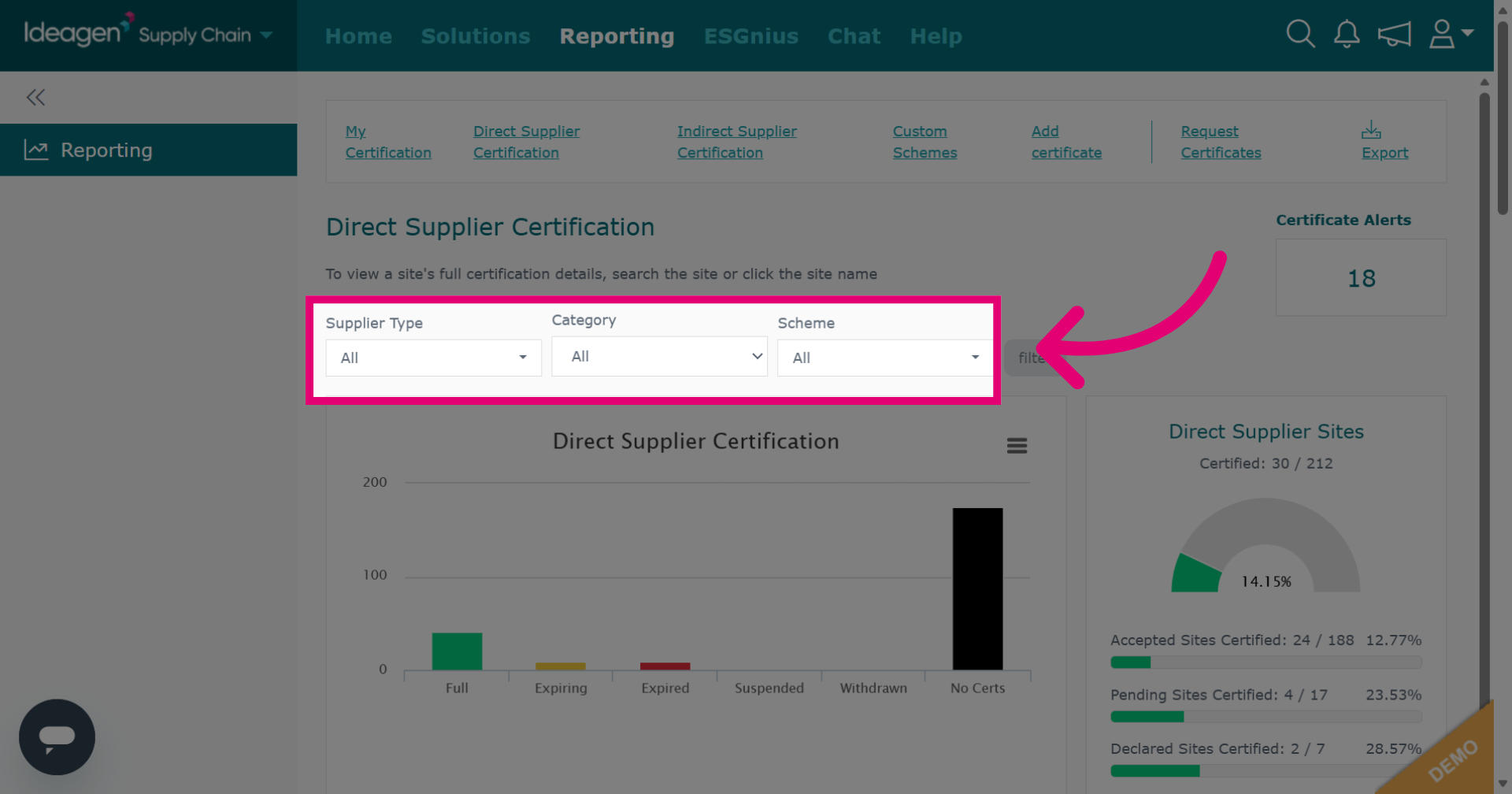
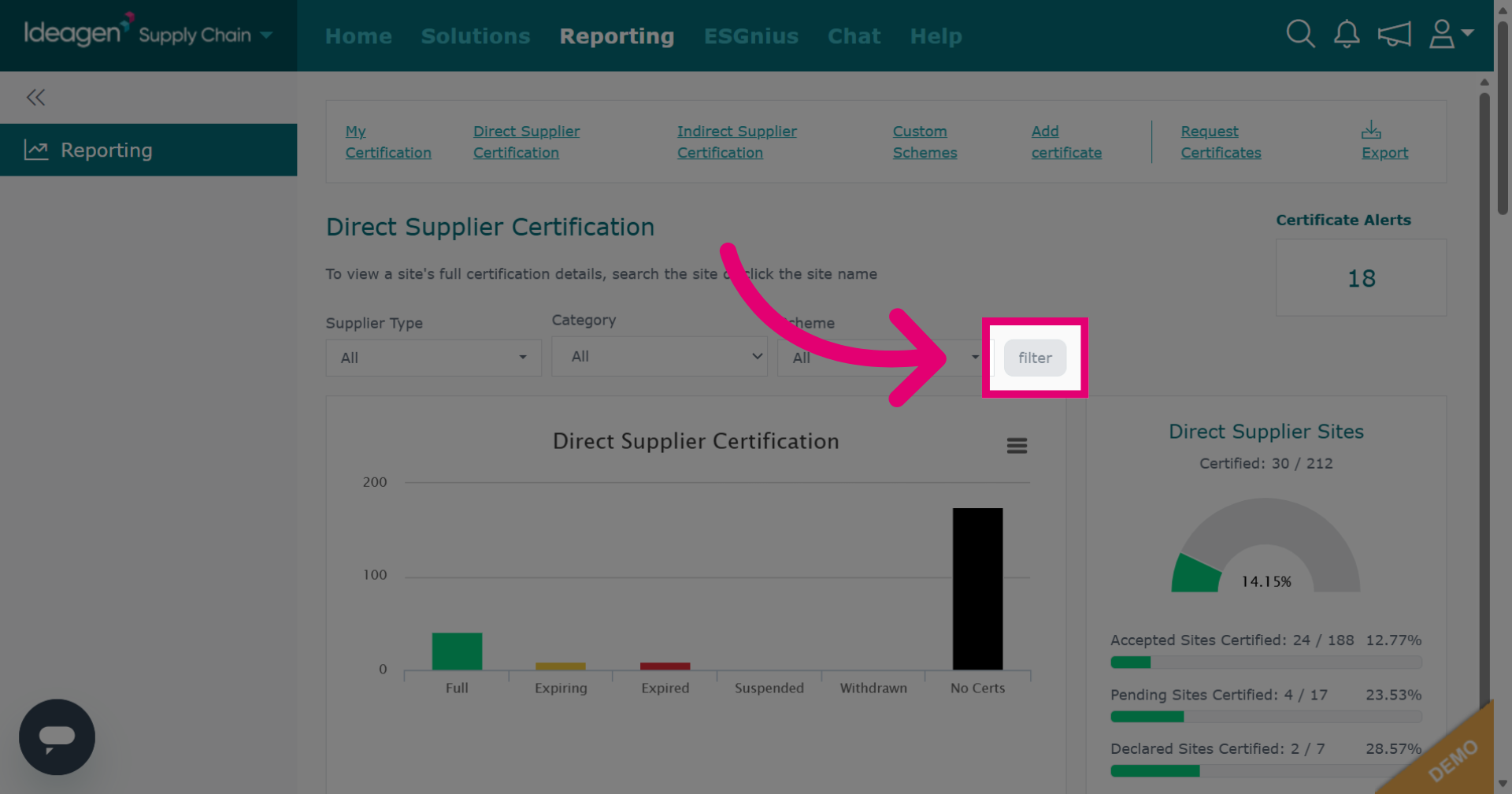
Select filter options from the drop-down menu. This is optional.
Click filter to apply criteria. Then scroll down to view the report.
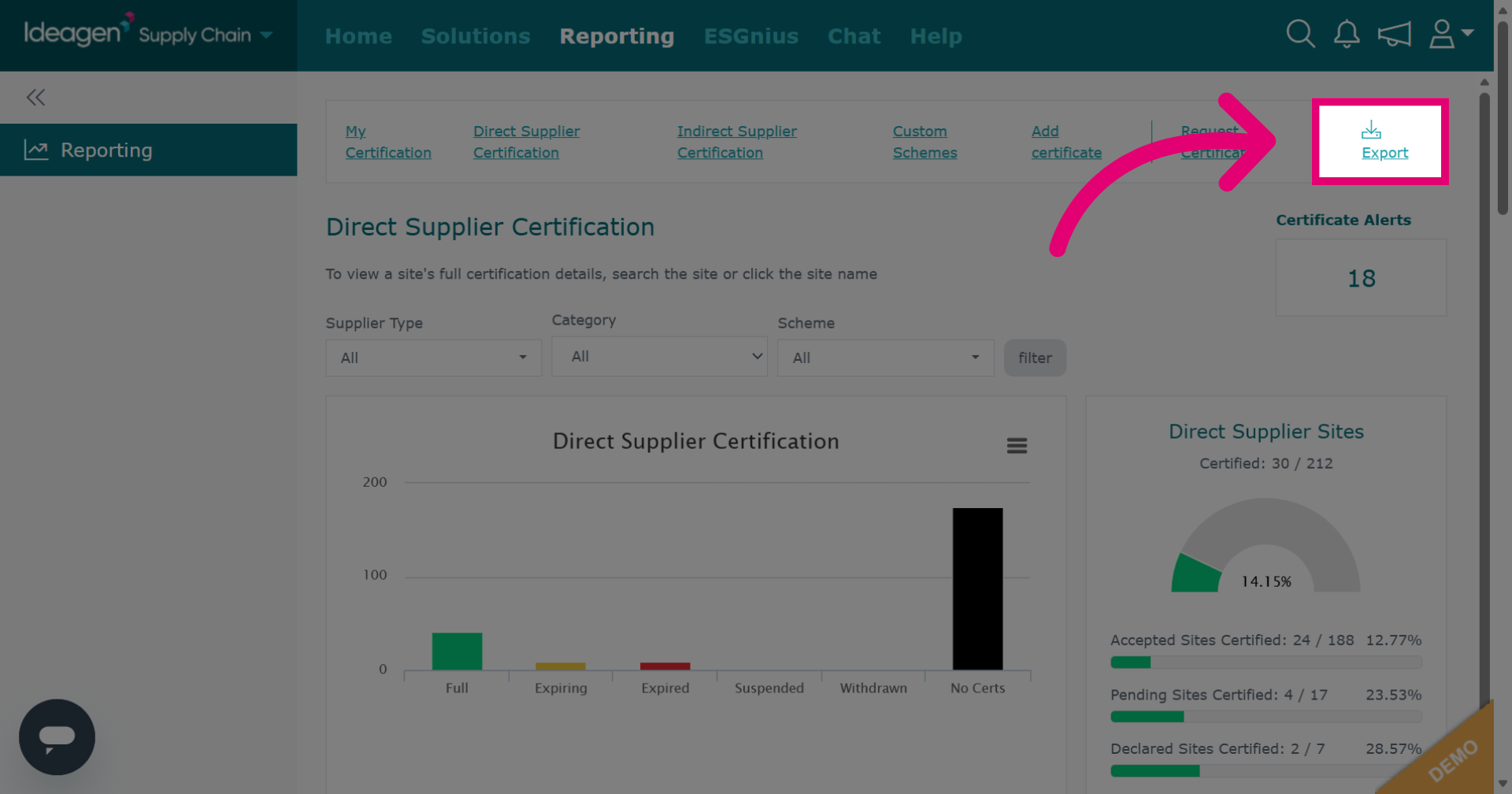
Click Export to download the direct supplier certificate report.
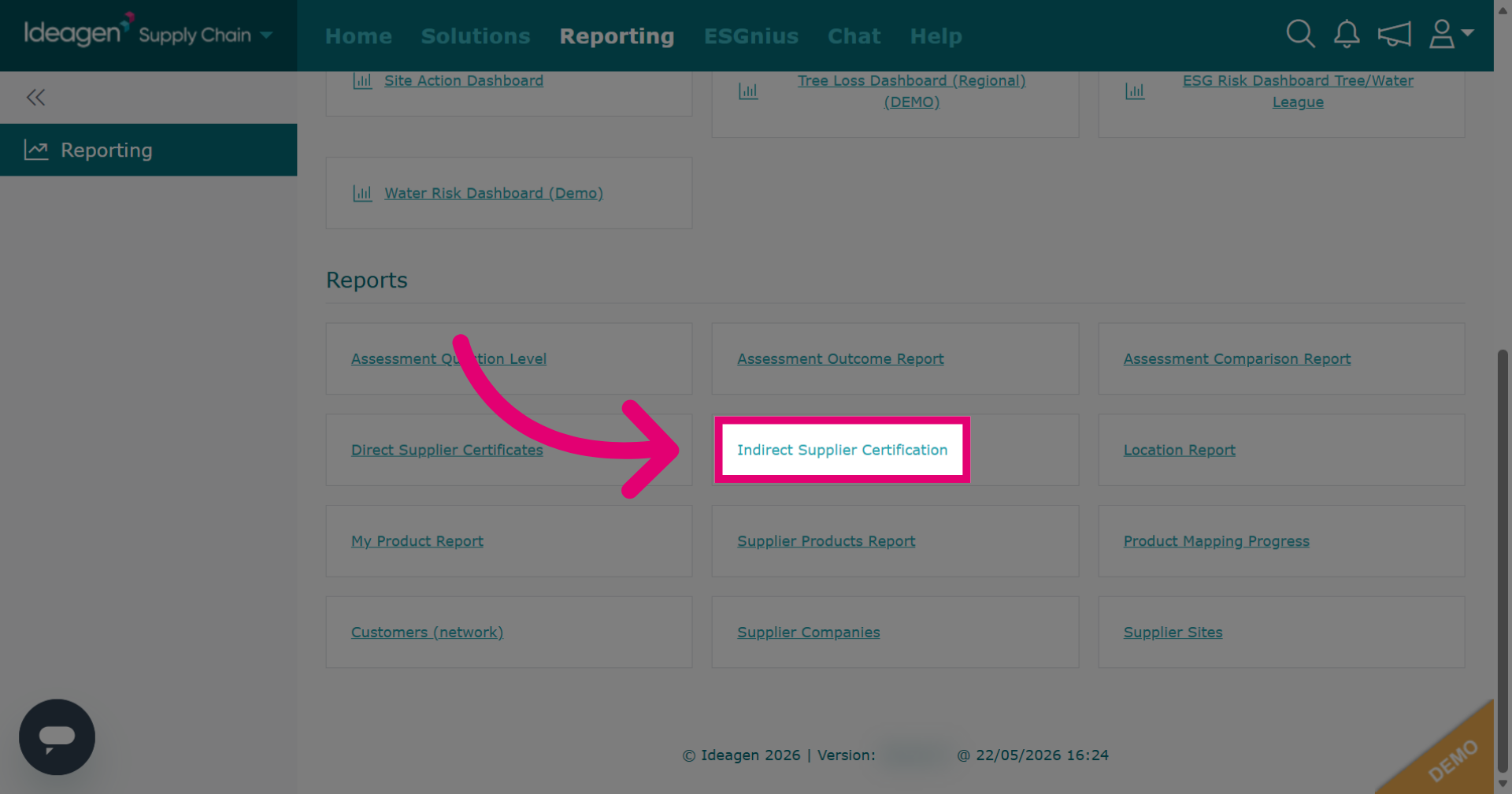
Click Indirect Supplier Certification to generate a report on indirect supplier certificates.
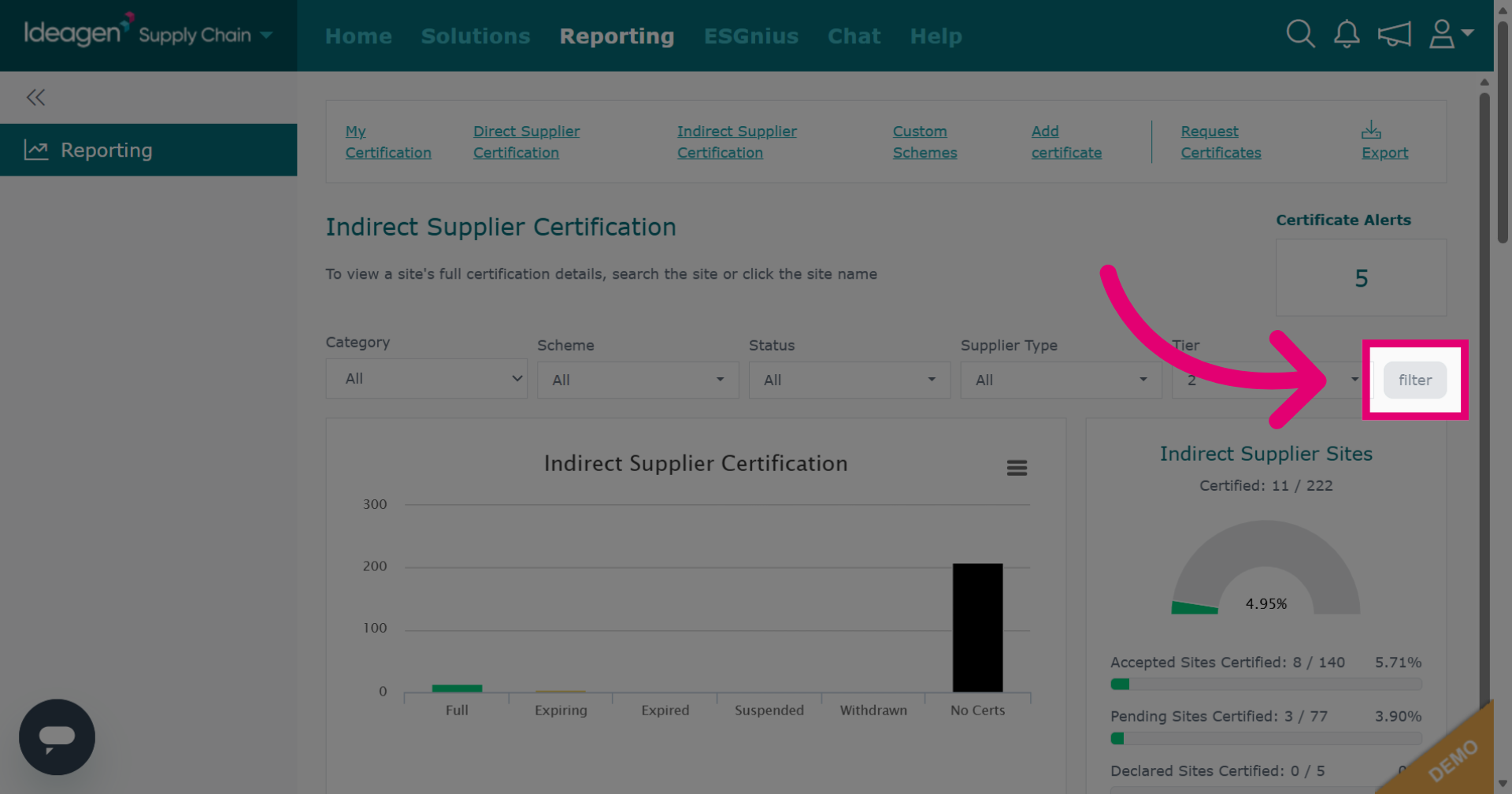
Select filter options from the drop-down menu. This is optional.
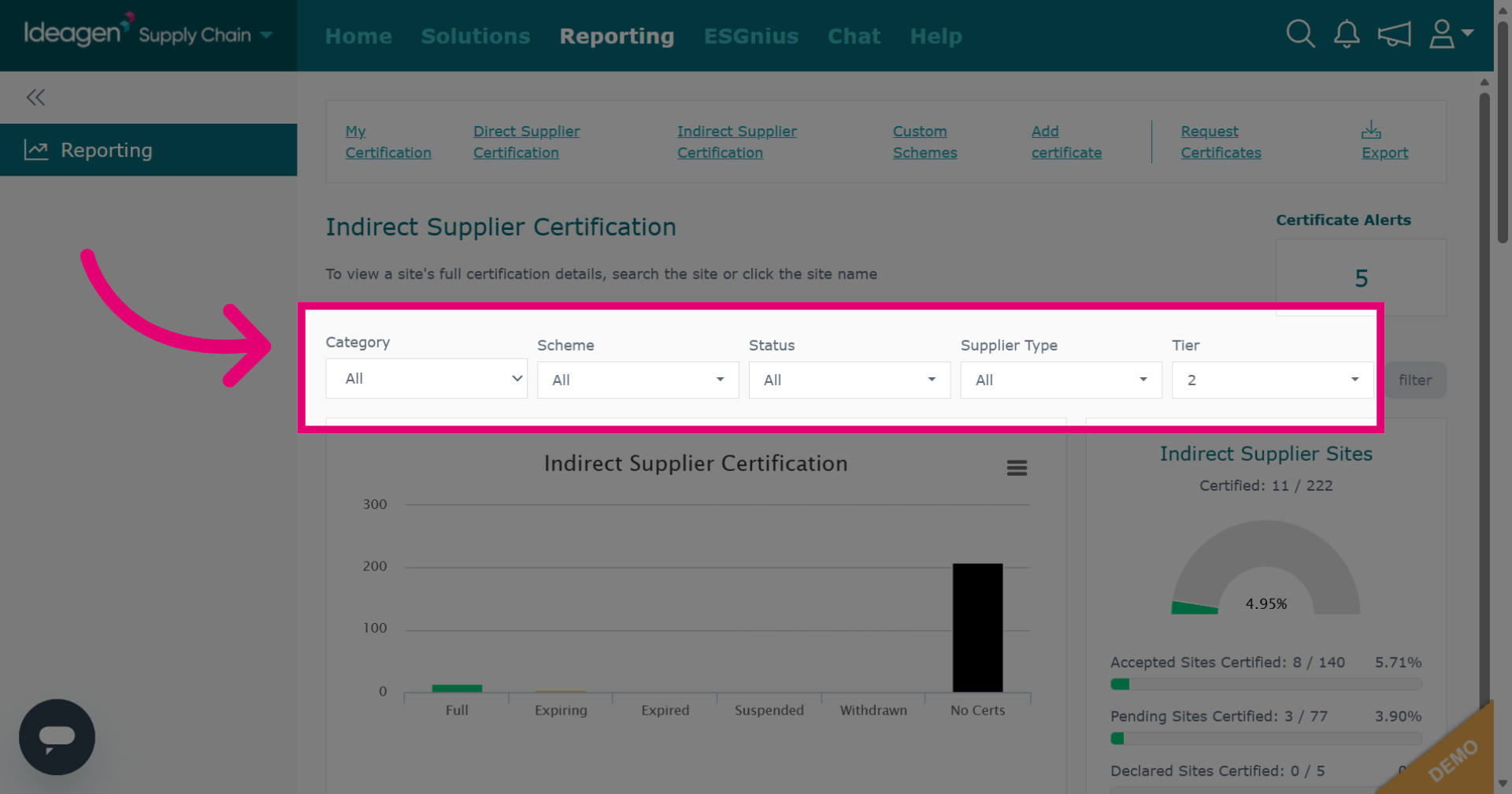
Click filter to apply filters. After applying, scroll down to view the report.
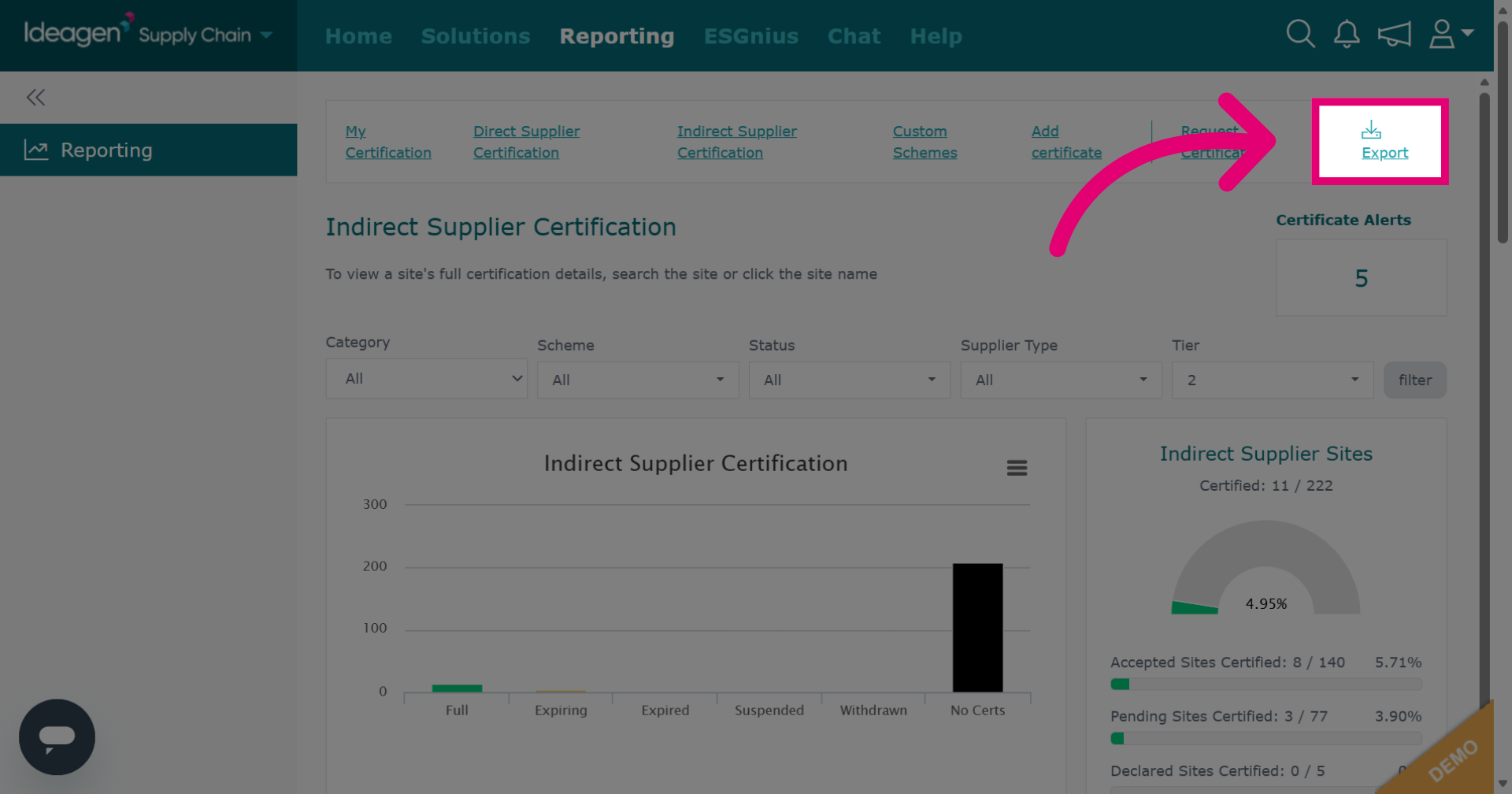
Click Export to download the report.