New article
Recently updated
Troubleshooting - Help and Guidance for the Offline Assessments App

Who is this article for?
Users who require support with the offline assessments app.
Access to an Apple iPad is required.
This article provides help and guidance for common issues encountered when using the offline assessments app.
You will learn how to resolve problems with app updates, login issues, upload errors, missing assessments, checkout conflicts, and accidental deletions.
Resolving common offline assessment issues
-
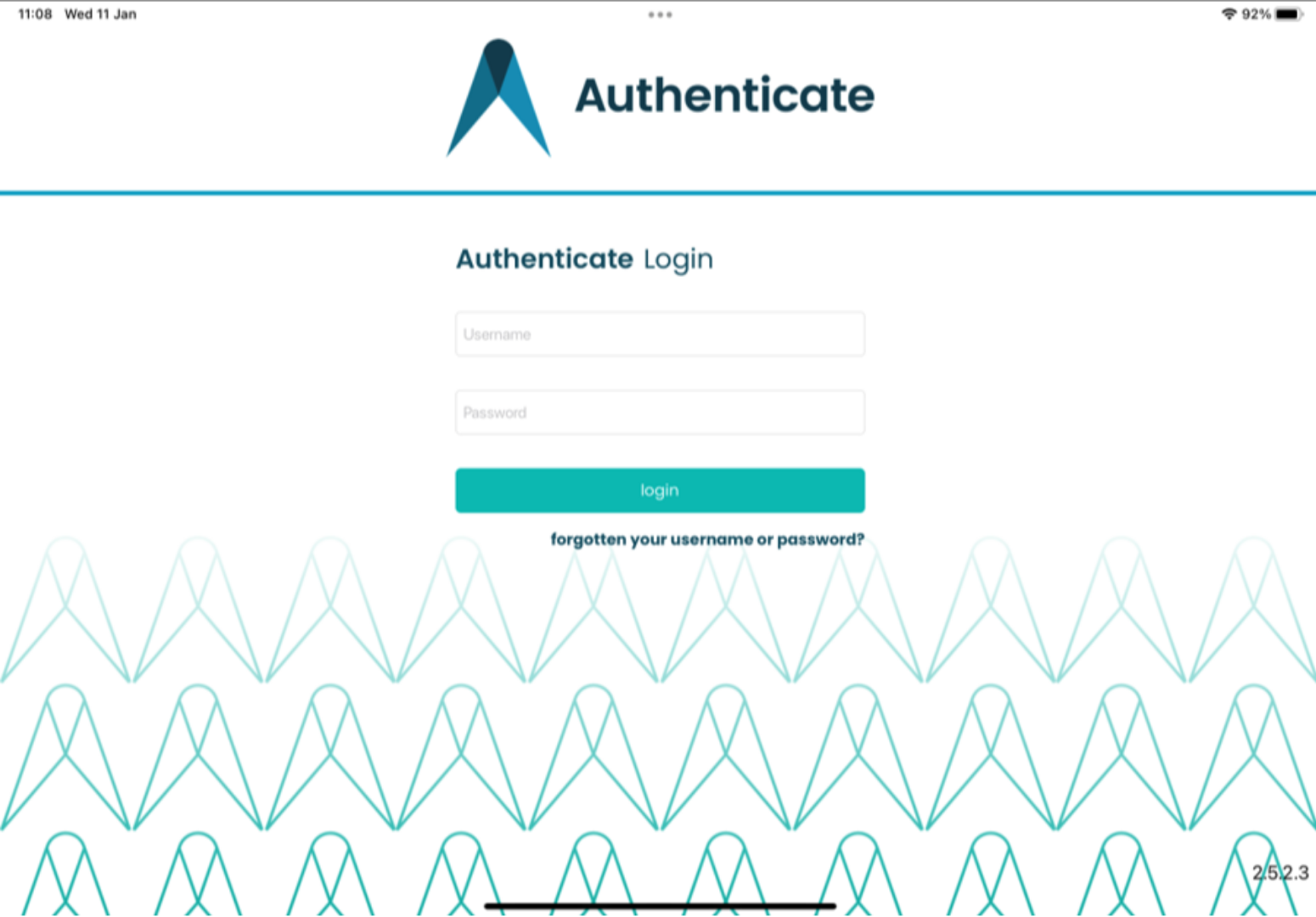
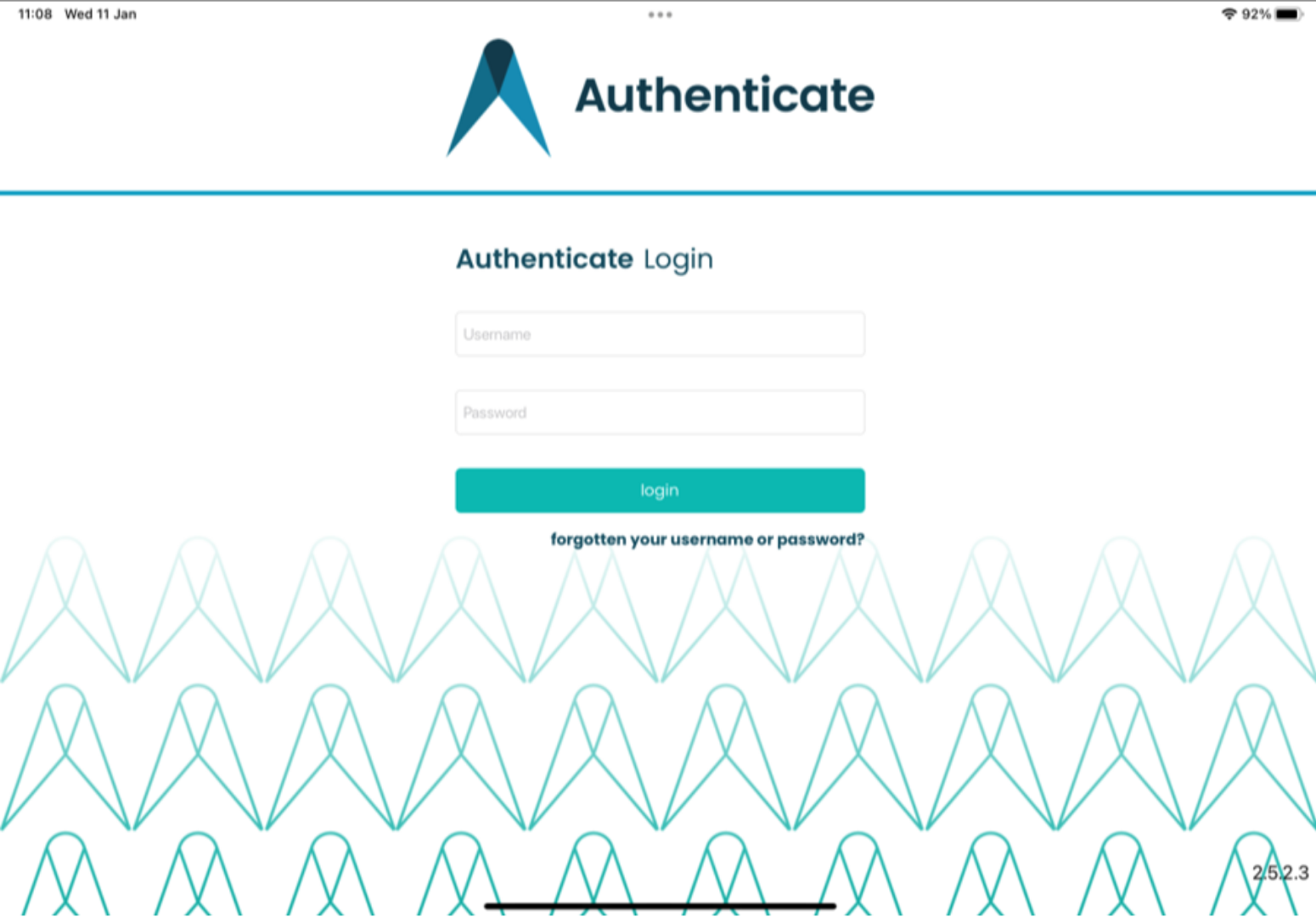
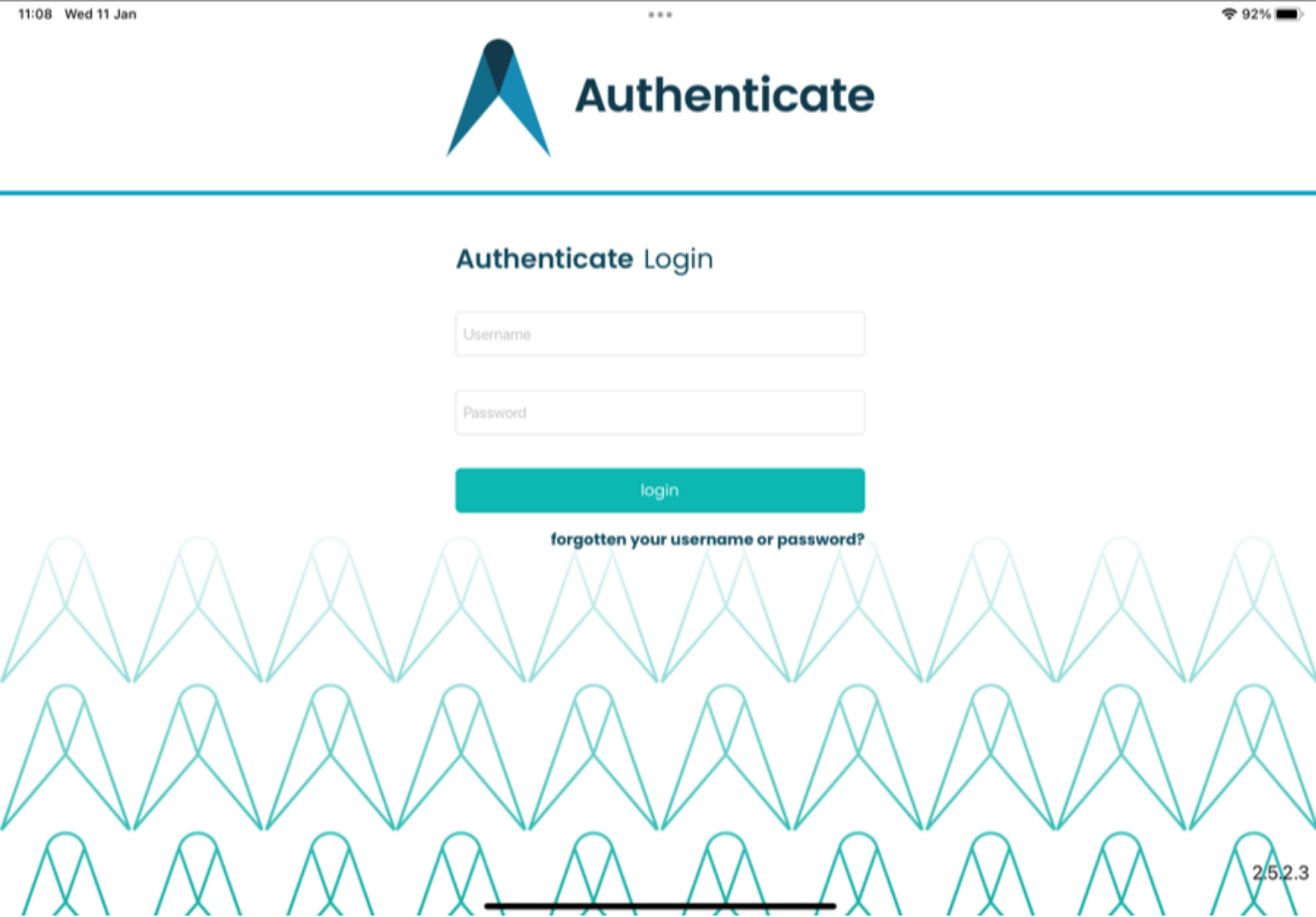
Ensure the app version is up to date. Issues can occur if the app version is not kept updated. Older versions do not have access to corrective actions and may experience issues downloading assessments which contain existing actions. Always use the Apple AppStore to keep the app up-to-date. You can check which version you are on by logging onto the app and looking in the bottom corner. In the AppStore, you can check the updates area to find the latest version. When updating any existing downloaded assessments and responses will remain. Please note: DO NOT delete the app if you have any assessment data stored that you do not wish to lose.
-
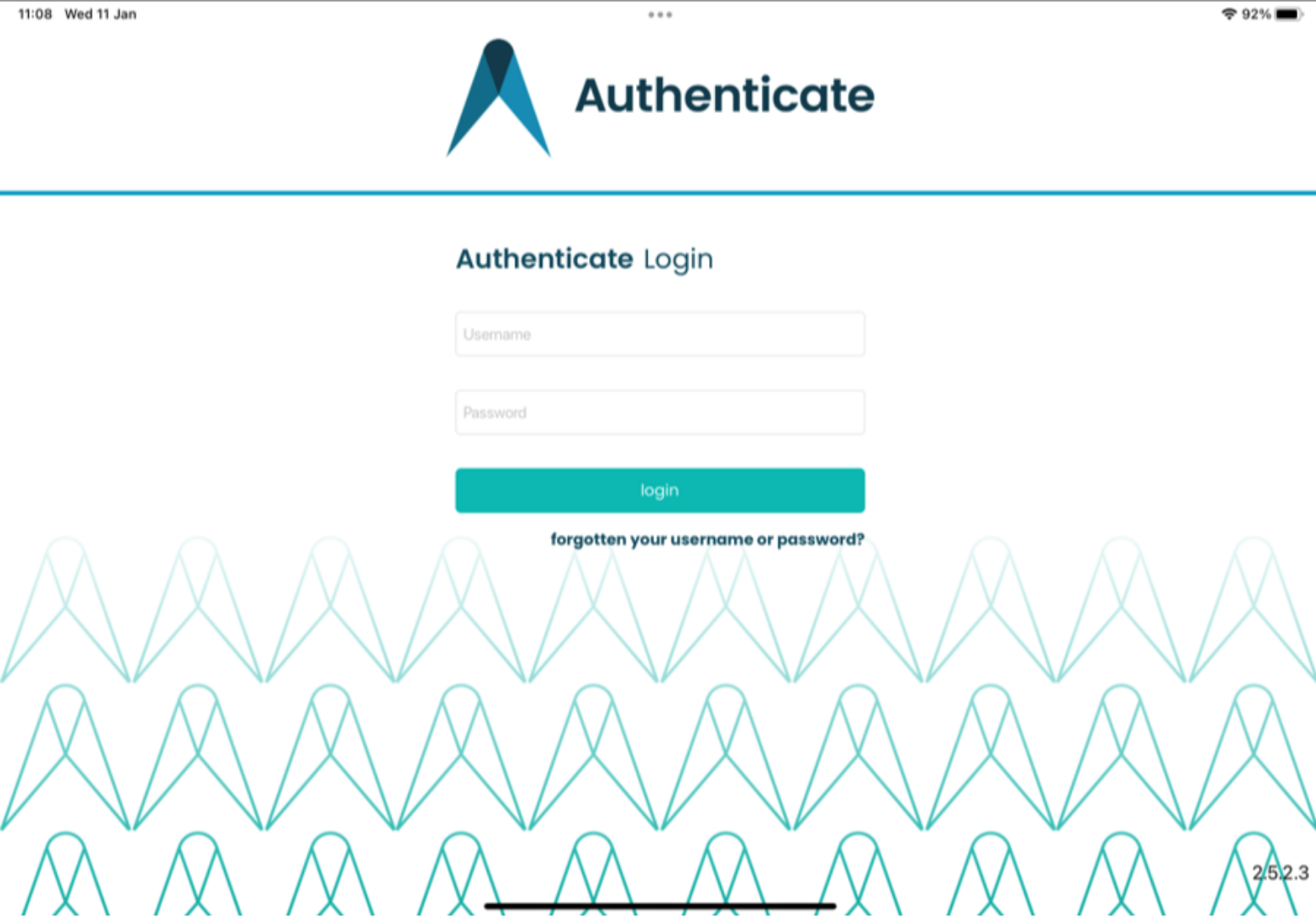
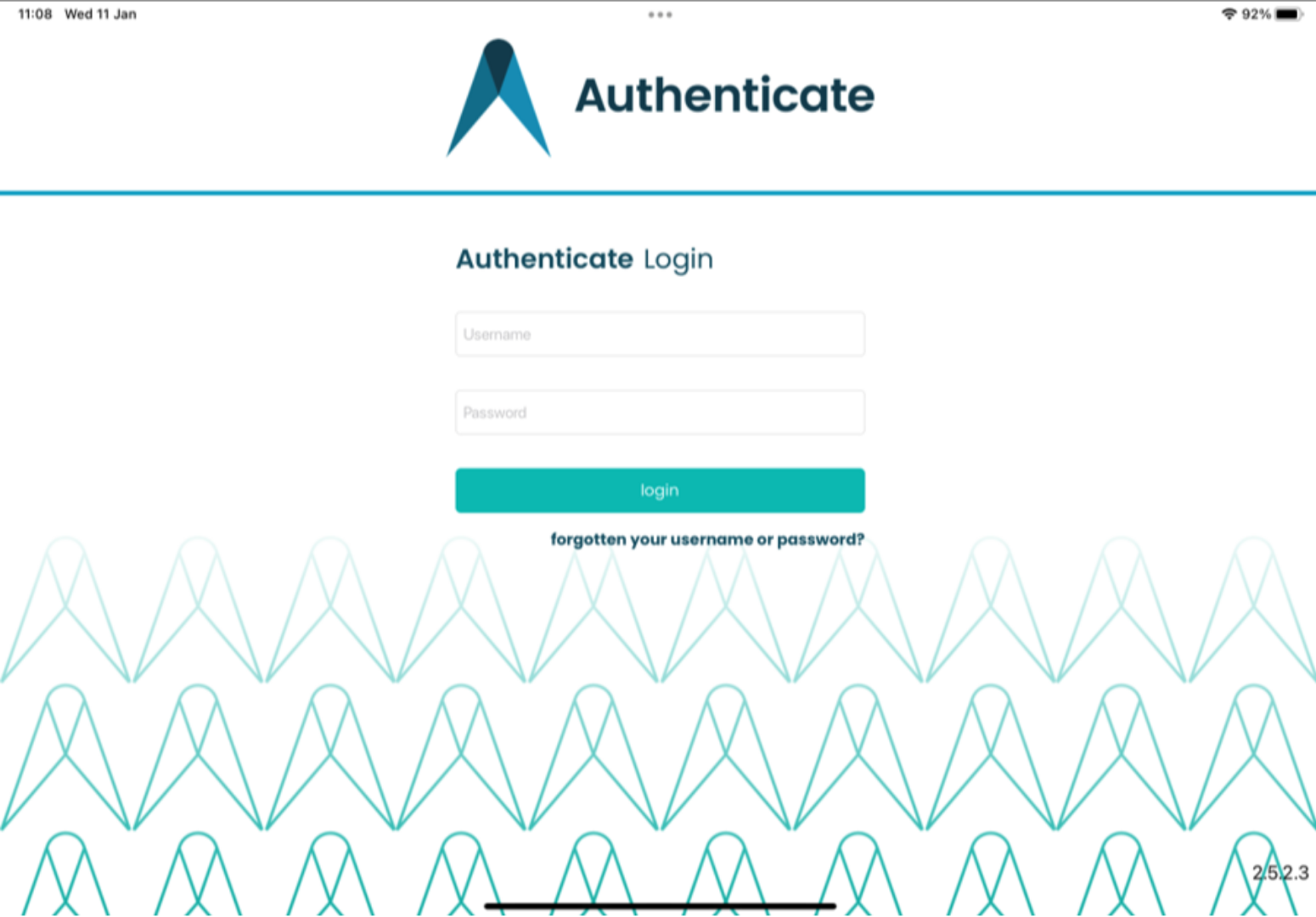
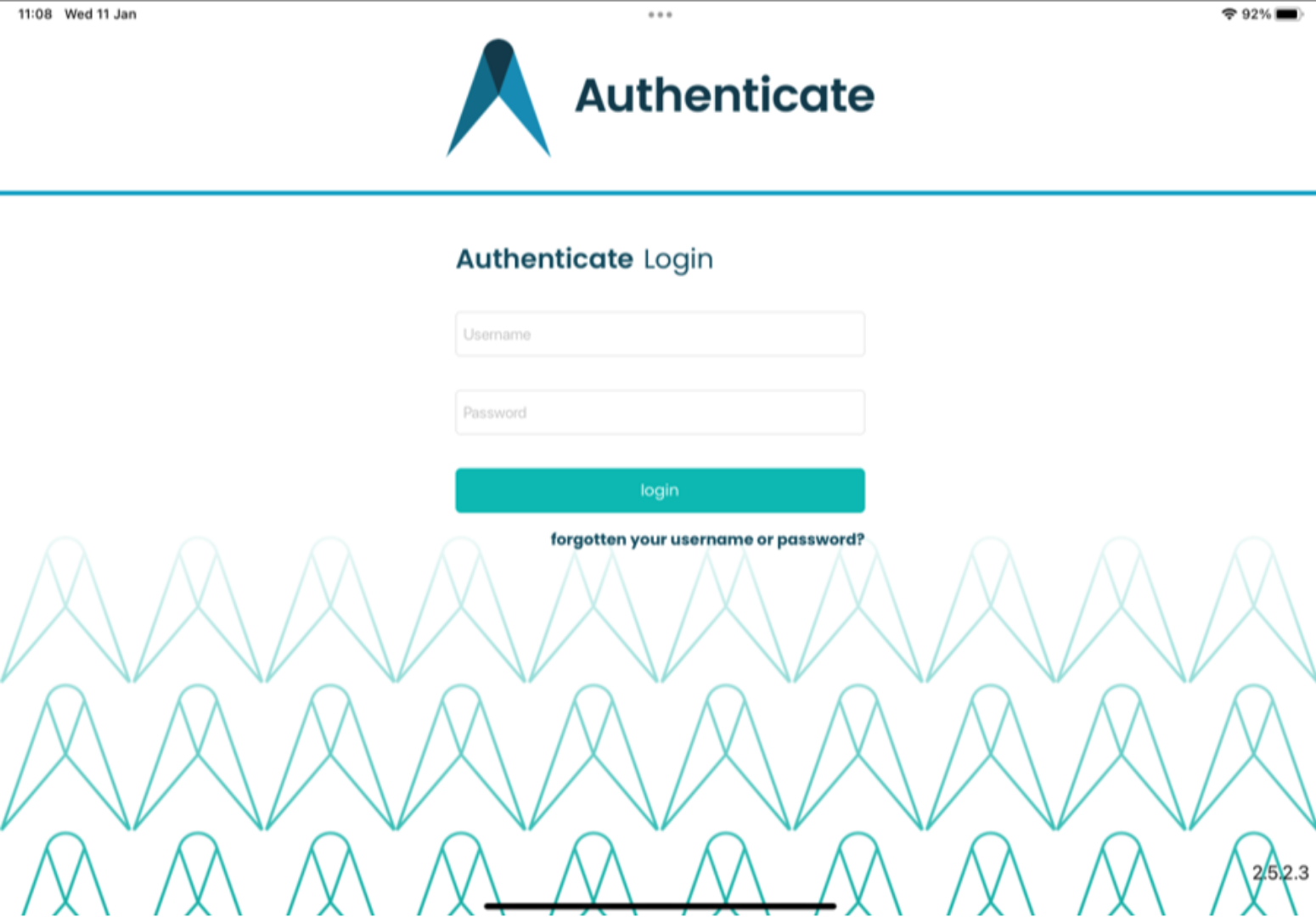
If you are unable to log on and have logged on previously without issue, ensure that you are trying to log in with your Username. If you are still facing issues, please raise a support ticket.
-
If you are receiving an error when uploading an assessment, the most likely cause is if your device is not set up to use 24 hour date and time. To fix this check your device date and time settings via the system menu: select settings, then general, and then date and time - If they are set to not use 24 hour time this should be changed to use 24 hour. This will then allow assessments to be uploaded - This setting can be turned off at all other times but is required to upload to prevent an error recognizing the date format. If issues persist, please contact support for assistance. Please note: DO NOT delete the app if you have any assessment data stored that you do not wish to lose.
-
If you can't find the assessment on the app, when viewing the list of assessments to download if a site assessment cannot be seen or an existing downloaded assessment cannot be uploaded, please check the following: On the App: Check that neither the Template nor the Site filter has been applied. Ensure you have logged in to the app using your username. On the main Platform: Check that the assessment still exists and hasn't been archived. If there is an expiry date on the assessment then please ensure that it is set in the future. Only assessments with an expiry date which has not passed can be downloaded or uploaded. If an assessment has been downloaded which has since expired please raise a support ticket.
-
When an assessment is checked out to another user, it will be unavailable to download to the app. Please check that the assessment is not already checked out to someone else via the main platform. If the assessment is checked out by someone else then please contact them in the first instance to see if they still need access to the assessment on their device. If they do not then they will either need to upload their changes or delete the assessment from the app if they don't need the data. Once they have uploaded the assessment then this will allow you to download the assessment to your device. An issue can occur when an assessment shows as being checked out by yourself but you are unable to see it on your device. This may occur if you have deleted the app whilst having an assessment checked out. If this happens please raise a support ticket.
-
If you accidentally deleted an assessment, you will need to connect to an internet connection to download the assessment again. Any changes that you made before deleting the assessment will be lost and you will need to add the data again. Only delete an assessment if you are sure you DO NOT need any data you have added to it.