New article
Recently updated
Requesting ESG Assessments from Suppliers - ESGnius

Who is this article for?
Users who need to request ESG assessments from suppliers.
ESG admin permissions are required.
This tutorial explains how to request ESG assessments from suppliers within the Ideagen Supply Chain platform.
You will learn how to send assessment requests to individual suppliers or entire supplier lists, assign contacts, and track request statuses.
Requesting ESG assessments from suppliers
-
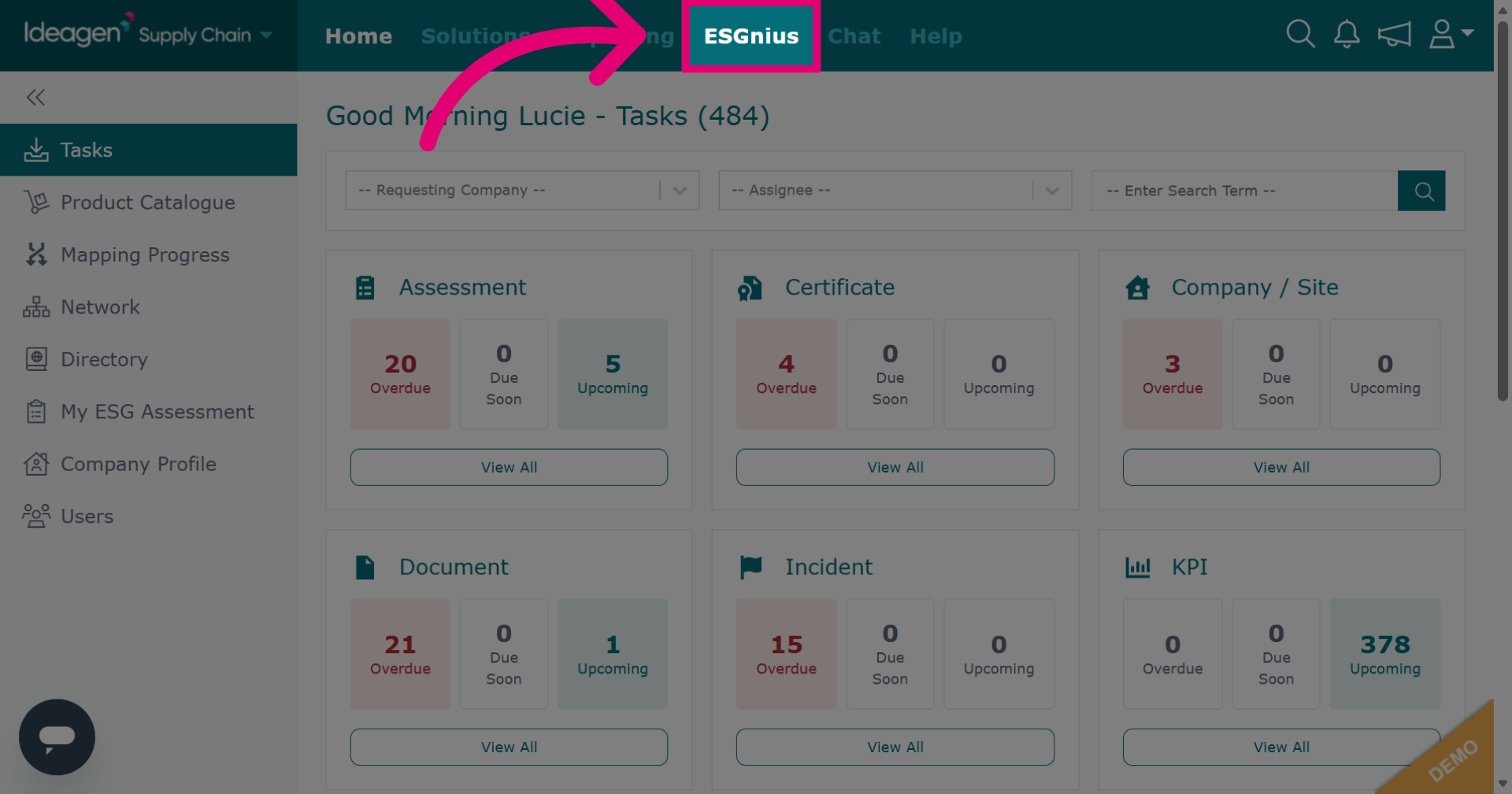
Click ESGnius to access the ESGnius section where supplier ESG assessments are housed.
-
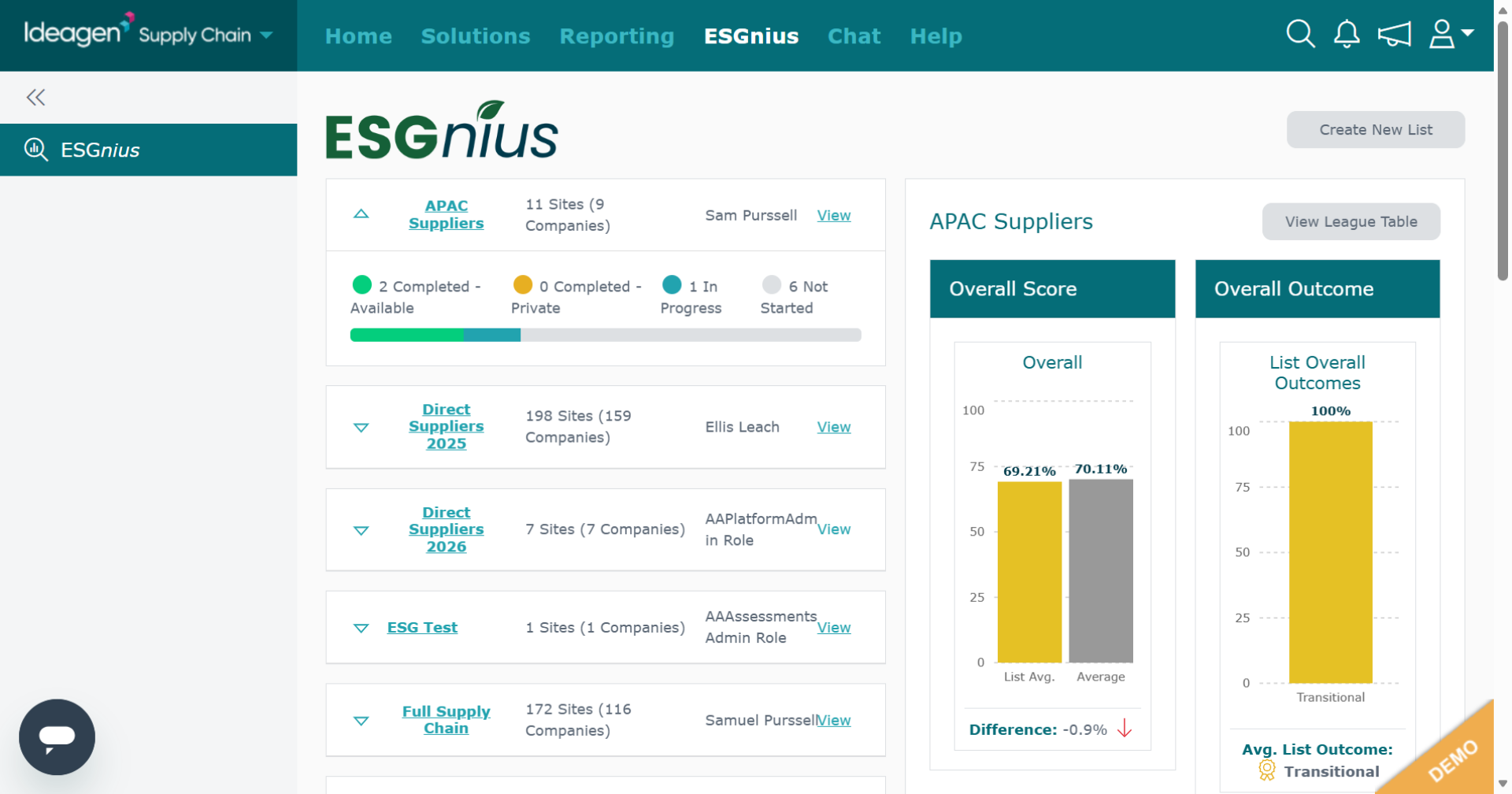
You will be taken to your ESGnius main page.
-
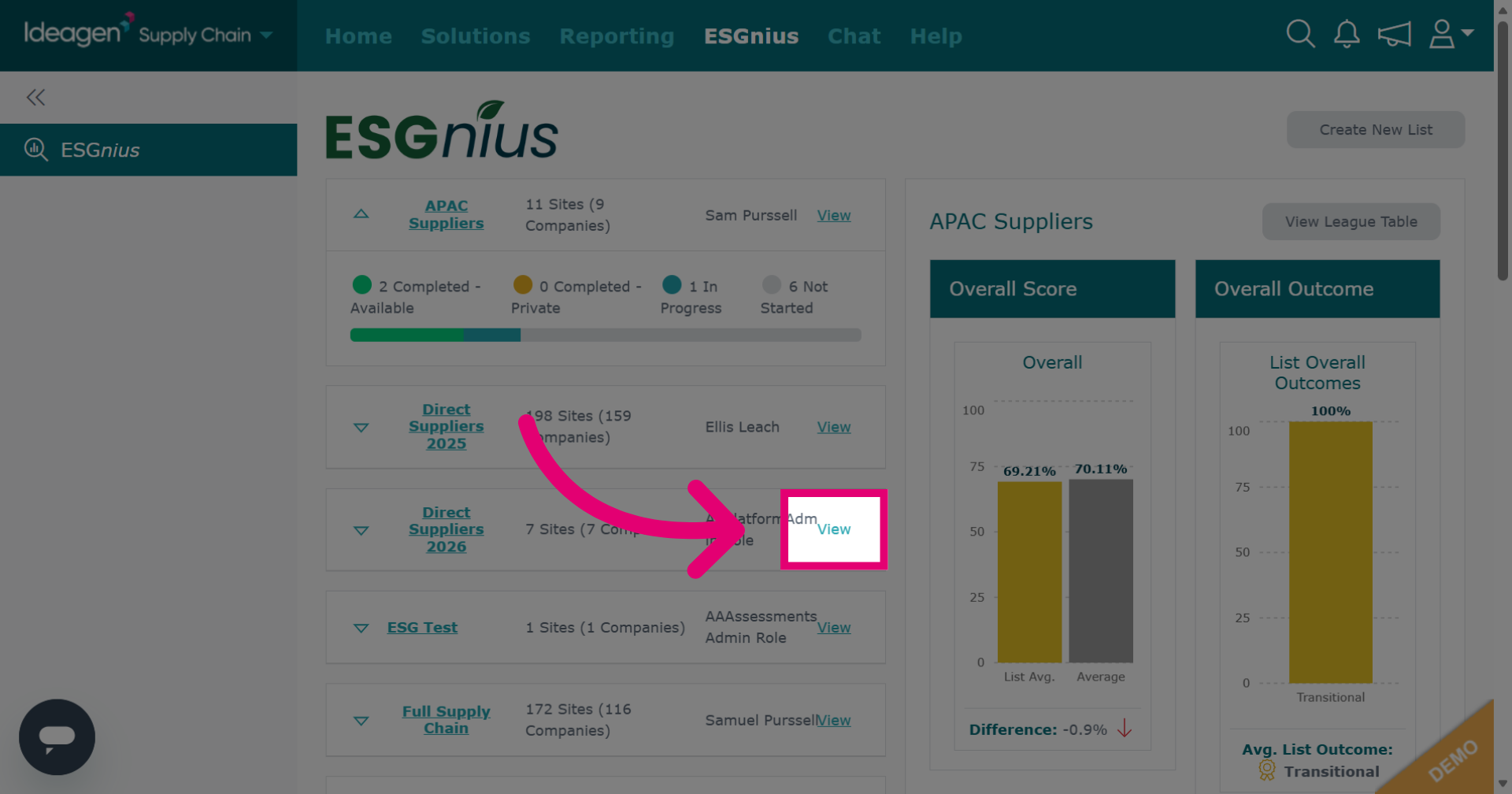
If you already have your list ready, find it and then click View.
-
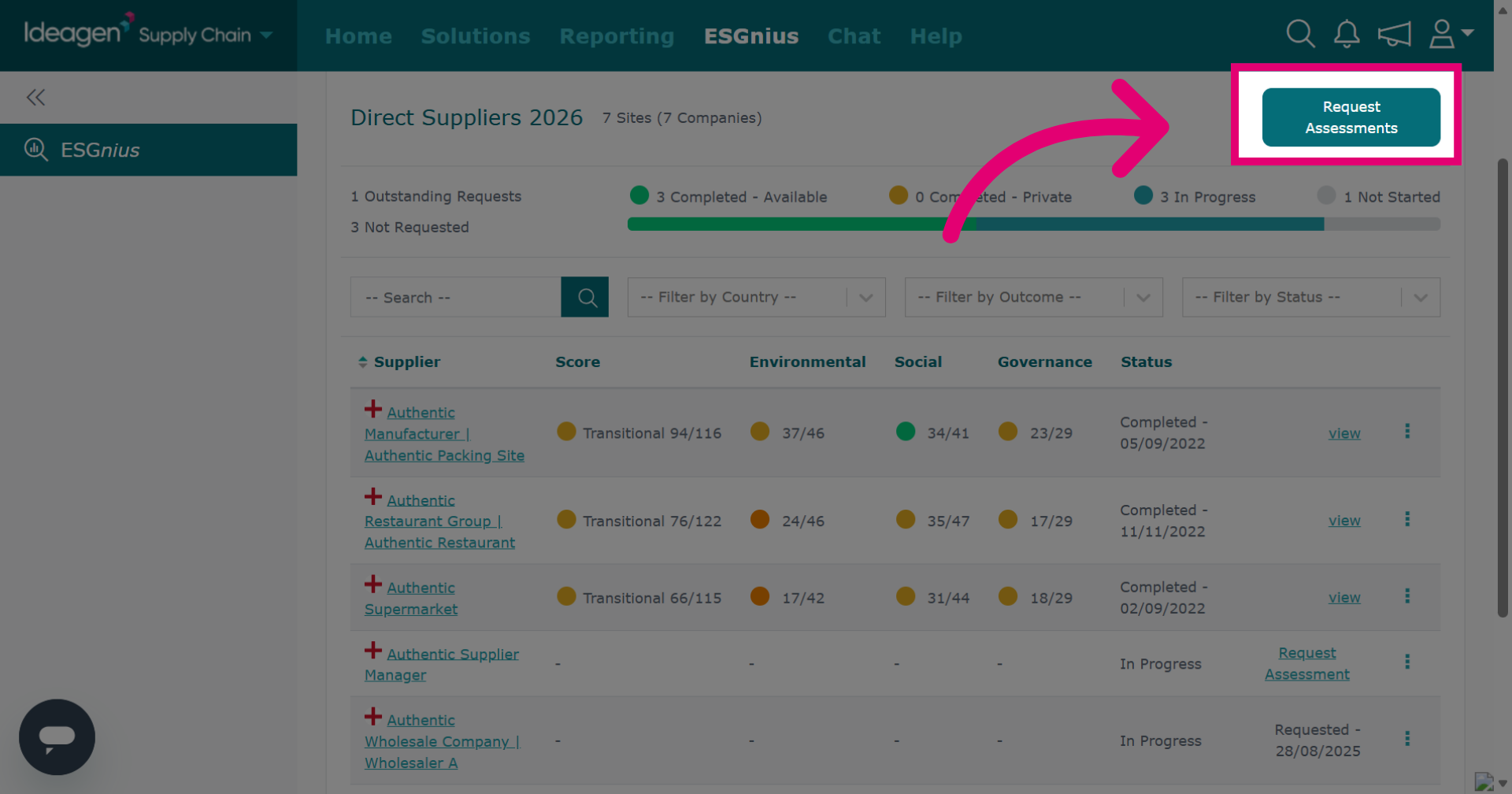
To request ESG assessments from all suppliers within the list who have not yet submitted their ESG assessment, click Request Assessments at the top of the page. If you wish to add or remove suppliers from the list, please go and watch our video guide titled "Supplier Manager: Add and Remove Suppliers from a List."
-
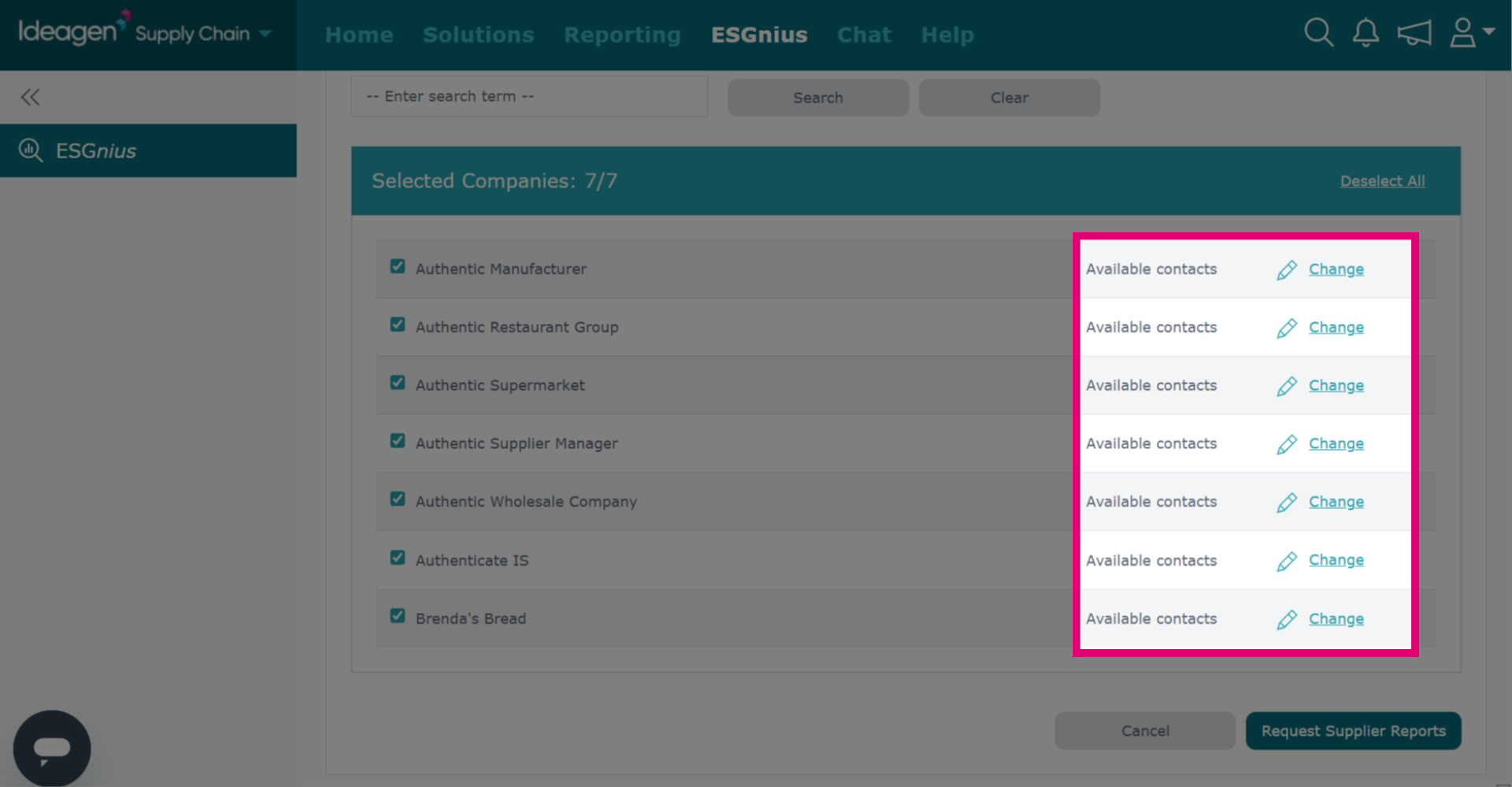
You will then be able to pick a contact to assign the assessment to if needed. This is optional and if you leave the contact box blank, the request will be assigned to all users of the profile.
-
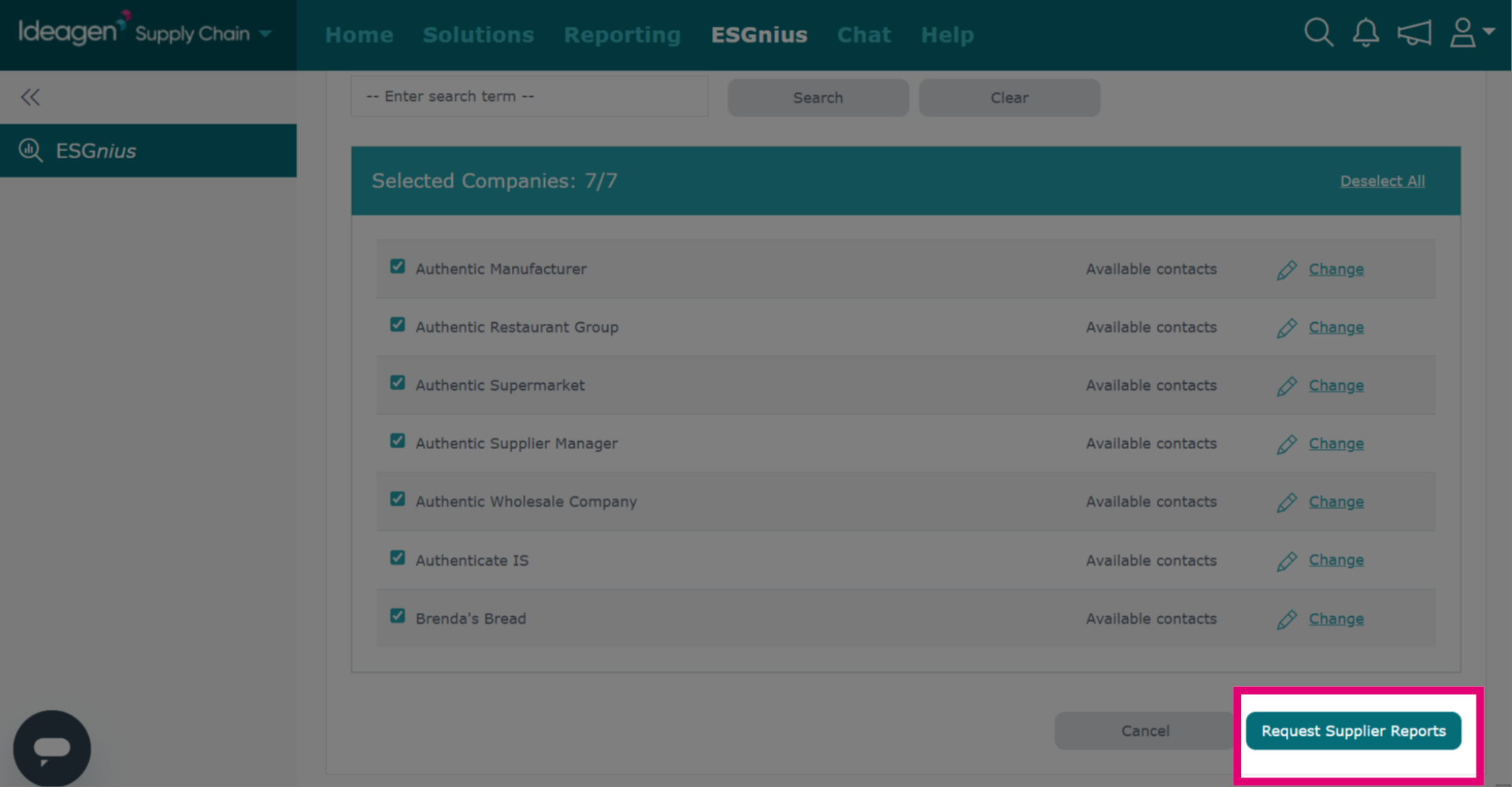
Click Request Supplier Reports to send the requests, or click Cancel to return to the list.
-
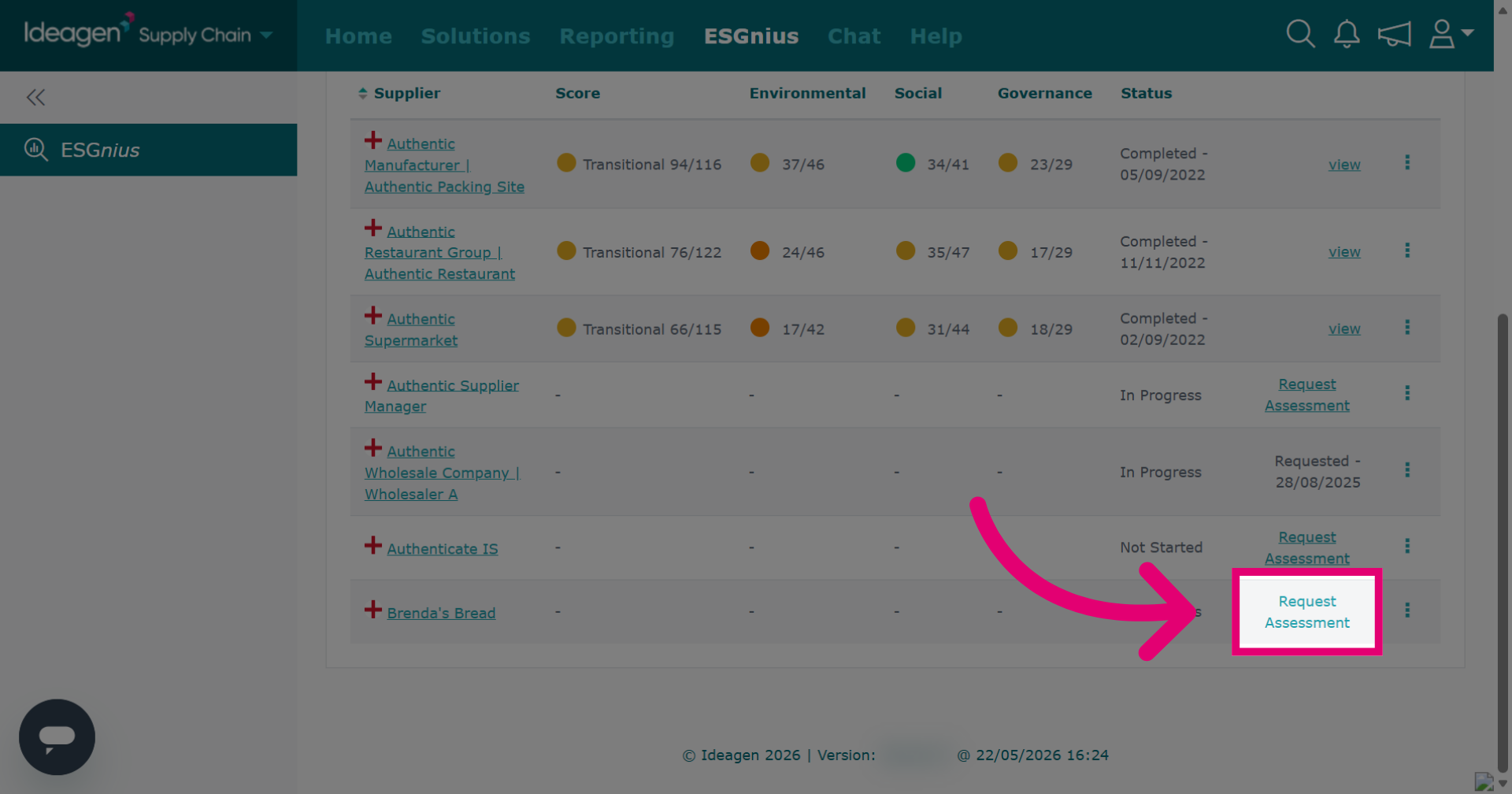
To request an individual supplier's assessment, find them in the list and click Request Assessment beside their name.
-
You will then be able to pick a contact to assign the assessment to if needed. This is optional and if you leave the contact box blank, the request will be assigned to all users of the profile.
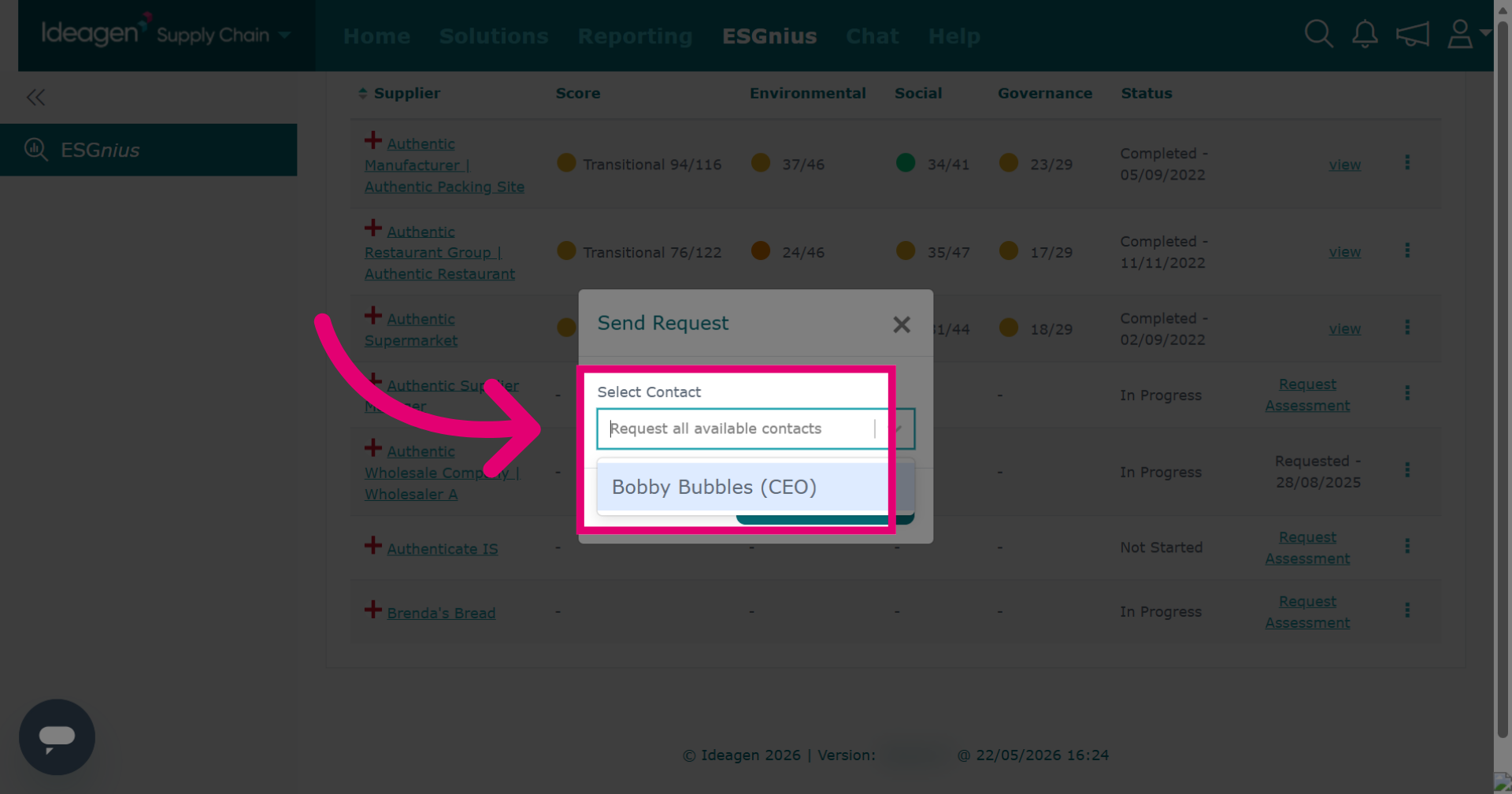
-
Click Send to dispatch the assessment request.
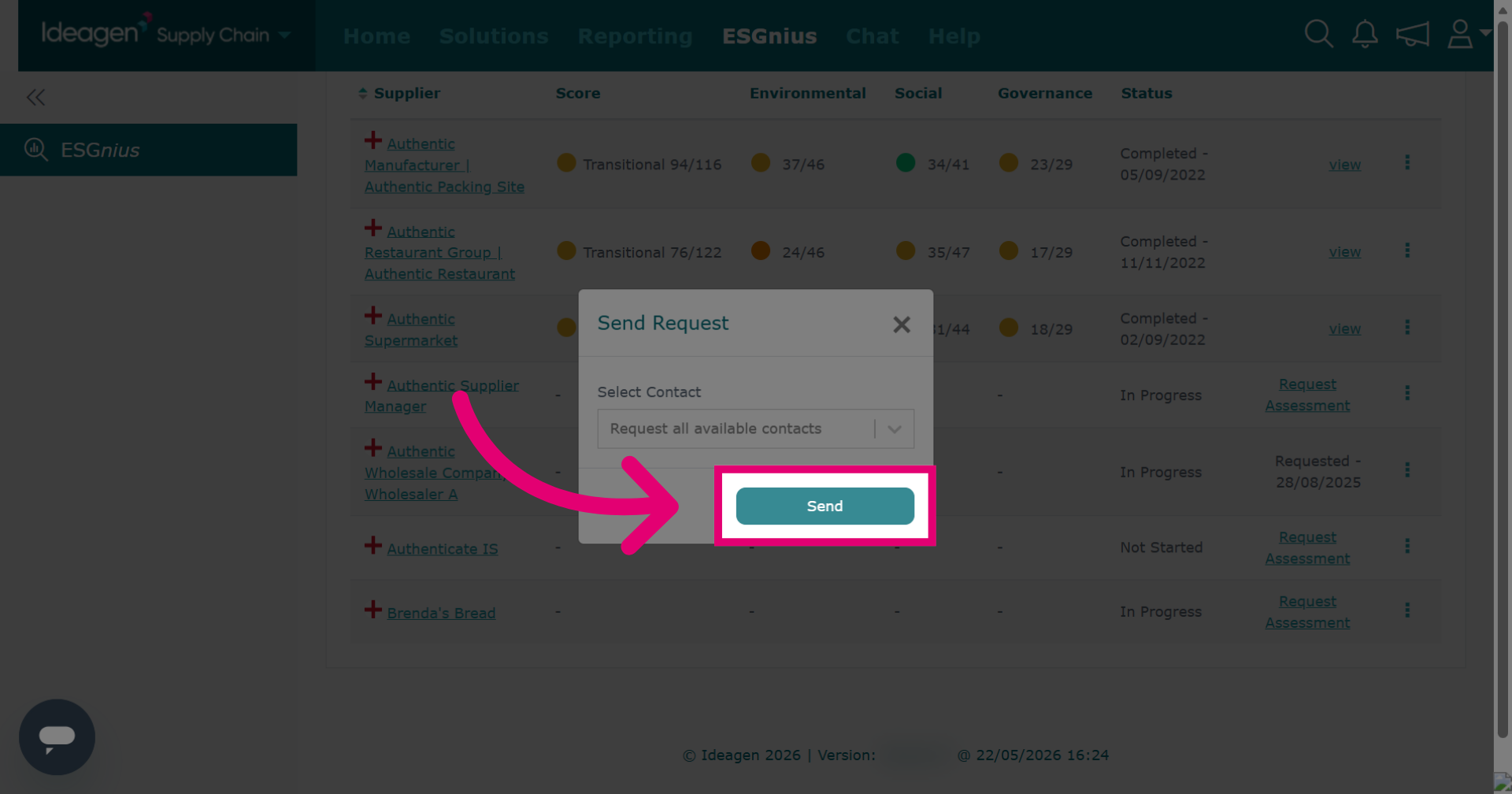
-
Once a request has been sent, it will update the status as shown. You will not be able to send a further request for the assessment's completion for 48 hours.
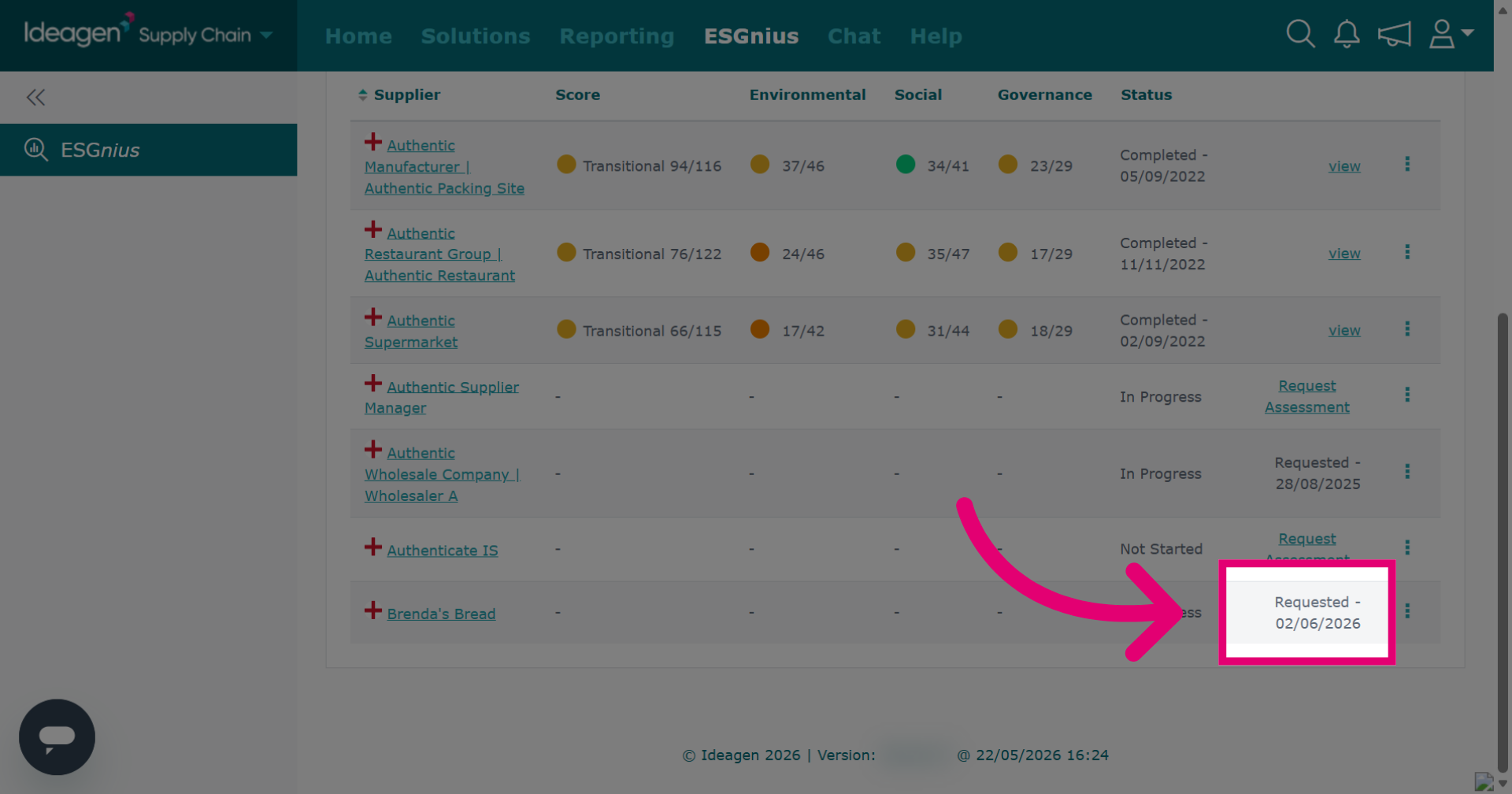
-
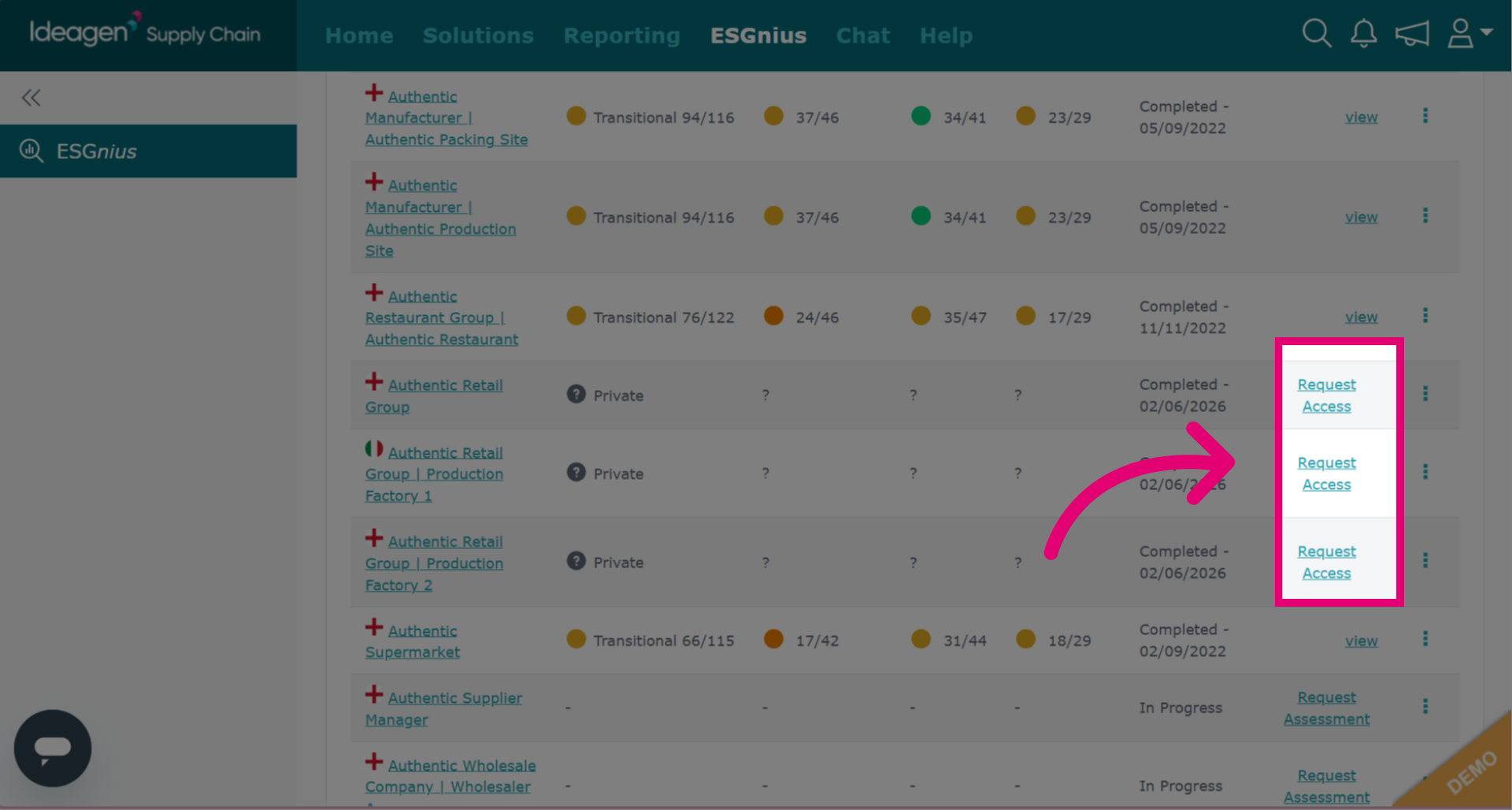
If a supplier has completed the ESG assessment but has not yet shared the results with you, instead of request assessment, you have the option to click Request Access. The request screens will function in the same format as the request assessment option.