New article
Recently updated
Requesting ESG assessments from suppliers

Who is this article for?
Users who need to request ESG assessments from suppliers.
ESG admin permissions are required.
This tutorial explains how to request ESG assessments from suppliers within the Ideagen Supply Chain platform.
Requesting ESG assessments from suppliers
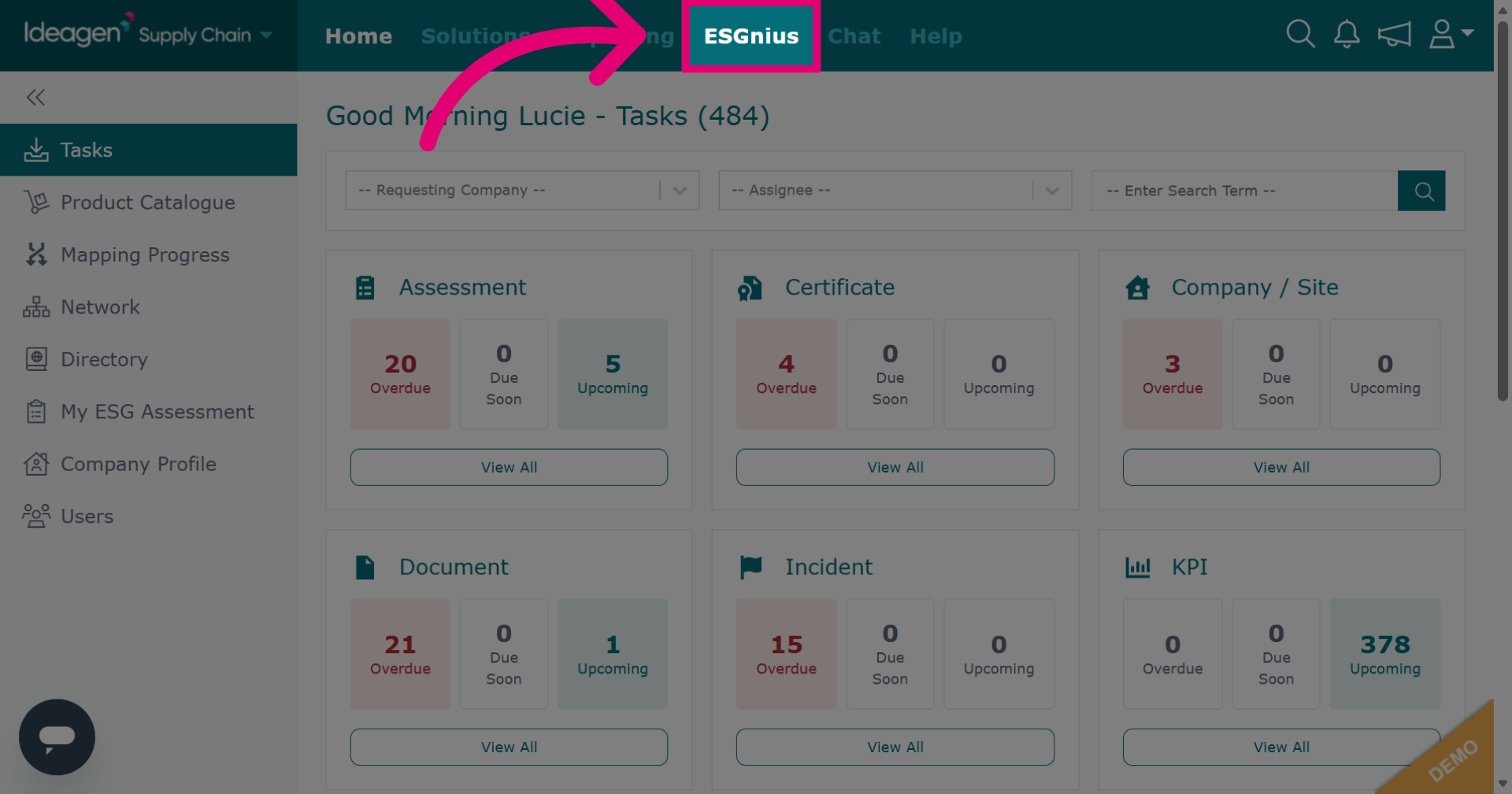
Click ESGnius to access the ESGnius section where supplier ESG assessments are housed.
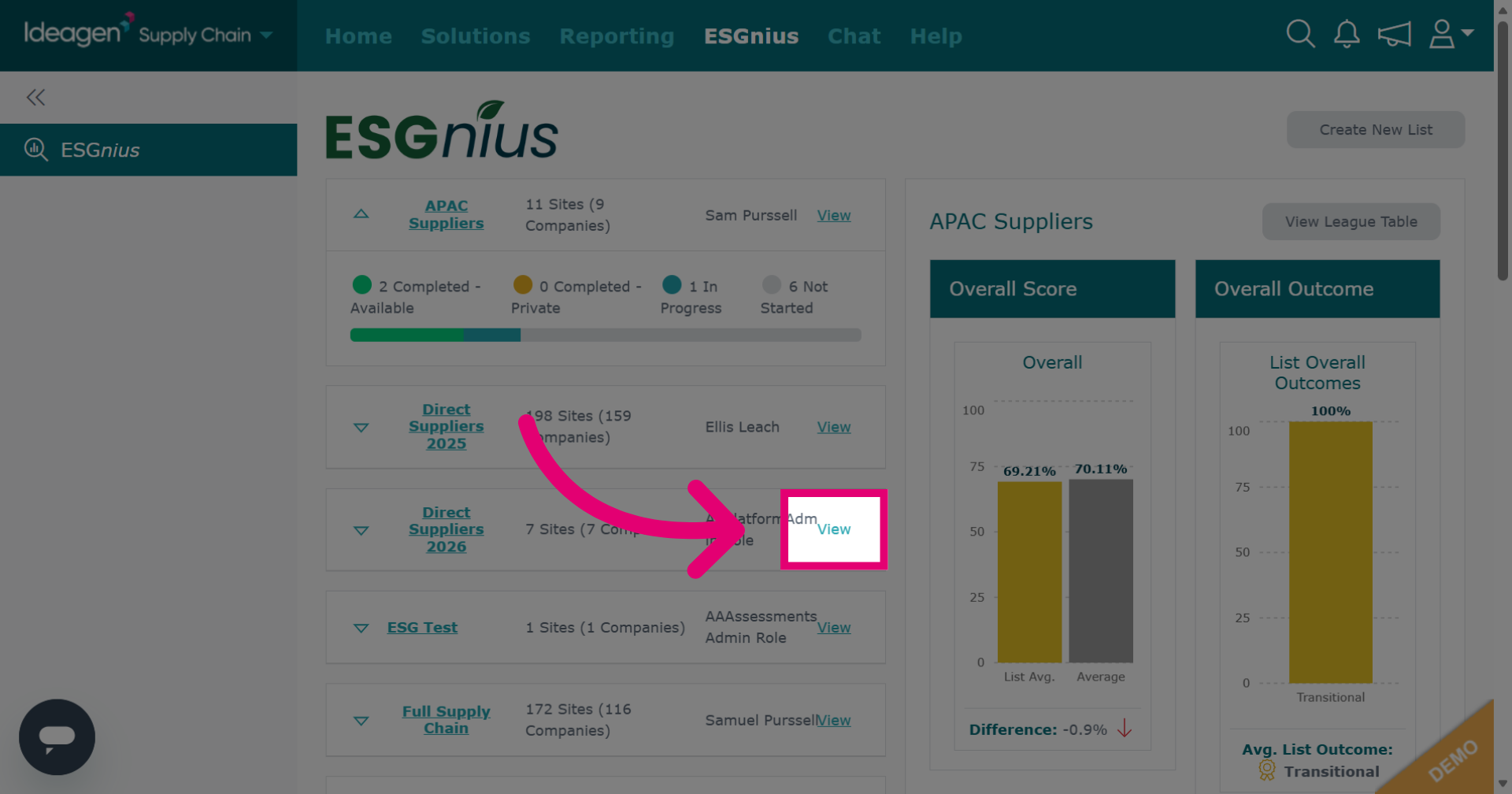
If you already have your list ready, find it, and then click View.
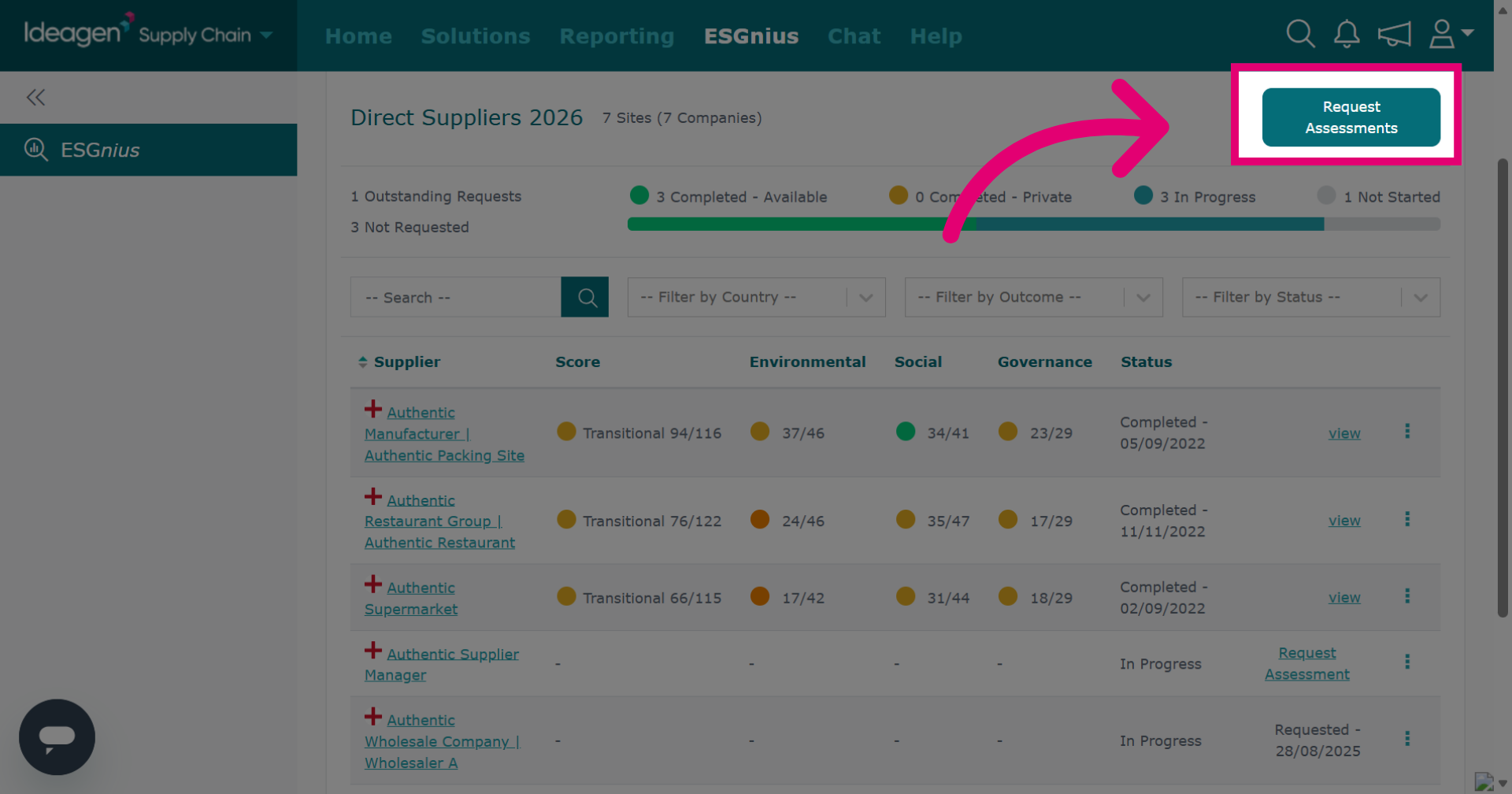
To request ESG assessments from suppliers who haven't submitted theirs, click Request Assessments at the top.
You can pick a contact for the assessment, but it's optional. If the contact box is blank, the request goes to all users of the profile.
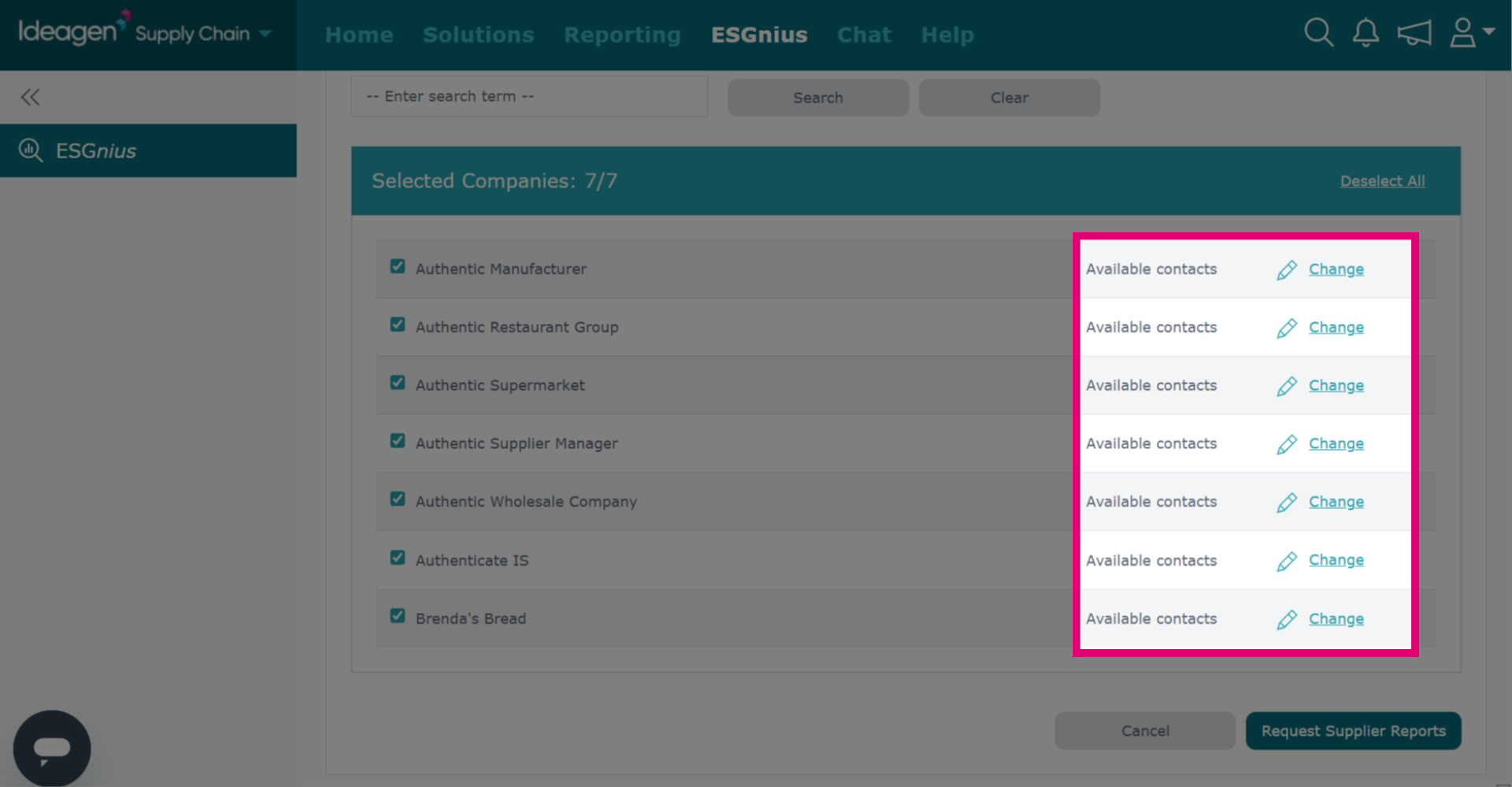
Click Request Supplier Reports to send the requests, or click Cancel to return to the list.
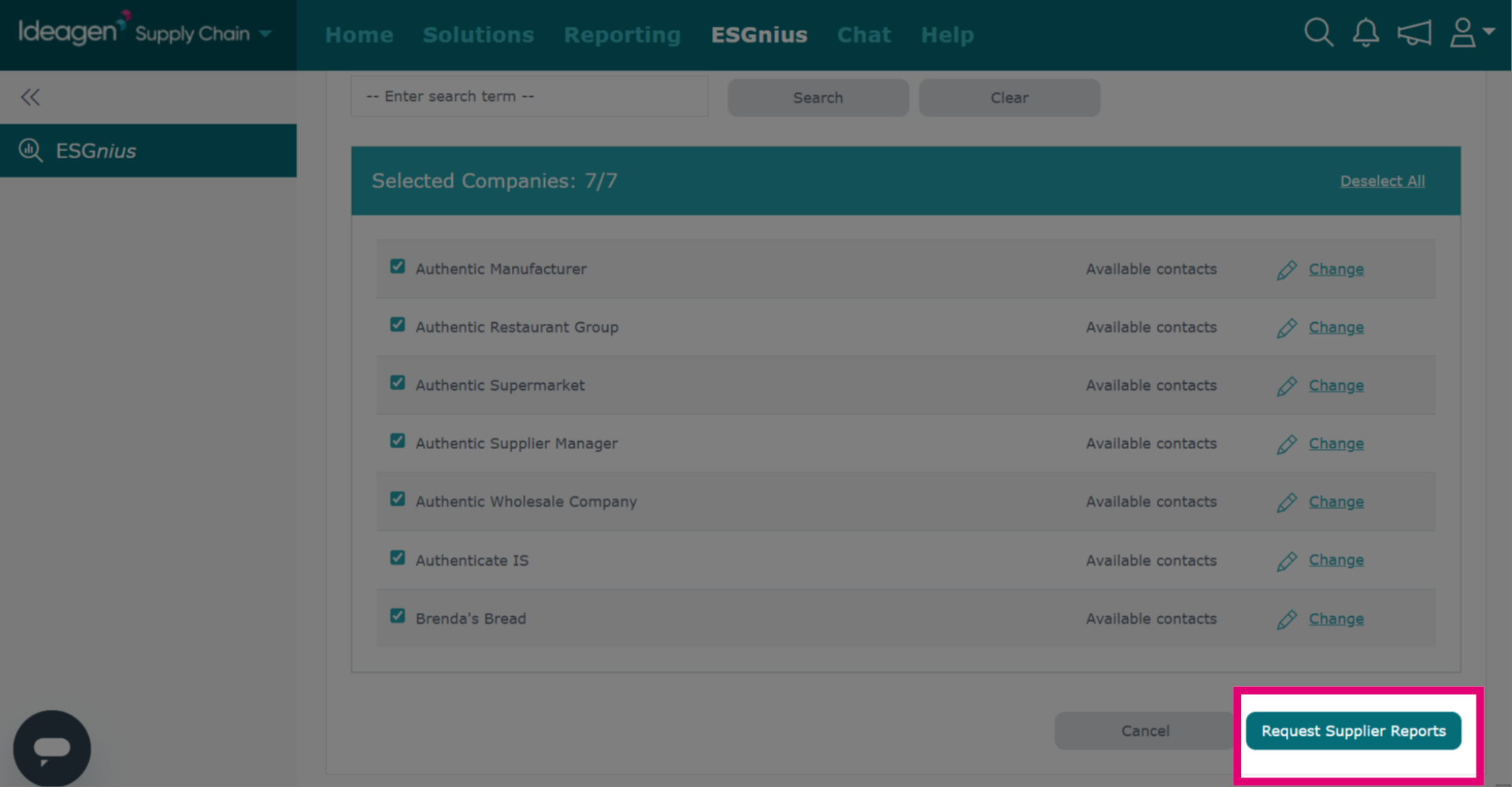
To request a supplier's assessment, find them in the list and click Request Assessment next to their name.
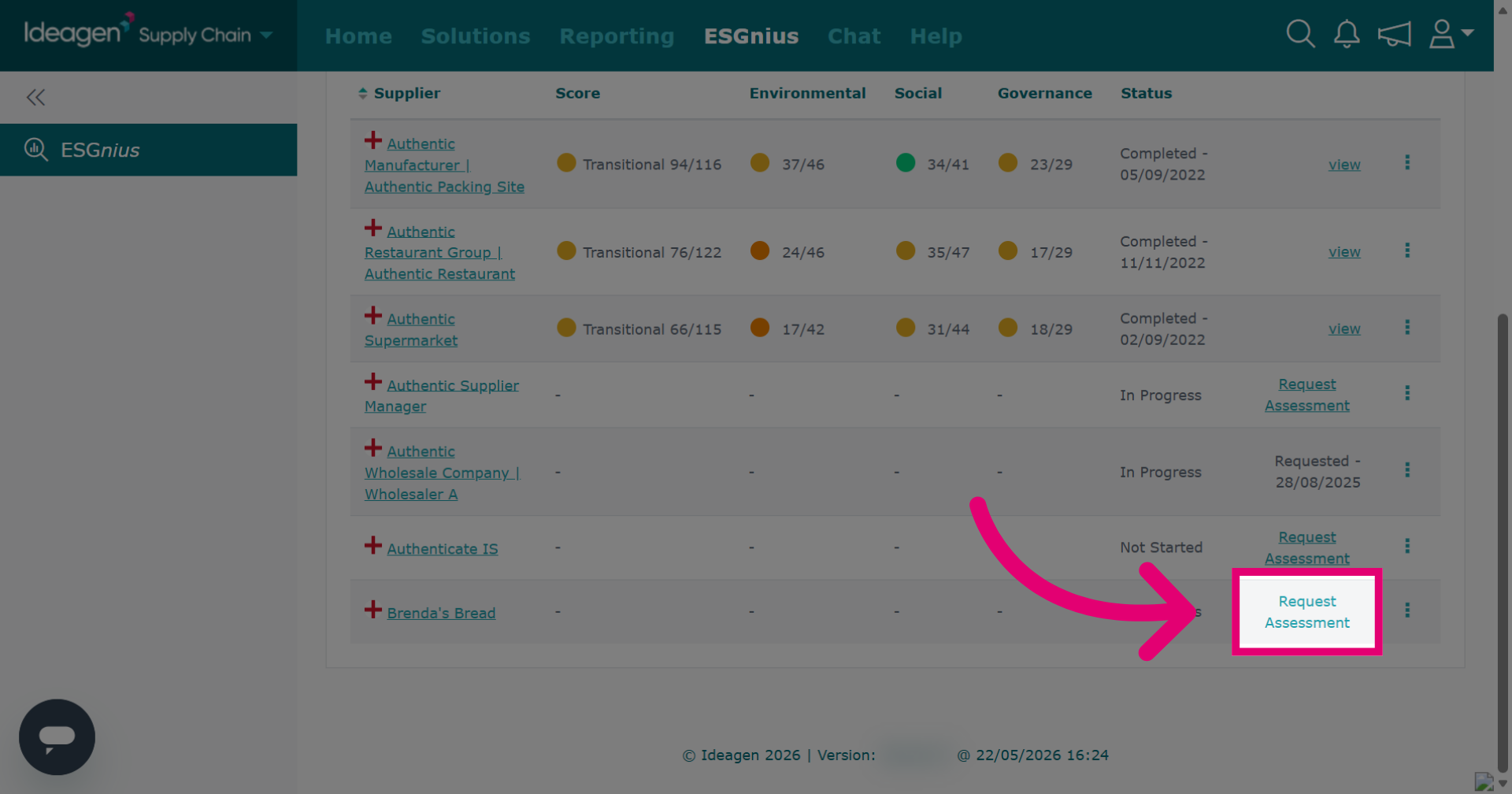
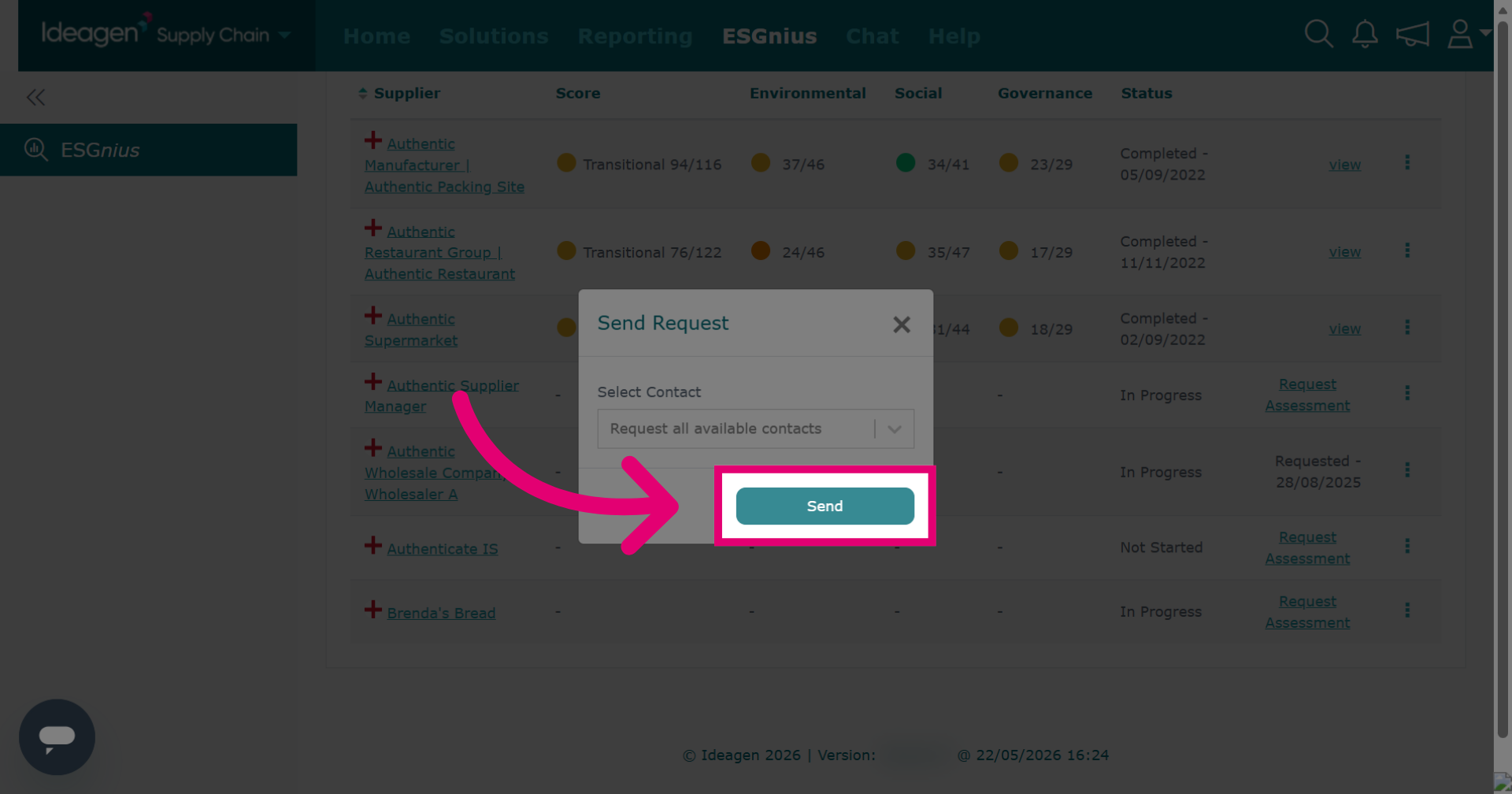
You can pick a contact for the assessment, but it's optional. If the contact box is blank, the request goes to all users of the profile.
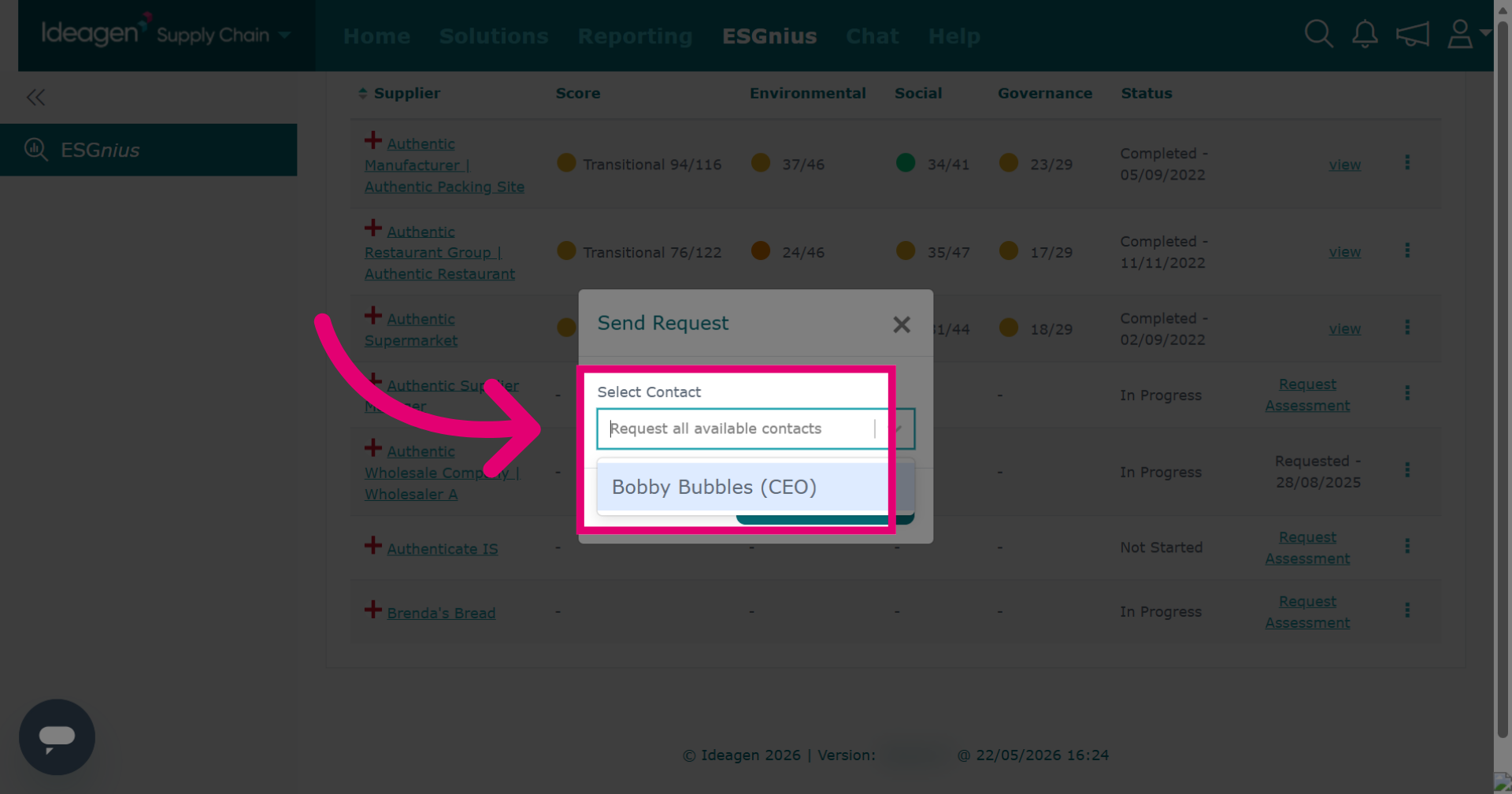
Click Send to dispatch the assessment request.
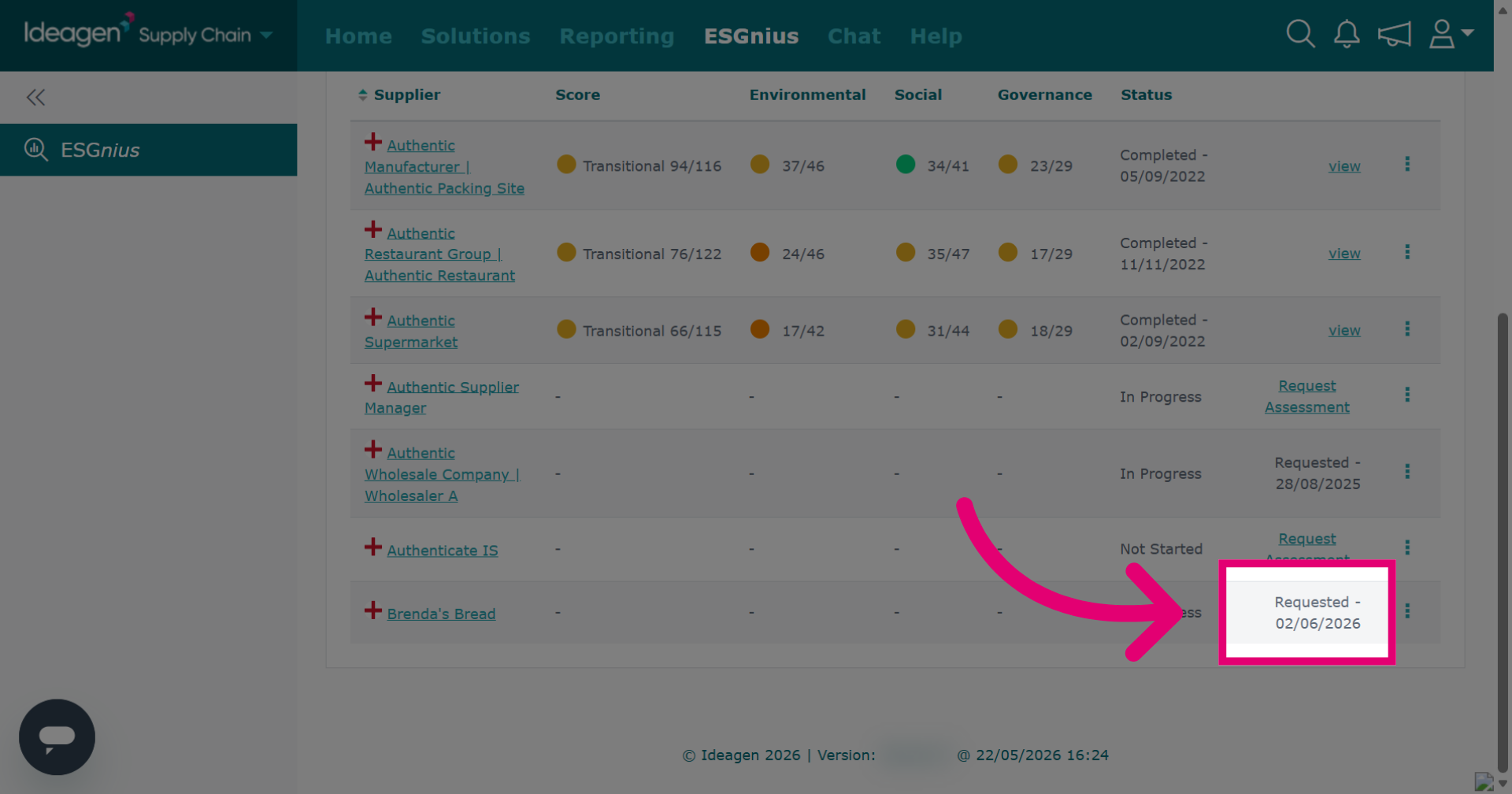
After a request, the status will update and you cannot make any further requests for assessment completion for 48 hours.
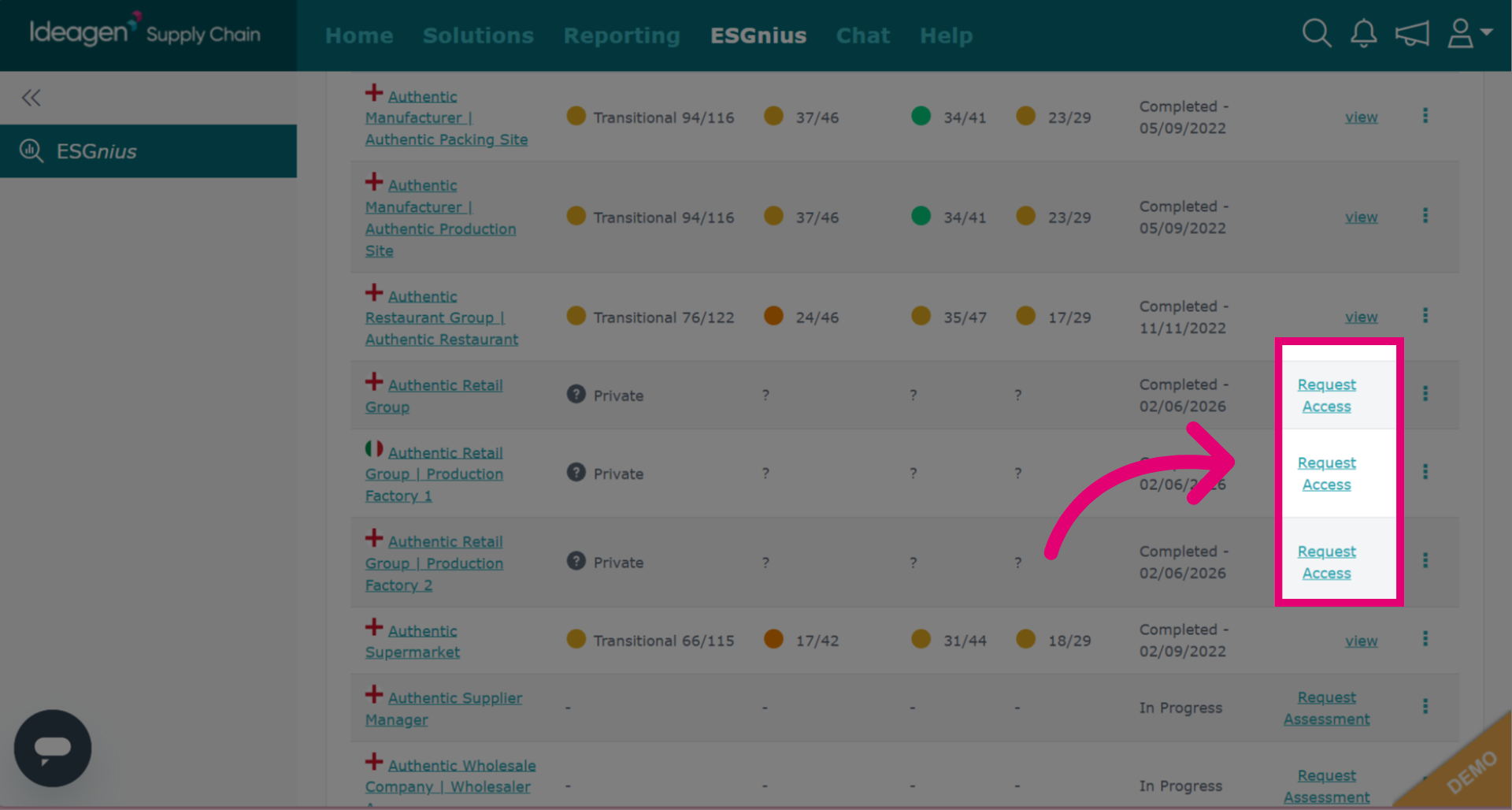
If a supplier completed the ESG assessment but hasn't shared results, you can click Request Access. The request screens will work like the request assessment option.