New article
Recently updated
Responding to an ESG request

Who is this article for?
Users who need to learn how to respond to an ESG request.
ESG user permissions are required.
This tutorial guides you through completing an ESG assessment in Ideagen Supply Chain.
You will learn how to accept, complete, and submit an ESG assessment, as well as manage visibility settings for your results.
Completing and managing your ESG assessment
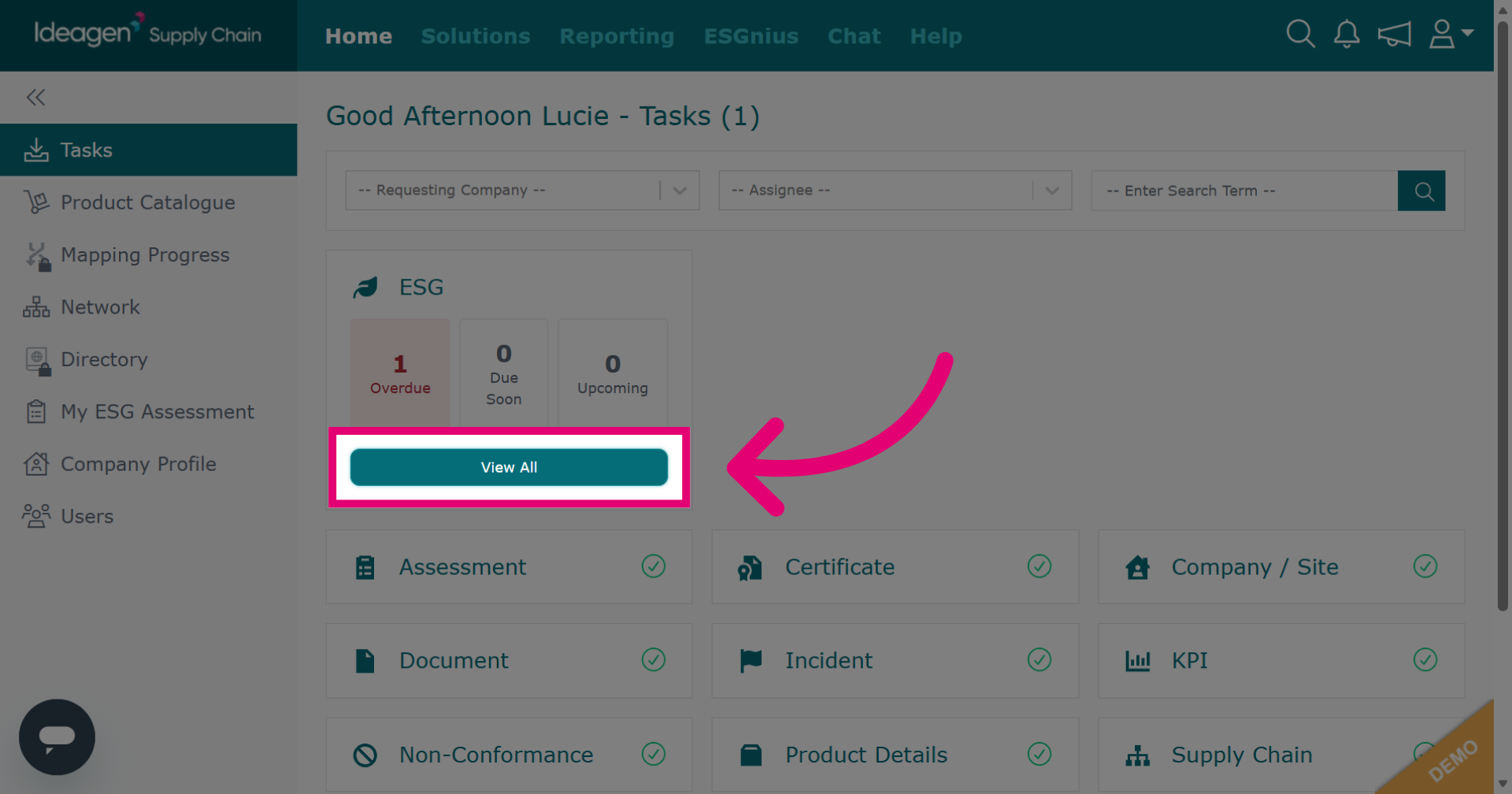
Click View All beneath the ESG tile to view your outstanding ESG tasks.
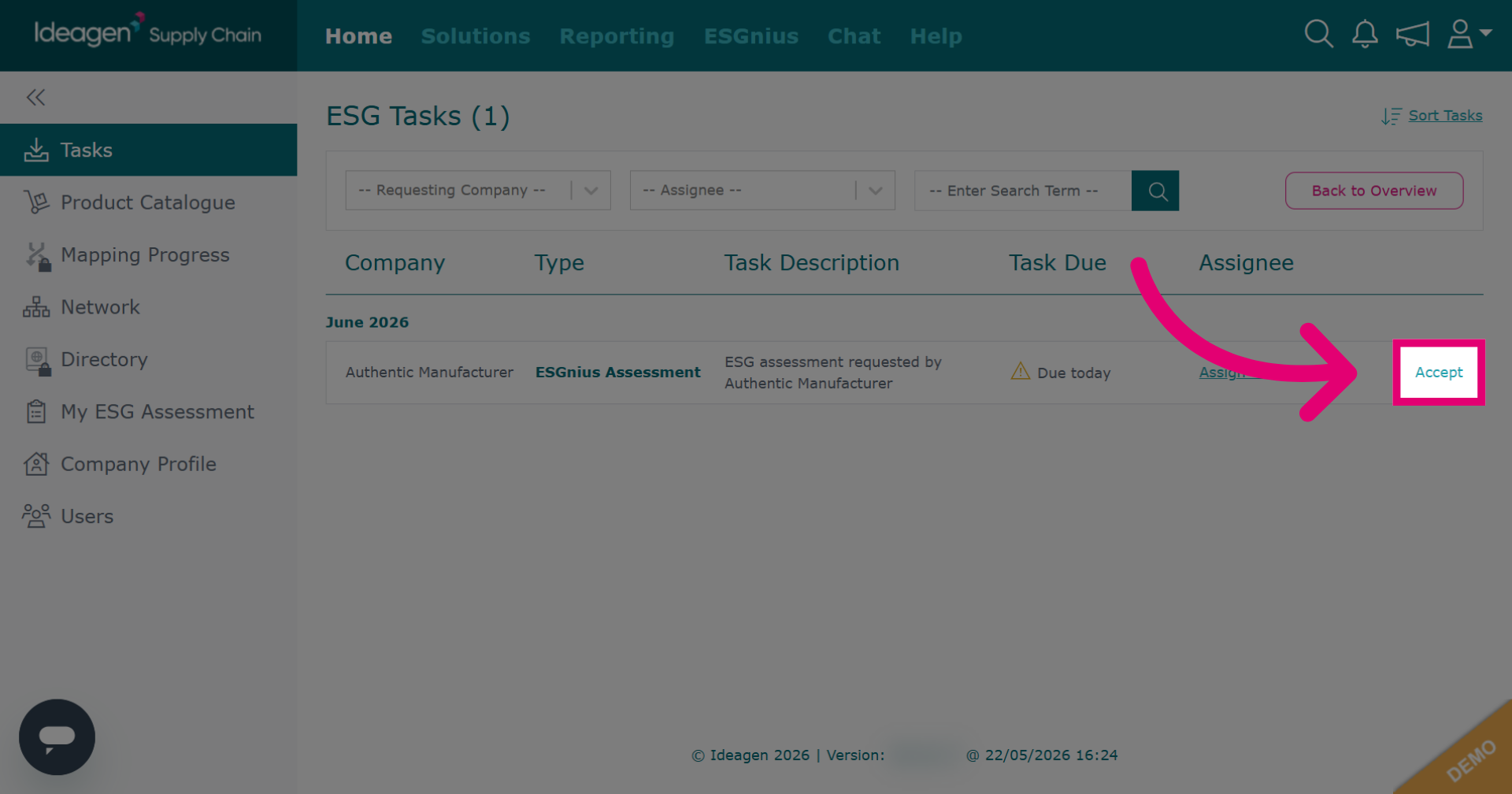
Click Accept to begin the ESG assessment. Please note that there isn't a Reject option for the ESG assessment.
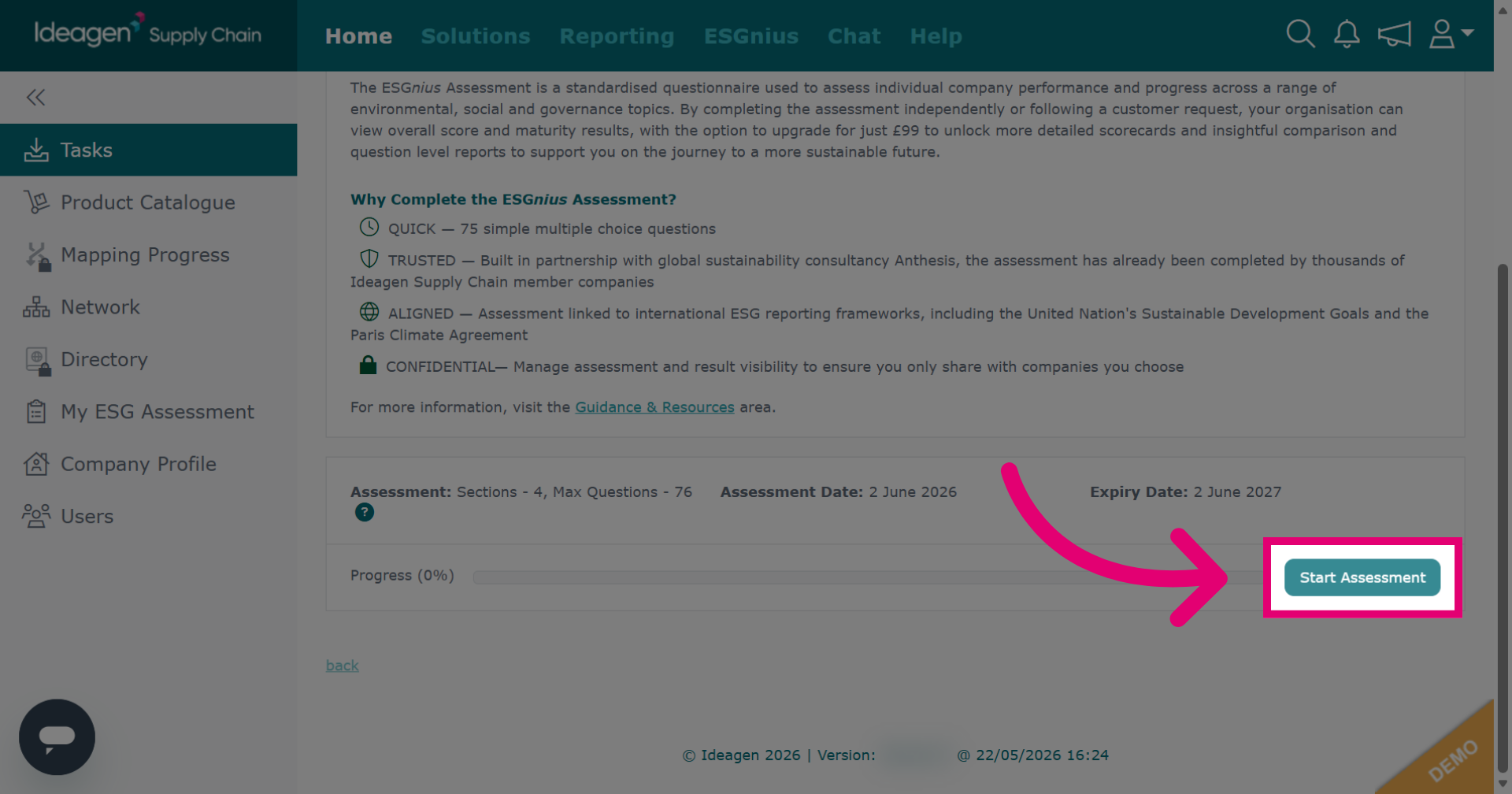
Click Start Assessment to begin answering the assessment questions.
Click Answer by Section to respond to assessment questions by section.
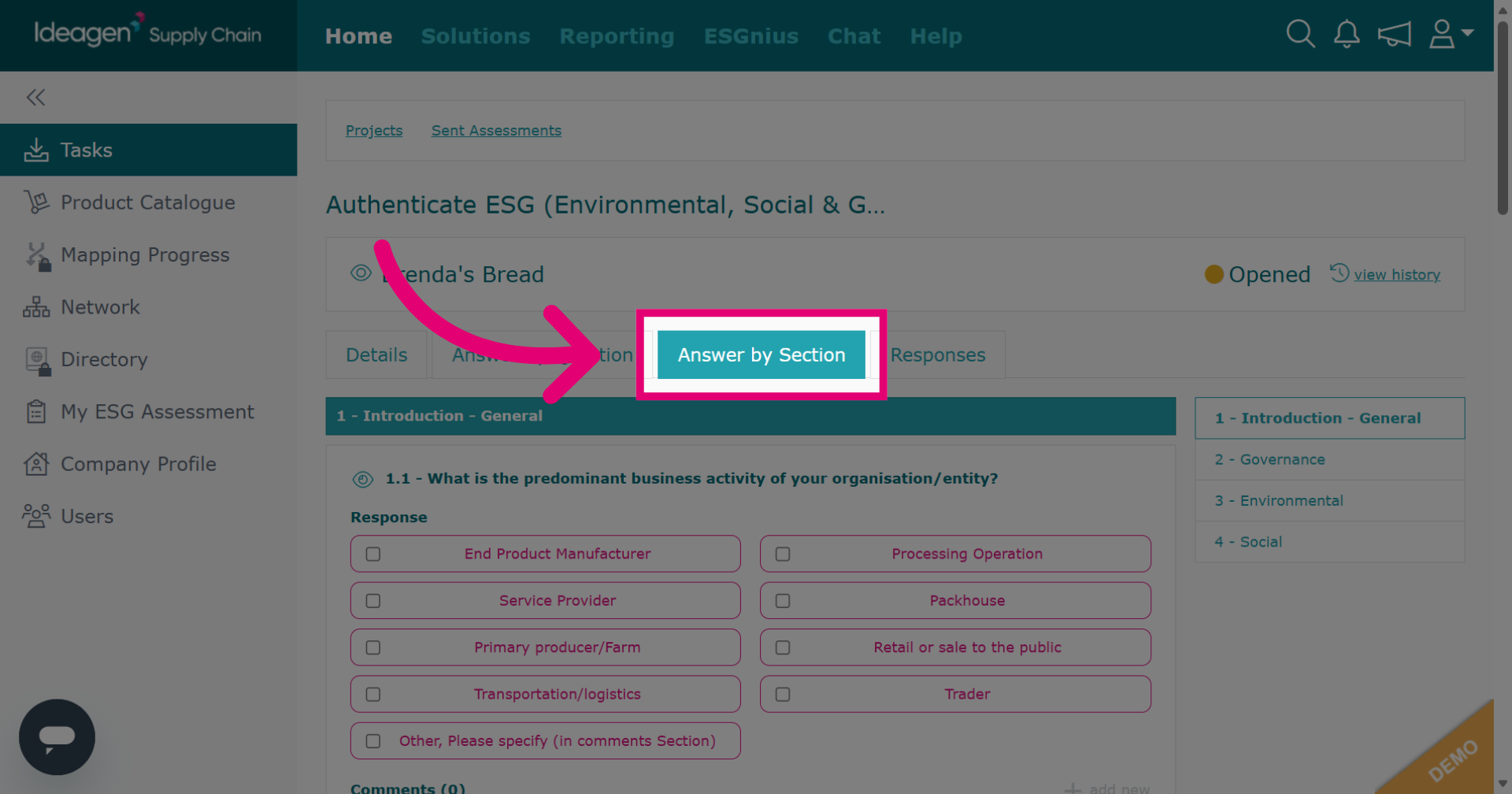
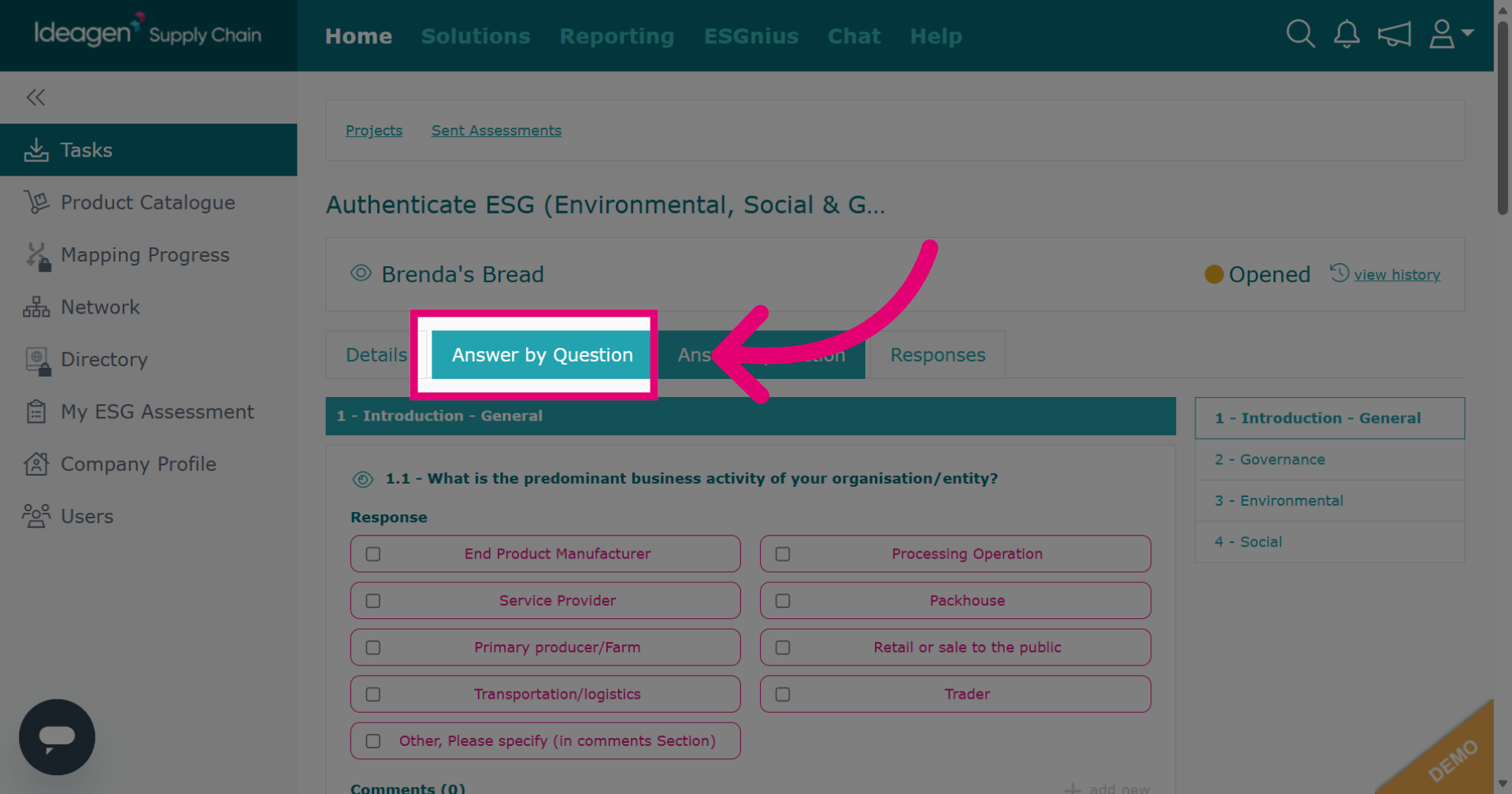
Click Answer by Question to address each question individually.
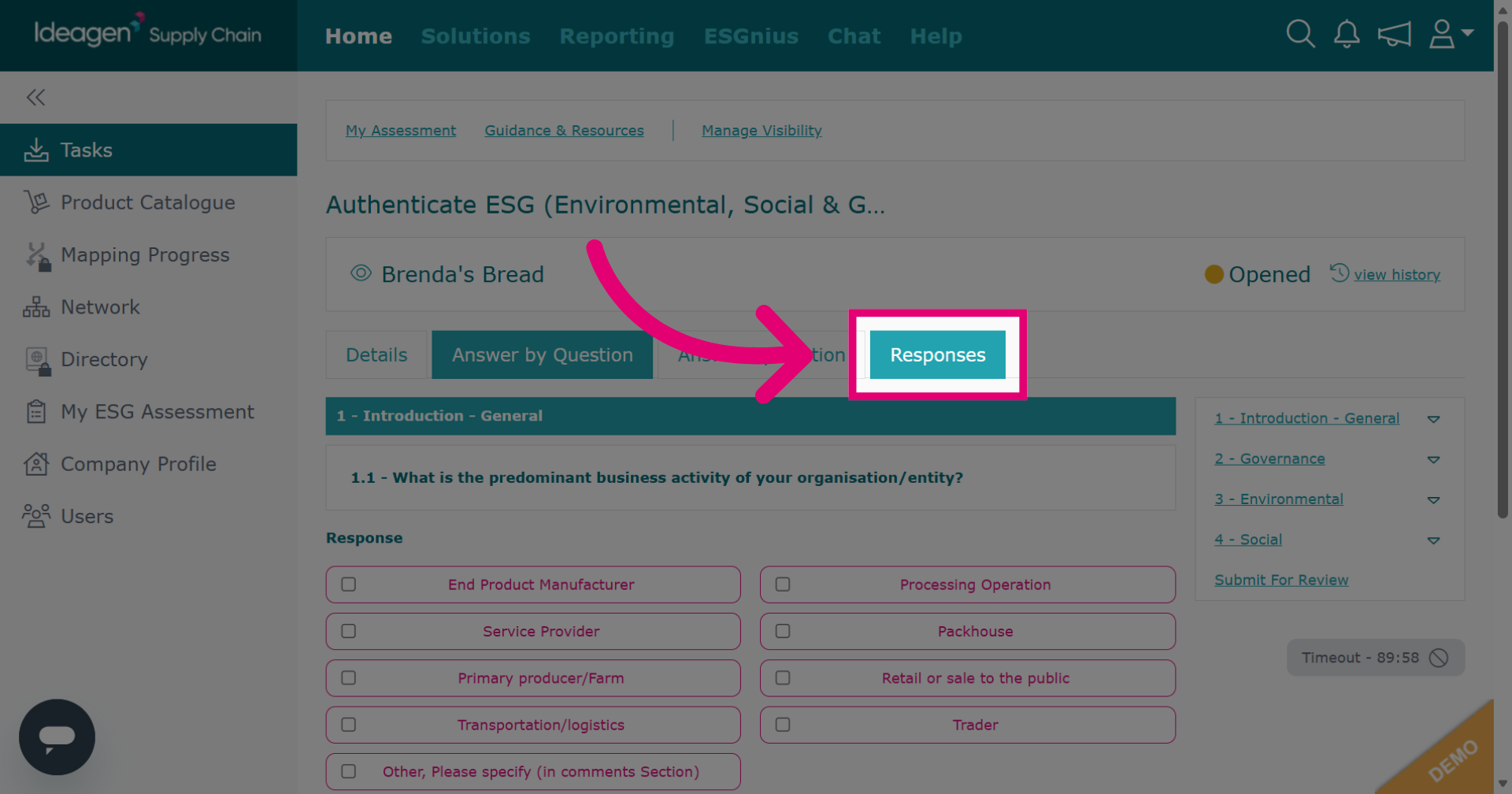
Click Responses to review your answers. For detailed help on assessments, watch our video guide "Assessments: Responding to an Assessment."
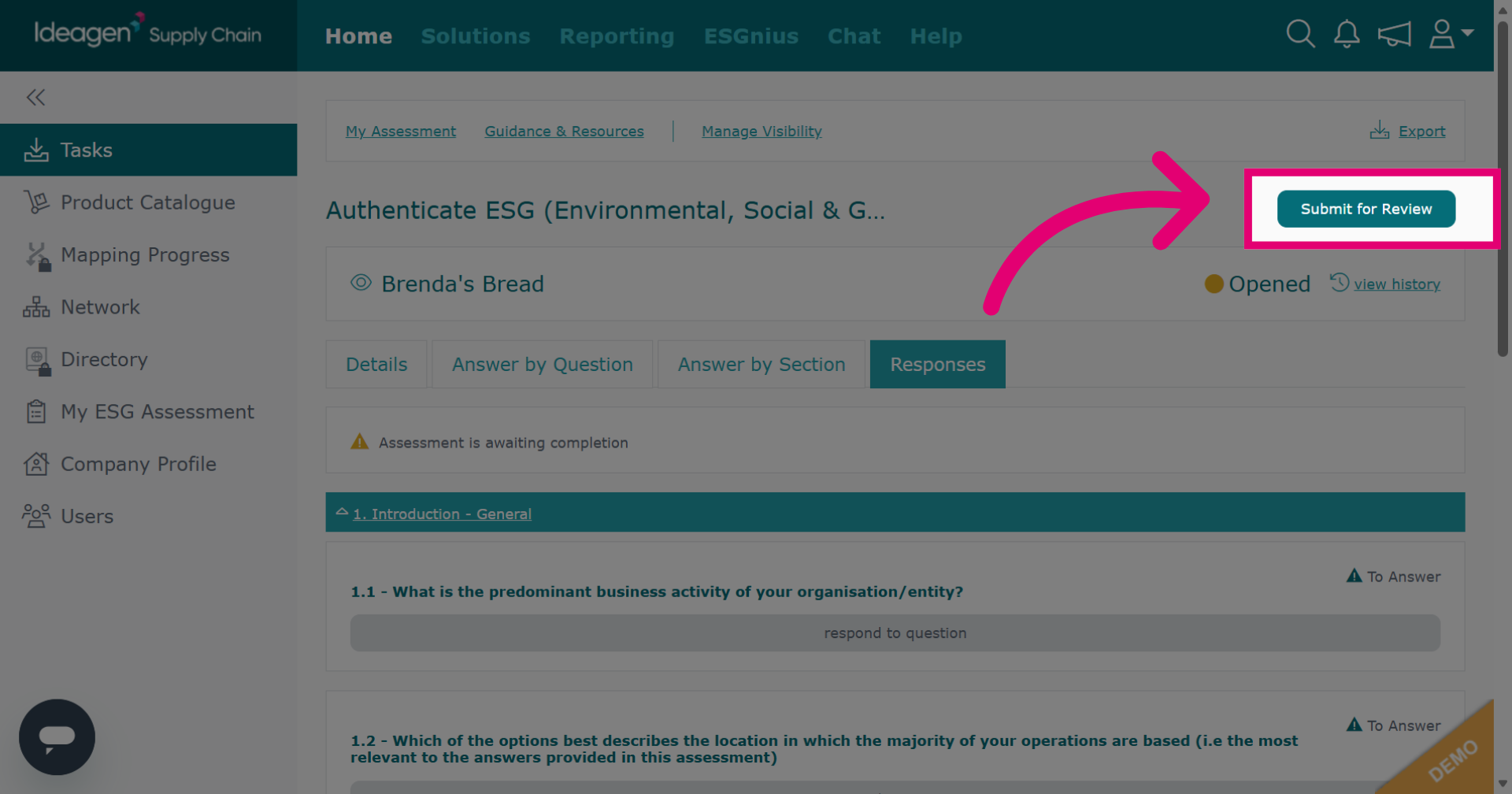
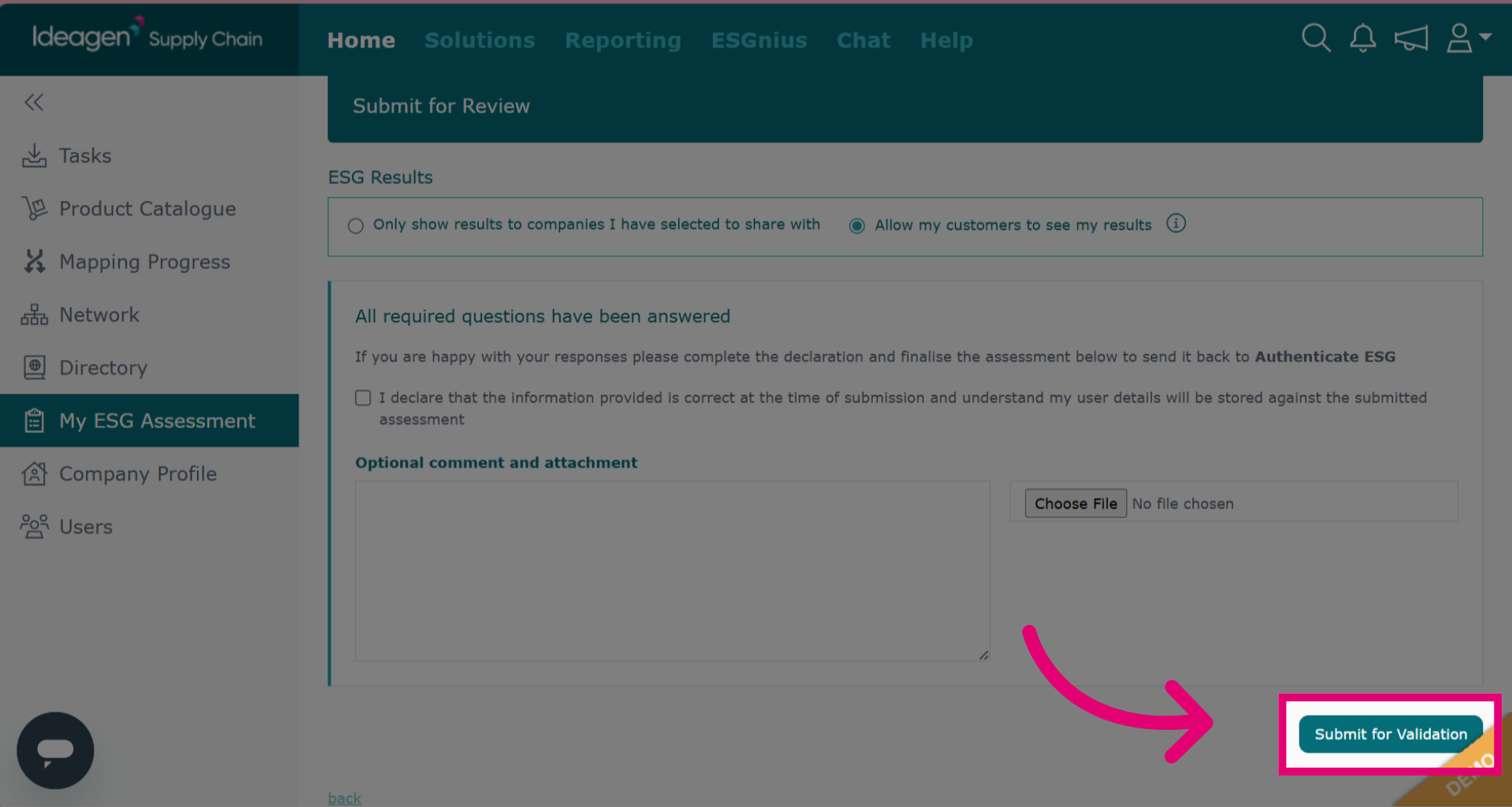
After answering all questions, click Submit for Review to finalize your assessment.
If satisfied with your assessment, select who to share results with, tick the declaration box, and click submit. This sends the assessment for scoring. You cannot edit answers after submission.
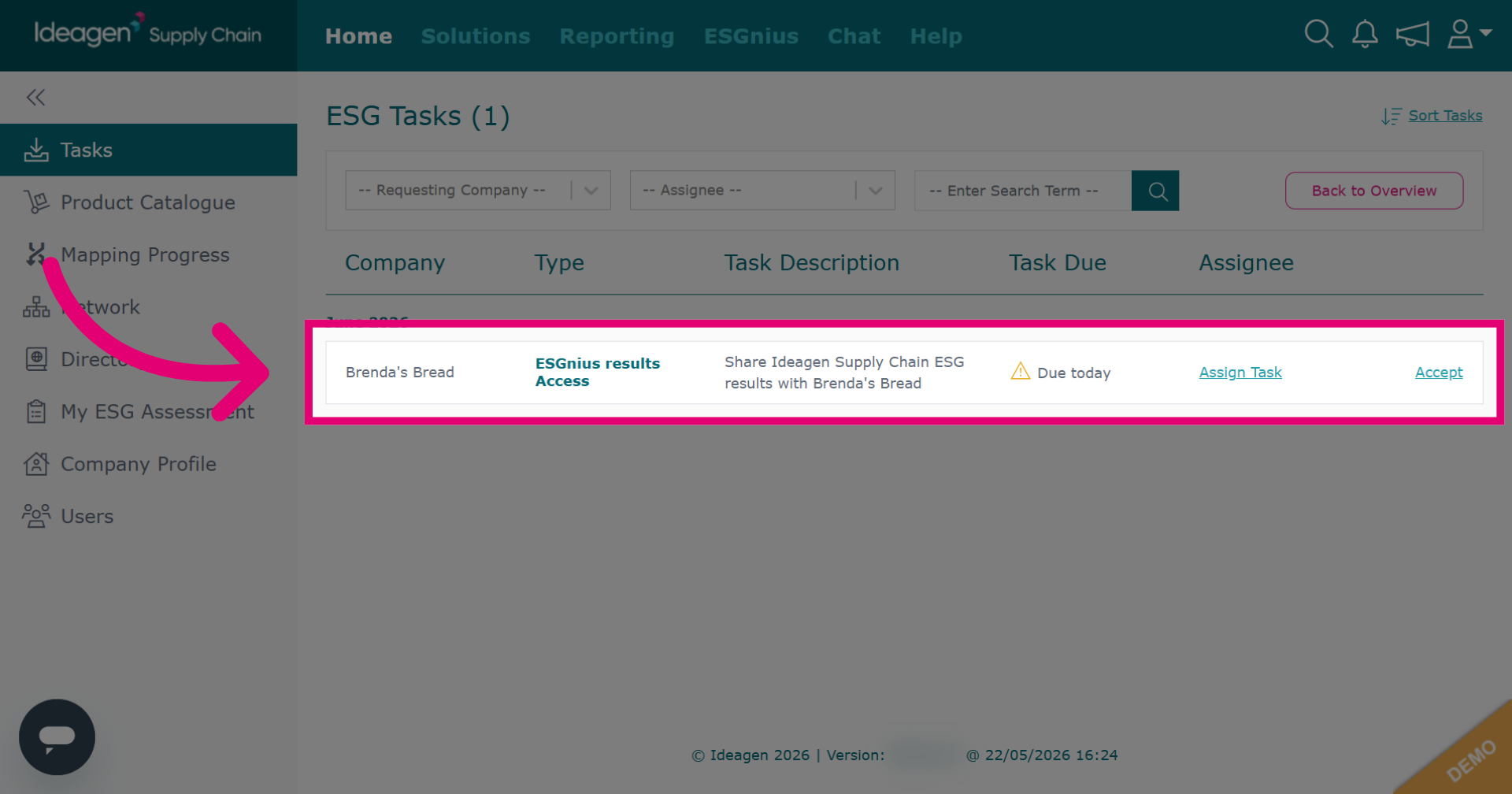
If you've completed your ESG assessment but set visibility to private, you may get a request to share results with your customer or supplier.
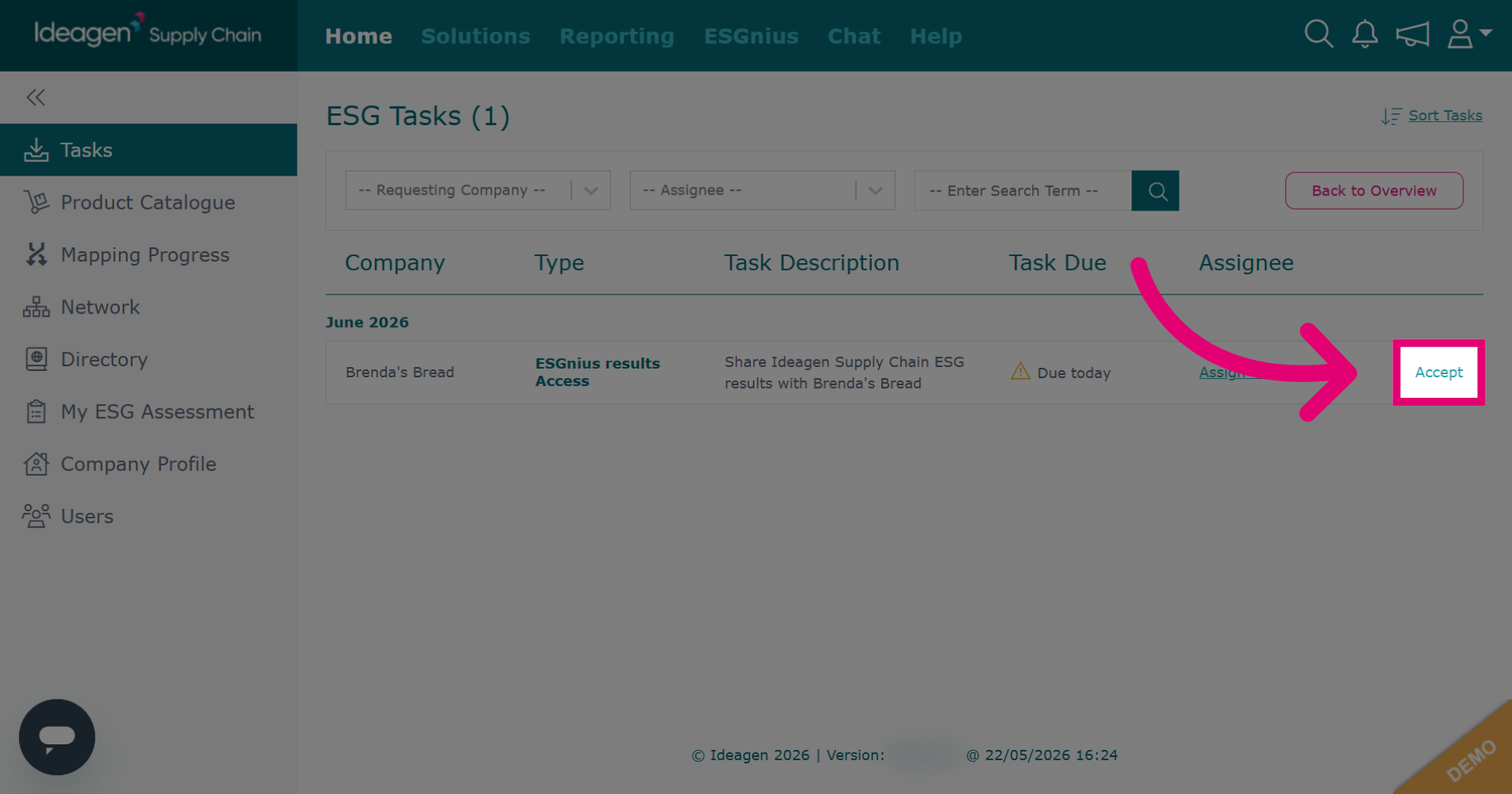
Click Accept to share your ESG results.
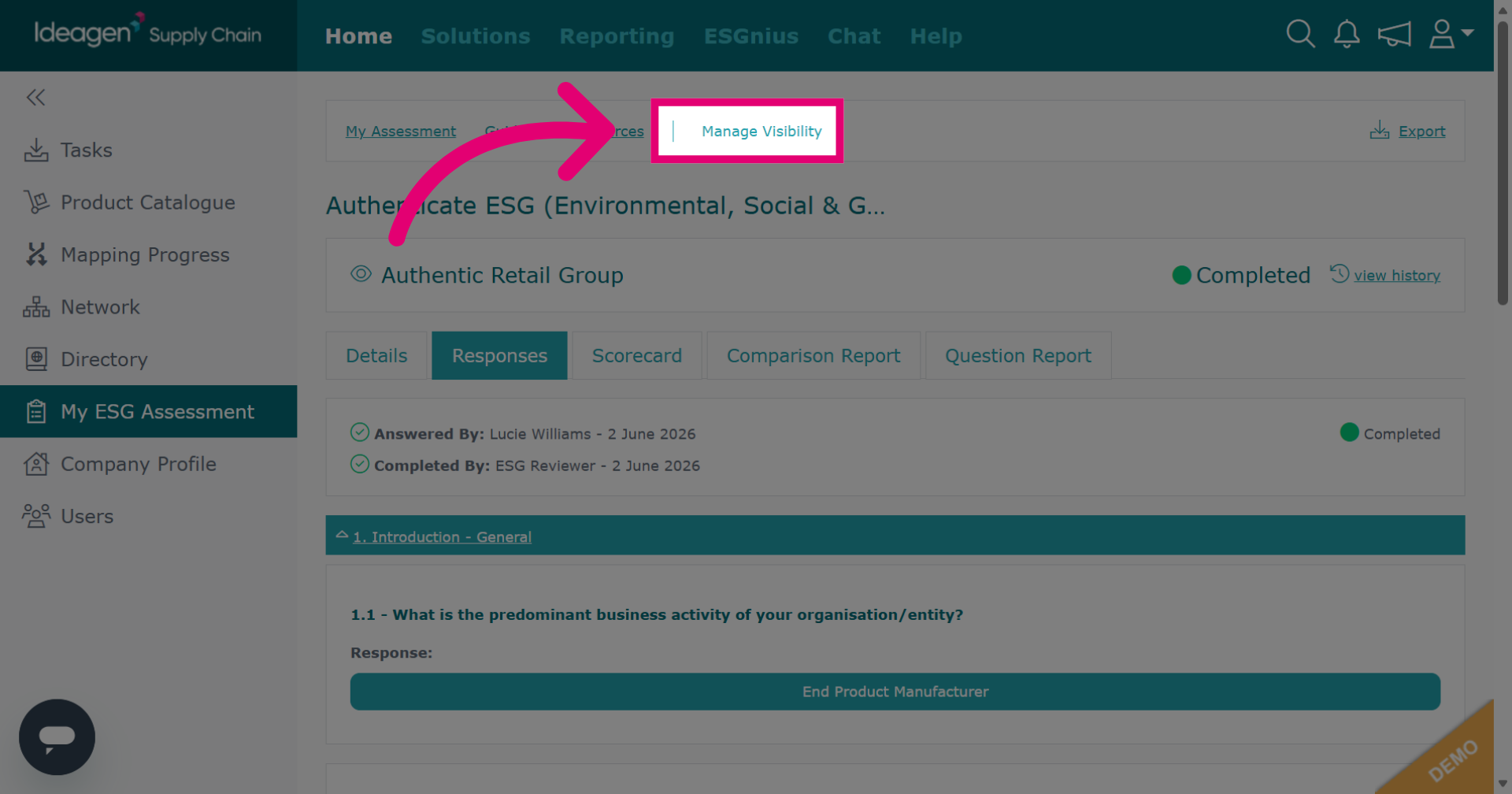
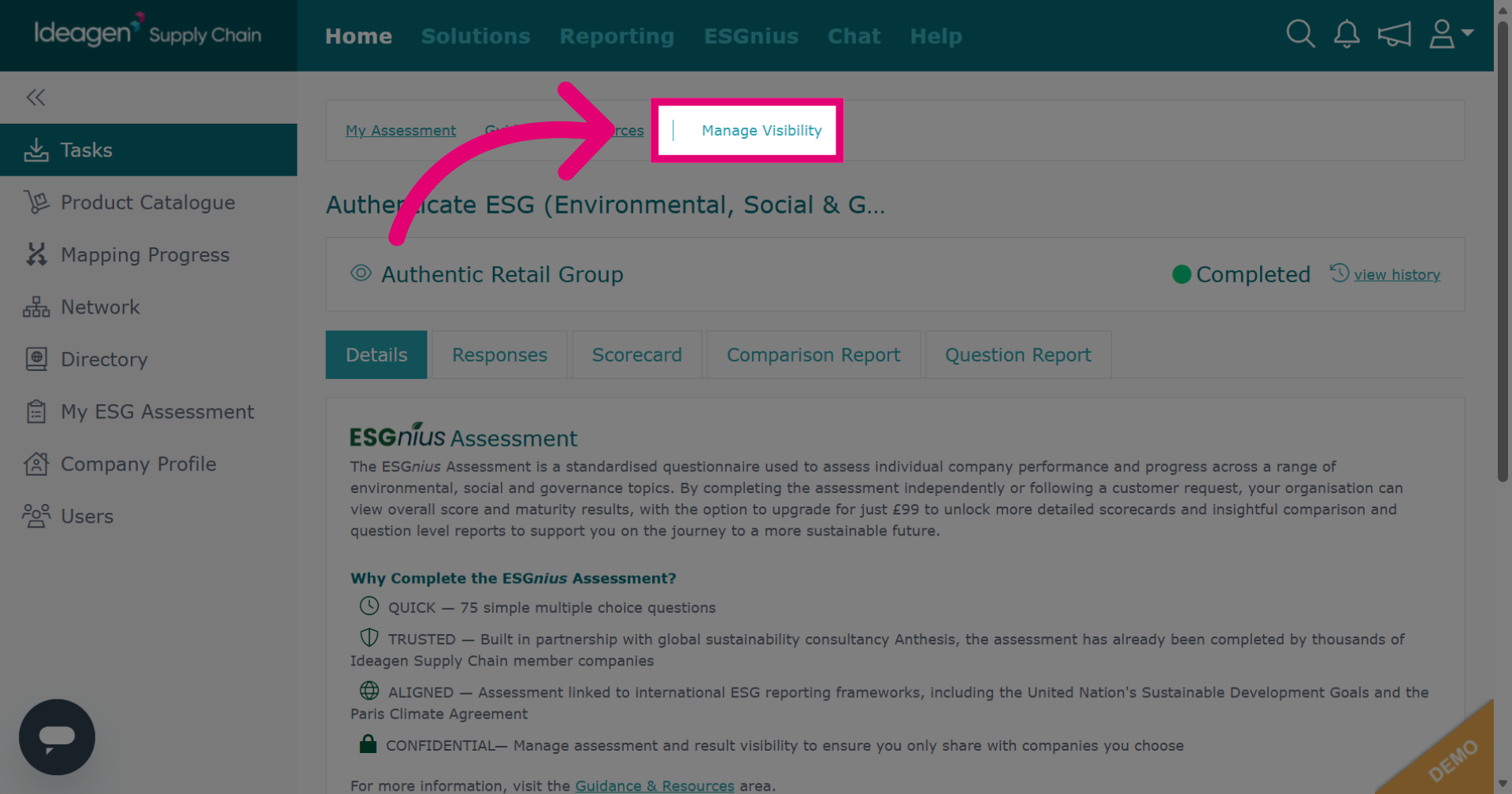
Click Manage Visibility to adjust ESG results visibility.
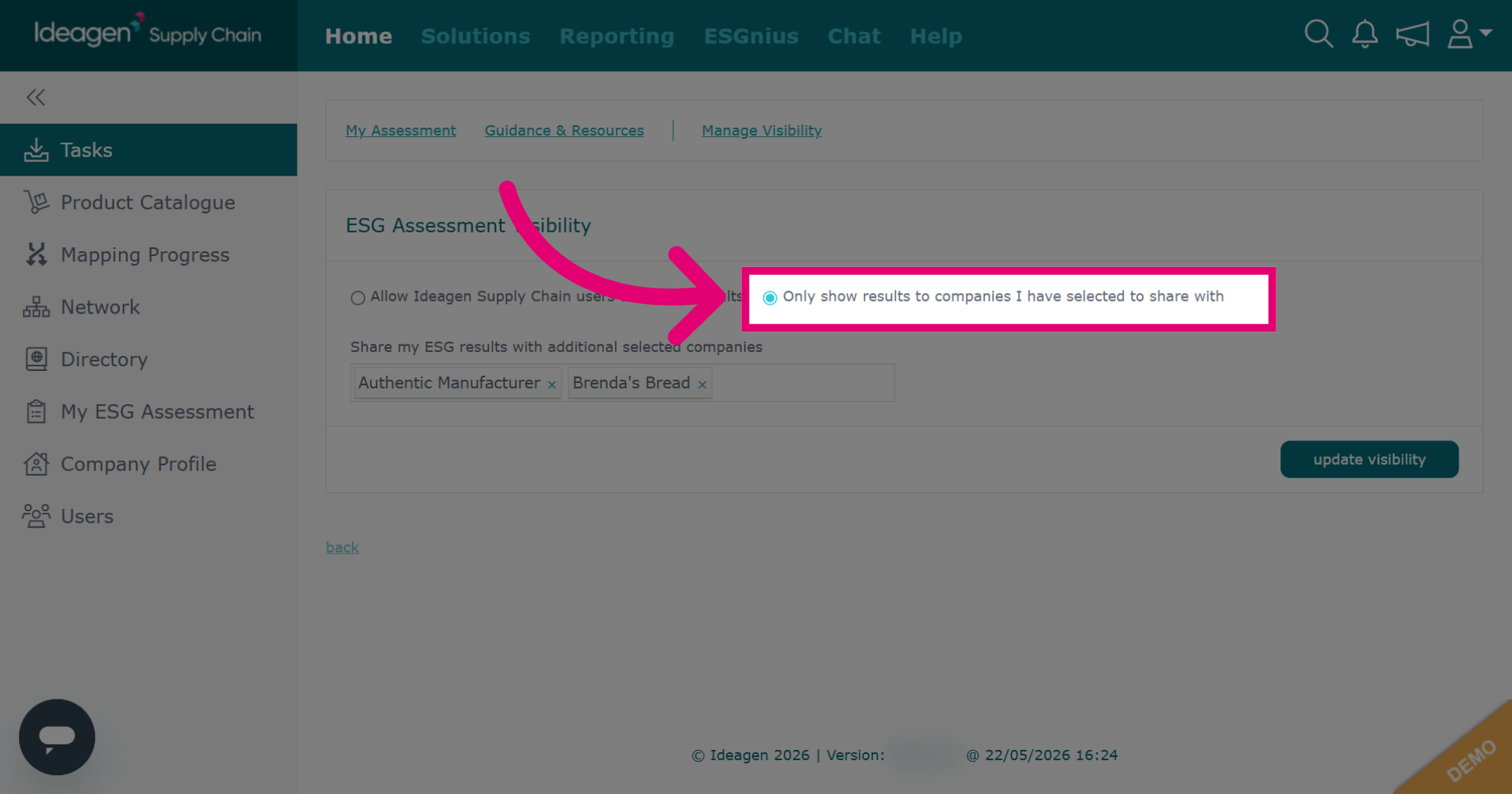
Click Only show results to selected companies to limit visibility.
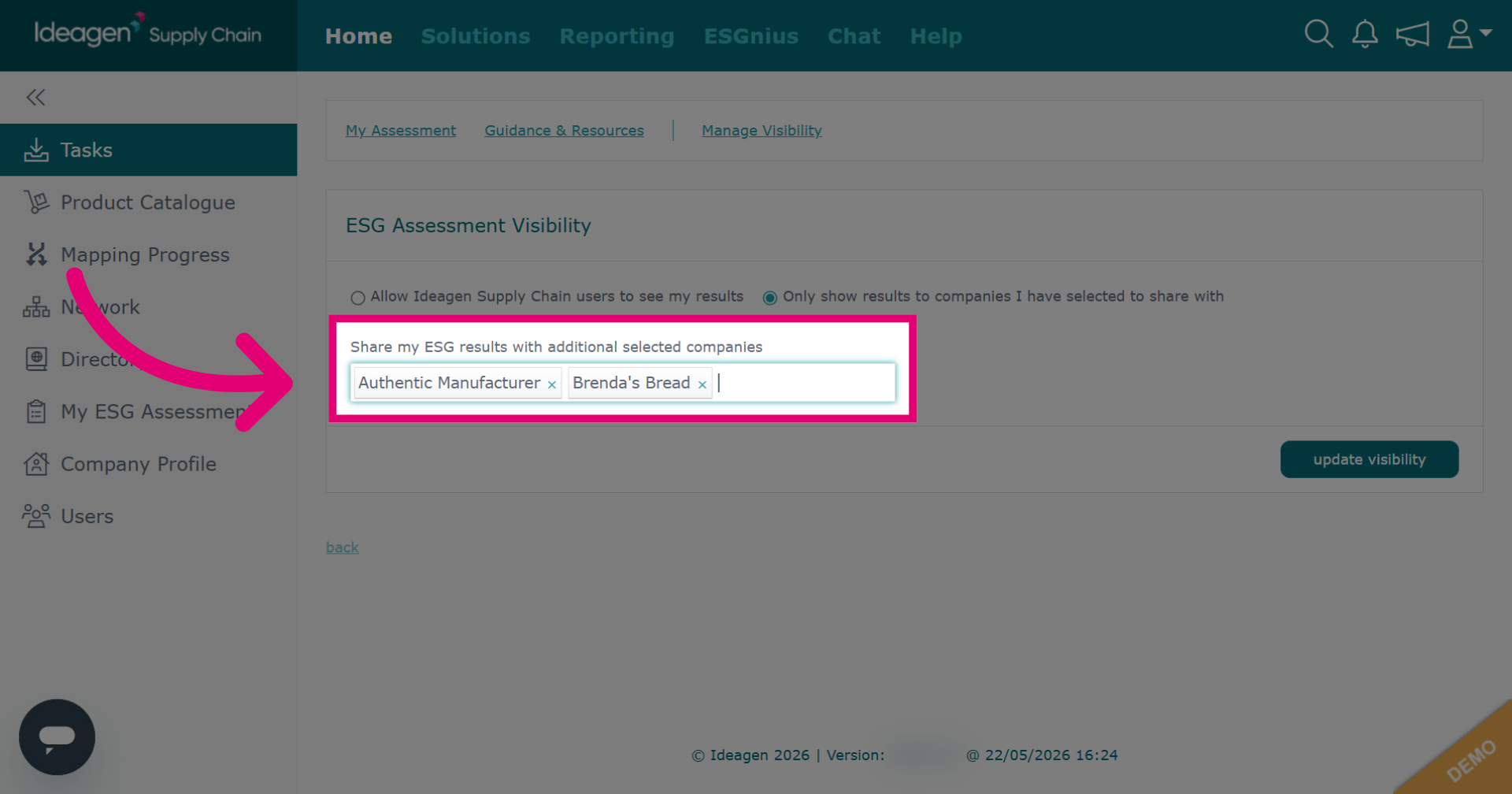
To update companies you share results with, enter the name in the search box and select from the dropdown. To remove a company, click the 'x' next to their name.
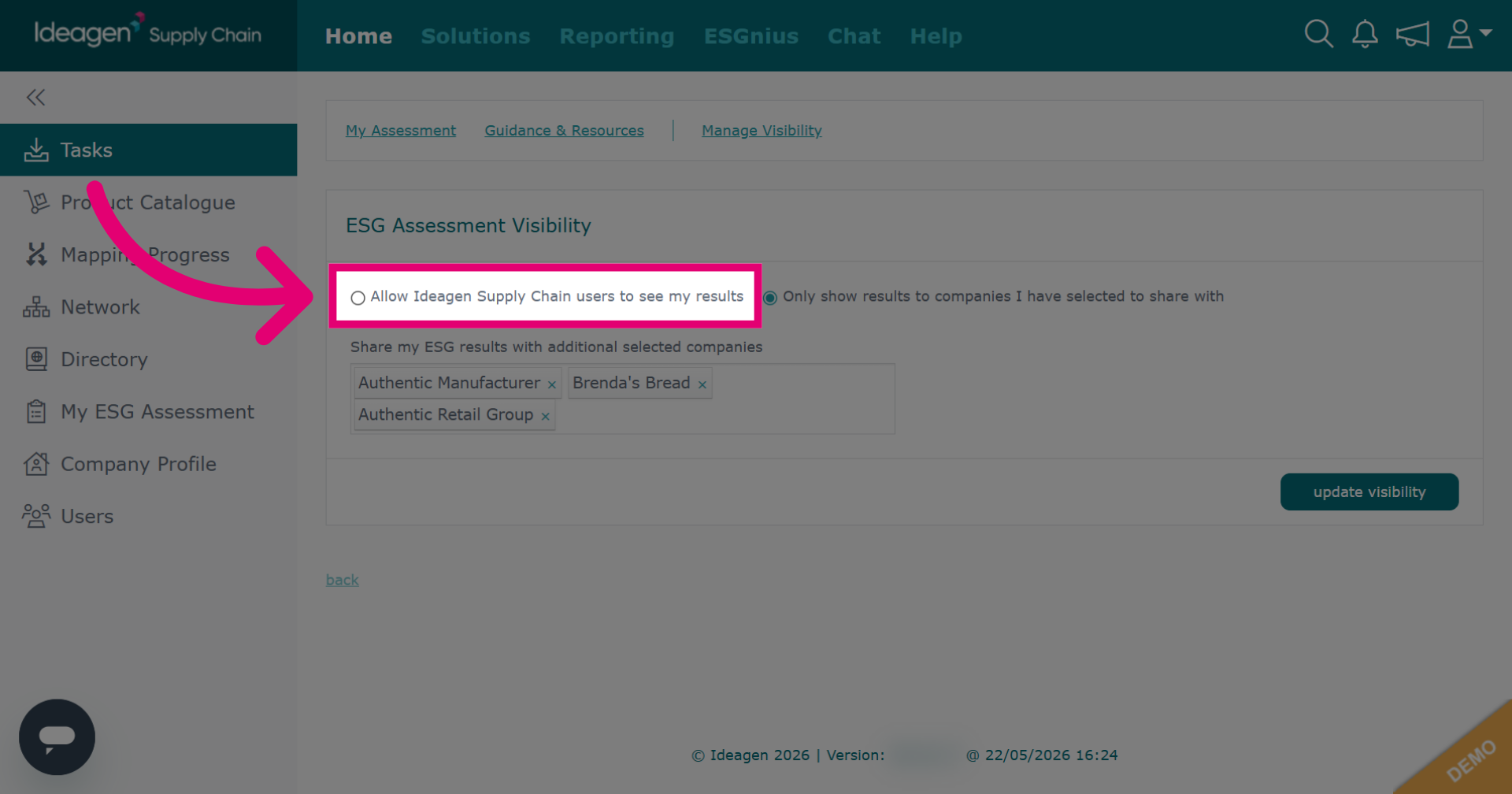
Click Allow Ideagen Supply Chain users to see my results to let all platform users view your ESG results.
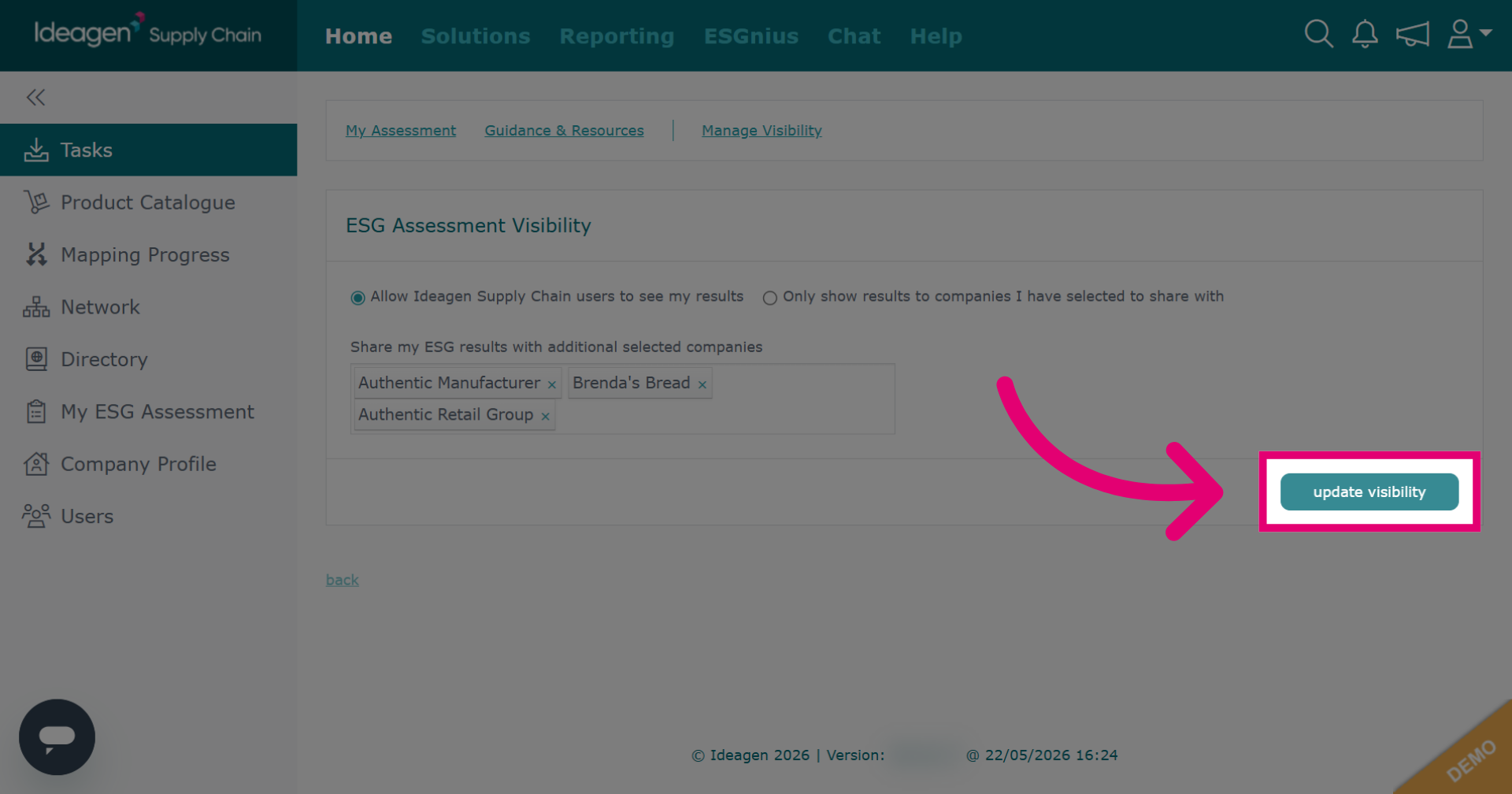
Click update visibility to save changes to your ESG sharing settings.
Update your visibility settings anytime, even without a sharing request. Go to the home page and click My ESG Assessment.
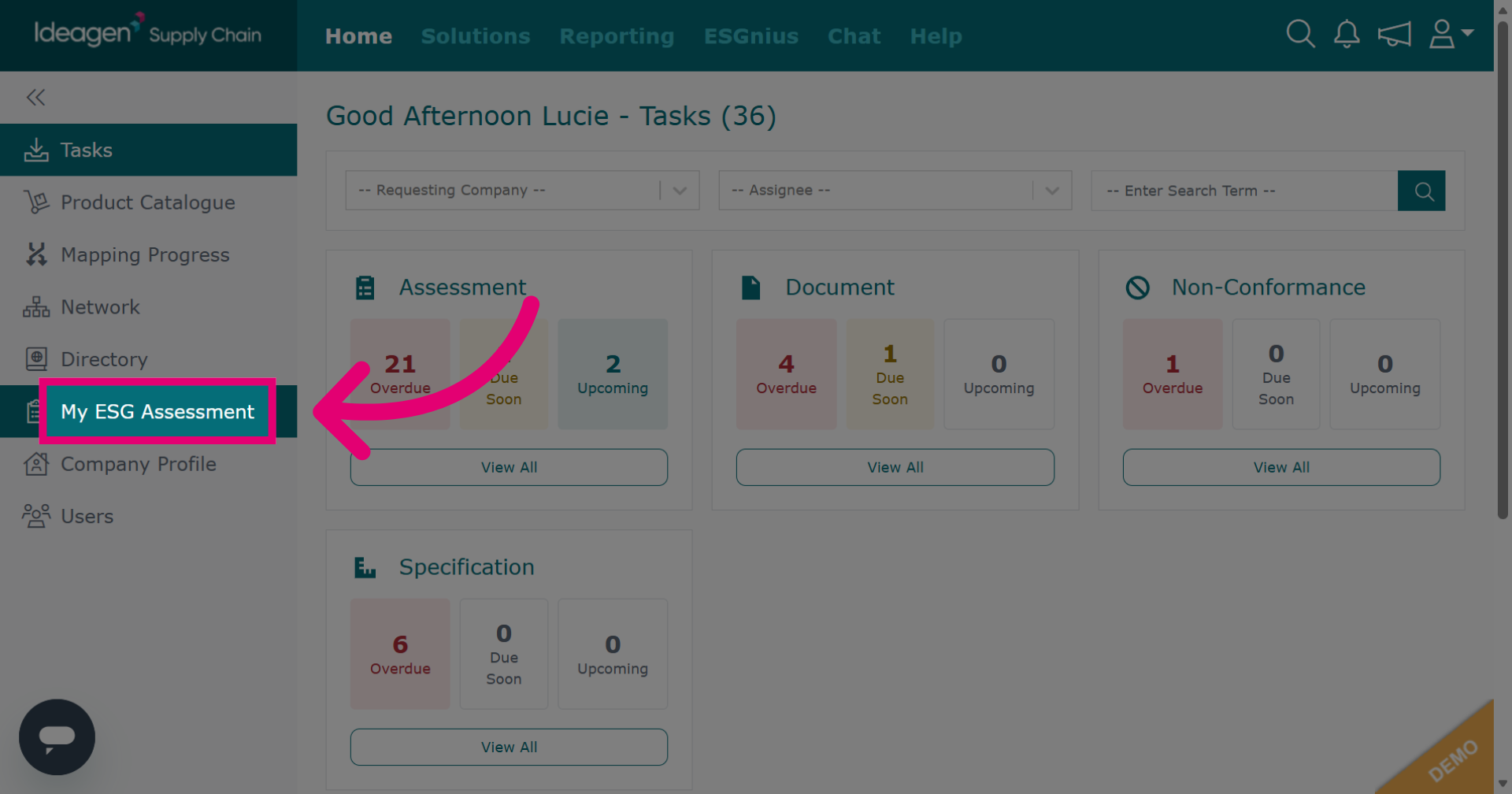
Click Manage Visibility to set who can view your ESG assessment and control access.