New article
Recently updated
Viewing Your Company's ESG Assessment Results - ESGnius

Who is this article for?
Users who want to view their company's ESG results.
ESG admin permissions are required.
This tutorial guides you through accessing your ESG assessment results within the Ideagen Supply Chain platform.
Please note, this information is for companies that have a completed ESG assessment.
Accessing and reviewing your ESG assessment data
-
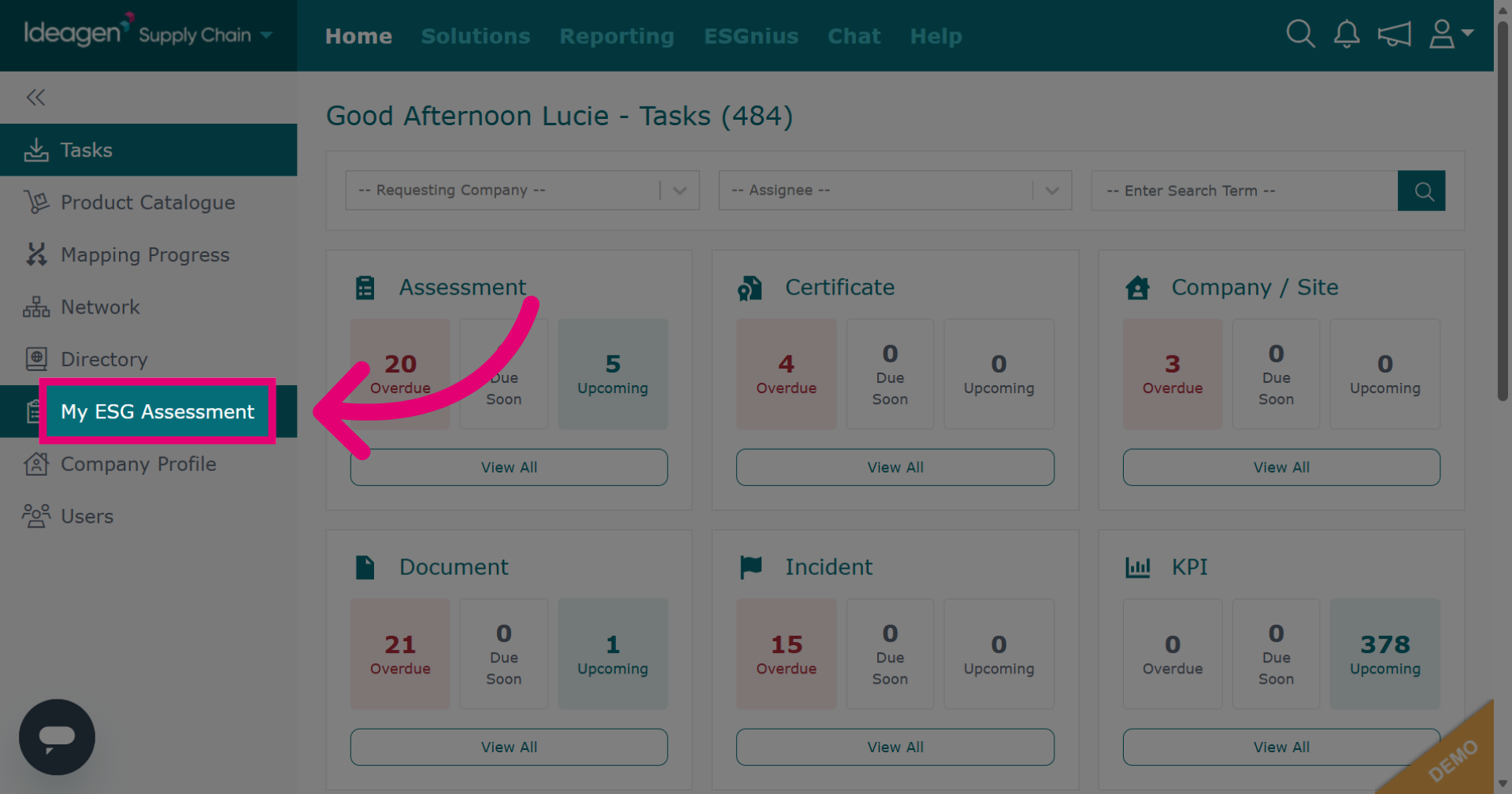
Click My ESG Assessment to view your company's ESG data.
-
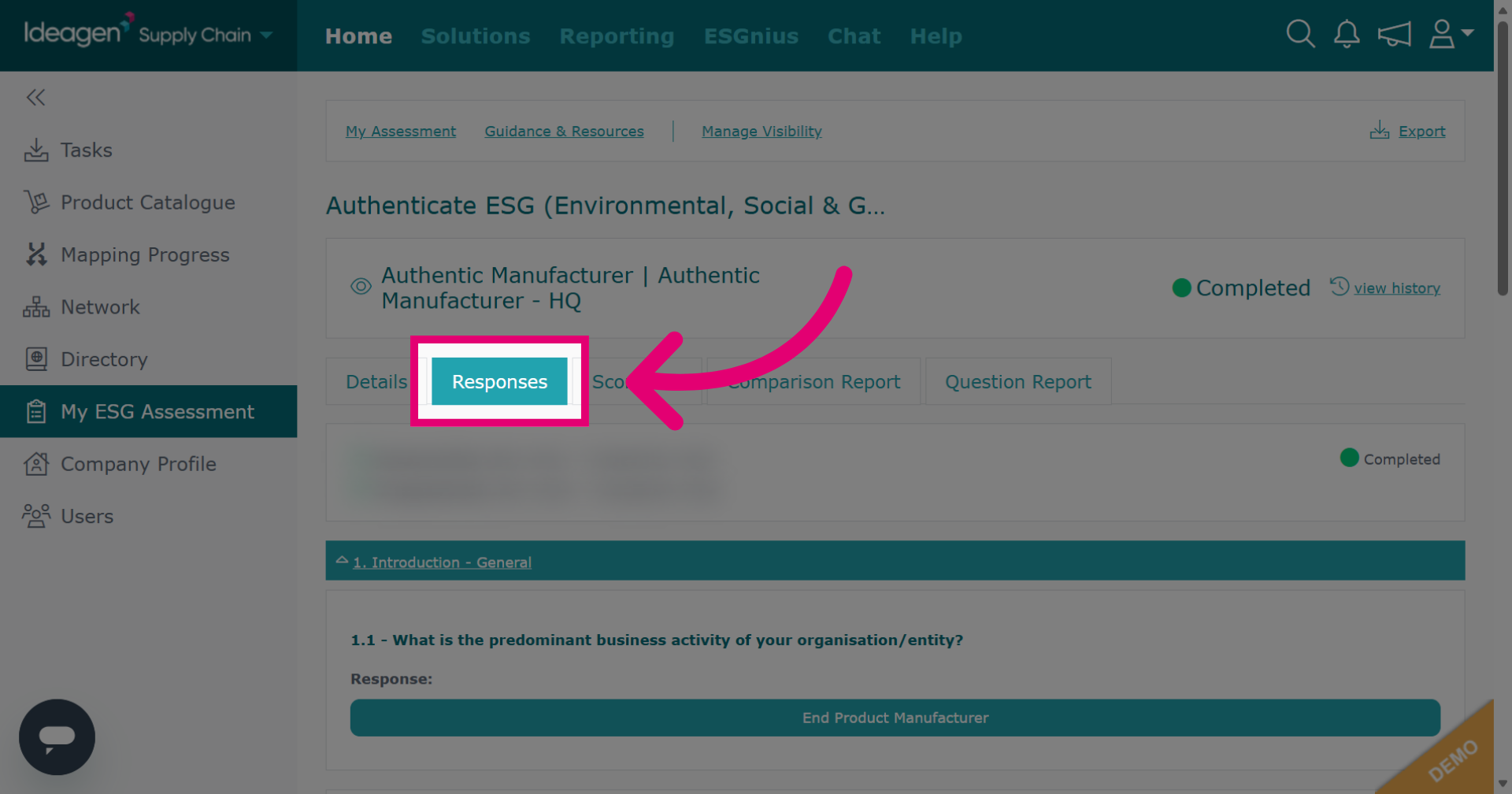
Click Responses to view all submitted answers.
-
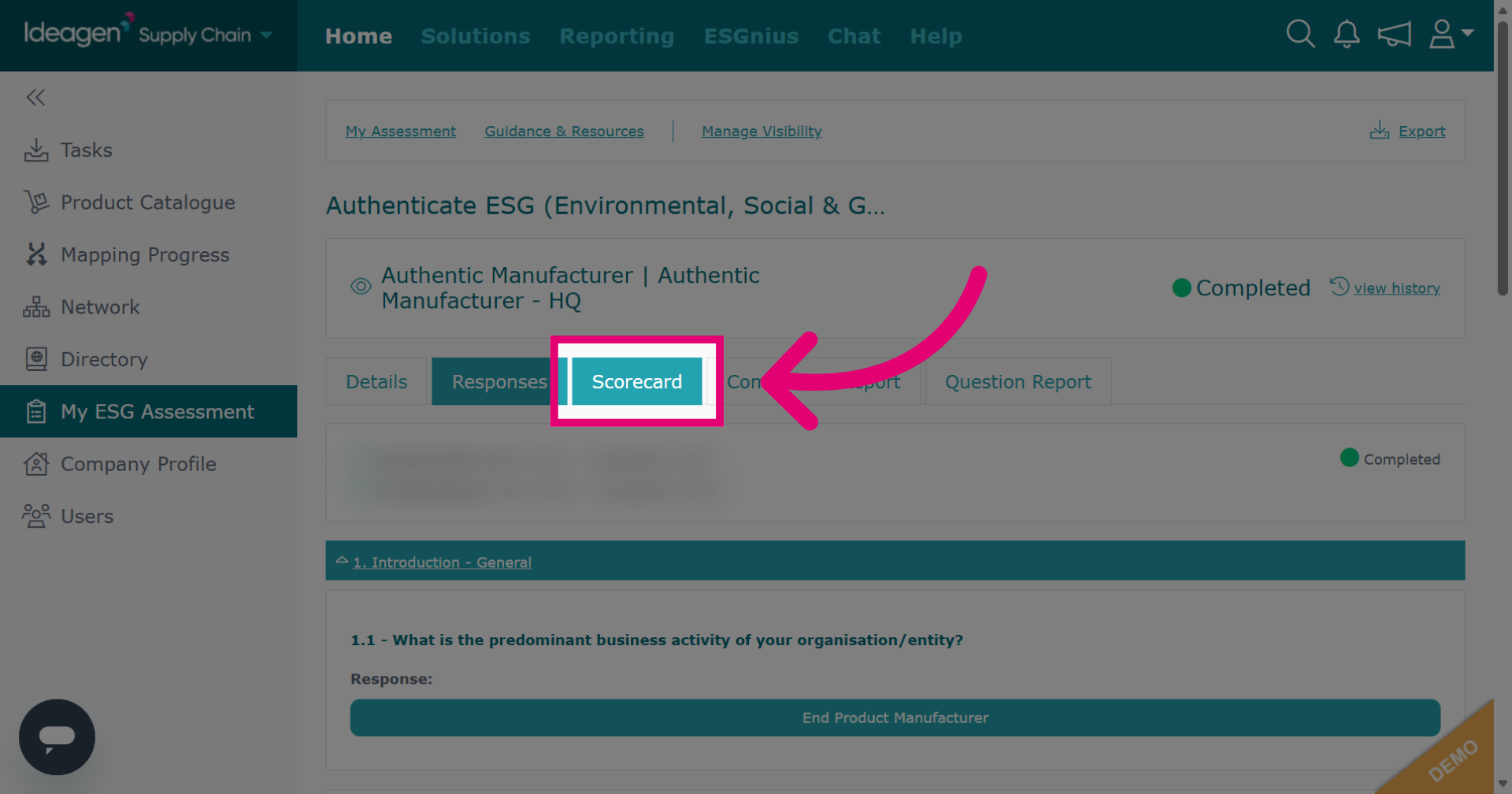
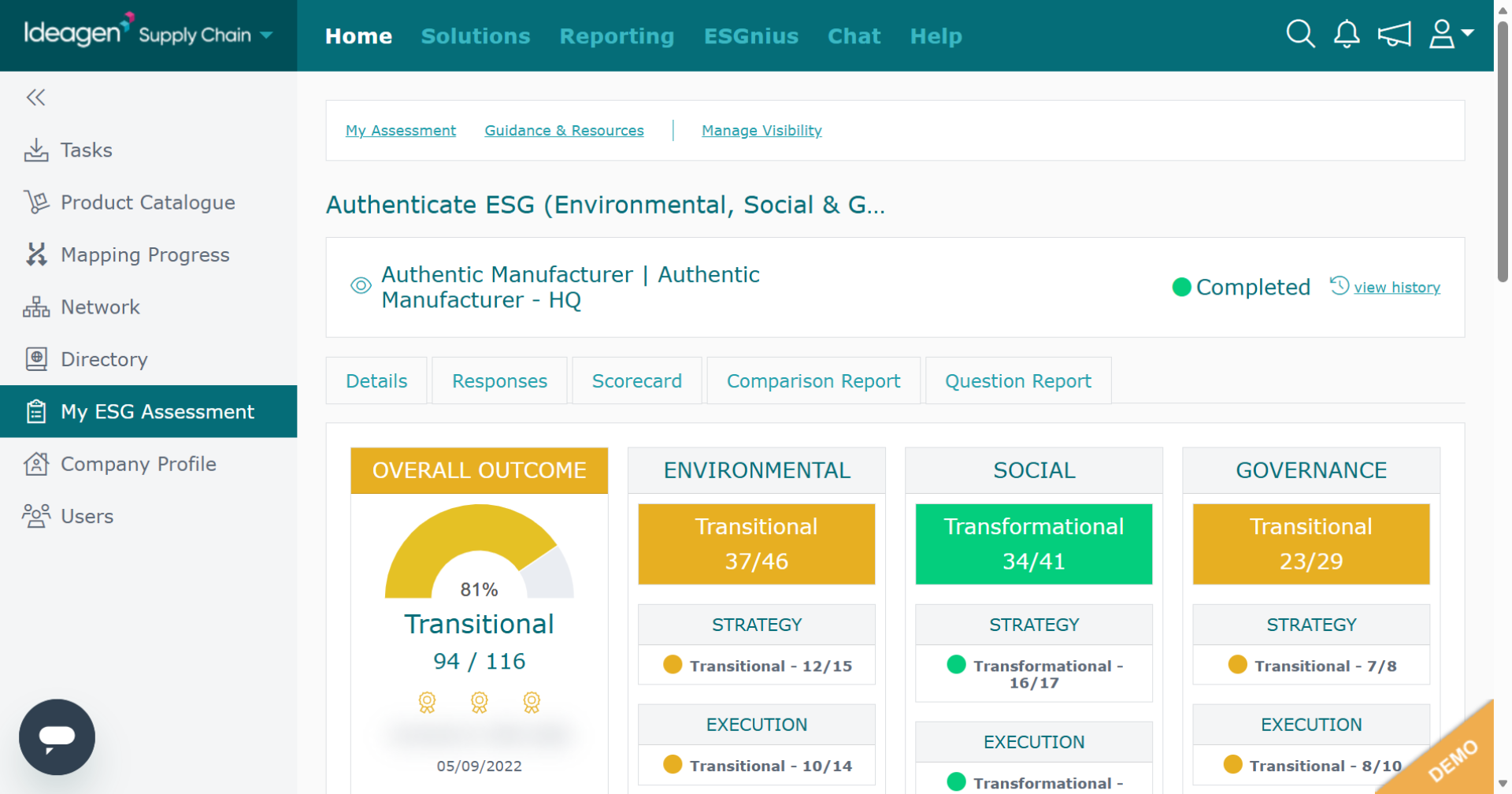
Click Scorecard to access the summary of your ESG assessment score metrics.
-
The scorecard breaks down your ESG assessment's scoring into sections showing the grades for each section.
-
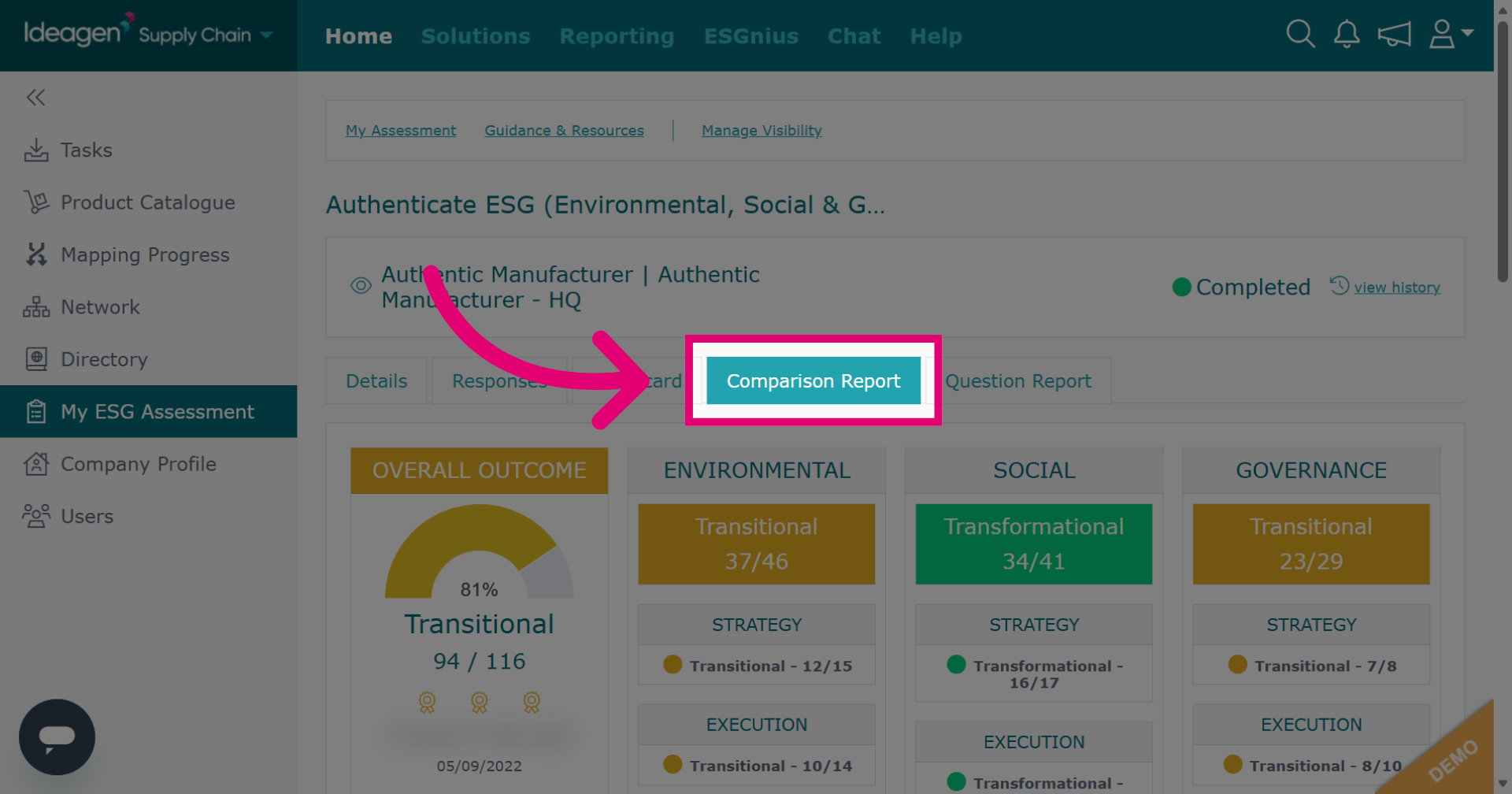
Click Comparison Report to compare your ESG assessment results against other companies that have completed the assessment.
-
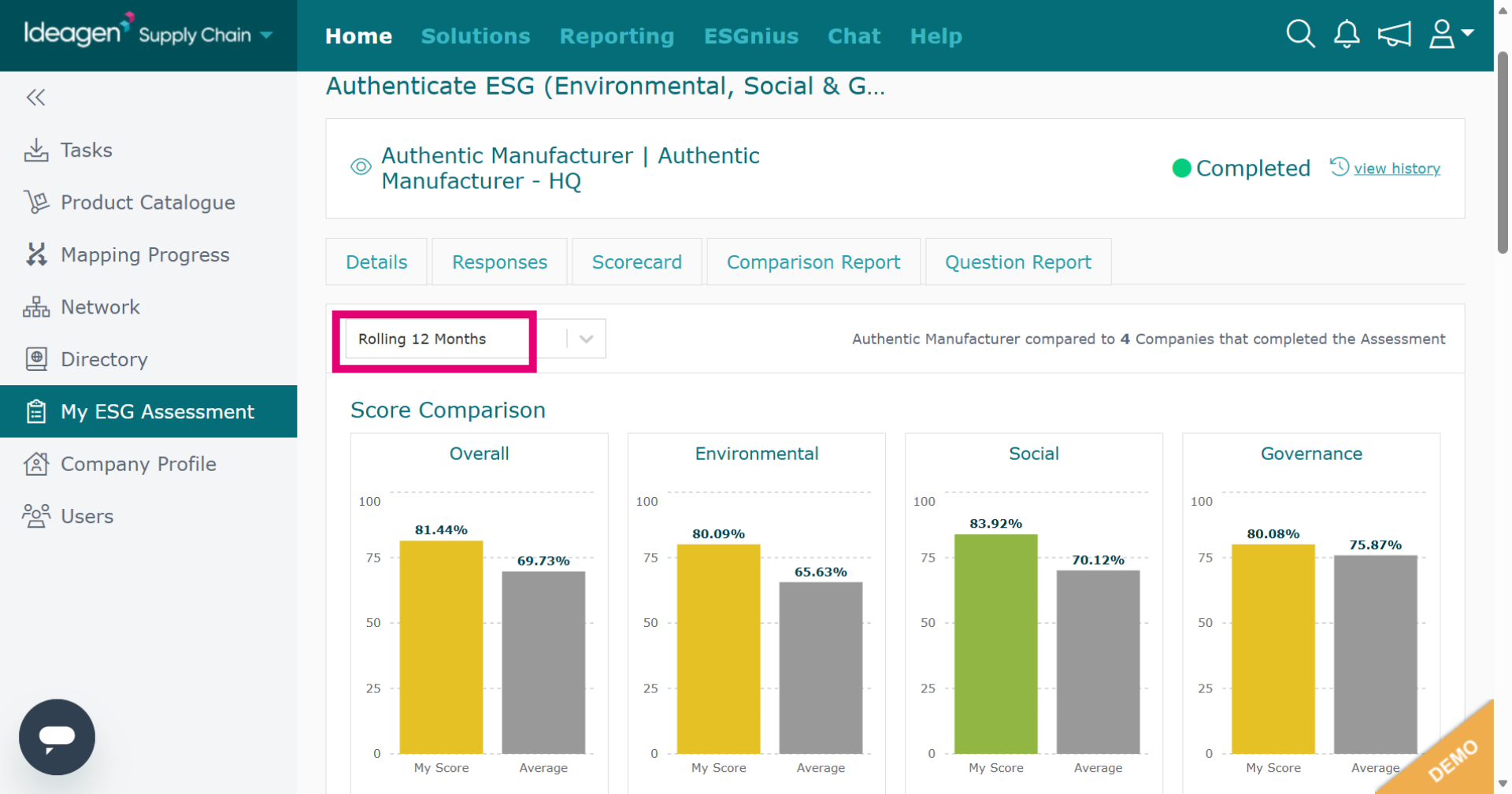
The comparison report compares your ESG scores to all companies that have completed the ESG within the period of time selected from the drop down option which has been highlighted on the screen.
-
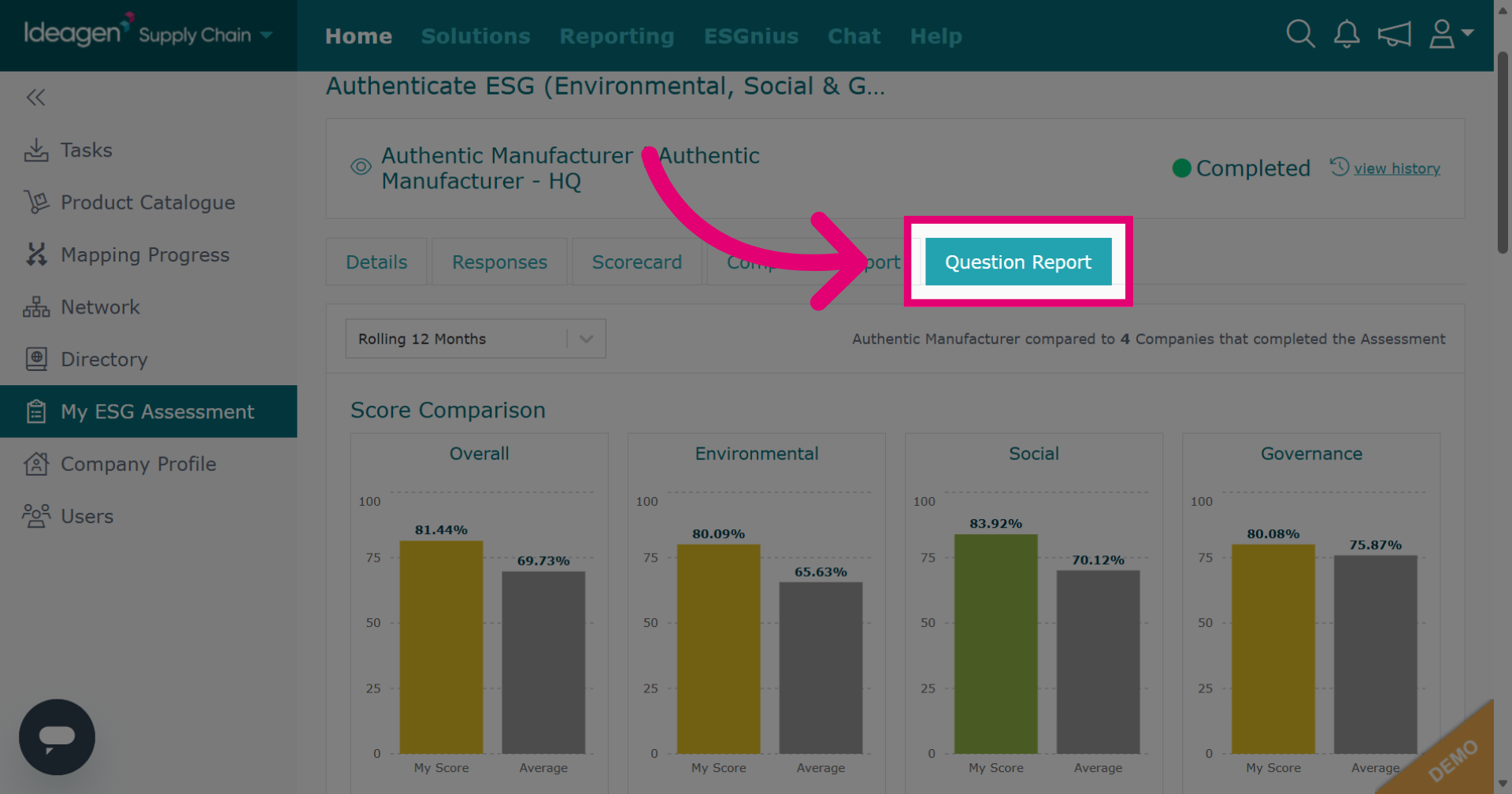
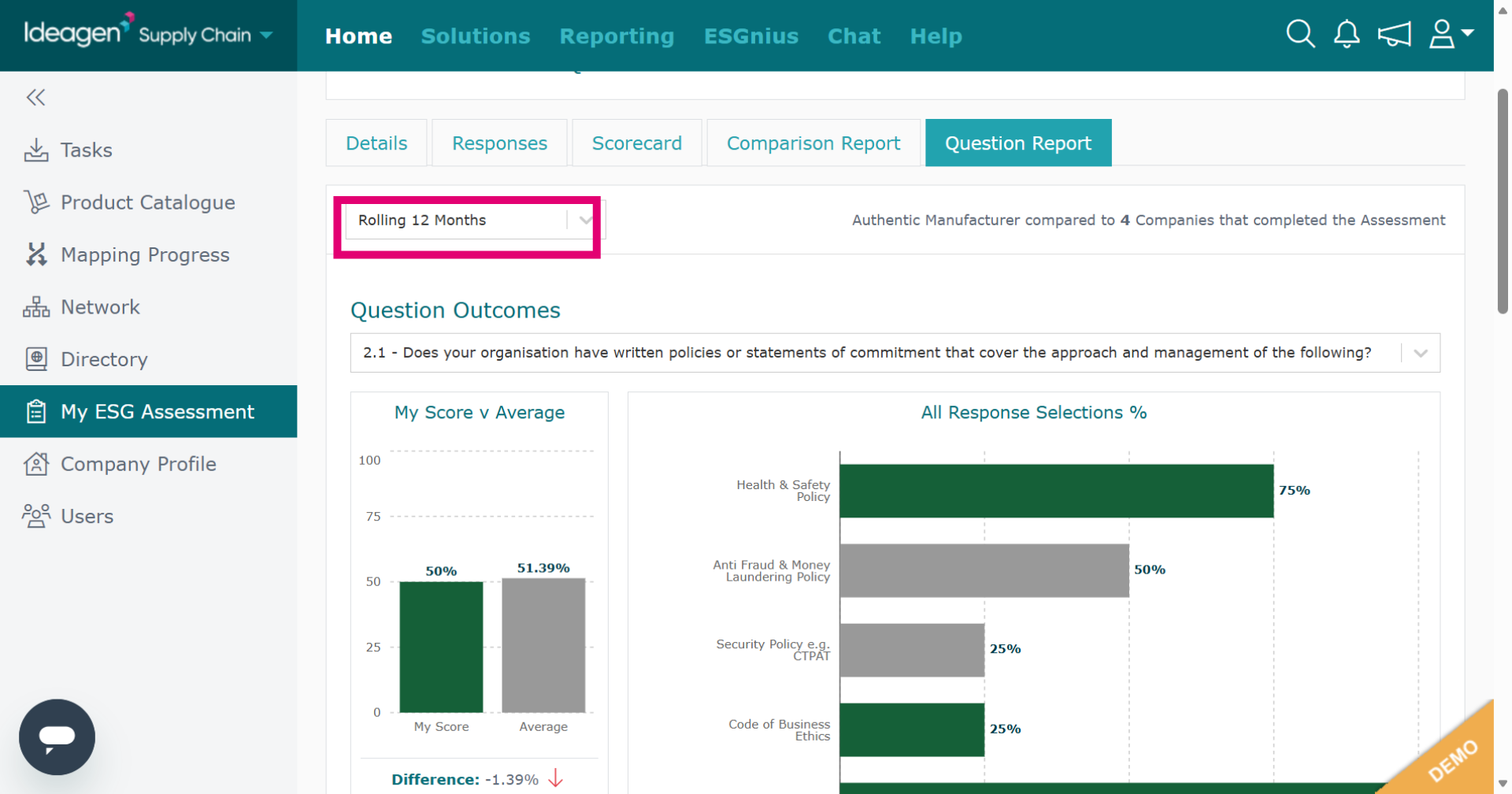
Click Question Report to analyze individual question responses within your ESG assessment.
-
The question report tab compares your ESG question responses to all companies who have completed the ESG within the period of time selected from the drop down option which has been highlighted on the screen.
-
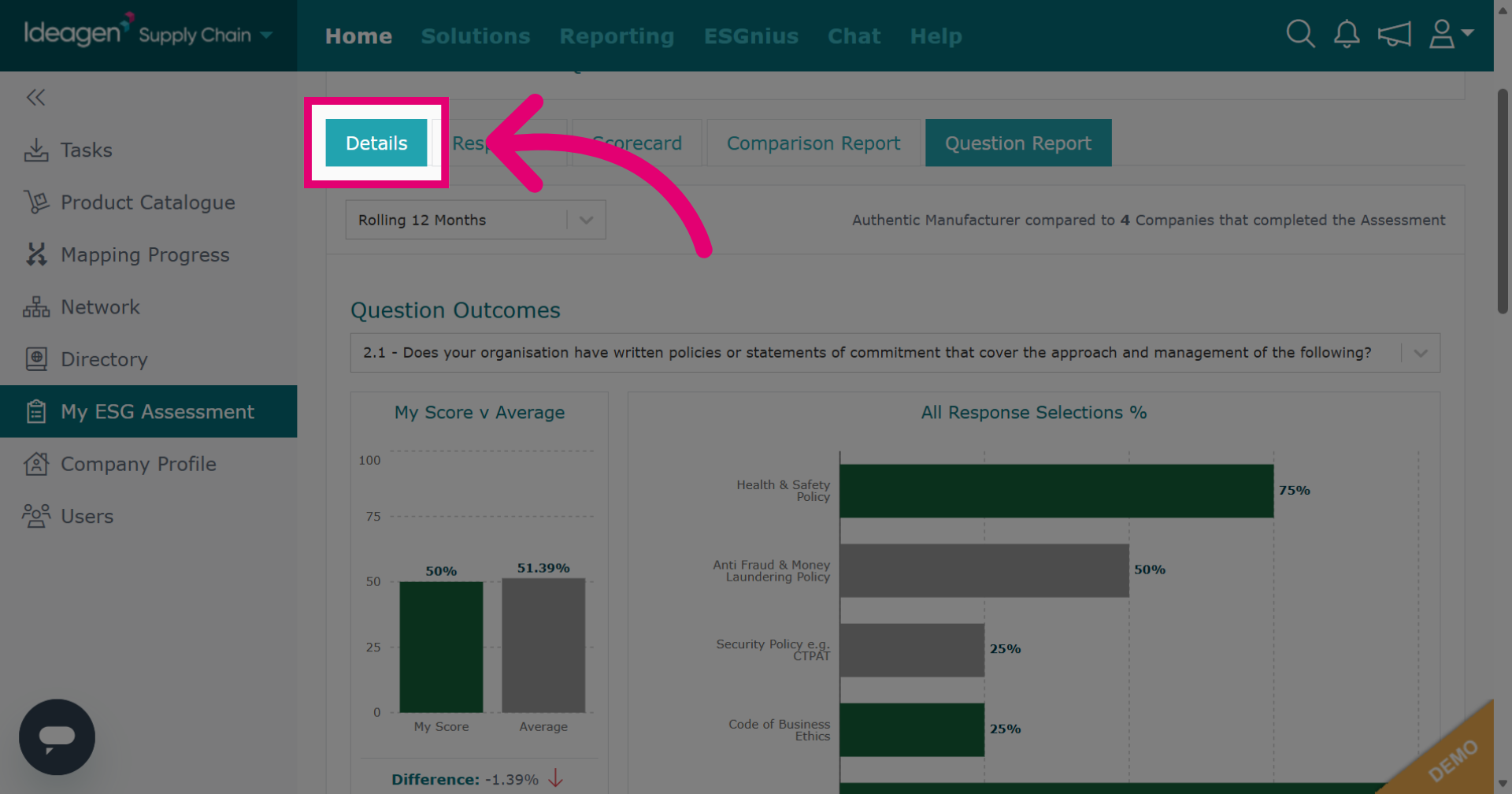
Click Details to see an overview of the assessment details.
-
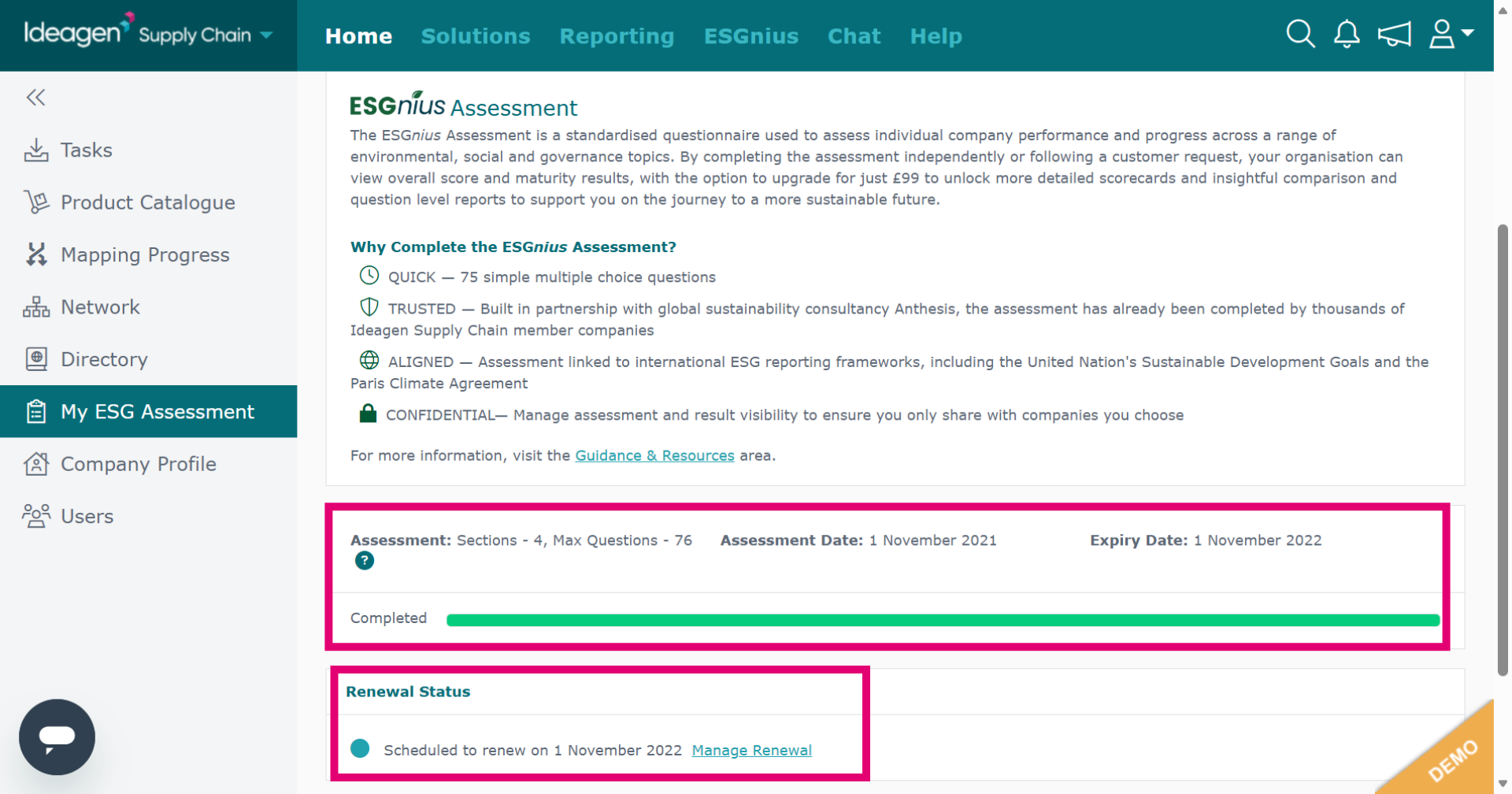
The details tab contains information such as renewal status, assessment date and expiry date.
-
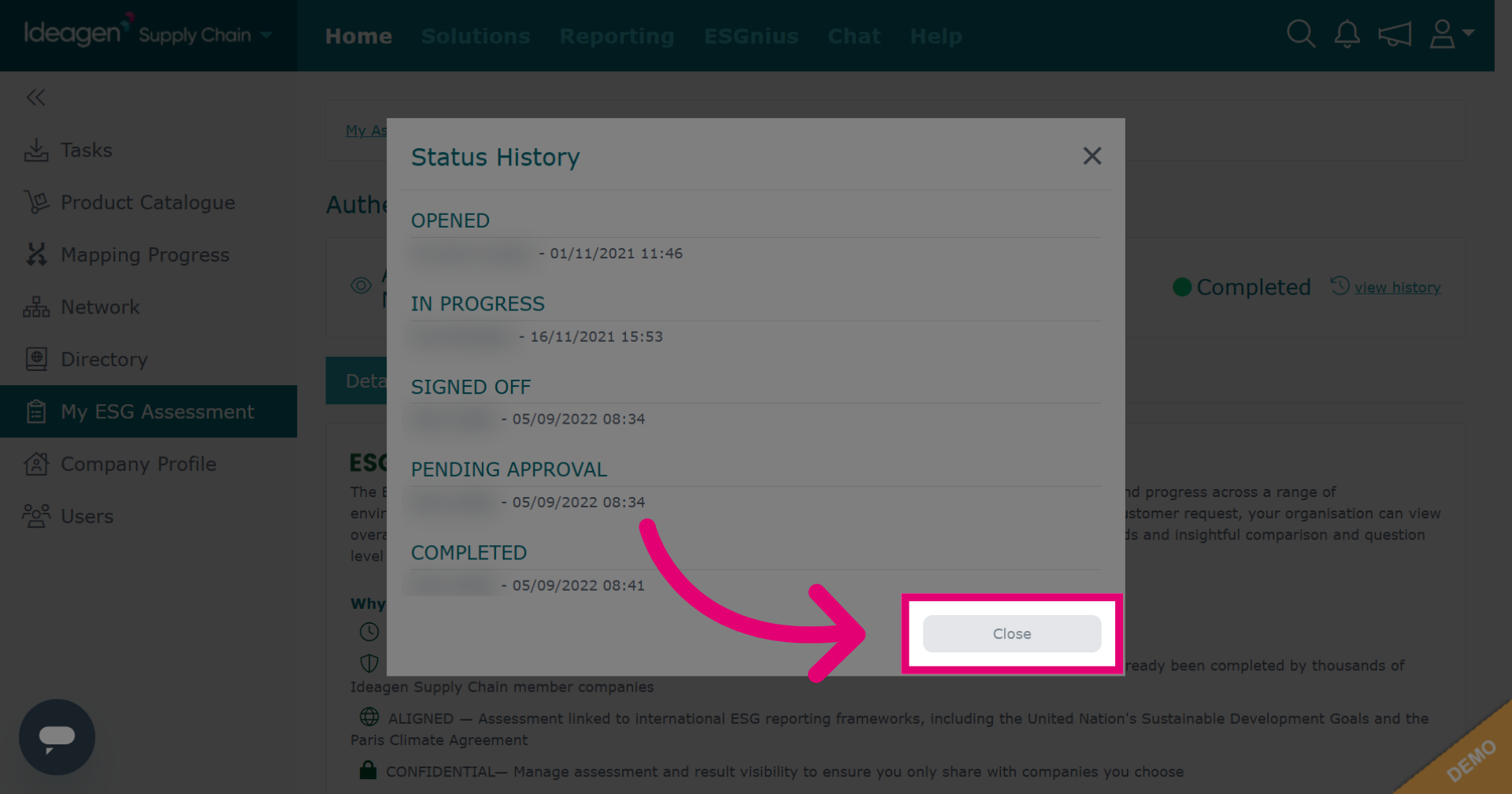
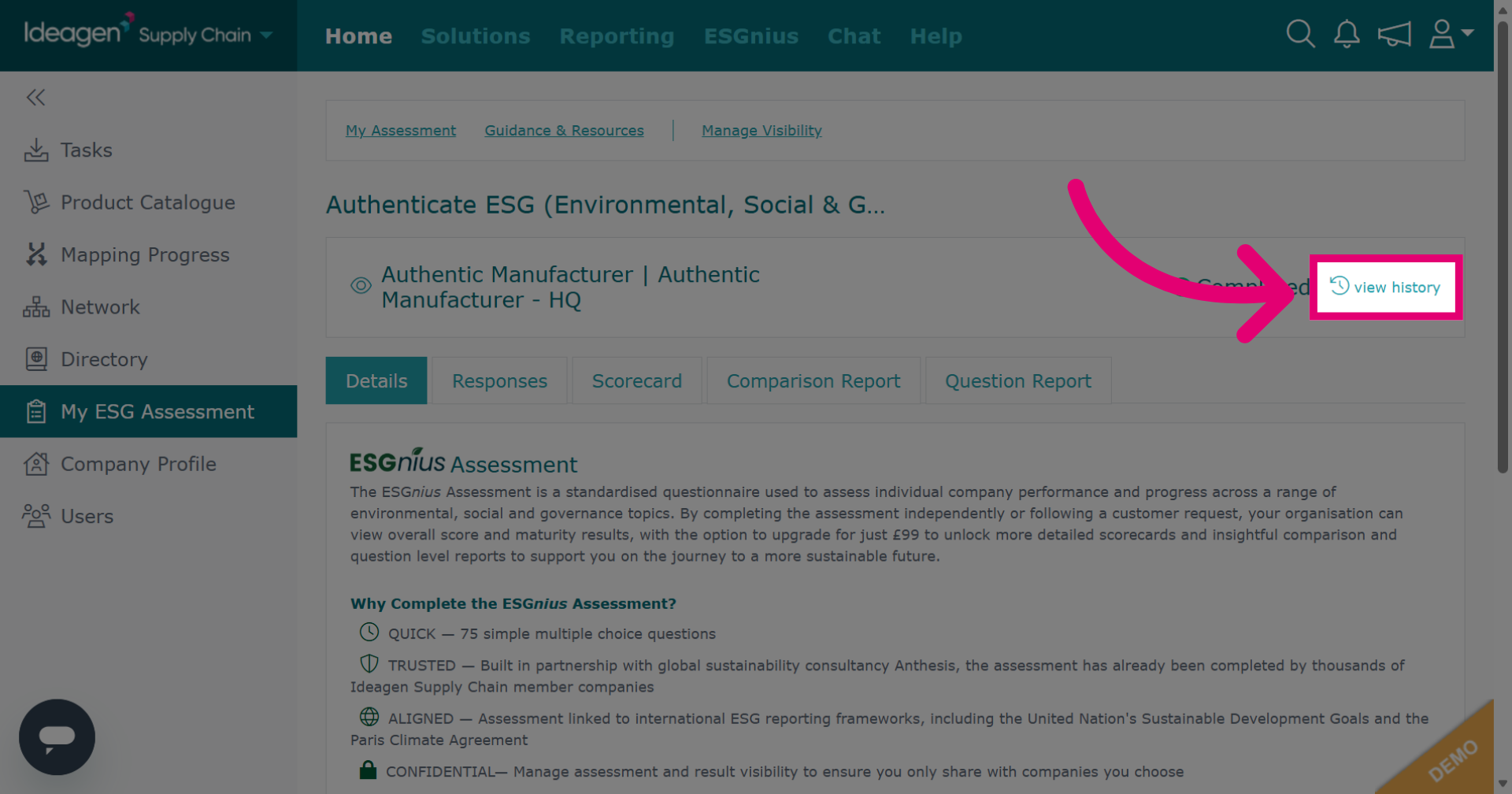
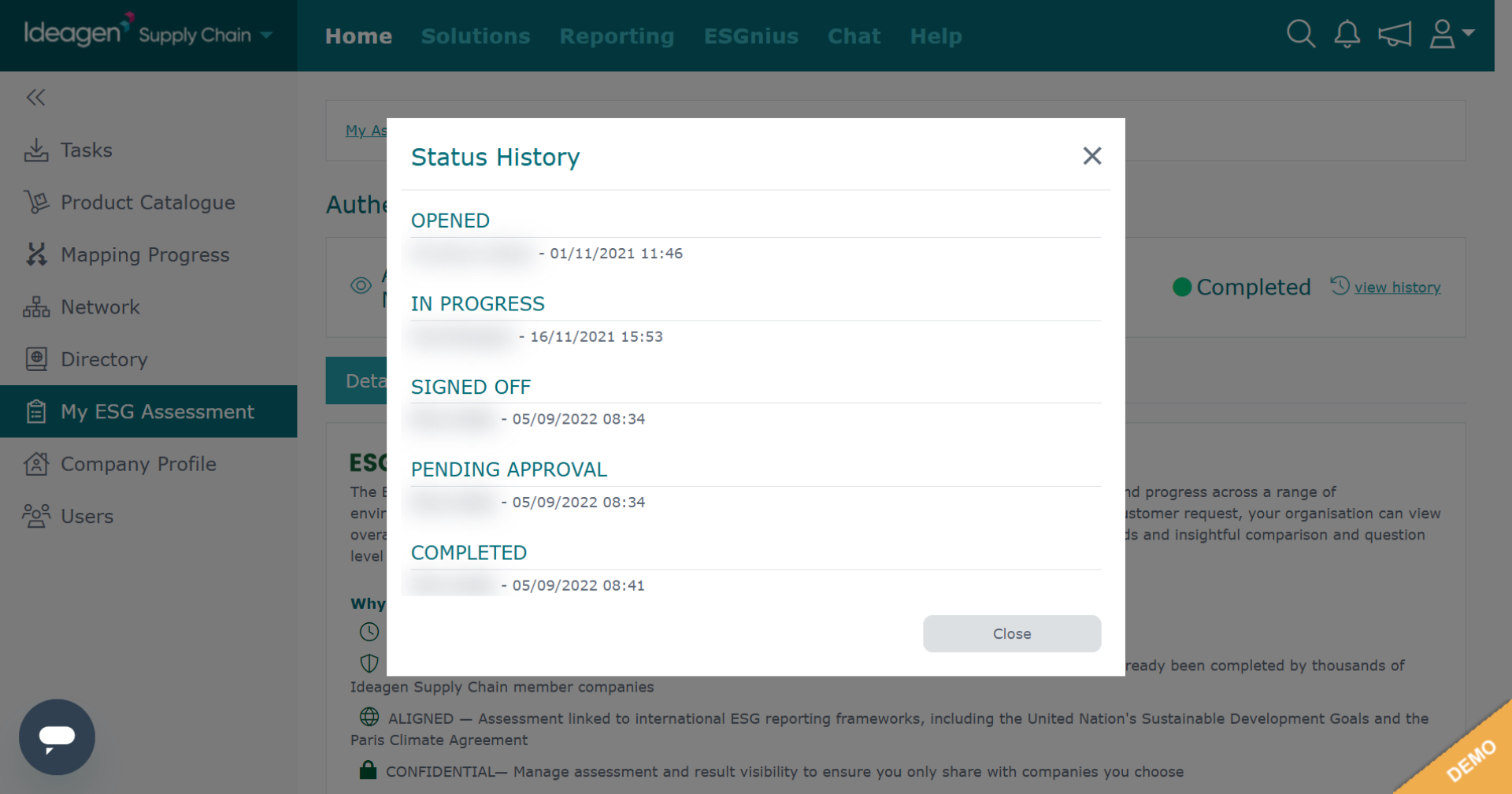
Click view history to see a status breakdown.
-
The status history breaks down the timestamped timeline of when each stage was actioned.
-
Click Close to exit the status history view and return to the ESG assessment.