New article
Recently updated
Viewing my company's ESG results

Who is this article for?
Users who want to view their company's ESG results.
ESG admin permissions are required.
This tutorial guides you through accessing your ESG assessment results within the Ideagen Supply Chain platform.
Please note, this information is for companies that have a completed ESG assessment.
Accessing and reviewing your ESG assessment data
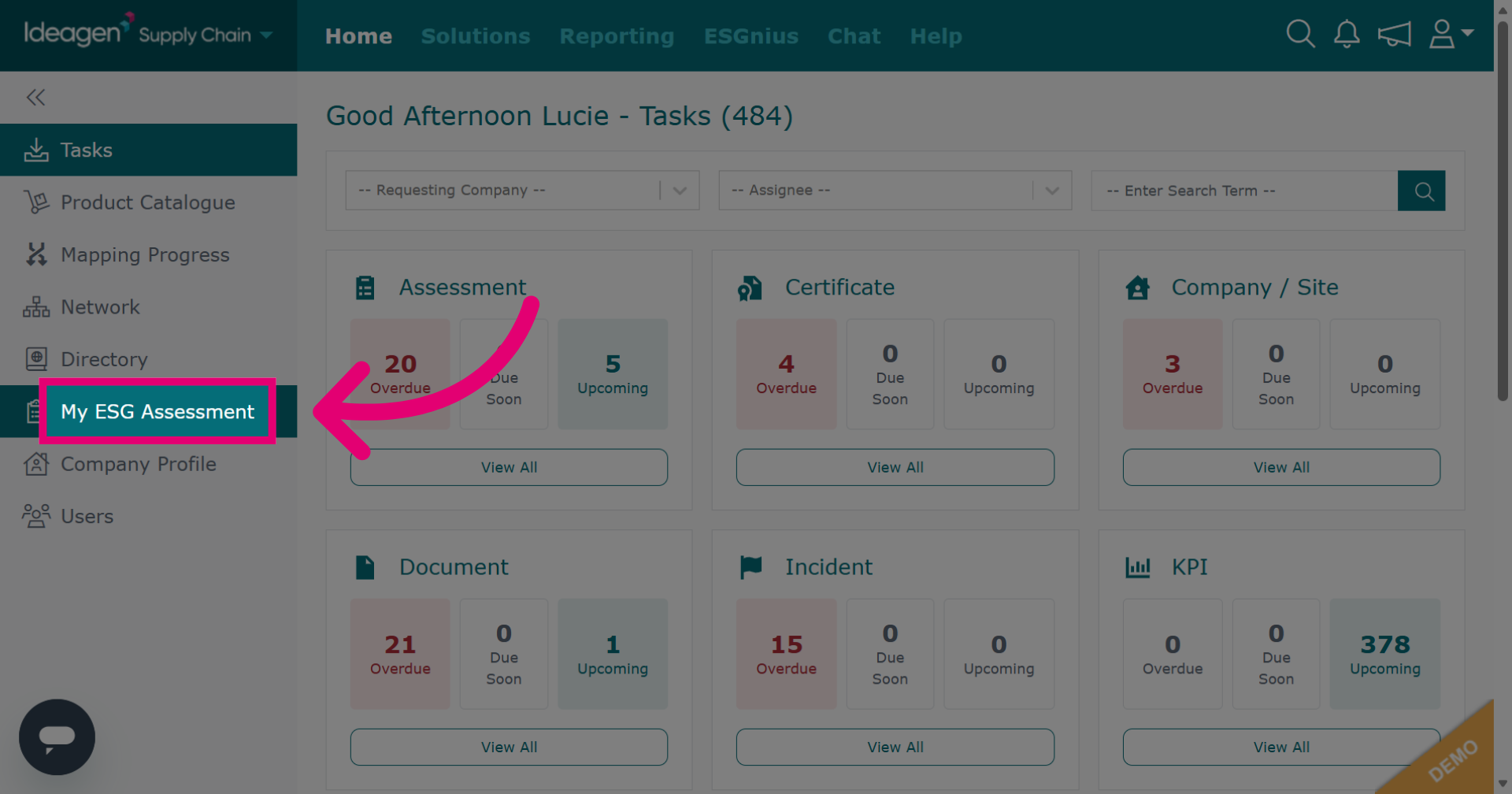
Click My ESG Assessment to view your company's ESG data.
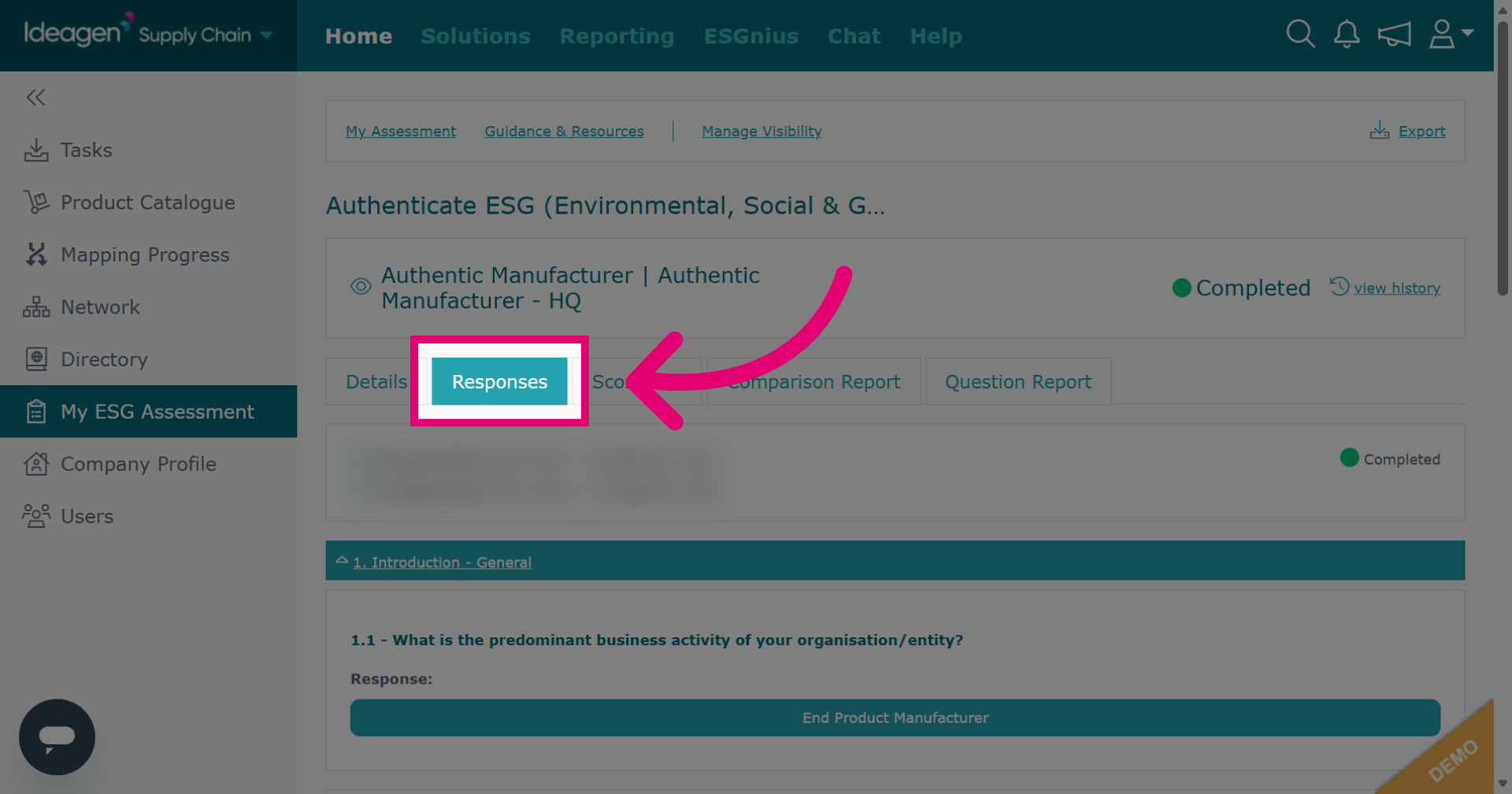
Click Responses to view all submitted answers.
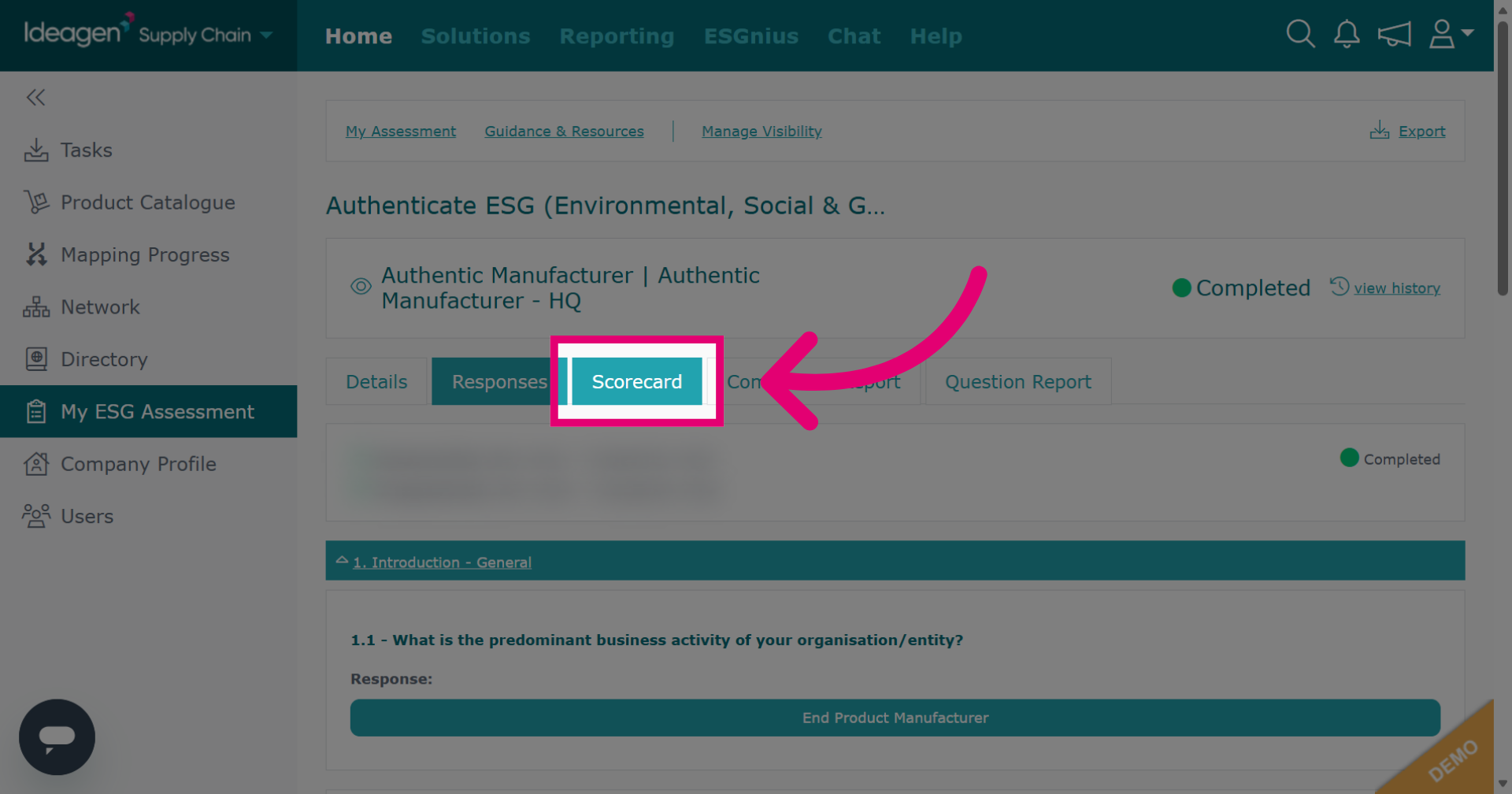
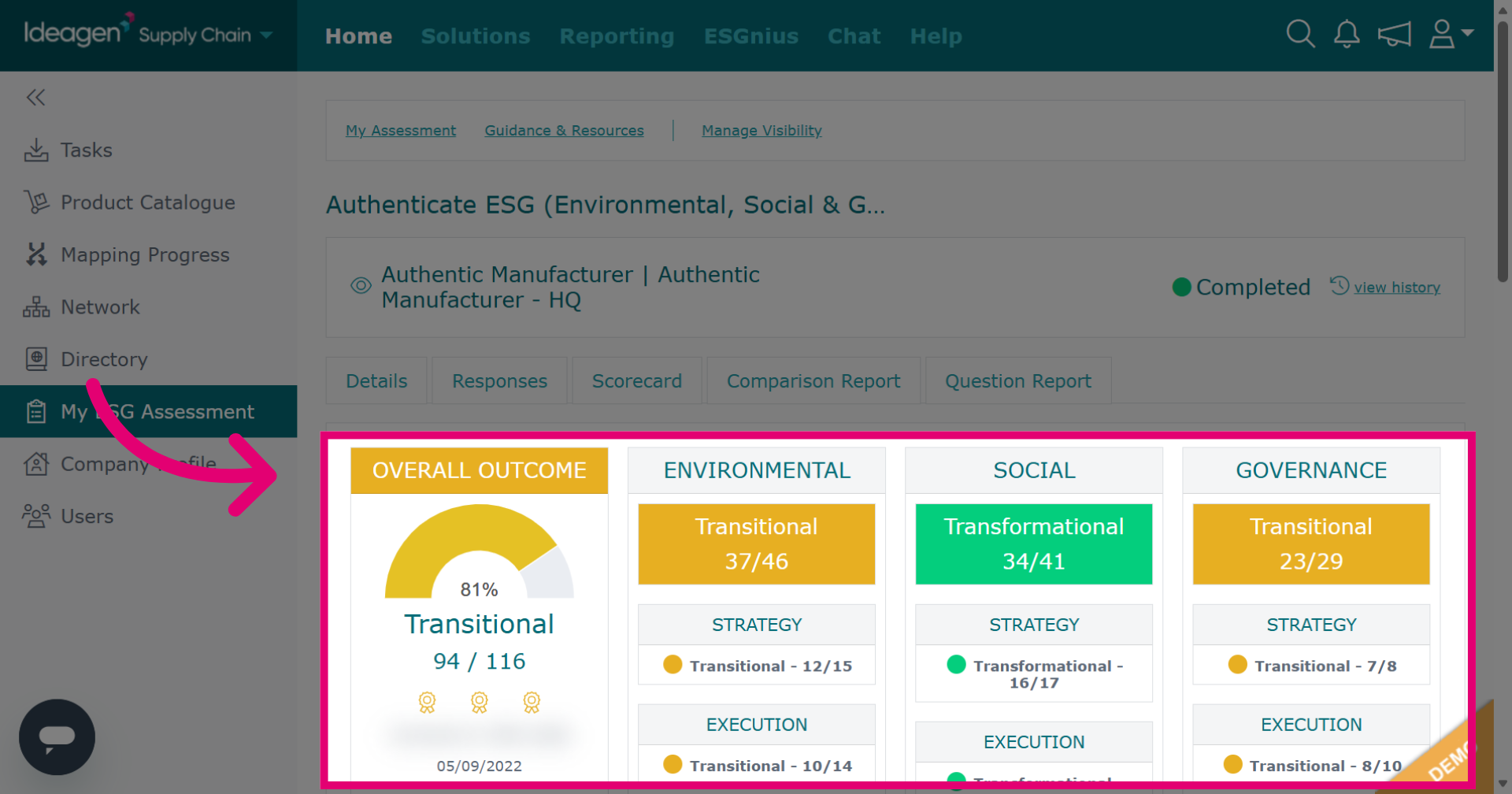
Select Scorecard to access the summary of your ESG assessment score metrics.
The scorecard breaks down your ESG assessment's scoring into sections showing the grades for each section.
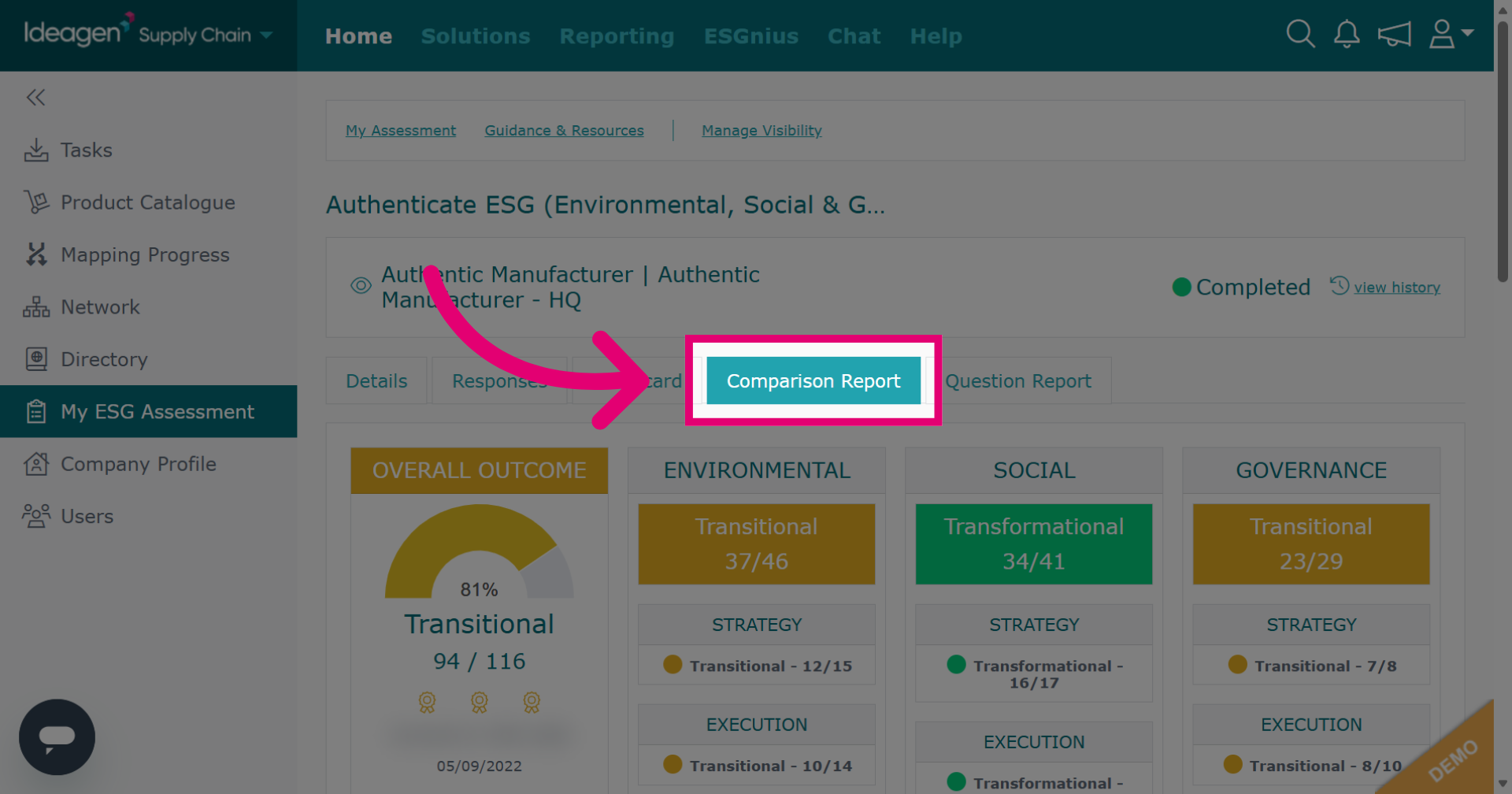
Click Comparison Report to compare your ESG assessment results against other companies that have completed the assessment.
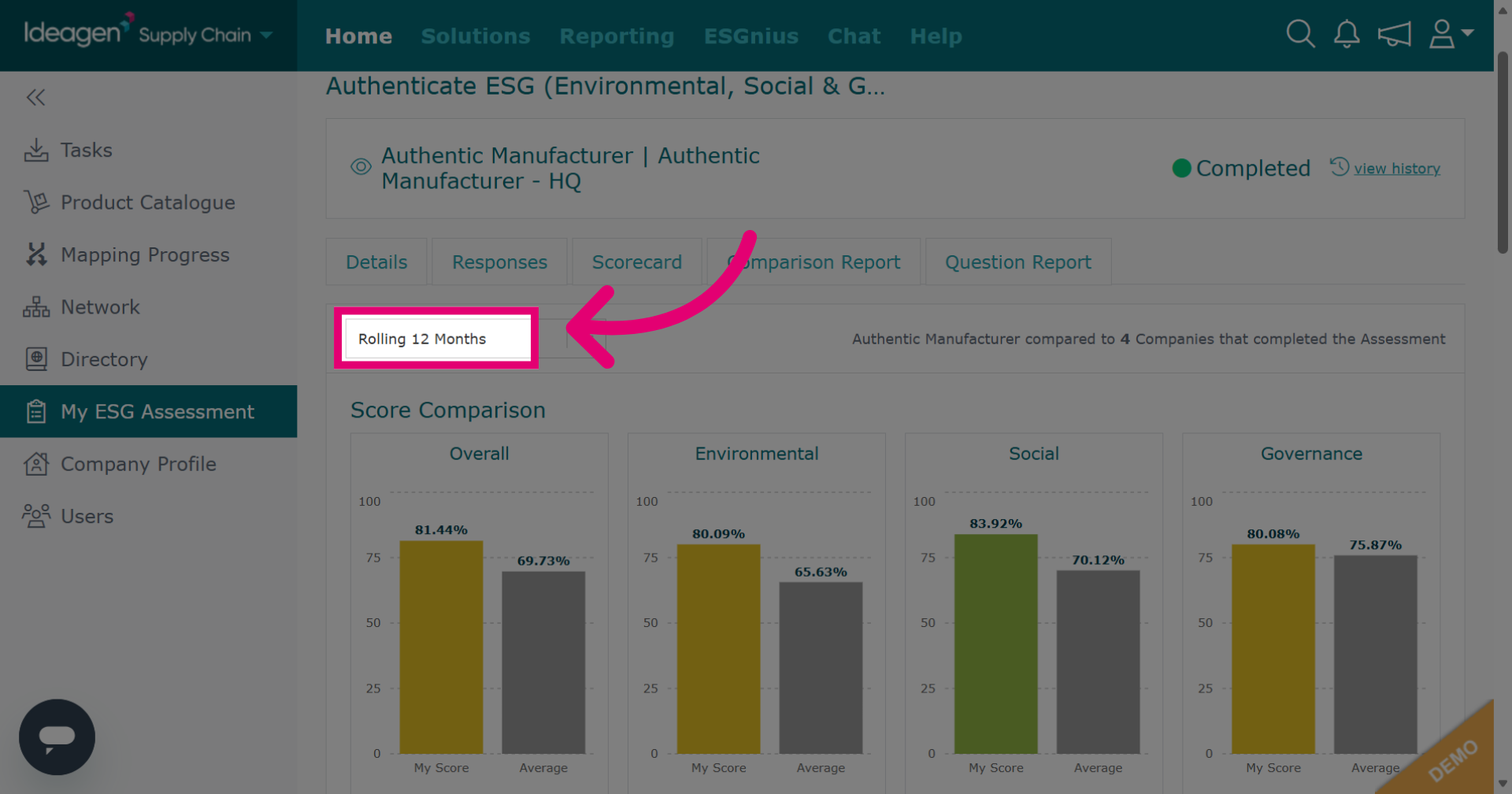
The report compares your ESG scores to all companies that completed it during the selected period.
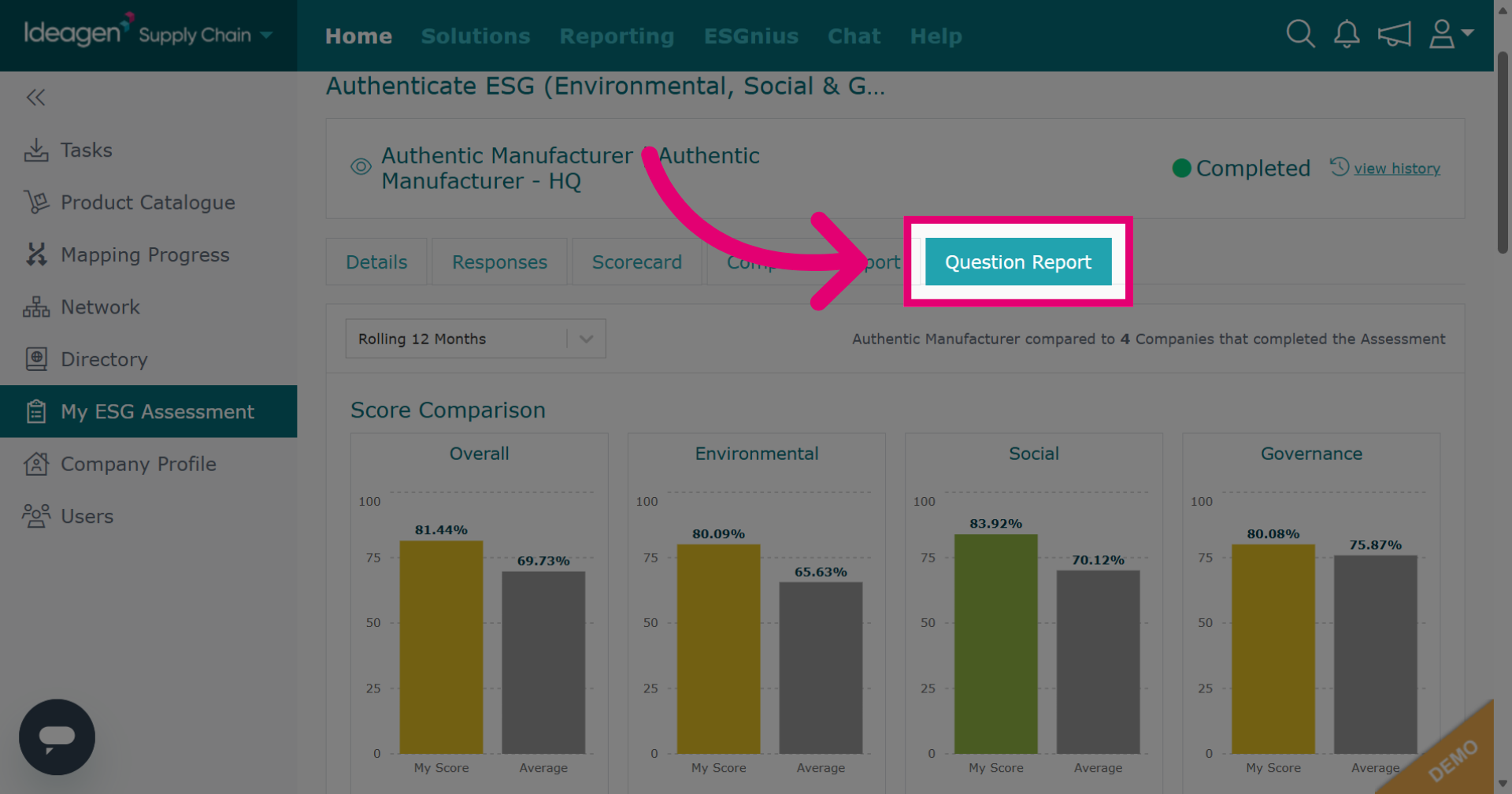
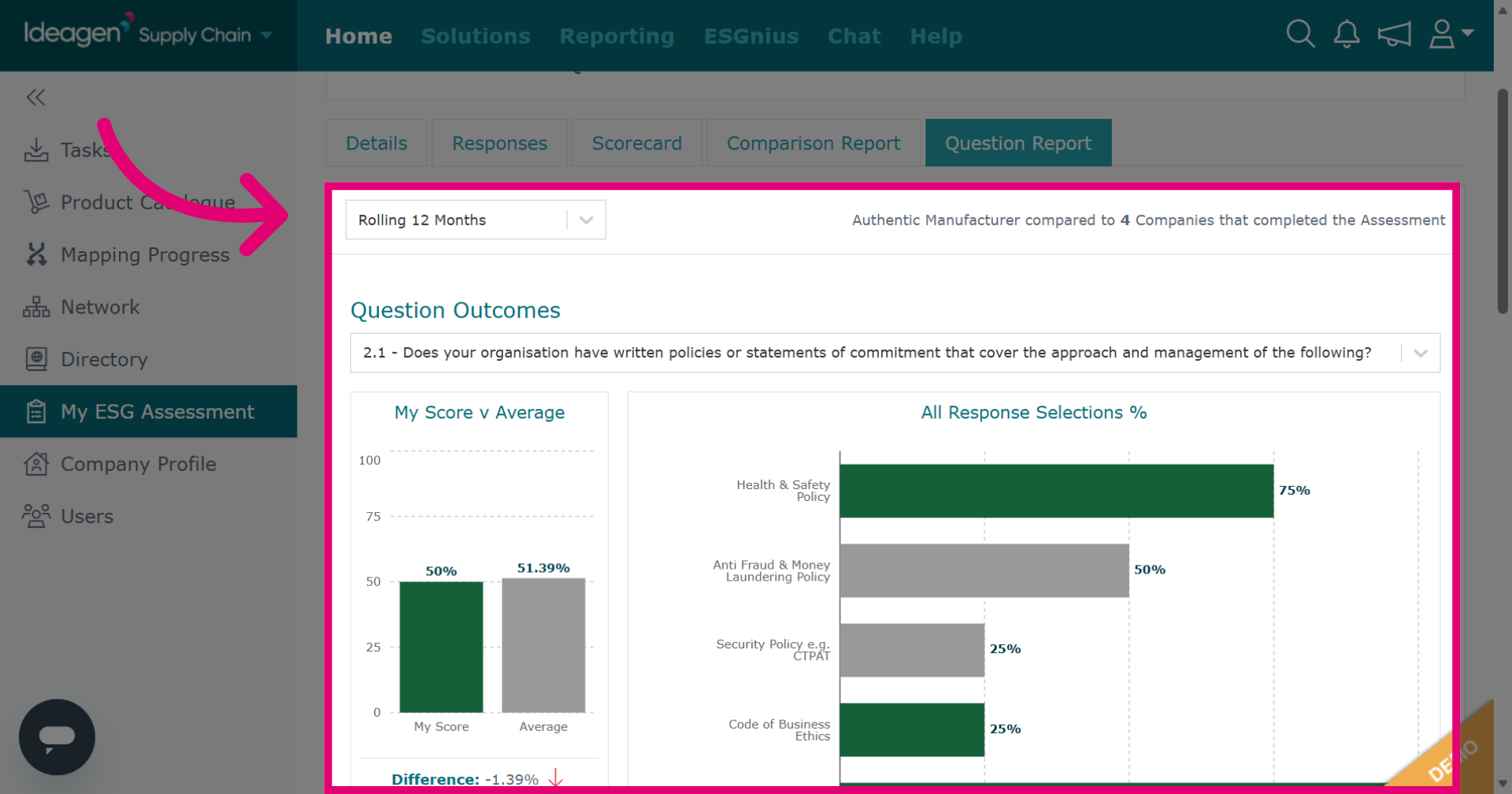
Click Question Report to analyze individual question responses within your ESG assessment.
The question report tab compares your ESG responses to all companies that completed the ESG during the selected time period from the highlighted drop-down option.
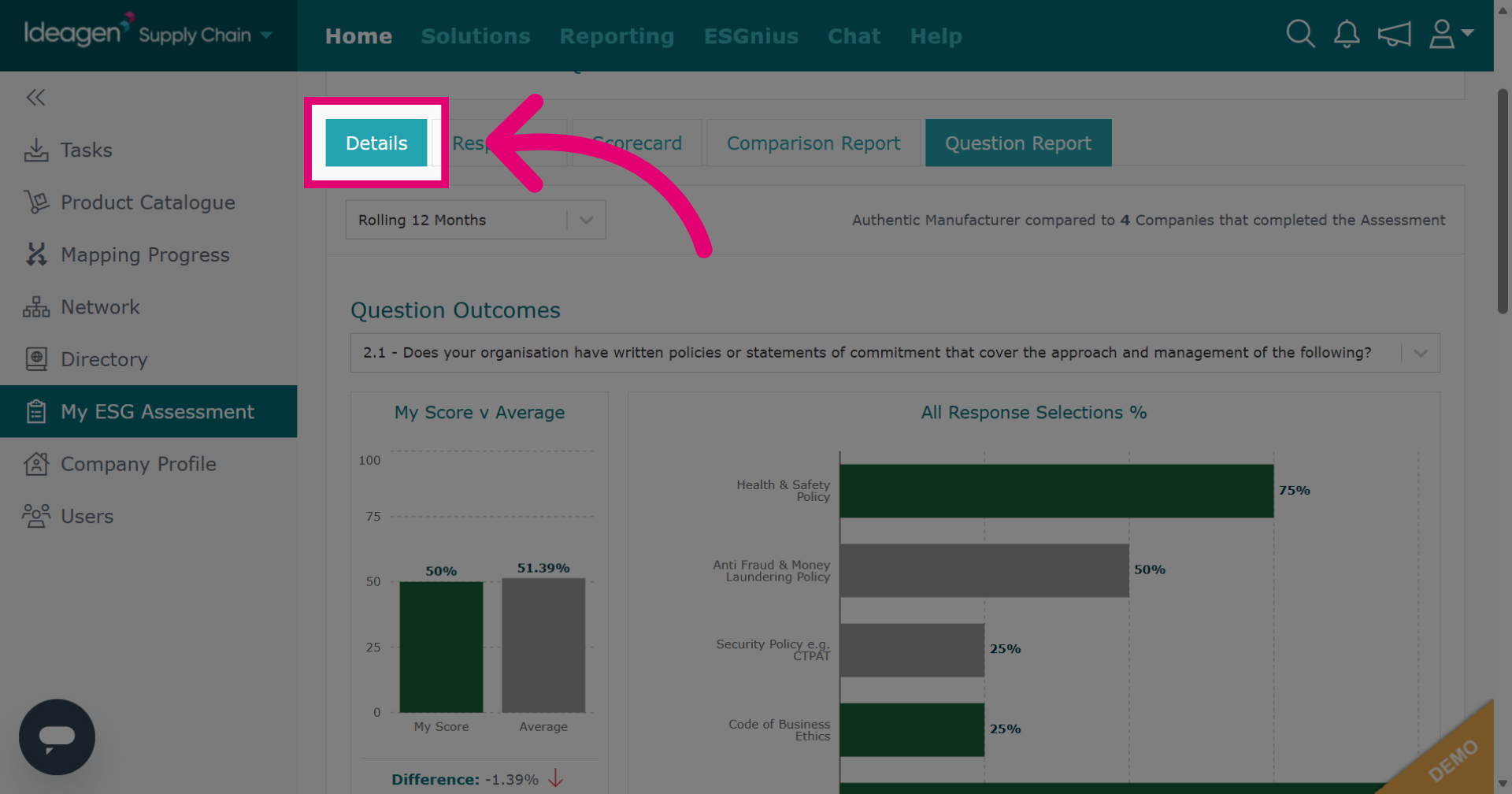
Click Details to see an overview of the assessment details.
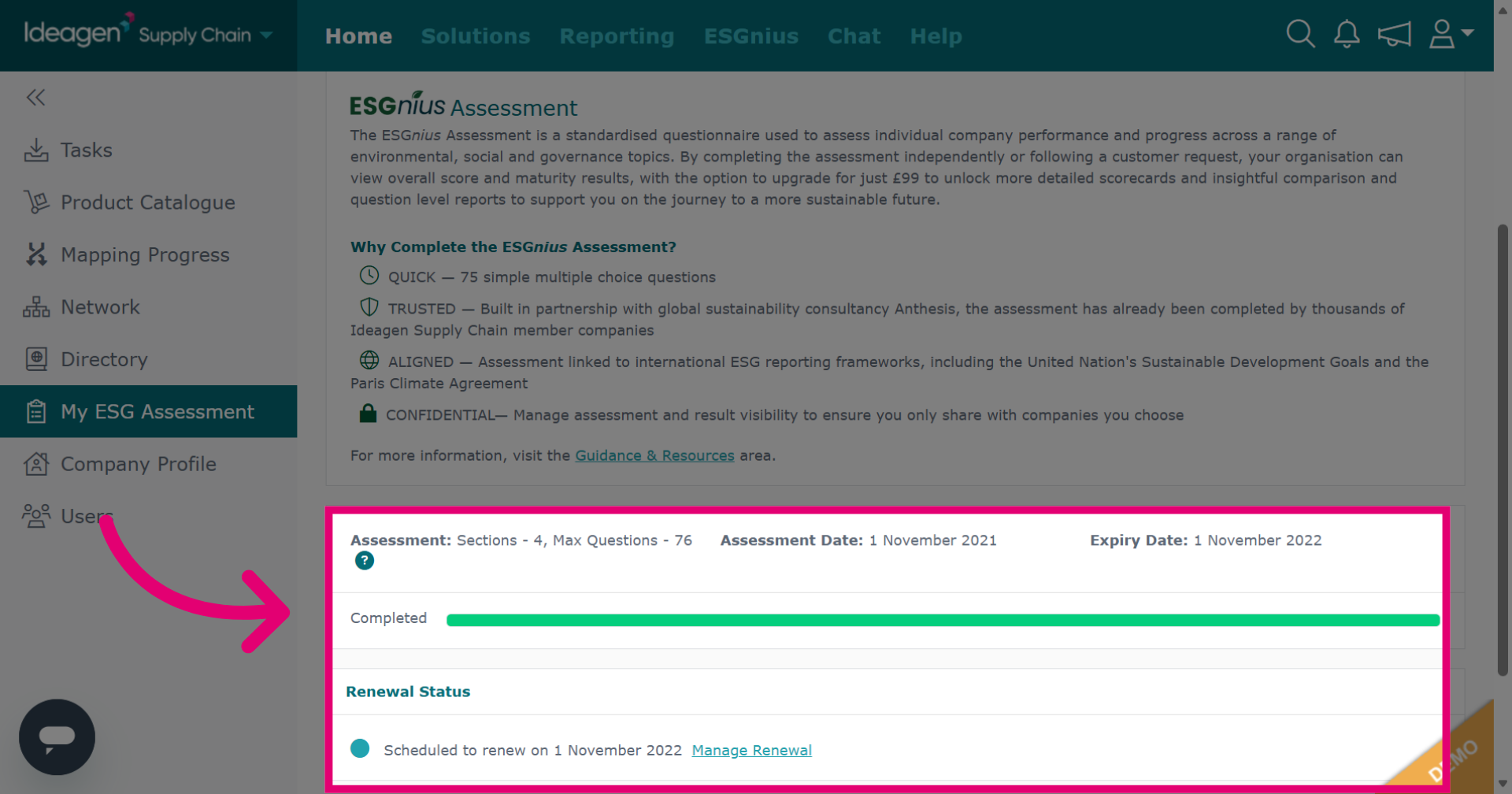
The details tab shows renewal status, assessment date, and expiry date. Currently, there is no way to export ESG results data.
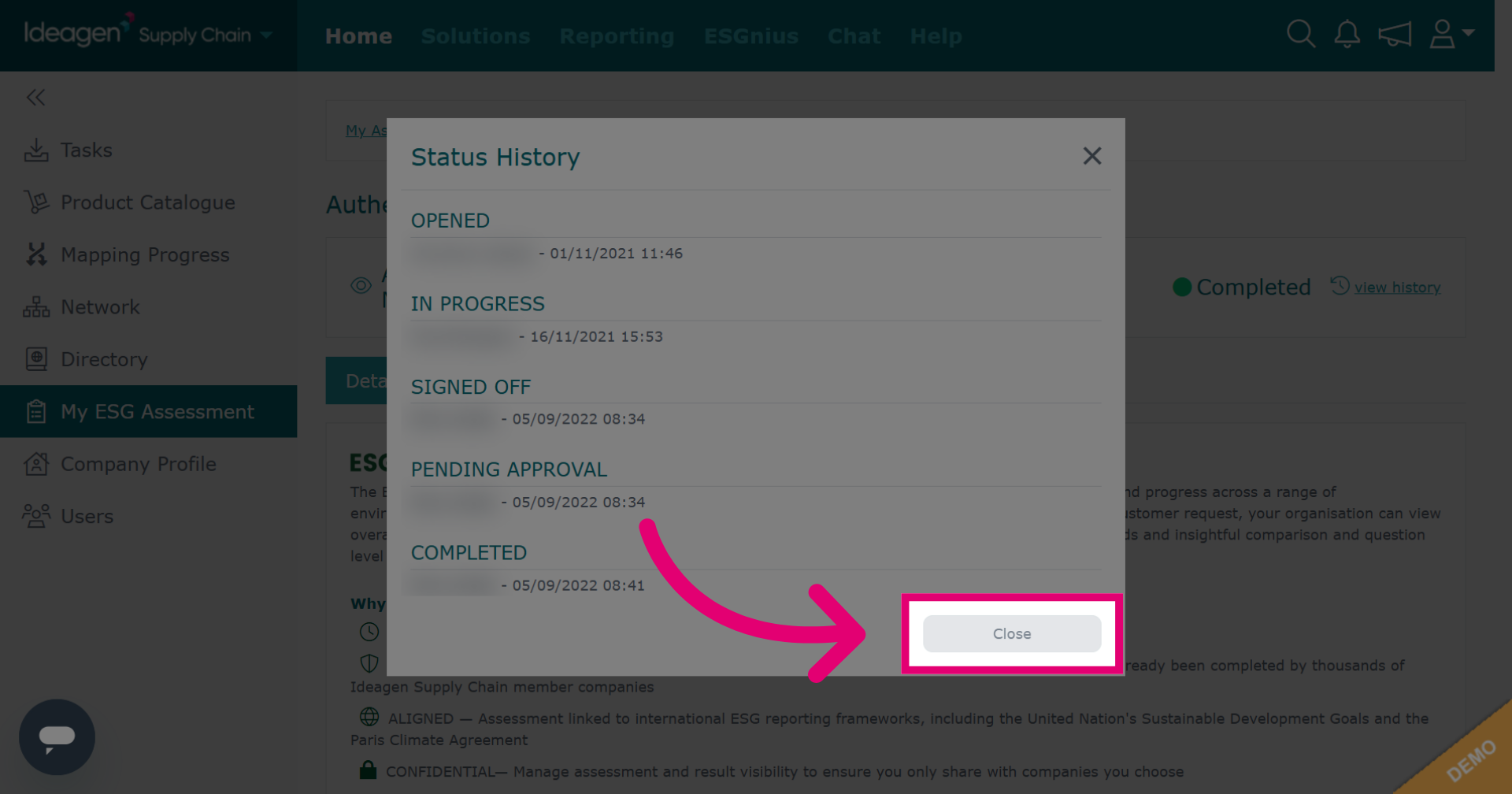
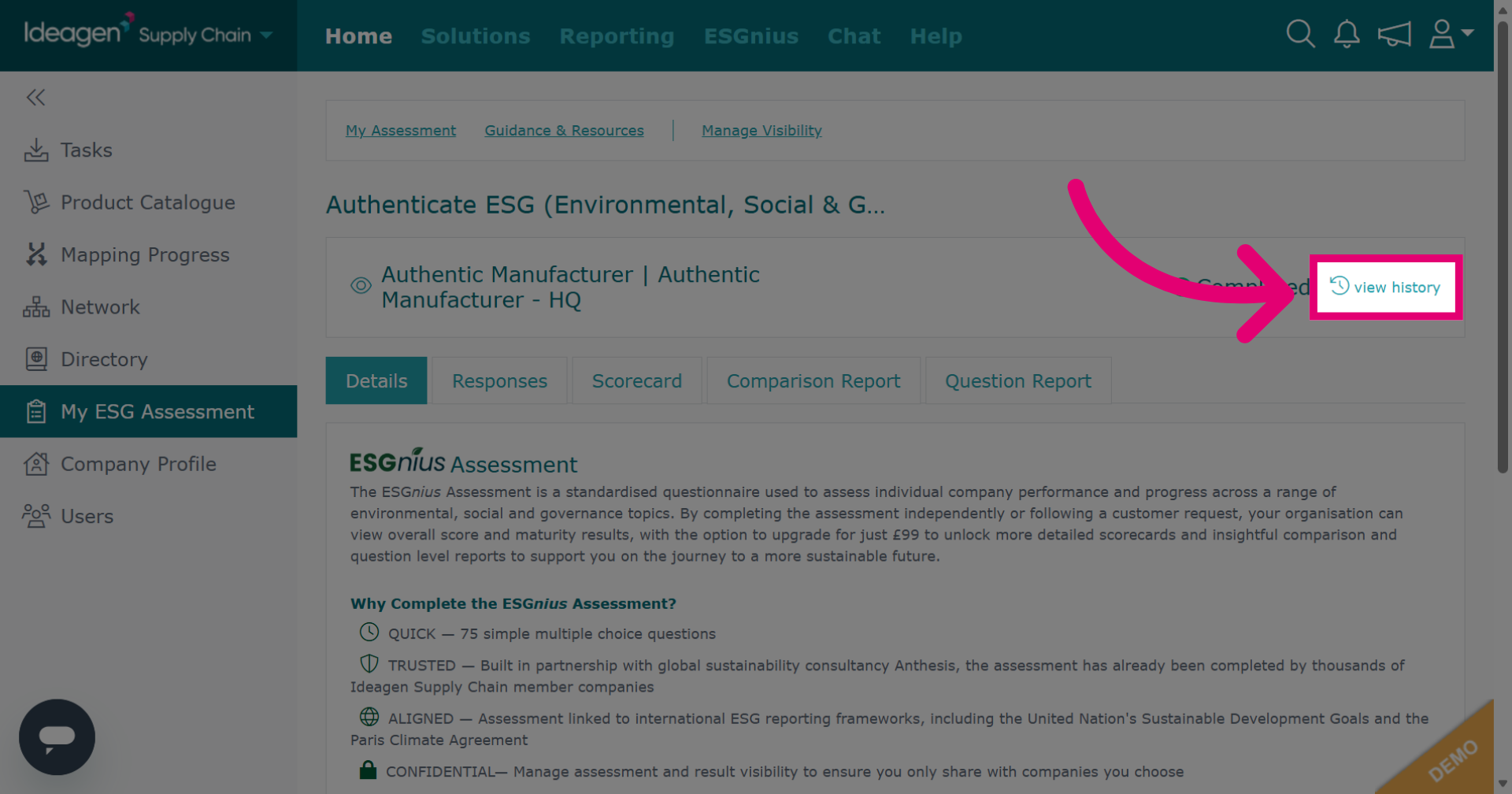
Click view history to see a status breakdown.
The status history details the timeline of each stage and who was responsible.
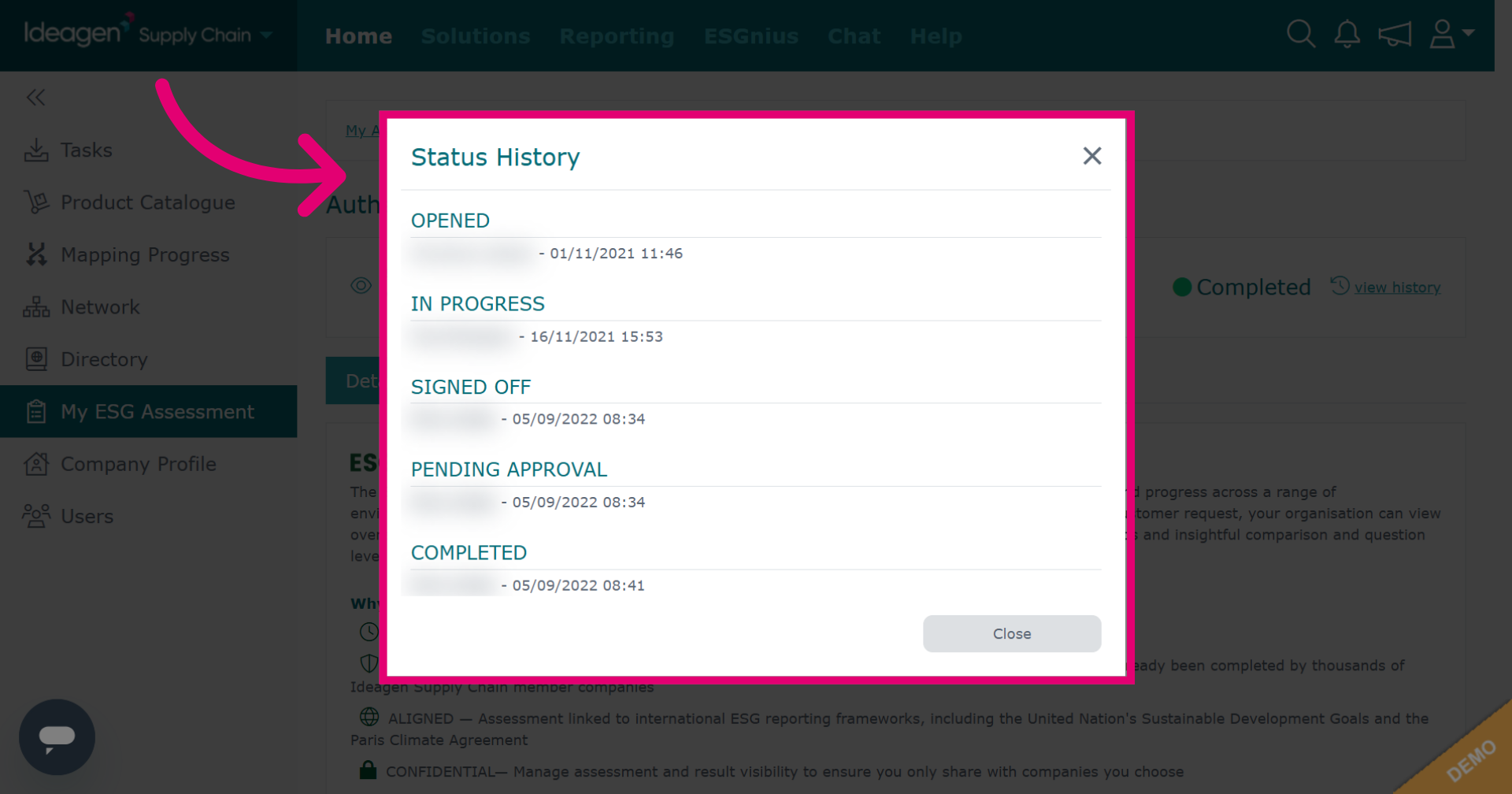
Click Close to exit status history and return to ESG assessment.