New article
Recently updated
Viewing a suppliers ESG results

Who is this article for?
Users who want to view a supplier's ESG assessment results.
ESG admin permissions are required.
This tutorial guides you through viewing your supplier's ESG results, providing that they have shared their data with your company.
Viewing supplier ESG results
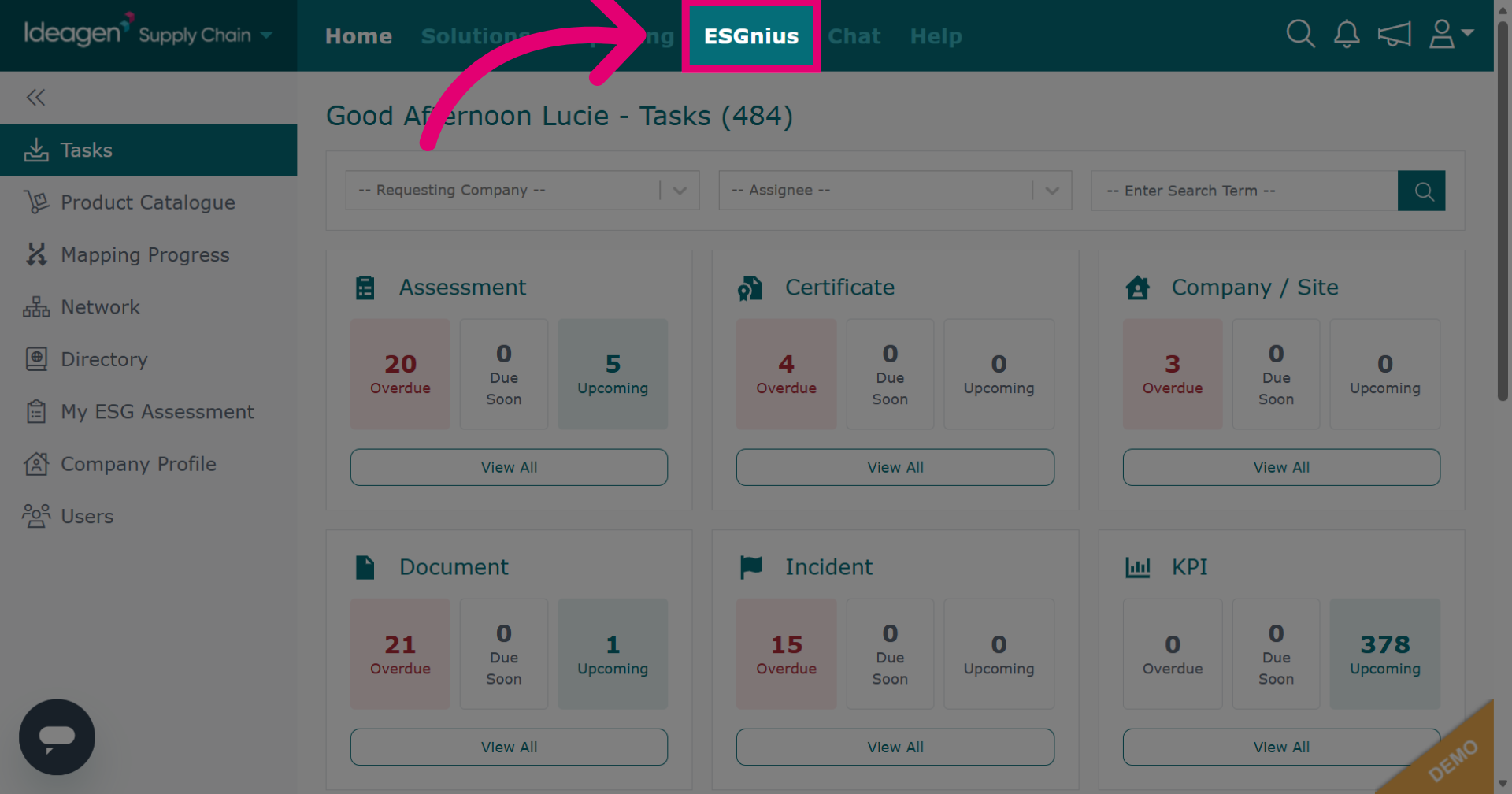
Click ESGnius to open the area where supplier ESG data is housed.
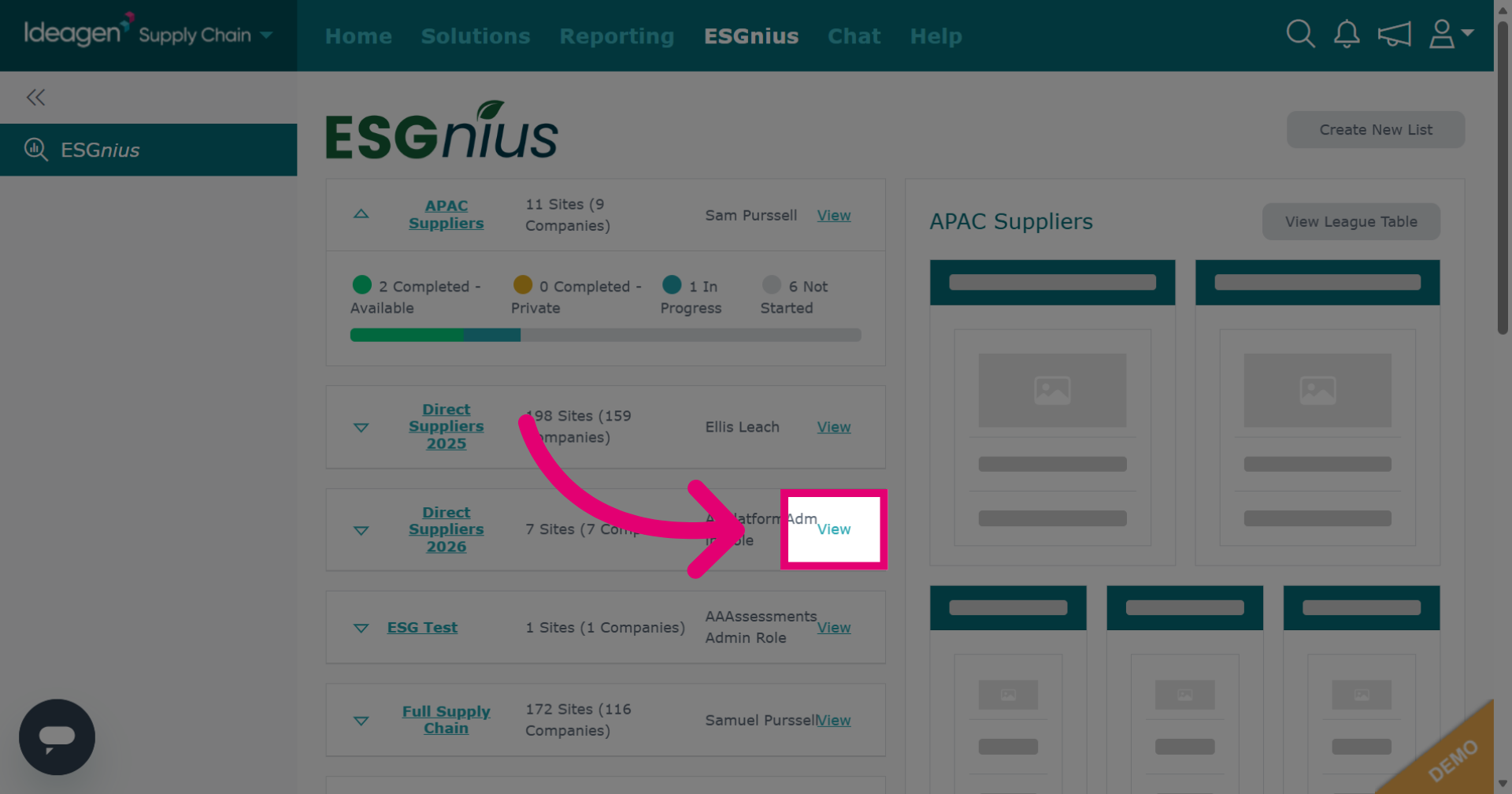
Click View next to the supplier list with the ESG data you want.
Find the relevant supplier and click View beside their name.
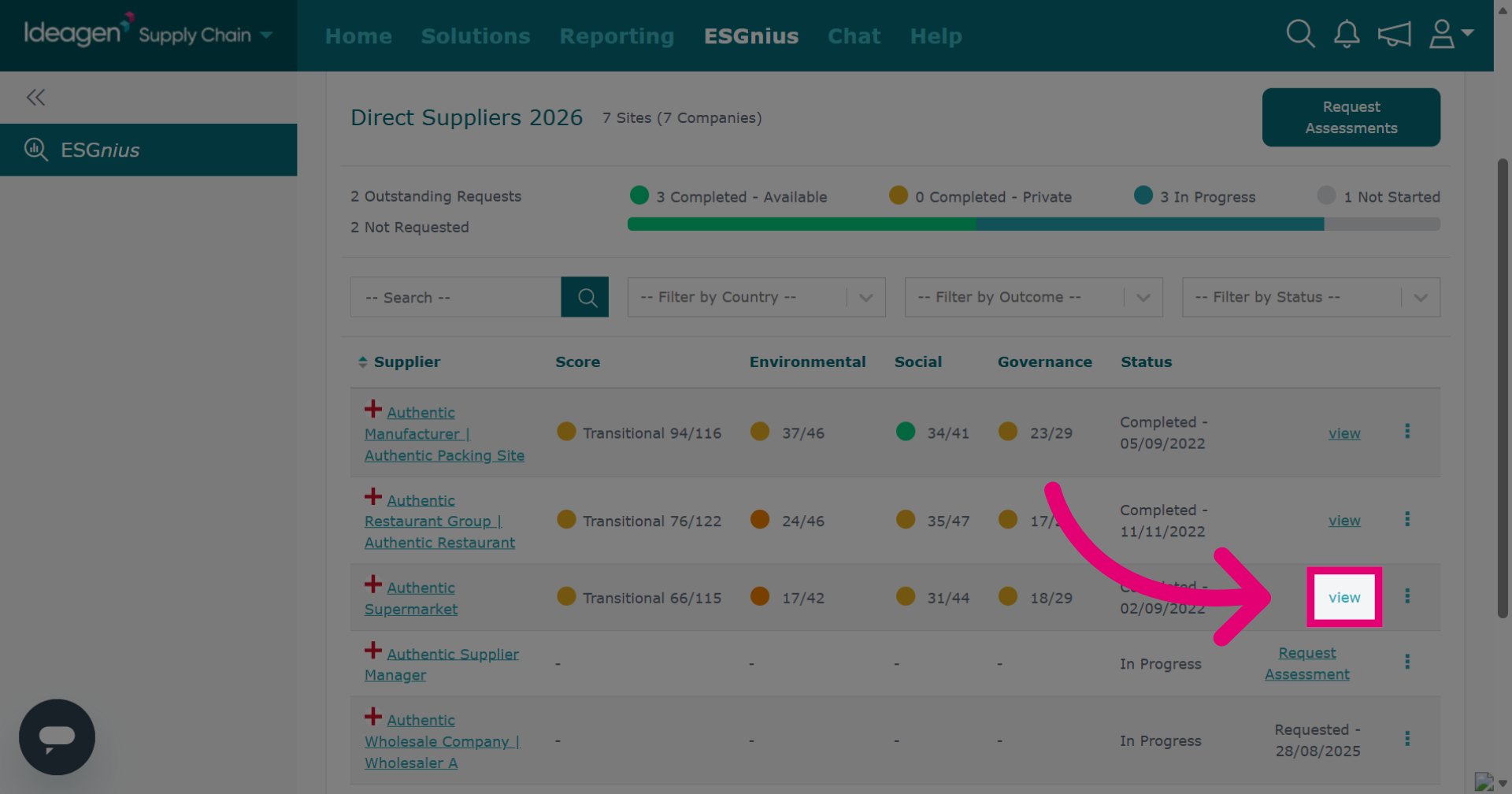
The scorecard tab details the ESG assessment scores by section.
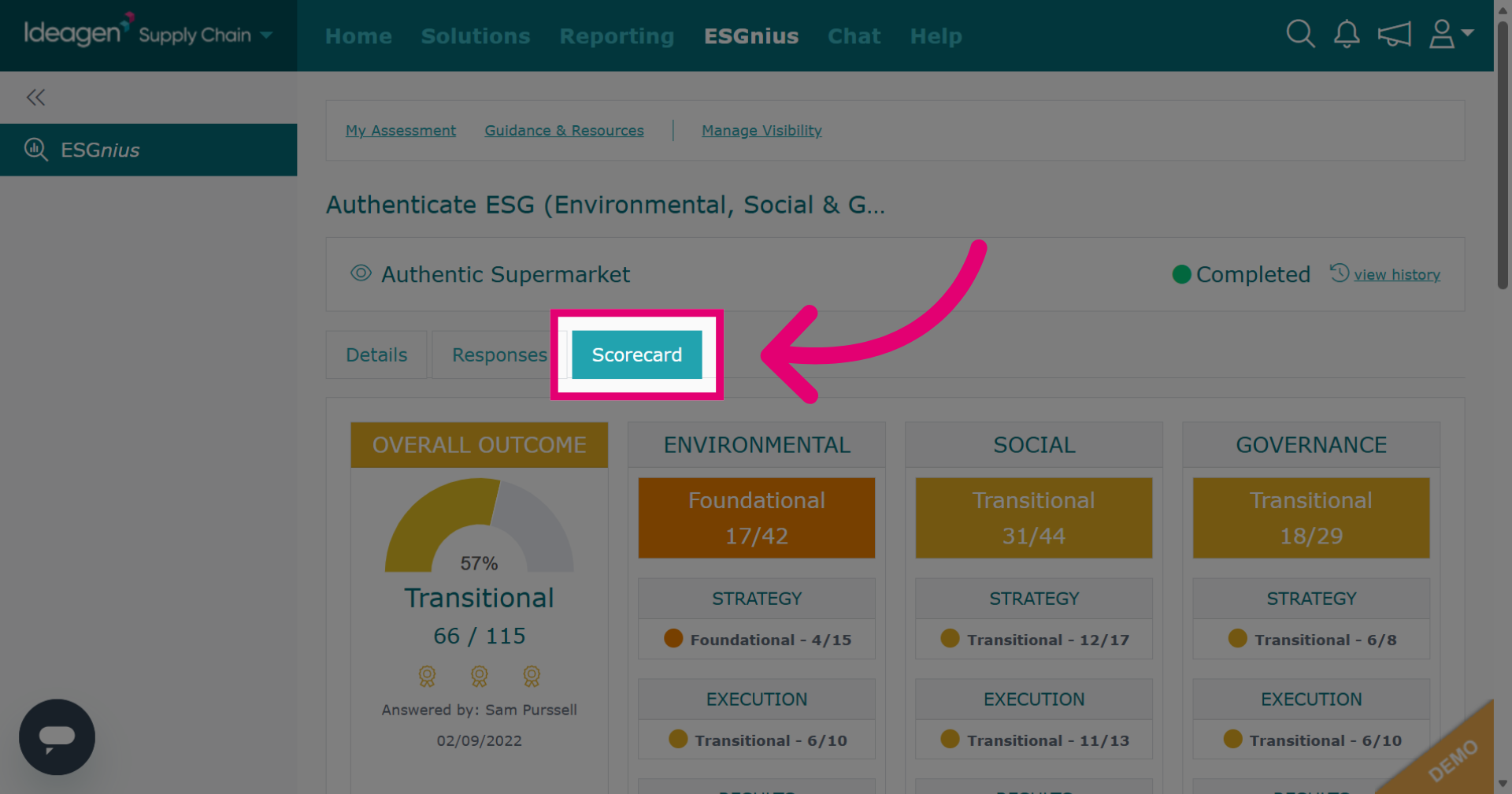
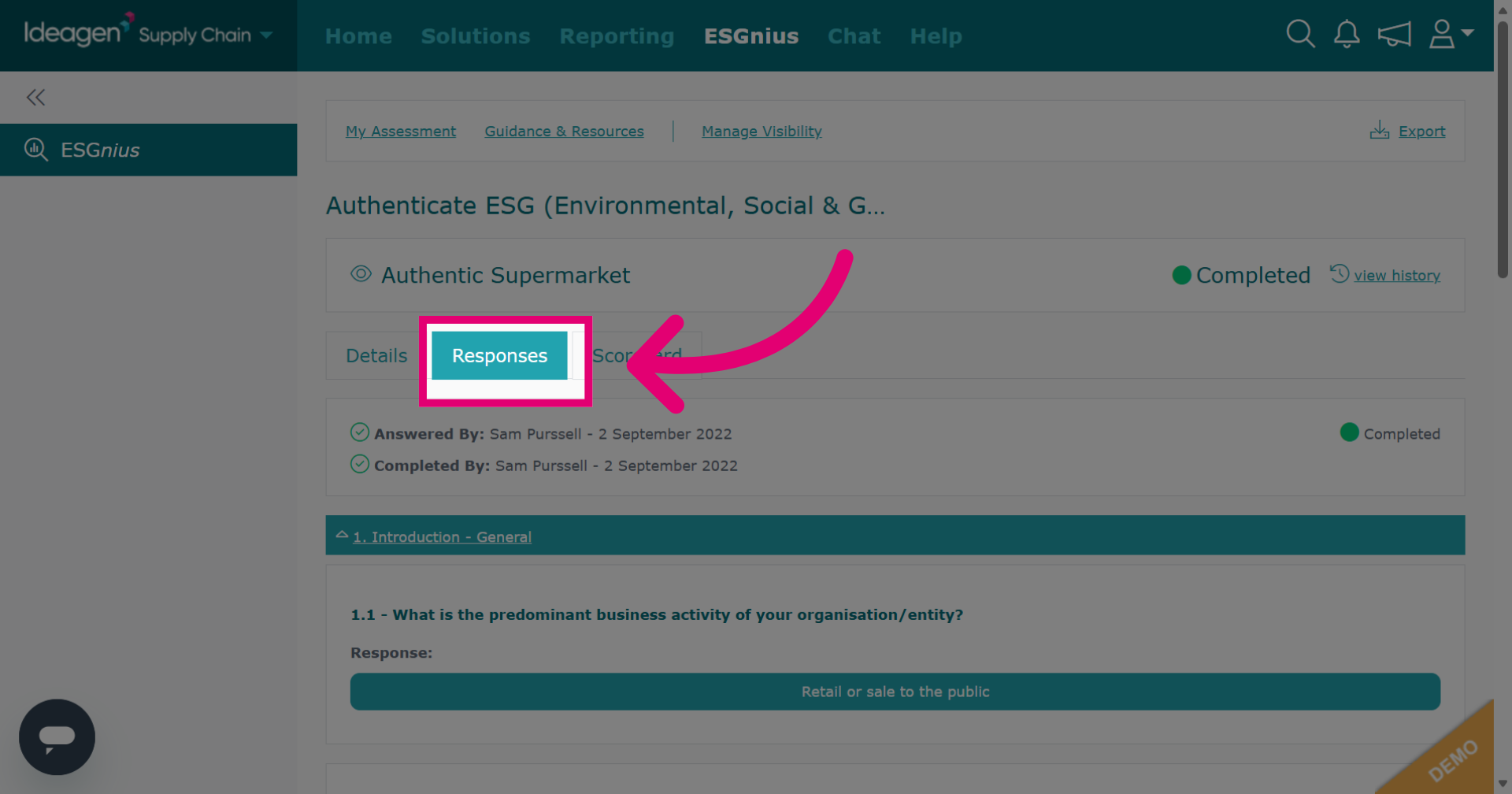
Click the Responses tab to view all submitted answers.
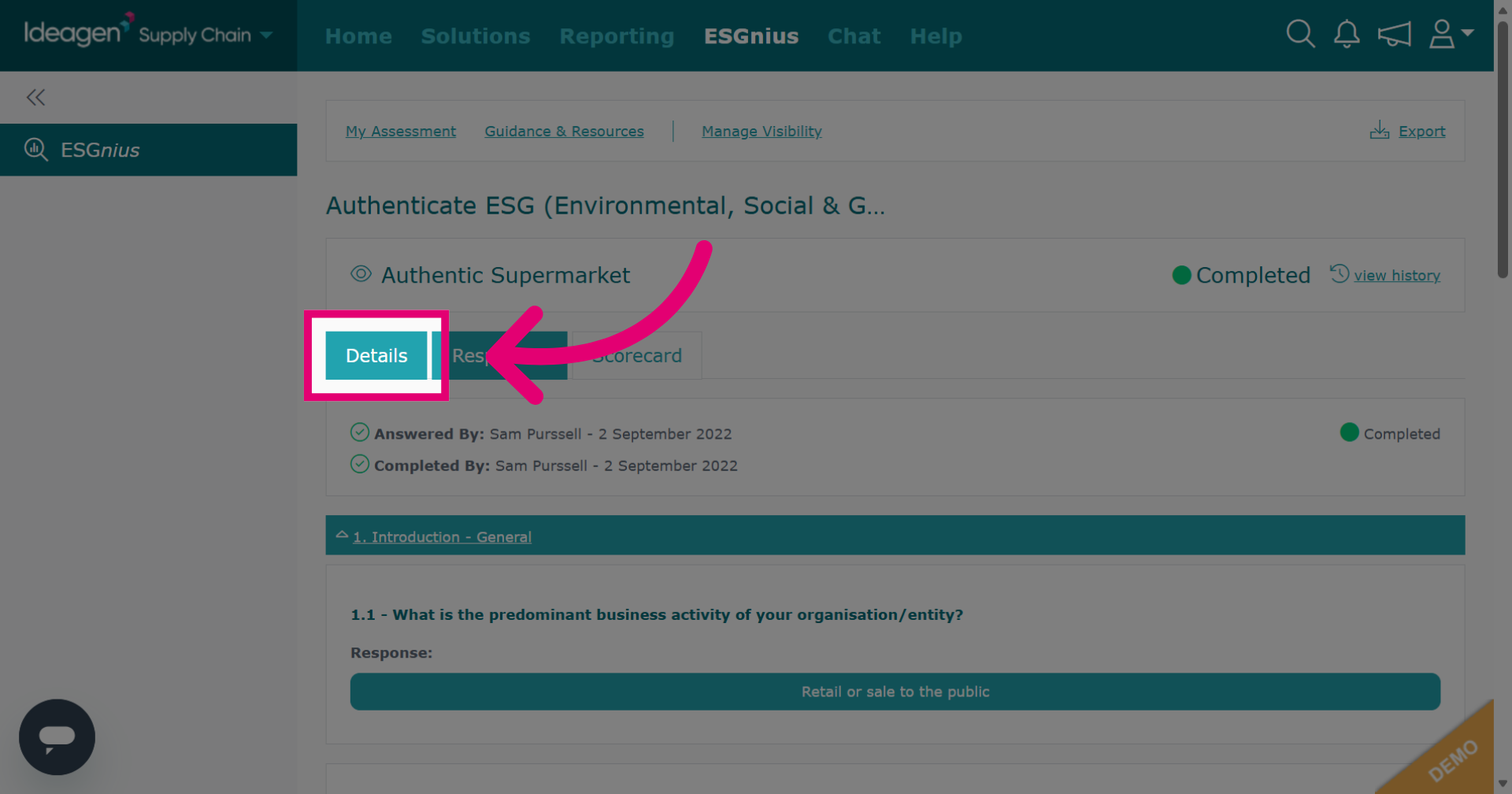
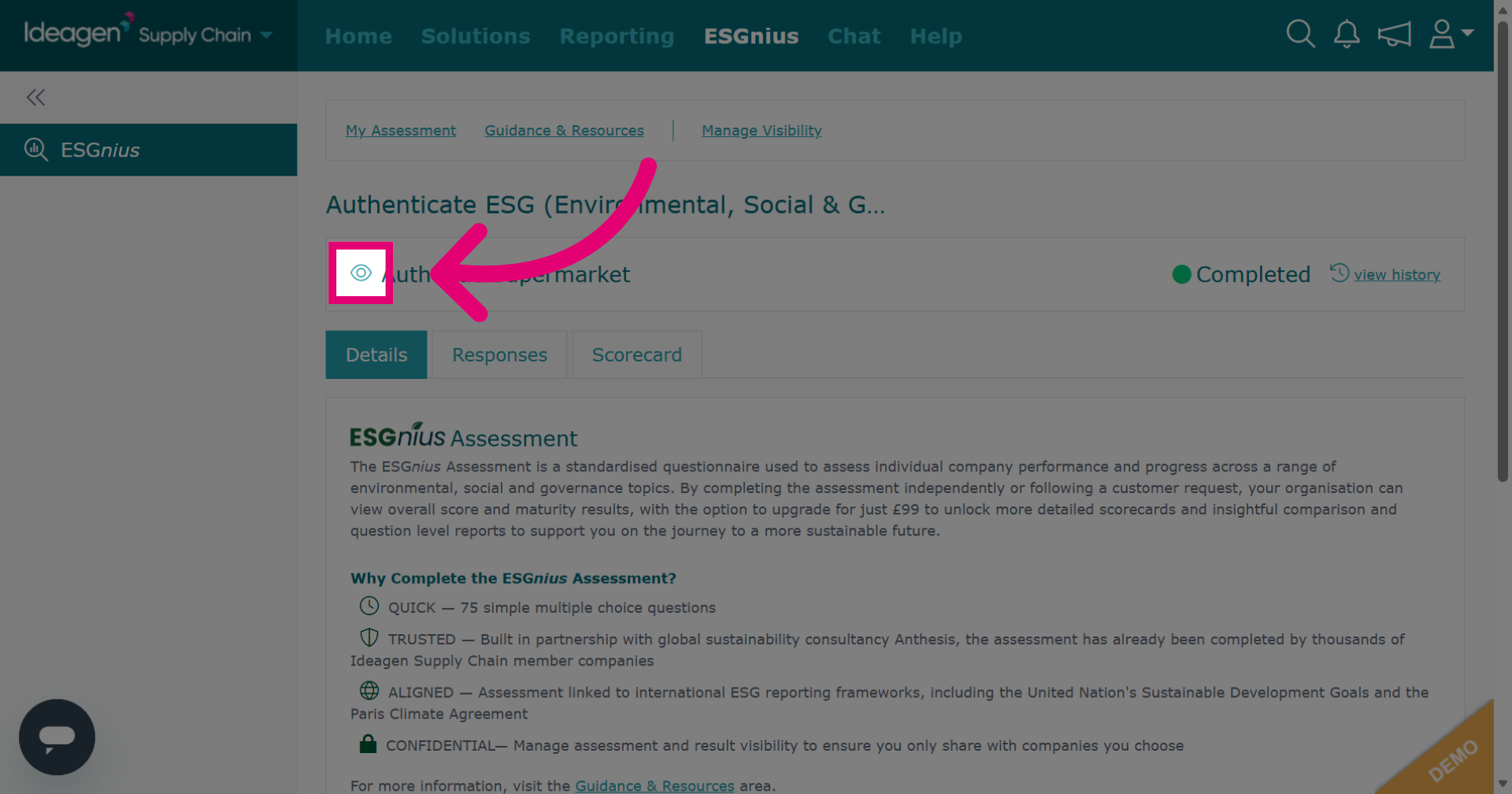
Click Details to see an overview of the assessment details.
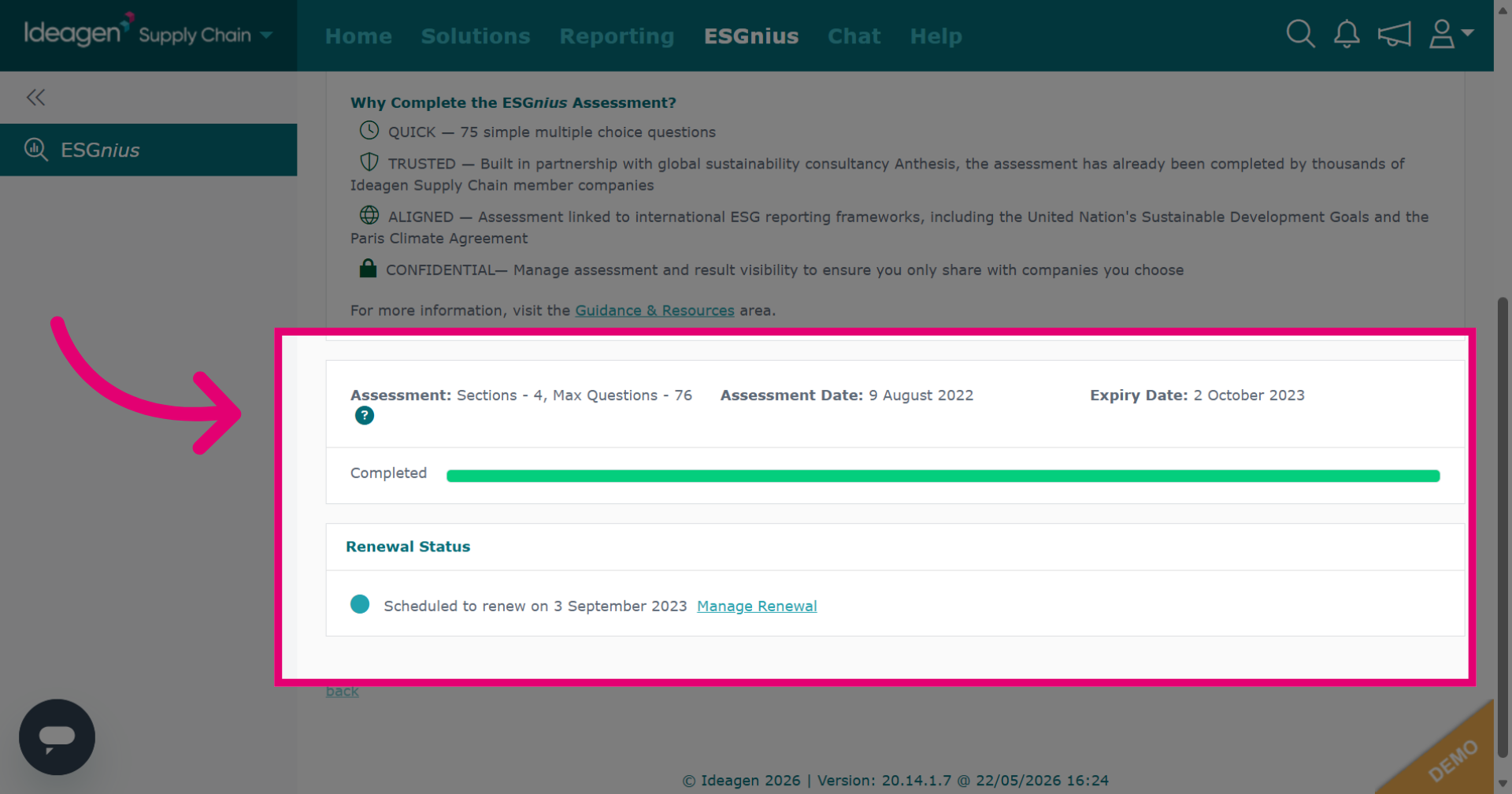
The details tab shows renewal status, assessment date, and expiry date. Currently, there is no way to export ESG results data.
Click the eye icon on the details tab to view the supplier profile.
For a quick overview, click the relevant supplier on the Suppliers ESG Assessments tab.
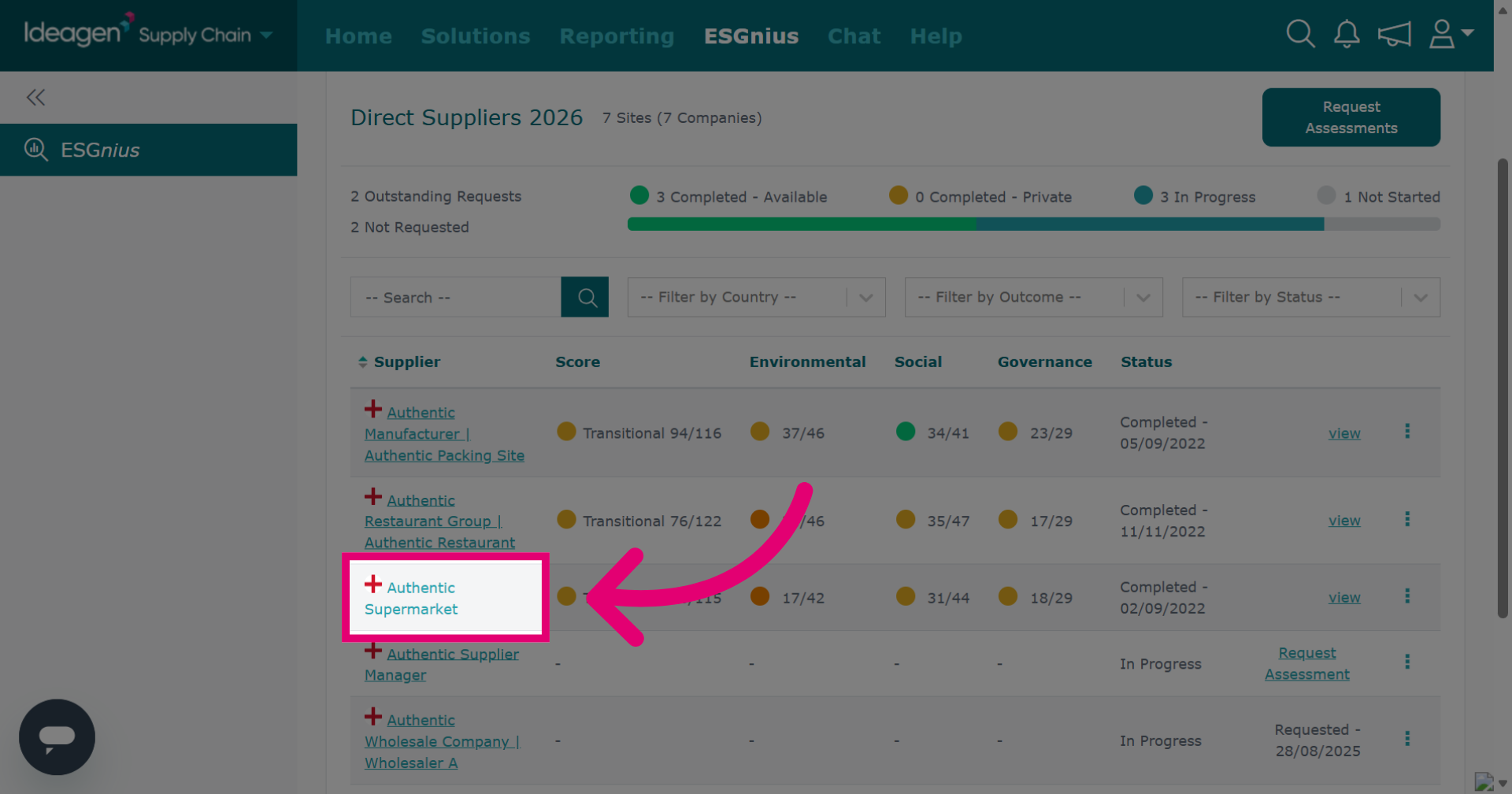
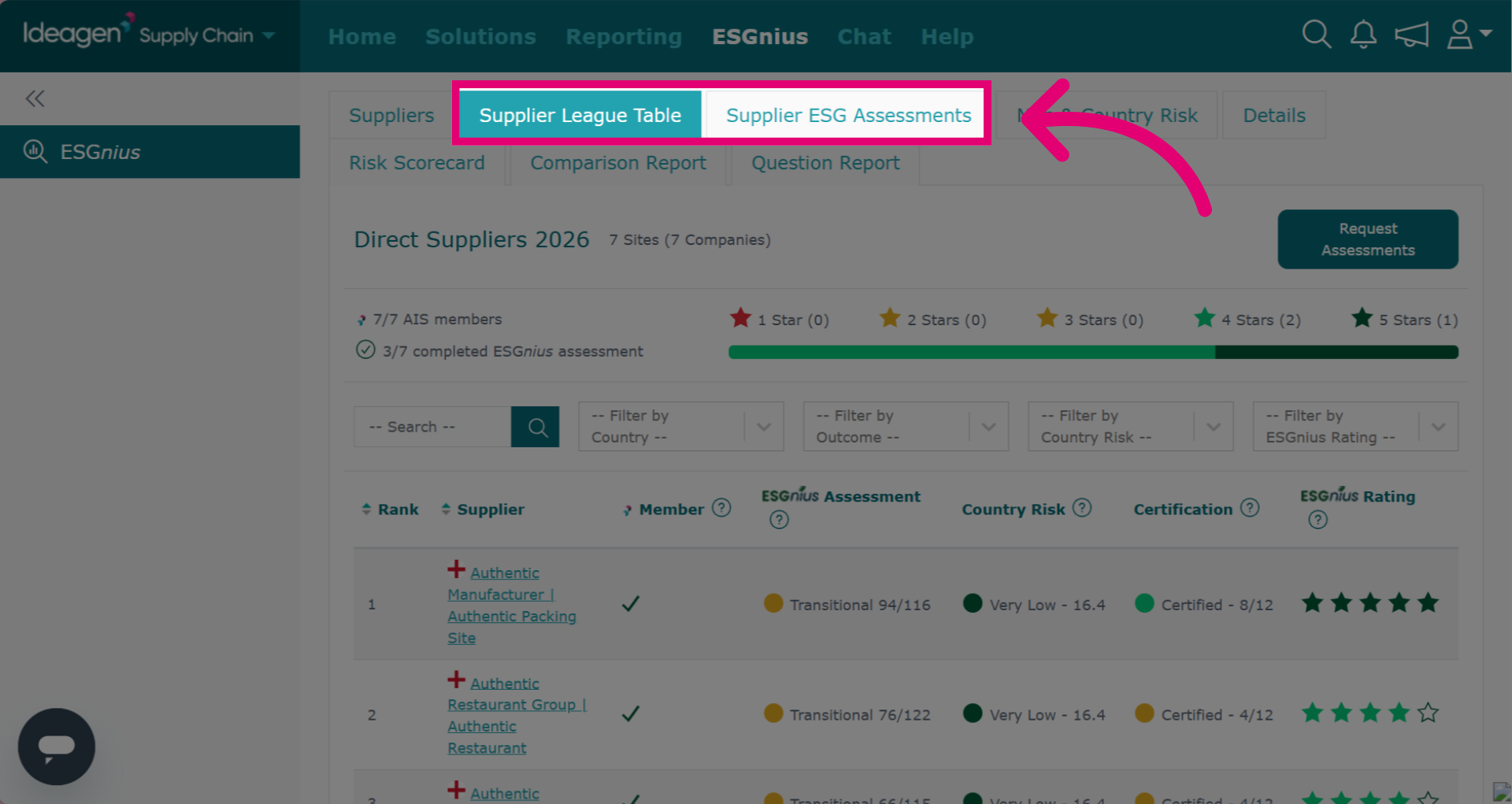
Another way of viewing a brief overview of supplier ESG scores is within the list. Click either the Supplier League Table tab or the Supplier ESG Assessments tab to view the supplier's scoring.