New article
Recently updated
Responding to a non-conformance

Who is this article for?
Users responsible for reviewing non-conformances.
Site Actions admin permissions are required.
This article walks you through the process of reviewing and responding to a non-conformance.
Responding to a non-conformance
To respond to a non-conformance:
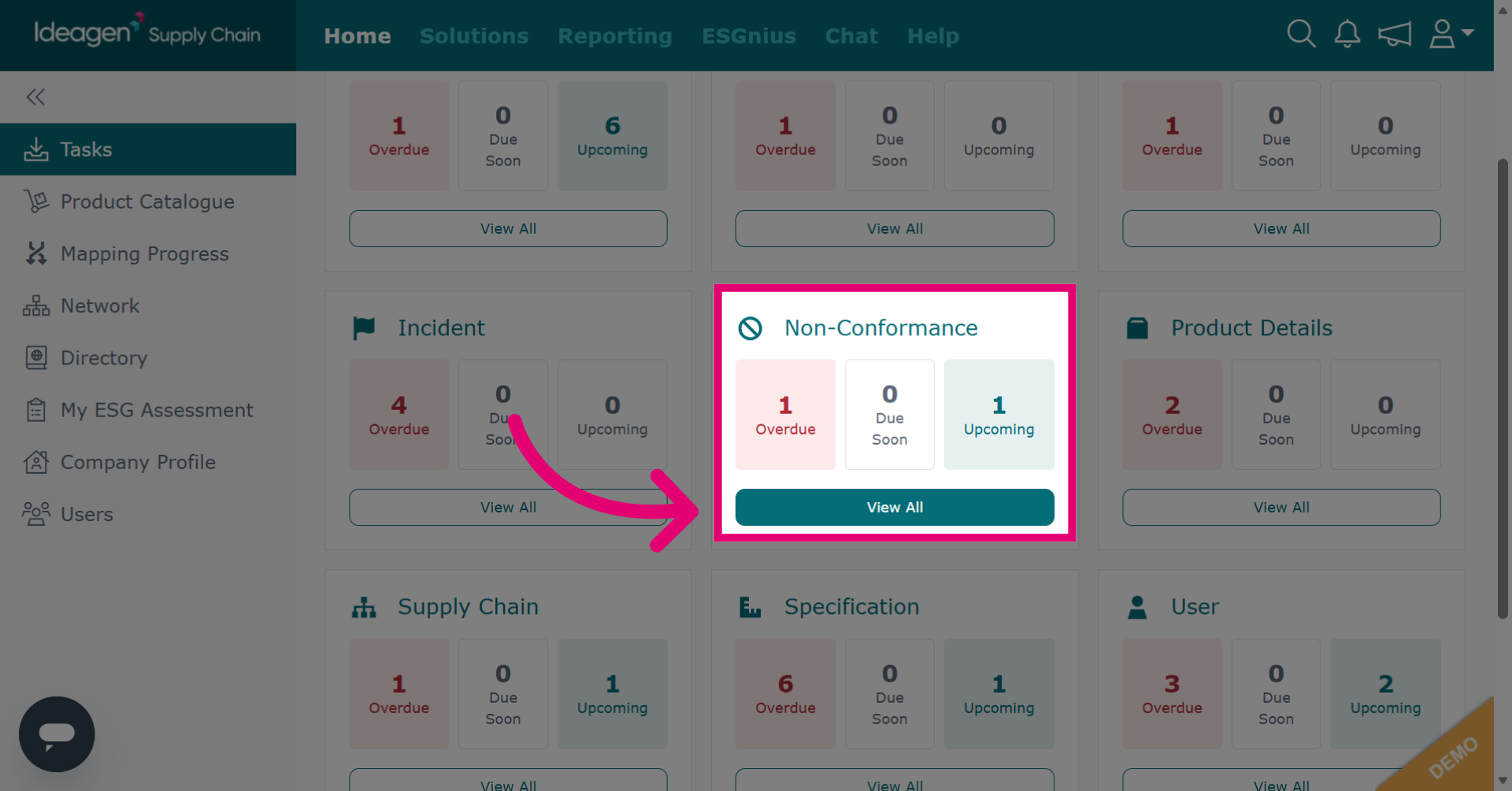
- Click View All beneath the Non-Conformance task tile.
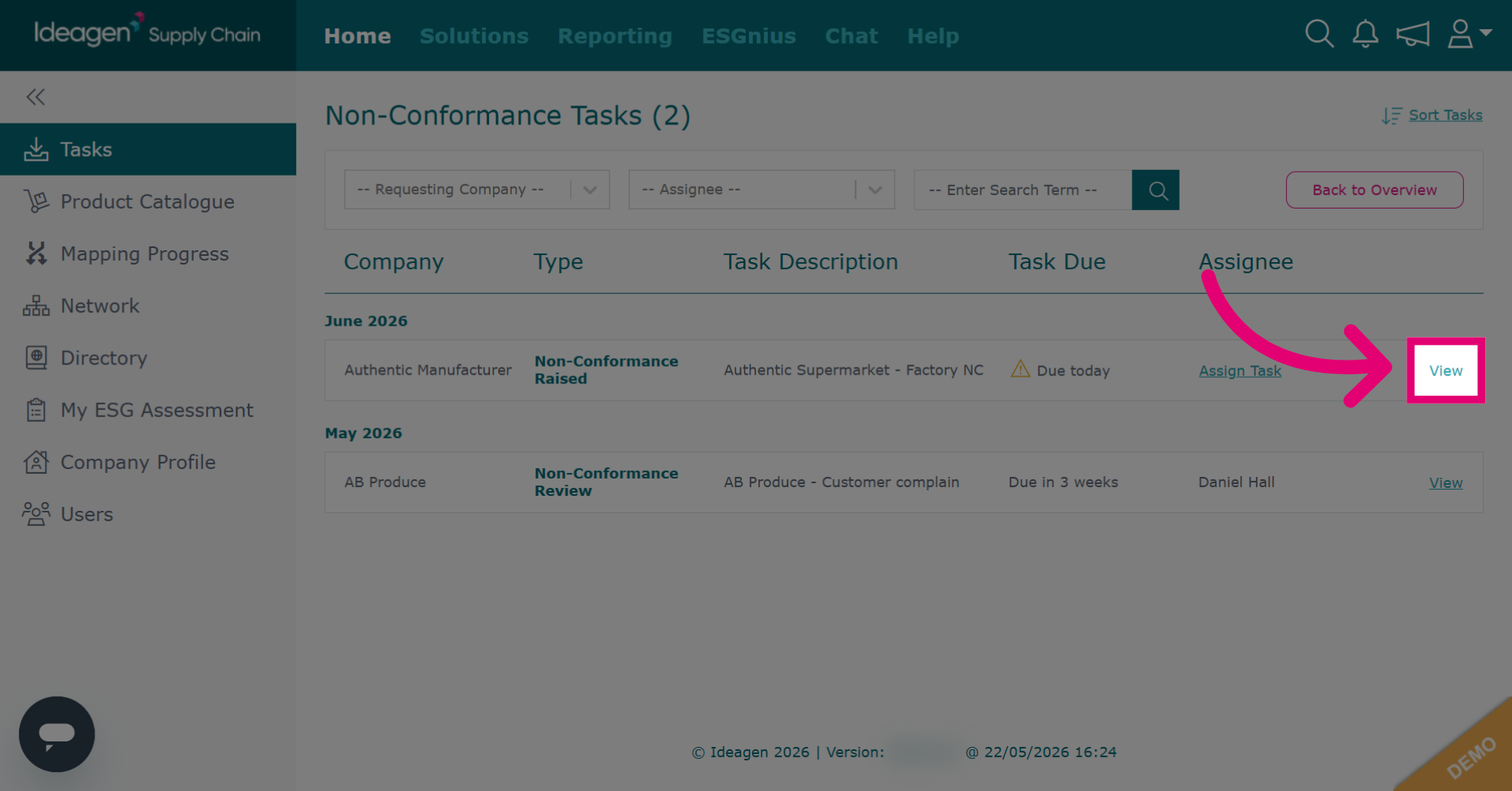
- Click View next to the task you want to action.
- Enter the requested details.
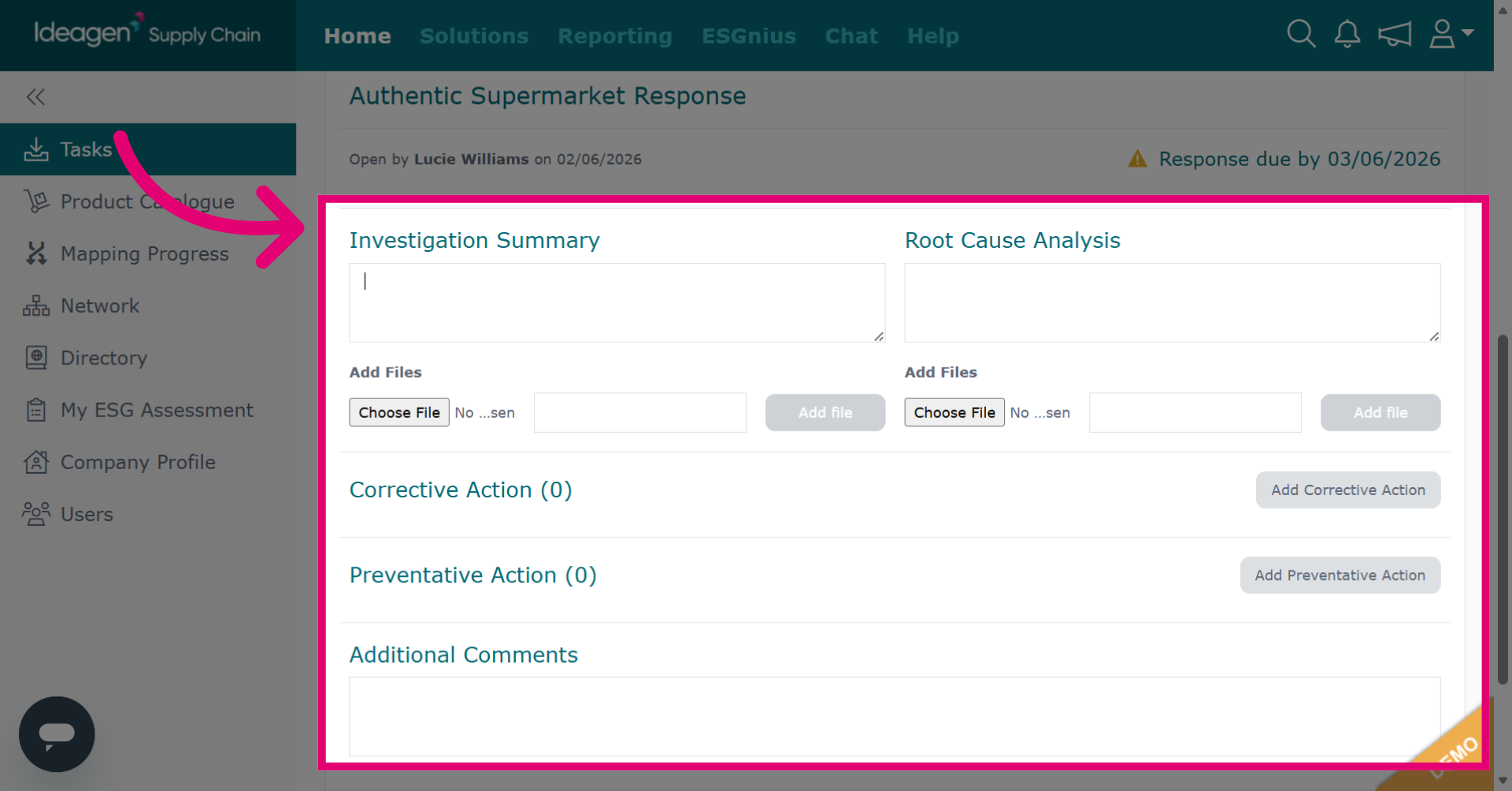
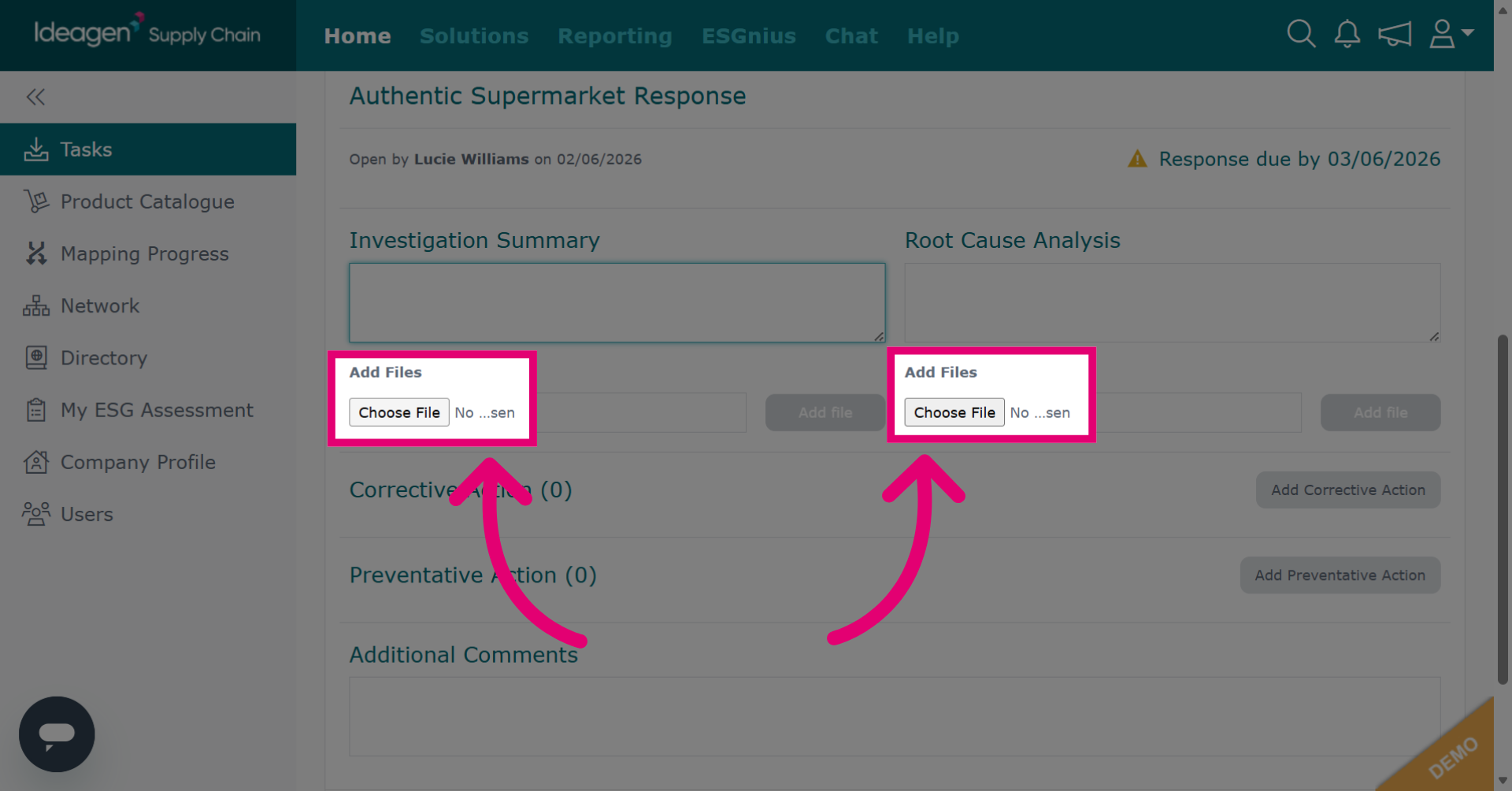
- Click Choose File to upload a file that supports your investigation or analysis.
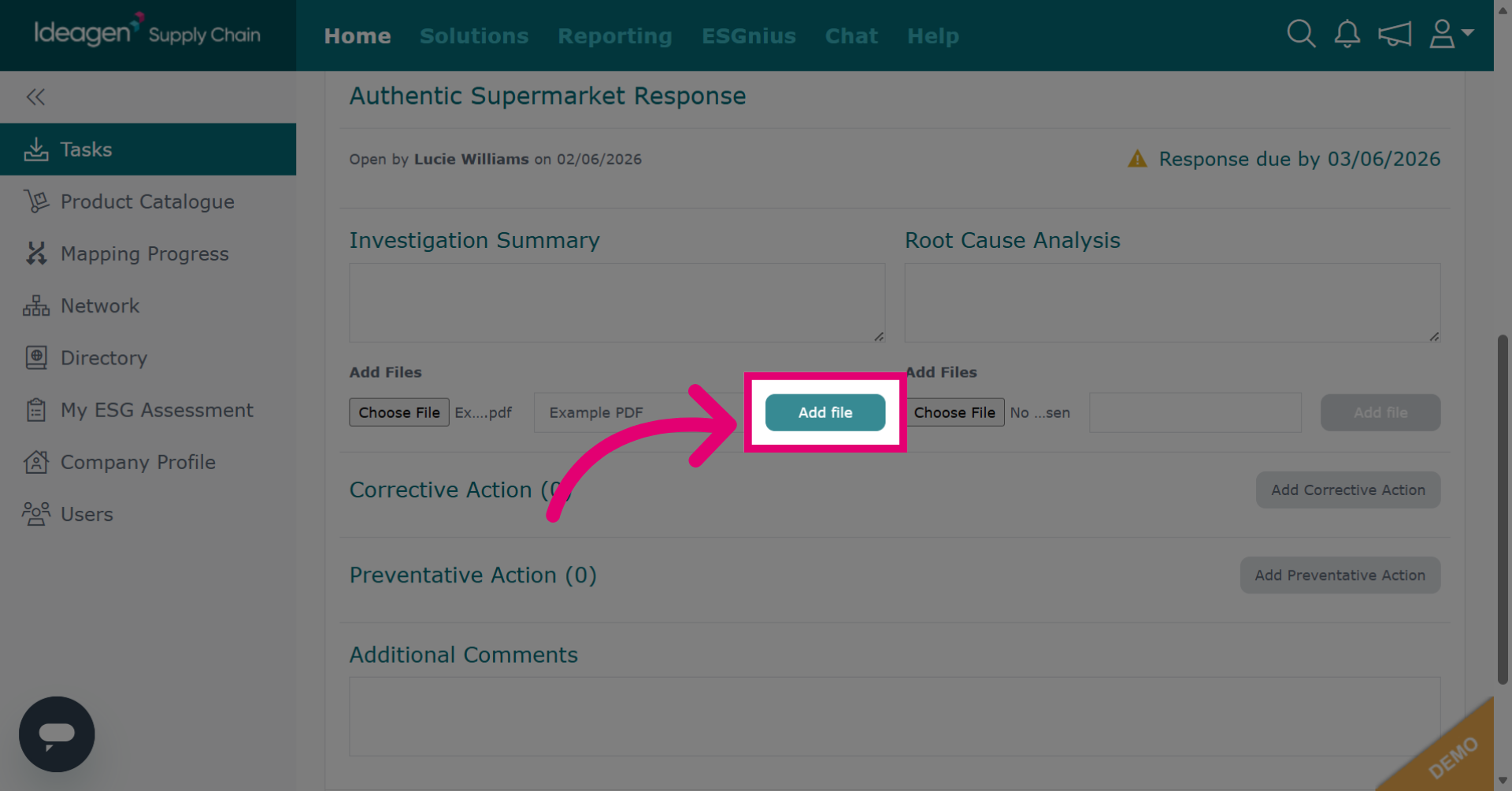
- Click Add file to attach the uploaded file to the non-conformance record.
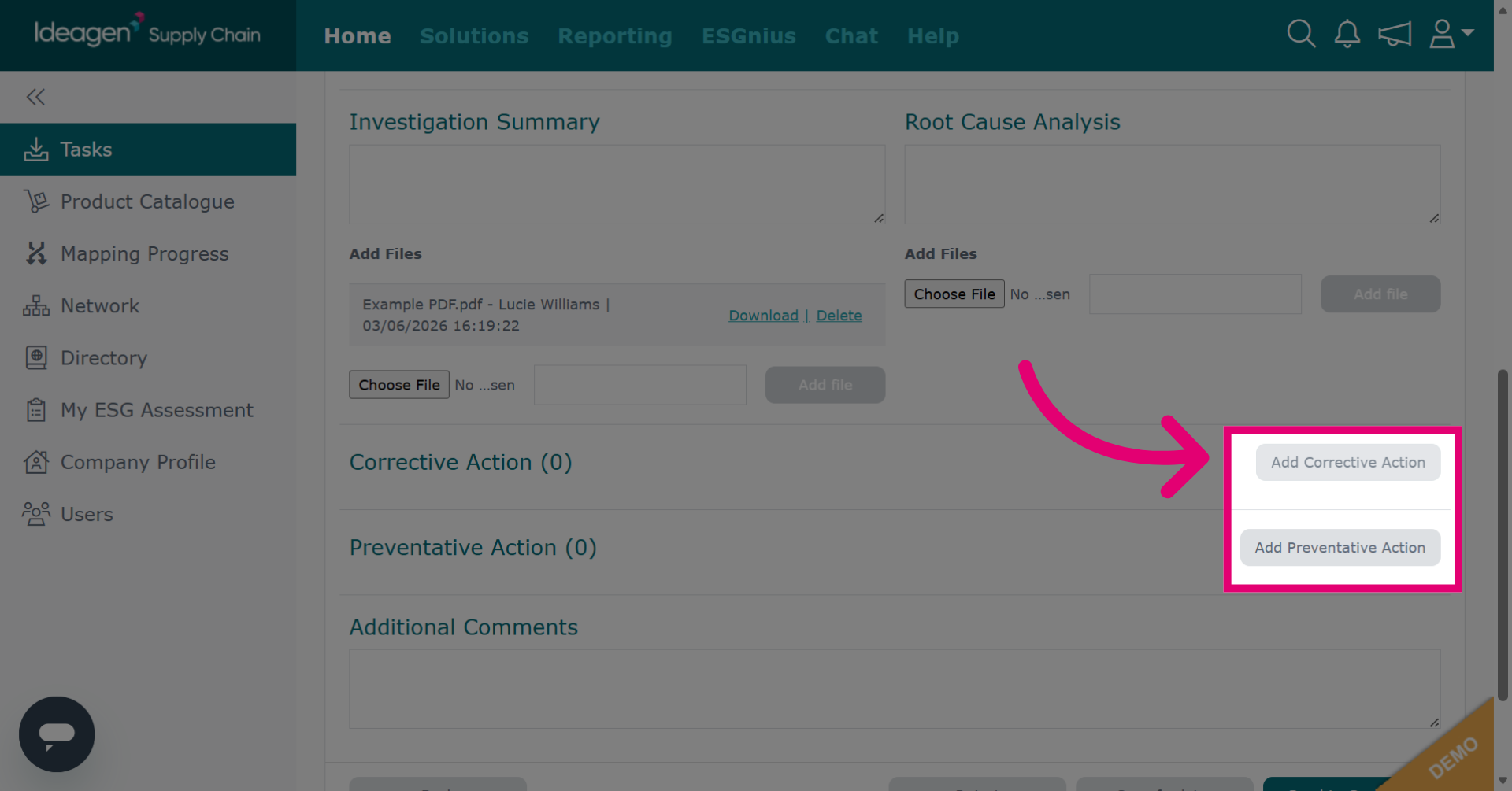
- Click Add action to add relevant actions to the record, such as corrective actions and preventative actions.
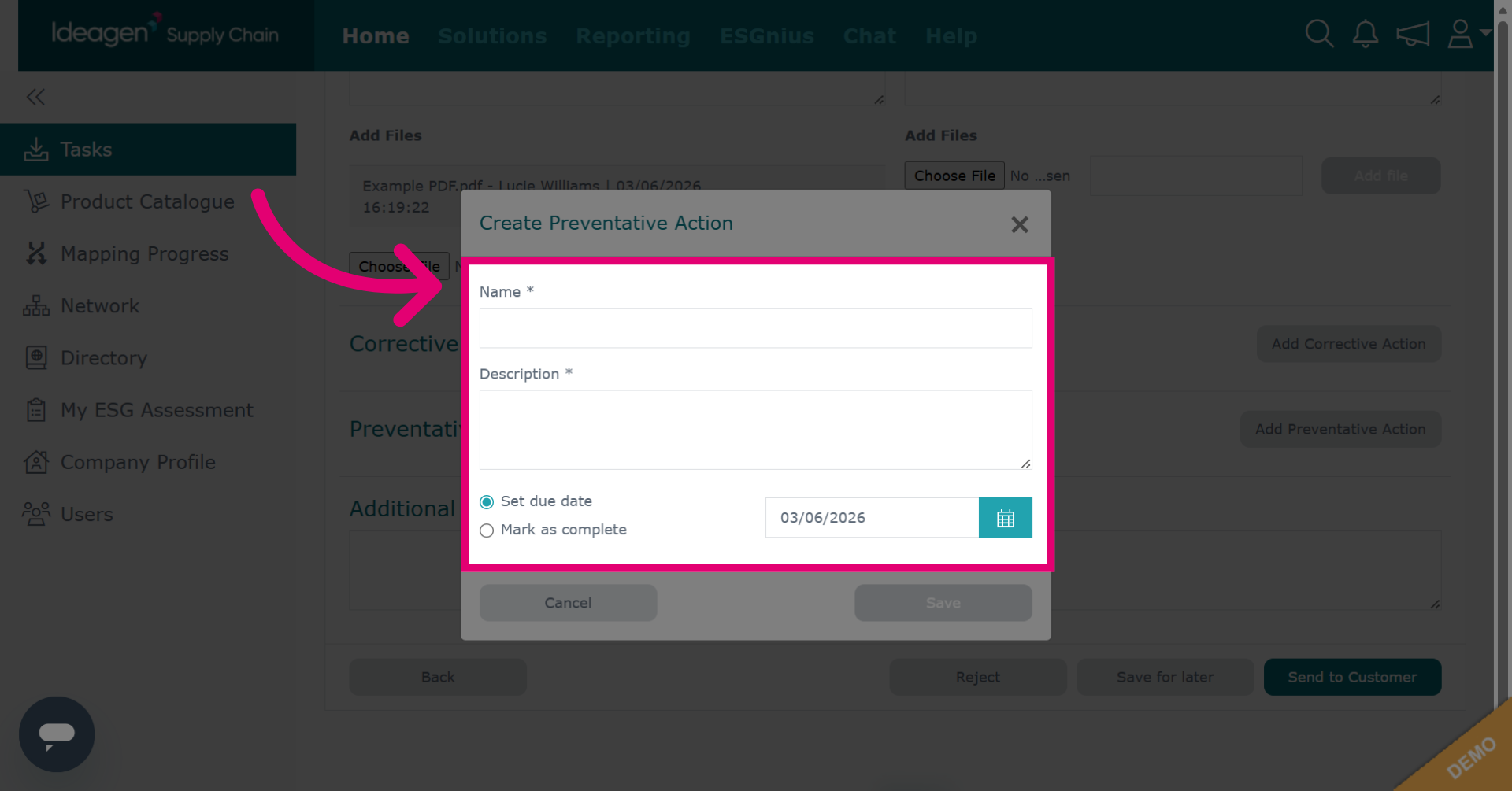
- Enter action details.
- Click Save.
- Enter Additional Comments as needed.
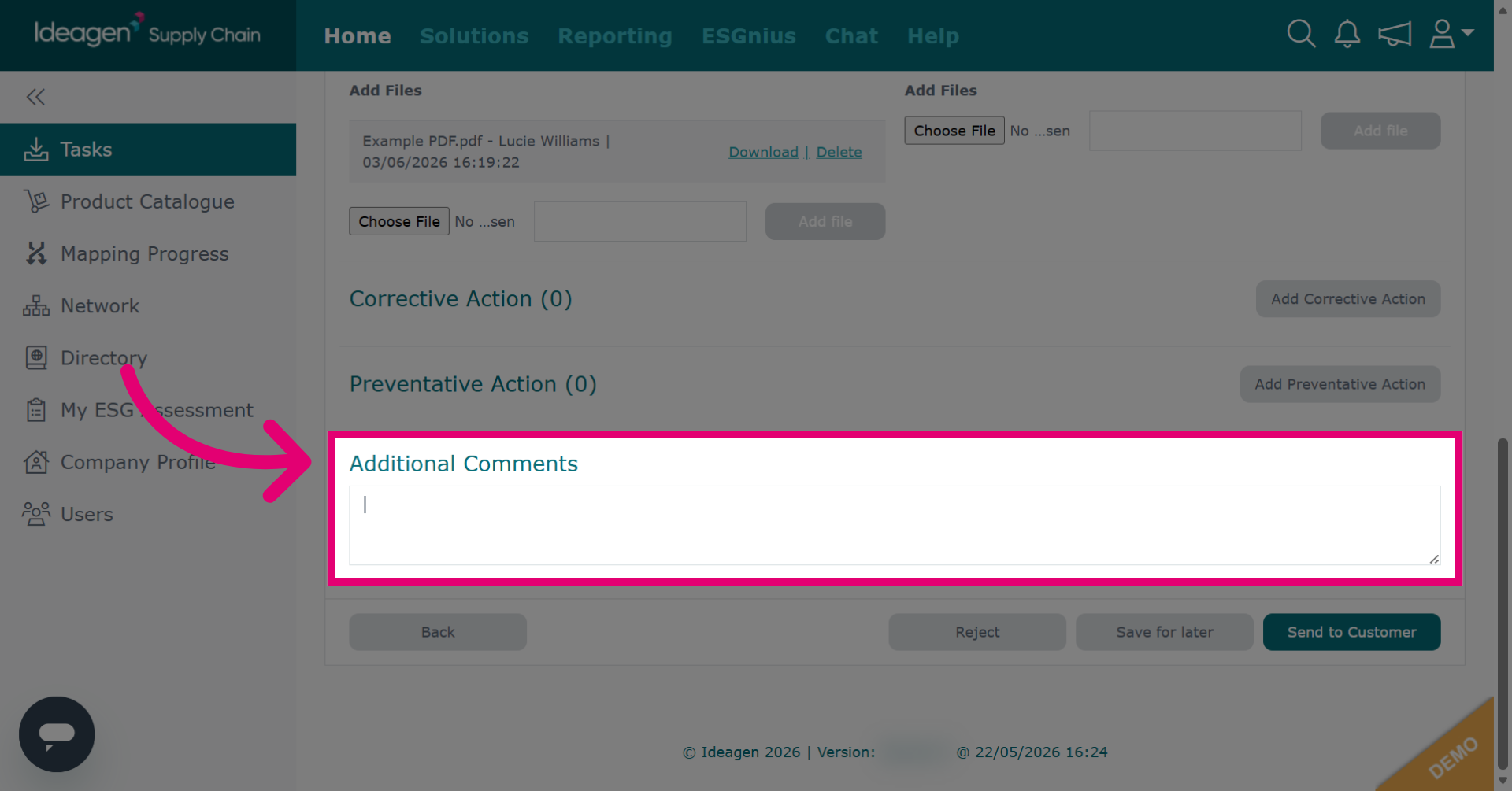
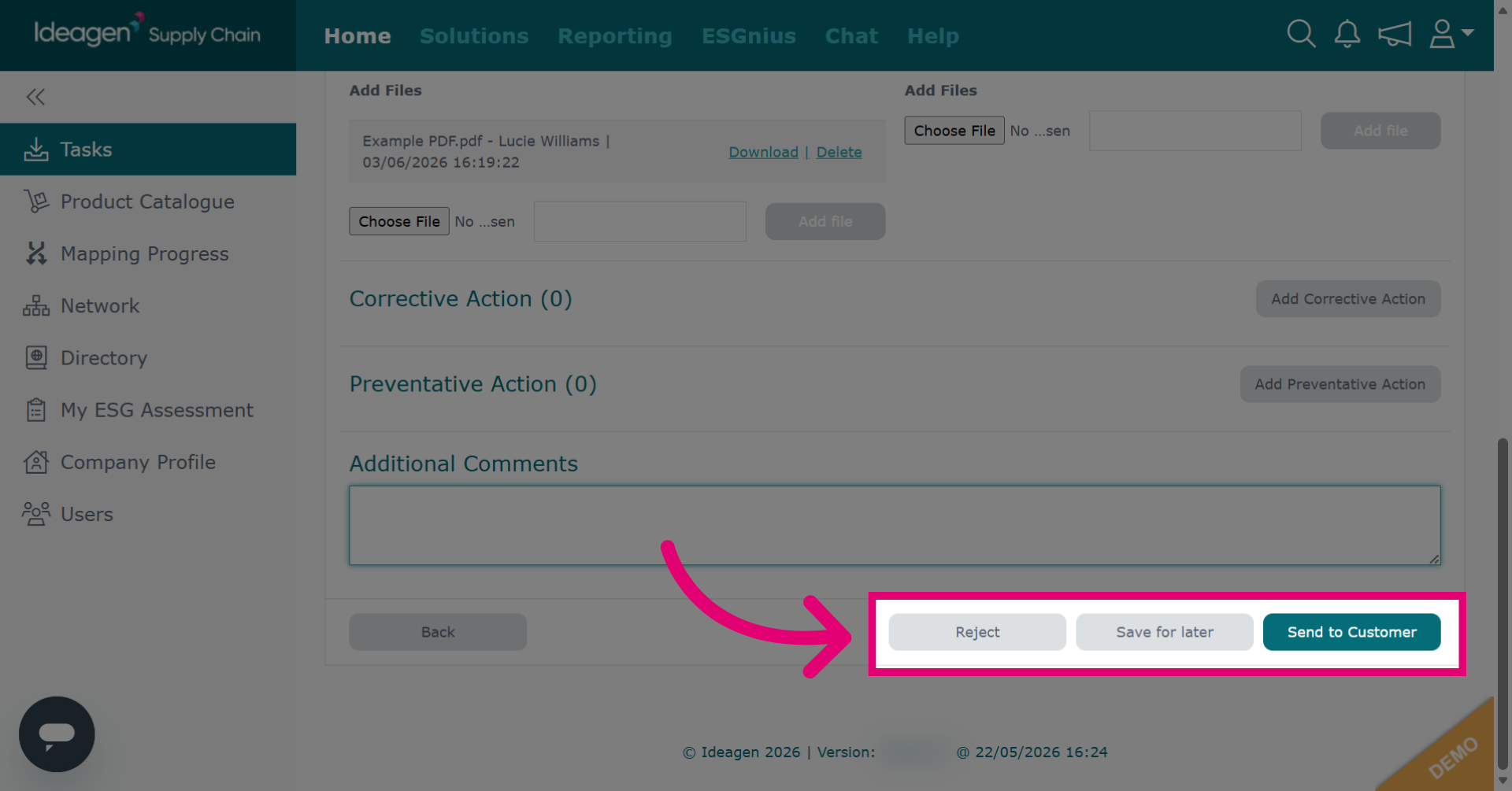
- Select a response option:
- Reject to reject the non-conformance.
- Save for later to continue inputting data at a later time.
- Send to customer to return completed non-conformance to the customer.