


New article
Recently updated
Signing into Mazlan Home for the first time and accessing Supply Chain

Who is this article for?
Customers who have been migrated to Mazlan Home / SSO.
No elevated permissions are required.
This article explains how to sign into Mazlan Home for the first time and access the Supply Chain application.
Tip: See Mazlan Home FAQs for commonly asked questions about Mazlan Home.
Signing into Mazlan Home for the first time
To sign in to Mazlan Home for the first time:
- Use the URL supplied in your welcome email. Alternatively, you can view the existing Platform login page, enter your username, and you will be redirected to your new Mazlan login page which you can bookmark.
- Click Forget Password.
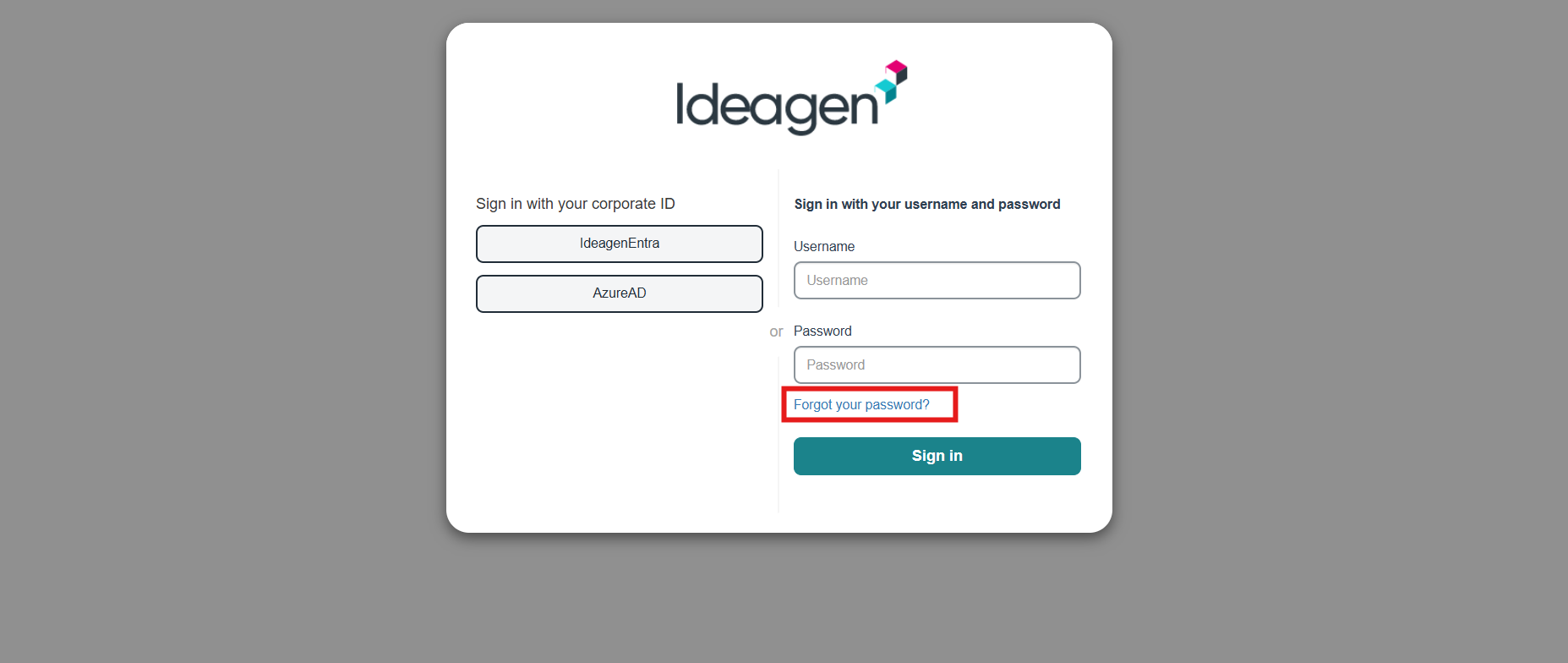
- Enter your username in the format of your first name plus surname. (i.e Johnsmith)
- Check your email for a code.
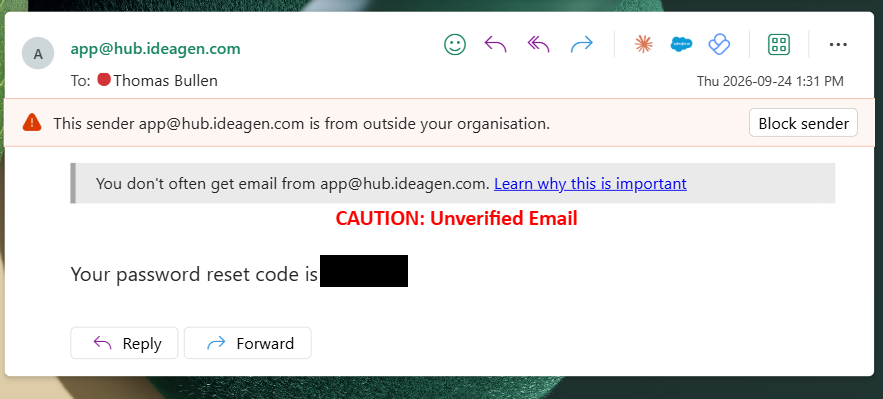
- Enter the code and create a new password.
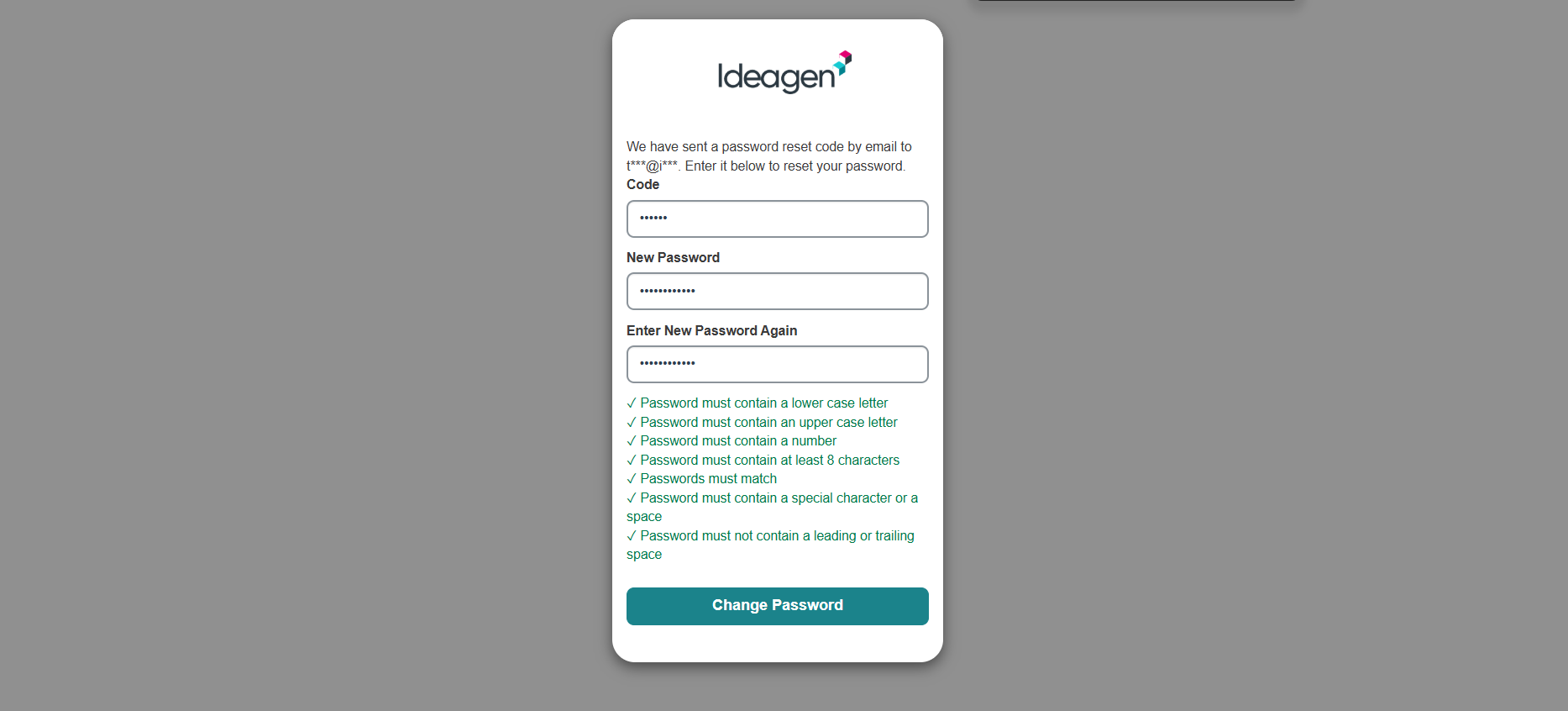
- You will be redirected to the login page.
- Enter your details and log in.
- You now have access to Mazlan Home.
Accessing Supply Chain
To access Supply Chain from Mazlan Home:
- Click the Supply Chain app.
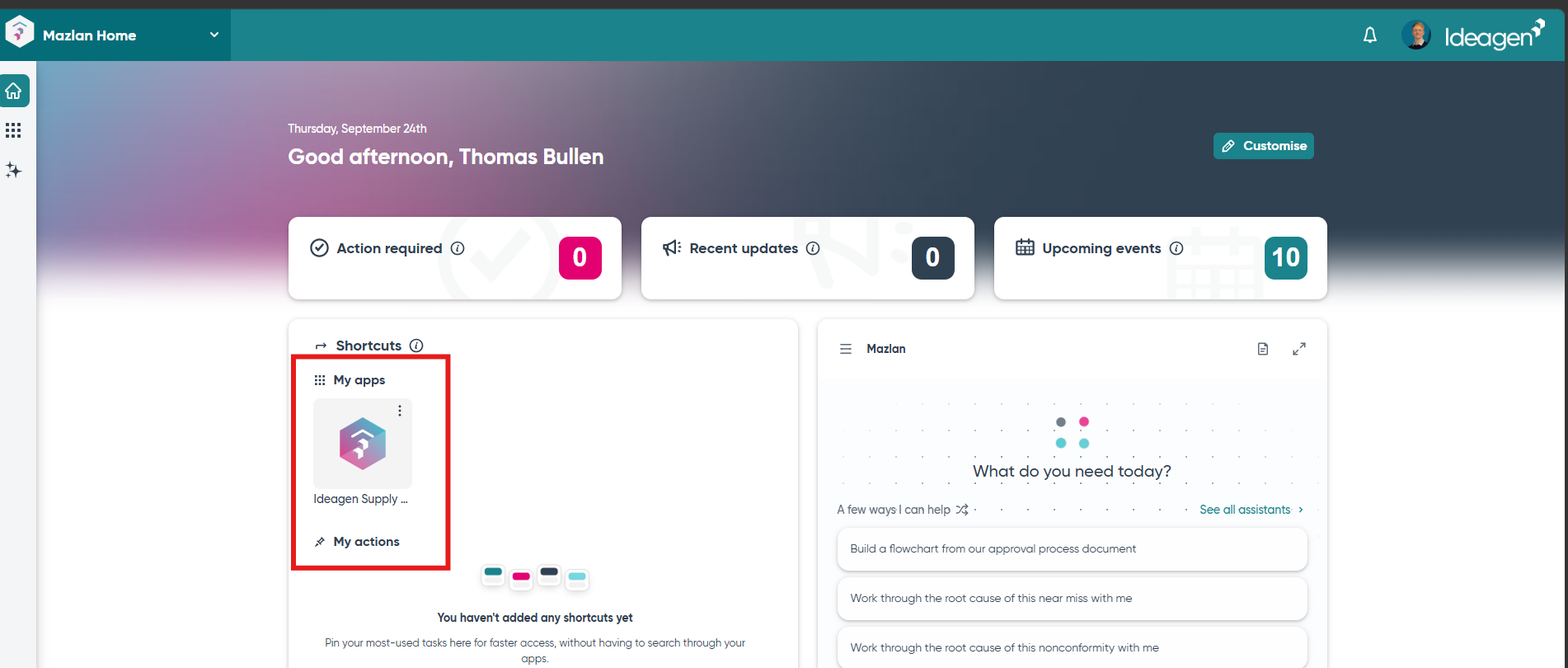
You will be redirected to the Supply Chain Platform and signed in automatically.